

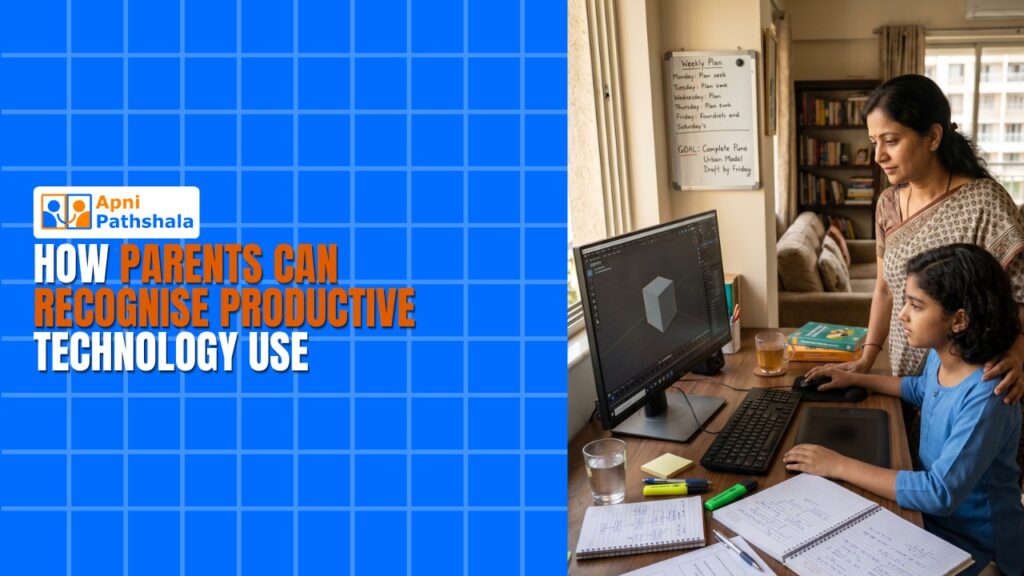
Parents can recognise productive technology use by looking at what their child does on the screen, not how long they spend there. If your child is creating, learning or building a skill, the time is productive. If they are only scrolling, swiping or passing time, it is not.
For example, three hours spent writing a story, building a Scratch project and researching homework is very different from three hours of random videos. The time is the same. The value is not.
Why is counting screen hours the wrong approach?
Counting hours treats all screen use as equal. Watching a cartoon counts the same as coding a game, and scrolling social media counts the same as writing an essay. The metric cannot tell consumption from creation.
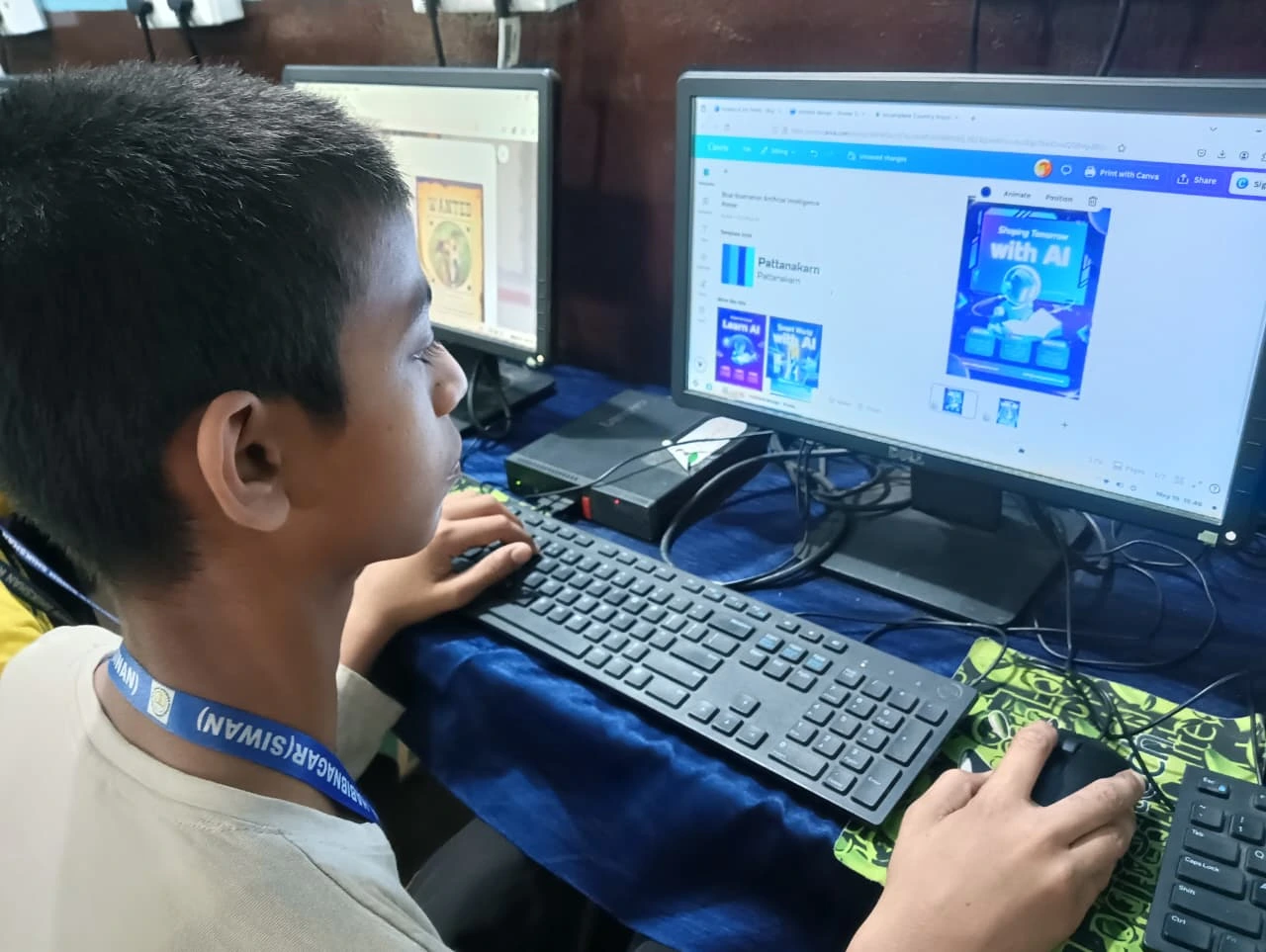
This leads to odd results. A strict one-hour limit can force a child to stop a Scratch project mid-way, just as they were problem-solving well. The rule was enforced, but the learning stopped. Healthy screen time is about the activity and the device, not the clock.
Technology use for kids is not good or bad in itself. It is productive or unproductive. A child using DIKSHA, India’s national digital learning platform on a computer is spending screen time very differently from a child scrolling Instagram on a phone. See why digital output matters more.
What does productive screen time look like?
Productive screen time has three signs: the child is creating rather than consuming, learning rather than browsing, and building a skill rather than passing time.
- Typing a story in a word processor builds writing and organising skills.
- Coding in Scratch builds problem-solving, debugging and programming skills.
- Researching a topic in a browser builds searching and evaluating skills.
- Scrolling random videos builds nothing. The brain is in receive mode, not create mode.
How can you tell the difference at a glance?
Look at your child’s body language. A productive child looks focused, typing, clicking and thinking. A child who is only consuming looks passive, swiping, scrolling and staring.
Digital parenting is not about banning screens. It is about steering children toward active use and away from passive consumption. A parent who understands this stops fighting about screen time and starts improving screen quality. Our guide on moving from passive to active screen use has practical steps.
Why does a computer change the equation?
A computer nudges children toward doing, while a phone nudges them toward watching. Phone interfaces are designed for scrolling, tapping and watching, so a child is naturally pulled toward passive content.
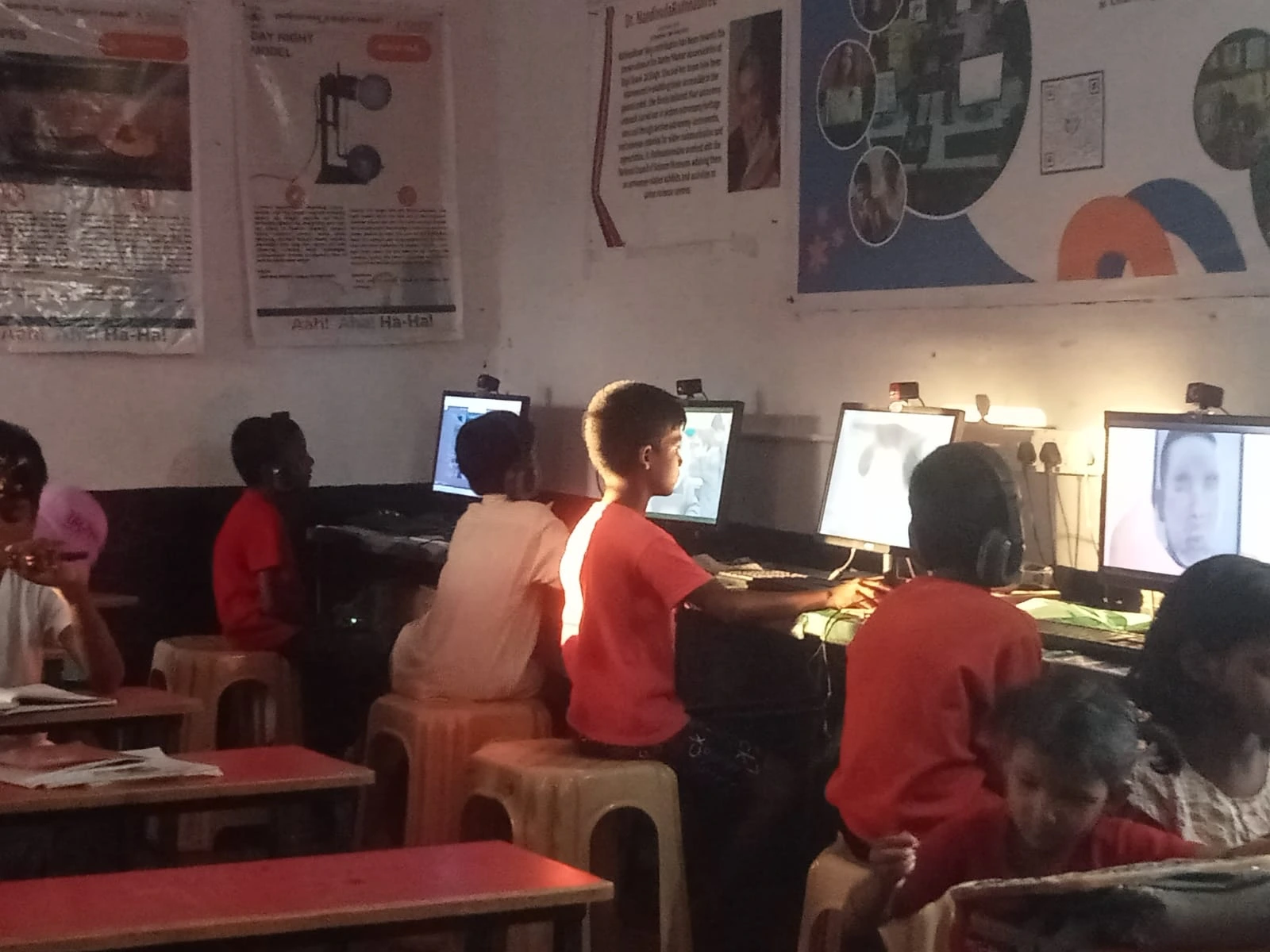
A computer is built for typing, building and organising. A child who opens a computer sees a desktop with applications, while a child who opens a phone sees social media and games. The environment shapes the behaviour. It is not a guarantee, but it is a strong nudge in the right direction. Read more on helping children create, not consume.
Is the right device the biggest advantage?
The right device helps, but the real advantage is a device that makes productive use the default rather than the exception. Having a computer is only the start. What matters is that the child’s first choice on it is to learn or create.
What should parents do next?
Stop counting hours and start observing what your child does on the screen. If they are creating, learning or building skills, the time is well spent. If not, gently redirect them.
Give your child a device that makes productive use natural: a screen large enough for real work, a keyboard for typing and tools for creating. The Digital India initiative is building digital infrastructure for the country. Your part is giving your child the device and habits to use technology well. For more ideas, see making screen time truly educational.
Frequently Asked Questions
Should I still set screen time limits?
Limits can help, but they should follow the activity, not just the clock. If your child is deep in a creative or learning task, stopping them abruptly can cut off real progress. Use limits mainly for passive viewing, and give more room to active, skill-building work.
Is watching a documentary productive screen time?
It can be. A documentary chosen to learn about a topic is more useful than random videos. It becomes even more productive when your child follows it with an activity, such as writing notes, researching a question it raised or explaining what they learned to you.
How do I check what my child is doing without hovering?
Glance at the screen and your child’s posture now and then, and ask them to show you what they made. A child who is creating can usually explain their work. This keeps you informed without constant watching and builds trust between you and your child.
Apna PC, priced at ₹30,000 (shipping and GST excluded), is designed for productive use, with tools for learning, creating and building rather than entertainment. Visit apnapc.com to learn more.