

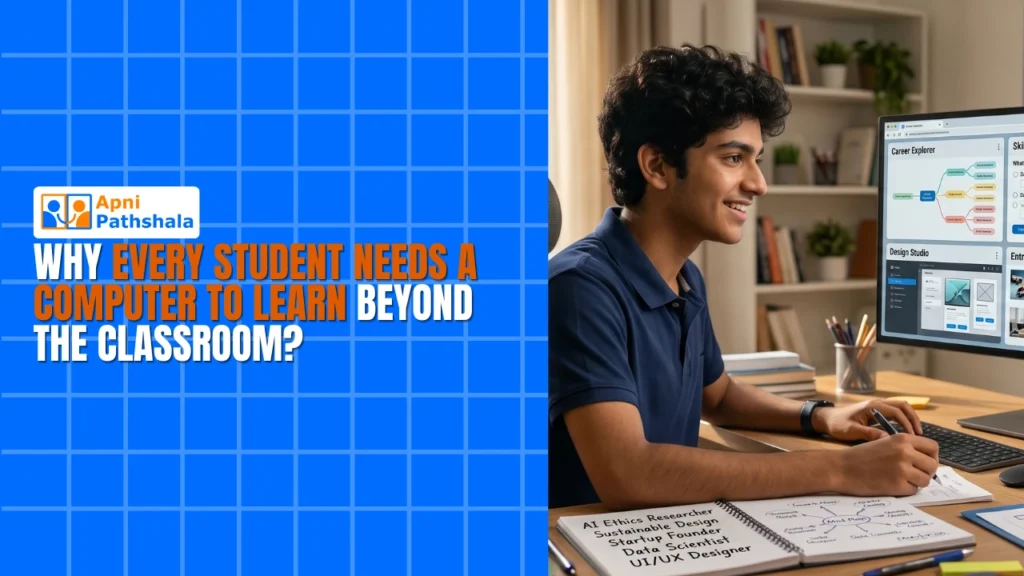
A student needs a computer at home because school covers the curriculum, while a personal computer lets a child keep learning after school, at their own pace. With one, a child can practise coding, design, writing and research instead of spending free hours only on TV, mobile games or YouTube.
Your child’s textbooks cover the syllabus, not every skill the future will ask for. In a world where jobs increasingly rely on digital skills and problem-solving, a student computer at home is becoming a necessity rather than a luxury.
Why does learning often stop at the classroom door?
Most Indian schools follow a fixed curriculum, so students learn what is in the textbook, pass exams and move on. After school, many children come home, finish homework and have little to do except watch or scroll.
They are consuming content, not building skills. Meanwhile, students elsewhere are learning programming, video editing, web design and data analysis from home.
Why can’t schools close this gap alone?
Schools are stretched, so parents need to provide tools for learning at home. Teachers are overloaded, classrooms are crowded and labs are expensive.
The gap grows each year. By college, a child may be competing with peers who have already spent long hours on practical skills. Not having digital learning at home means more than missing extra skills; it means falling behind in a world that is already digital. Our article on how a computer can bridge school and home learning explains this further.
What changes when a student has a computer at home?
The child can learn almost anything, at any time, without waiting for school schedules or teacher availability. For example, a child curious about animation can watch a tutorial and practise straight away.
Platforms like the DIKSHA digital learning platform and others offer free or affordable lessons. Digital learning at home is personalised: your child can replay lessons, pause, think and practise until they master something. That is hard to do in a classroom of 40 students.
The UNESCO education pages are useful background on how learning is changing worldwide. Most importantly, your child learns how to learn, discovers their interests and builds a portfolio of real work. When they apply for college or jobs, they have projects as well as grades.
How can families afford a computer for their child?
Choose a device built for students rather than an expensive laptop. Many Indian families cannot spend ₹80,000 to ₹1,00,000 on a device while managing a household budget.
Apna PC is a computer built for Indian students. It costs ₹30,000 (shipping and GST excluded). It is a real, capable machine designed for learning, and it runs educational software smoothly so your child can code, design, write, research and create without lag. It comes with what they need to start learning immediately.
Affordability and quality do not have to be opposites. Read more about how Apna PC helps children learn at home.
How do you get your child started with home computing?
Start small and build a routine. These five steps work for most families:
- Assess your child’s needs. Do they want to learn coding, design, writing or online courses? Most of these need only a basic, reliable computer.
- Set up a learning space. A dedicated study area signals that learning matters and keeps schoolwork separate from entertainment.
- Choose quality learning platforms. Free platforms like DIKSHA, Khan Academy and Coursera offer many courses. Start with what interests your child most.
- Create a routine. An hour of focused learning, five days a week, builds real skills over months. Consistency matters more than long sessions.
- Monitor progress without controlling. Check in on projects, ask what they are learning and celebrate small wins, while leaving room for independence.
What is the real cost of waiting?
Every year without a home computer is a year of skills not practised. The investment is about more than the device; it creates an environment where learning continues after school.
Read about the hidden cost of not having a computer to see what children miss when they are limited to classroom learning.
Frequently Asked Questions
What skills can my child learn at home with a computer?
Your child can learn coding, graphic design, writing, research, video editing and basic data skills, alongside regular schoolwork. Start with one area that matches their interest, use free lessons, and let them build small projects they can show you. Interest and regular practice matter more than the number of skills.
Will a home computer distract my child from studies?
It can if there is no structure, so set a study space and routine from the start. Keep entertainment separate from learning time, check in on what your child is building, and focus on output rather than hours. With structure, the computer supports schoolwork instead of competing with it.
Does my child need an expensive laptop to learn at home?
No. Most learning activities, such as coding, writing, design and online courses, need a basic, reliable computer rather than a high-end laptop. A device built for students and pre-loaded with learning software is often the more practical and affordable choice for families.
To give your child an affordable computer built for learning beyond the classroom, visit Apna PC to learn more.