


Yes, a student PC can absolutely support interests beyond school. A good learning computer helps children explore hobbies, develop creative skills, and pursue passions while also strengthening their academic foundation. This article covers how a student PC becomes a tool for both schoolwork and personal growth.
Many Indian parents buy a PC for their child’s studies, but the device’s value extends far beyond textbooks and exam prep. When chosen thoughtfully, a student PC opens doors to music production, digital art, coding projects, writing, video editing, and countless other interests that shape a child’s future.
What Makes a Student PC Suitable for Multiple Interests?
A student PC designed for learning must balance affordability with enough processing power to handle schoolwork and creative tasks. The right machine includes pre-installed software that supports both academics and hobbies, runs smoothly without lag, and comes with a clear setup so children can start using it immediately.
Pre-configured software for student computers often includes tools for writing, design, coding, and multimedia projects. This means your child doesn’t need to buy expensive software separately or waste time installing programs. The device is ready for homework, creative projects, and exploration from day one.
How Can a Student PC Support Creative Learning?
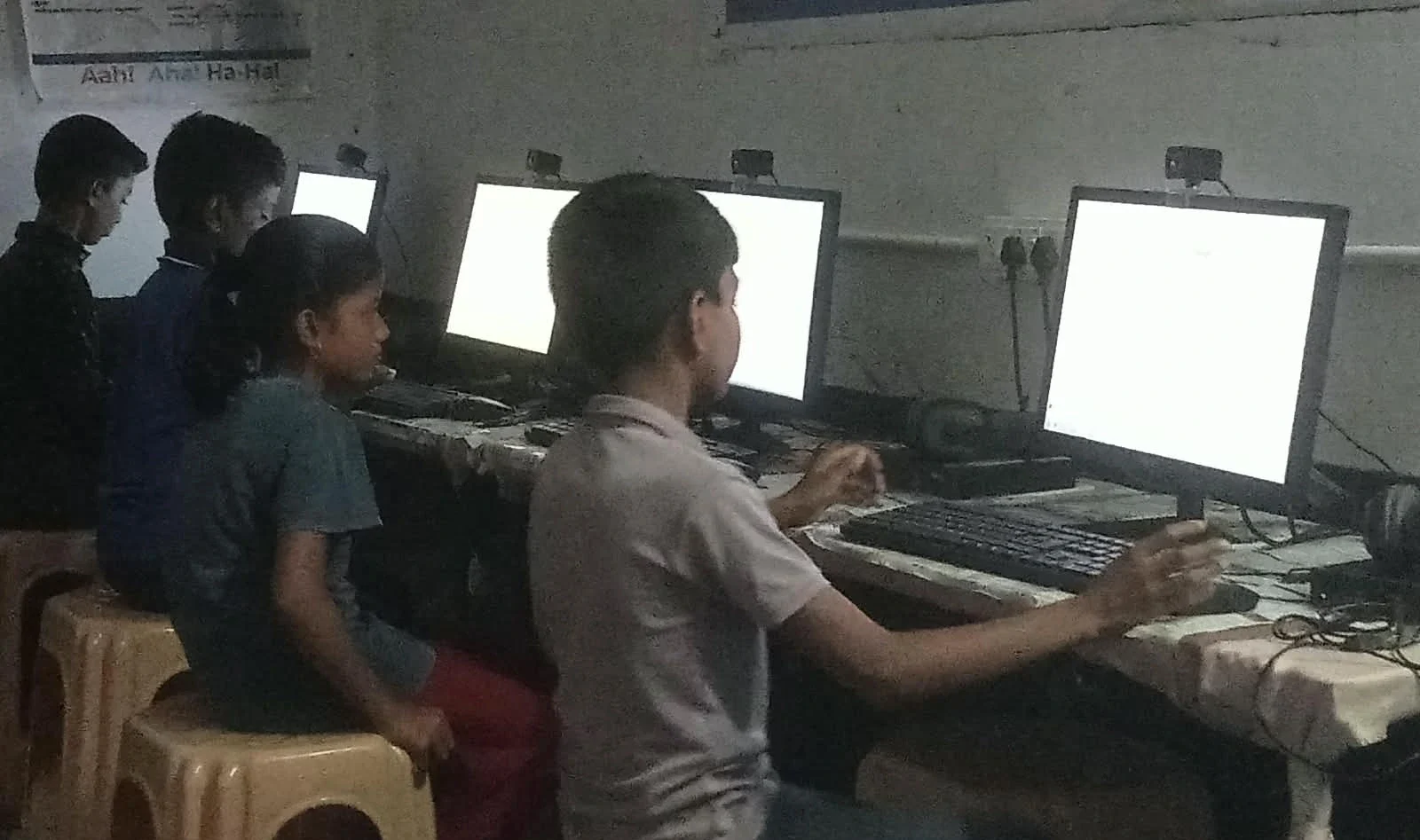
Creative learning happens when children have the right tools and freedom to experiment. A student PC enables this by providing access to design software, music applications, coding platforms, and content creation tools that inspire curiosity and build skills.
Your child might use the same PC to write a school essay in the morning and compose music or edit videos in the evening. Unlike a device built only for gaming or entertainment, a learning computer prioritises educational software while still allowing creative expression. This balance keeps your child engaged without distracting from studies.
Many Indian students discover talents in areas like digital illustration, animation, podcast production, or app development when given access to the right computer. These skills often become career paths or lifelong hobbies that start with simple exploration on a student PC.
What Interests Can a Student PC Support?
A student PC opens possibilities across many fields:
- Coding and programming: Python, web development, and game design platforms run smoothly on an affordable learning computer.
- Digital art and design: Drawing software, photo editing, and graphic design tools help children explore visual creativity.
- Music and audio: Music production software and audio editing tools let children compose, mix, and produce tracks.
- Video and animation: Video editing and basic animation software enable storytelling through moving images.
- Writing and content creation: Blogging, podcast scripting, and creative writing become easier with proper tools and a distraction-free setup.
- Science and math exploration: Simulation software, data analysis tools, and interactive learning platforms deepen understanding beyond textbooks.
- Language learning: Online courses, language software, and multimedia resources help children learn new languages at their own pace.
How Does a Student PC Differ From a Regular Laptop?
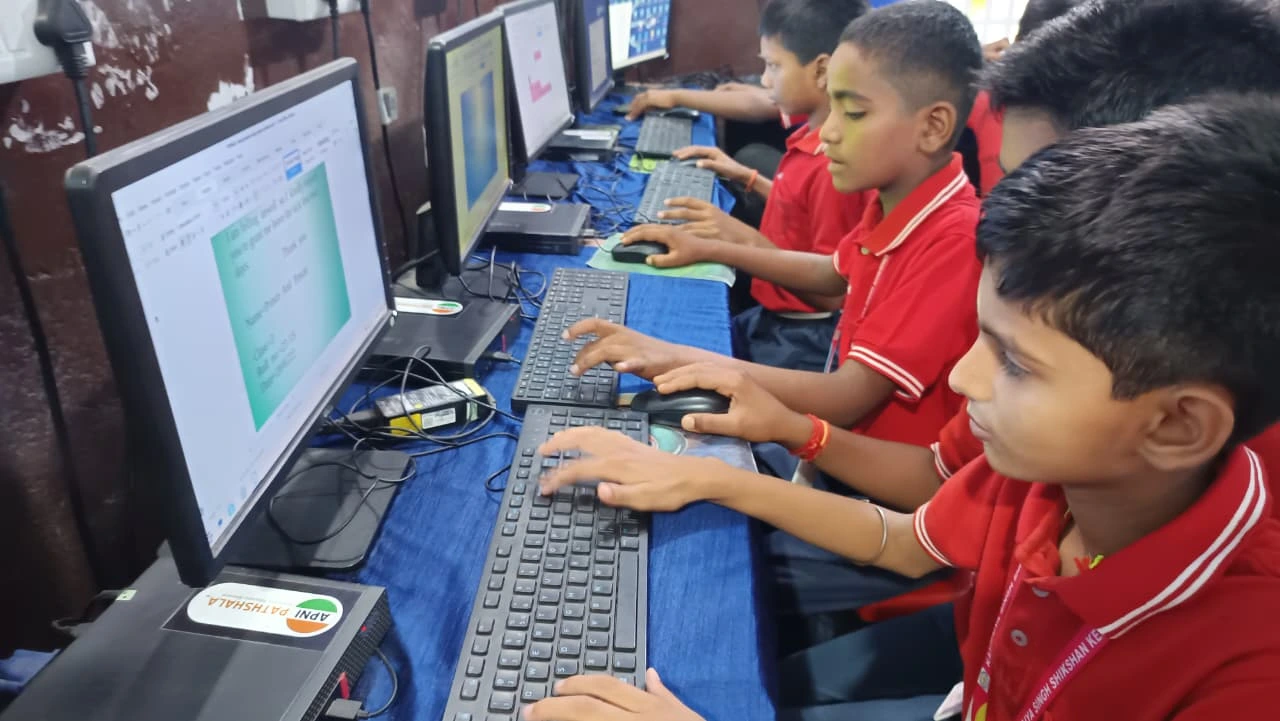
A student PC is purpose-built for learning, not just general computing. Comparing a student PC versus a laptop reveals key differences in design, software, and affordability. A student PC typically costs less, comes with educational software pre-installed, and is optimised for the tasks children actually do.
A regular laptop may have unnecessary features that increase cost and complexity, while a student PC strips away extras and focuses on what matters: reliable performance, age-appropriate software, and an intuitive setup. This makes it easier for parents to monitor what their child is doing and simpler for children to learn without overwhelming options.
Can a Student PC Help Your Child Discover New Talents?
Yes. Many children don’t know what they’re interested in until they try. A student PC provides a safe, structured environment to experiment with different skills. Your child might start with basic computer literacy and discover a passion for coding, graphic design, or digital storytelling.
When a child has a dedicated device for learning and exploration, they’re more likely to spend time building skills rather than mindlessly browsing. Pre-configured software and an educational focus encourage purposeful use, which often leads to discovering hidden talents and building confidence.
Access to computers and digital tools significantly improves learning outcomes and helps students explore career interests early, as highlighted in ICT initiatives in India. A student PC brings these benefits into your home.
How to Choose a Student PC That Supports Multiple Interests
When selecting a student PC, consider these factors:
- Processing power: Ensure the PC can handle schoolwork and creative software without constant lag or crashes.
- Pre-installed software: Check that educational and creative tools come ready to use, not as expensive add-ons.
- Affordability: A student PC should fit your family’s budget without sacrificing performance.
- Ease of setup: Your child should be able to start learning immediately, not spend hours configuring the system.
- Parental controls: Look for built-in features that help you guide your child’s computer use safely.
- Support and updates: Choose a provider who offers ongoing support and keeps software current.
A home desktop for students often provides better value than a laptop because it offers more power at a lower cost, though it requires a fixed location. Apna PC as a starting point for learning combines affordability, pre-configured software, and educational focus to support both schoolwork and personal interests.
What Signs Show Your Child’s PC Is Supporting Their Growth?
A student PC is working well when your child stays engaged, learns new skills, and balances schoolwork with creative projects. Signs that a child’s PC is improving their studies include better grades, more independent learning, and enthusiasm for exploring new topics.
Beyond academics, watch for your child spending focused time on projects they’ve chosen, asking questions about how things work, and developing skills in areas that interest them. These are signs that the PC is fulfilling its purpose as a tool for both education and personal growth.
Frequently Asked Questions
Can my child use a student PC for hobbies like gaming or music?
Yes, a student PC can support hobbies like music production and casual gaming, though it’s designed primarily for learning and creative work rather than high-end gaming. Music production software, art tools, and educational games all run well on a properly configured student PC.
Will a student PC become outdated quickly?
A good student PC remains useful for several years because it’s built to handle standard educational and creative tasks, not cutting-edge demands. Regular software updates and proper maintenance keep it relevant for schoolwork and skill-building throughout your child’s school years.
Is a student PC better than a laptop for my child?
A student PC often offers better value because it provides more processing power at a lower cost than a laptop. However, the choice depends on whether your child needs portability. If your child studies at a fixed desk, a student PC is usually the smarter investment.
What software should a student PC have for creative interests?
A student PC should come with tools for writing, design, coding, and multimedia creation. Look for pre-installed software that covers multiple interests so your child doesn’t need to buy expensive programs separately or struggle with complex installations.