


Choosing a computer for many subjects means finding a device that supports your child’s different academic needs without making learning complicated. From solving mathematics problems and understanding science concepts to preparing English assignments and practising coding, students need a computer that can handle different learning activities comfortably.
Many Indian parents purchase computers based on price, storage or processing power. However, the real question is whether the computer supports everything their child needs to learn.
A well-designed learning computer should help students move between subjects, understand difficult concepts and develop independent study habits.
Why Students Need a Computer for Many Subjects
School education is no longer limited to textbooks and handwritten assignments. Students are increasingly expected to conduct research, prepare presentations, complete digital projects and explore concepts independently.
A dedicated student computer brings these activities together in one place. Instead of depending on different devices or applications, children can establish a consistent learning environment at home.
This becomes particularly useful as students enter higher classes, where subjects require deeper understanding, practical exploration and regular revision.
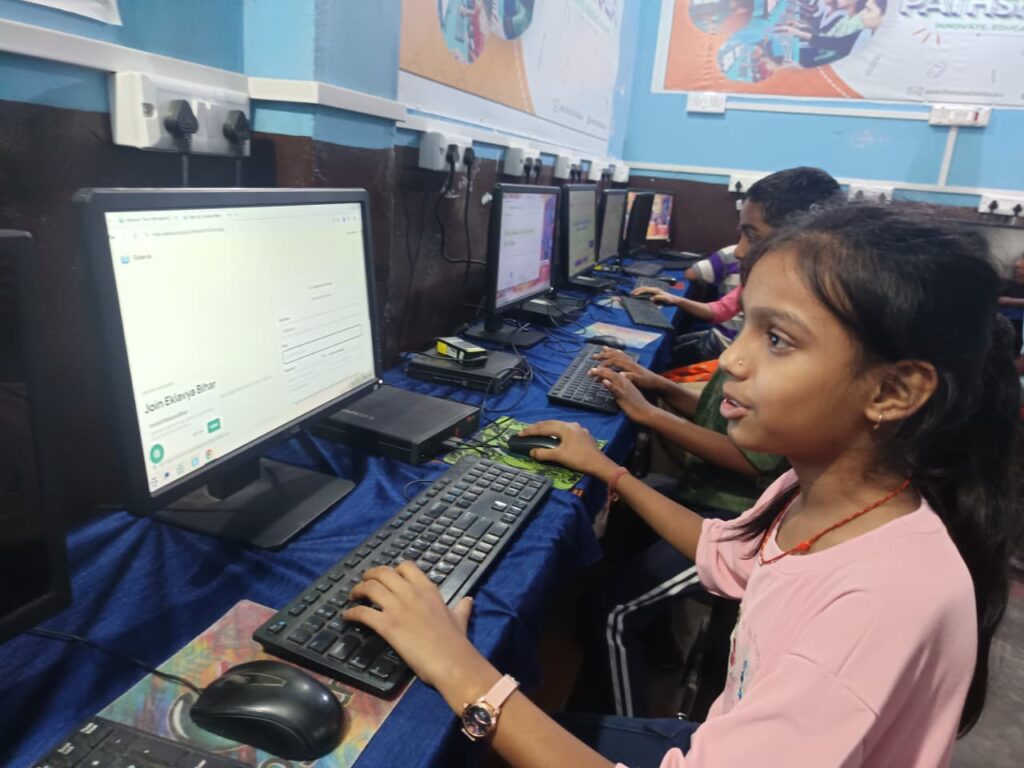
How a Student Computer Supports Different School Subjects
Every subject requires a different approach to learning. The right computer should offer enough flexibility to support these differences.
| Subject | Computer-Based Learning Activities |
|---|---|
| Mathematics | Problem-solving, graphs and calculations |
| Science | Virtual experiments, diagrams and simulations |
| English and Languages | Grammar, writing and reading practice |
| Social Science | Digital maps, timelines and research |
| Computer Science | Coding, programming and digital skills |
| Art and Creativity | Drawing, designing and presentations |
Students can also explore DIKSHA, an educational platform offering digital learning resources across different subjects and school grades.
Access to appropriate resources helps children explore topics beyond classroom explanations.
What Features Should Parents Look for in an Education PC?
Parents do not necessarily need an expensive computer to support their child’s academic requirements. They need a reliable system that makes everyday learning easier.
1. Reliable Performance
The computer should run educational applications, documents, browsers and presentations smoothly. For most routine school activities, 8GB RAM and SSD storage are practical starting points.
2. Subject-Specific Learning Tools
Look for educational applications that support mathematics, science, writing, coding and creative projects. Having relevant tools readily available makes it easier for students to begin learning.
3. Distraction-Free Environment
Entertainment applications, games and unrestricted browsing can interrupt study sessions. Parents should prioritise a computer with appropriate content restrictions and parental controls.
4. Comfortable Screen and Keyboard
A suitable monitor and full-sized keyboard make reading, writing, researching and completing assignments more comfortable during regular study sessions.
How Multi Subject Learning Builds Independent Students
Imagine a Class 8 student learning about electricity in science. The same student can calculate electricity consumption using mathematics, prepare an explanation in English and create a presentation combining everything they have understood.
This is where multi-subject learning becomes valuable. Children begin connecting knowledge from different subjects instead of studying every topic in isolation.
Platforms such as PhET Interactive Simulations allow students to explore mathematics and science concepts through interactive activities.
When students investigate questions independently, they develop problem-solving skills alongside academic knowledge.
Why a Dedicated Student Computer Makes More Sense
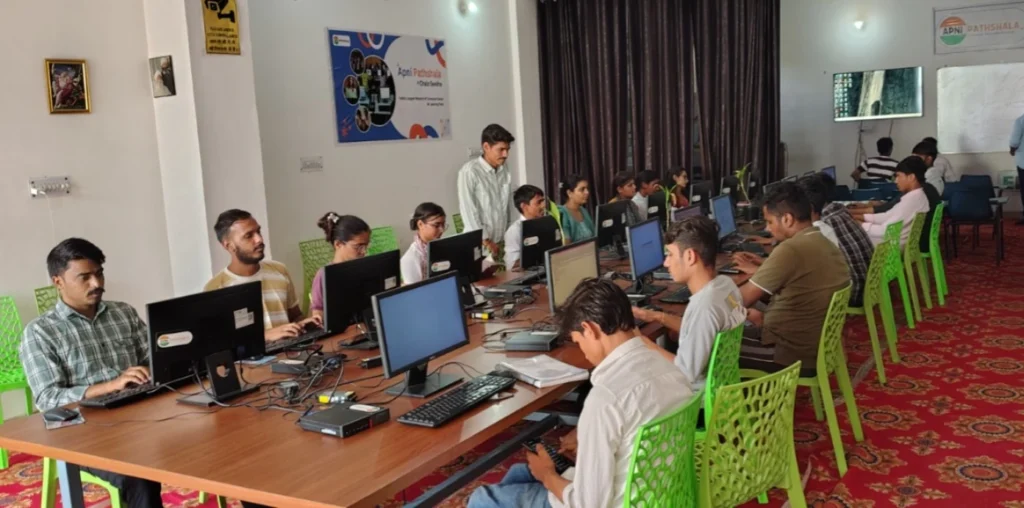
A shared family computer may contain office documents, entertainment applications and software that children do not need.
A dedicated education PC creates a more consistent space where students can organise assignments, save subject-wise notes and access learning materials whenever required.
Parents can also read PC for Homework: When a Student Uses It Only for Study to understand the benefits of a dedicated academic device.
The objective is not to increase screen time but to make digital study time more productive.
How Apna PC Supports Learning Across Subjects
Apna PC is designed around the educational requirements of students rather than entertainment or general household usage.
Its learning-focused approach encourages children to explore academic concepts, practise digital skills and complete schoolwork within a dedicated study environment.
Instead of purchasing a computer with unnecessary features, parents can prioritise simplicity, affordability and educational usefulness.
Read more about How Apna PC Helps a Child Stay Organised Across Multiple Subjects to understand how a structured digital learning environment can support everyday studies.
Conclusion
The best computer for many subjects is not necessarily the most expensive one. It is the computer that supports different academic activities while helping children remain focused, organised and curious.
Parents should choose a system that balances performance, educational resources, safety and affordability.
With the right computer and consistent guidance, students can gradually become more confident and independent learners.
Frequently Asked Questions
1. Which computer is best for studying multiple subjects?
A dedicated learning computer with reliable performance, educational software and parental controls is suitable for most school students.
2. Is 8GB RAM enough for multi subject learning?
Yes, 8GB RAM is generally sufficient for school assignments, browsing, presentations, basic coding and educational applications.
3. Can one computer support all school subjects?
Yes, a computer with suitable educational tools can support most academic subjects, including mathematics, science, languages and computer science.
4. Is an education PC better than a gaming computer for students?
For everyday academic needs, an education PC can provide a more focused and affordable learning environment without unnecessary gaming features.