


Buying a computer for your child is often an investment in their education. However, not every child feels comfortable using one. Some hesitate to touch the keyboard, others avoid digital assignments, and some prefer completing every task using notebooks.
When a child avoids the computer, parents may assume they are not interested in technology. However, the actual reason could be unfamiliarity, fear of making mistakes, or a lack of understanding of how computers can make learning easier.
The solution is not to force computer usage but to create an environment where children gradually develop interest, independence and confidence.
Why a Child Avoids the Computer
Understanding the reason behind computer avoidance is the first step towards addressing it. Every child has a different relationship with technology, depending on their previous experiences and learning environment.
Some common reasons include:
- Fear of pressing the wrong button or damaging the computer.
- Difficulty understanding basic computer functions.
- Previous frustrating experiences with technology.
- Lack of interesting and age-appropriate learning activities.
- Feeling uncomfortable when compared with other children.
- Association of computer usage with difficult school assignments.
Recognising these challenges helps parents respond with understanding rather than frustration.
Build Computer Confidence Through Small Activities
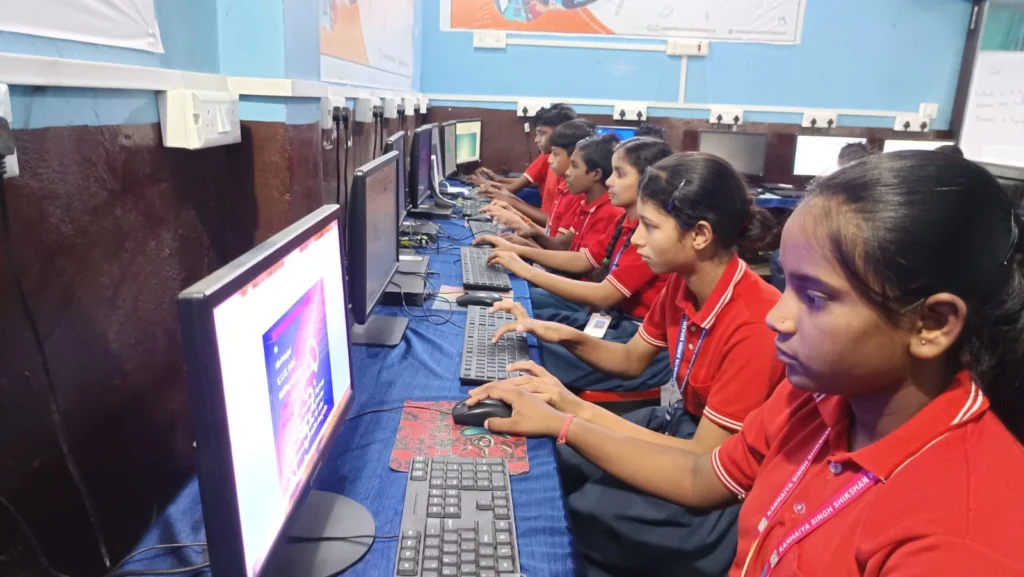
Children do not need to master computer skills immediately. Learning becomes easier when they begin with familiar and manageable activities.
Parents can introduce simple tasks such as typing their names, creating drawings, opening folders, saving documents or preparing a basic presentation.
Completing these activities independently gives children a sense of achievement. Over time, these small successes can improve computer confidence and encourage them to explore unfamiliar applications.
Read more: How a Personal Computer Builds Confidence in Students.
Make Computer Usage Relevant to Student Learning
One reason children lose interest in computers is that they do not understand their practical value. If computer usage is limited to compulsory assignments, children may begin to associate technology with academic pressure.
Instead, parents can connect digital activities with their child’s existing interests.
A child interested in drawing can explore digital art. Someone who enjoys science can explore interactive experiments, while a child interested in storytelling can create illustrated presentations.
When technology supports curiosity, student learning becomes more engaging and meaningful. Children begin to recognise computers as tools for discovering, creating and understanding new things rather than simply completing homework.
The Importance of Parent Support in Digital Learning
Effective parent support does not mean sitting beside a child and controlling every action. It means guiding while allowing enough freedom for independent exploration.
Parents should encourage questions, appreciate effort and avoid reacting negatively when children make mistakes. Correcting every small error can make children dependent on adult assistance.
UNICEF’s guidance on supporting children’s online learning highlights the importance of encouragement, emotional support and suitable learning environments.
When children feel comfortable asking for help, they are more willing to attempt unfamiliar tasks.
Create a Comfortable Computer Learning Routine
A predictable routine can help children become familiar with computer-based activities without feeling overwhelmed.
| Learning stage | Suggested activity |
|---|---|
| Week 1 | Basic mouse and keyboard practice |
| Week 2 | Drawing, typing and file management |
| Week 3 | Educational videos and interactive exercises |
| Week 4 | Simple independent learning projects |
Parents can begin with short sessions and gradually increase the duration according to their child’s comfort and interest.
Maintaining a balance between computer activities, outdoor play, reading and rest is equally important.
Explore UNICEF’s guide to healthy digital habits at home for additional guidance.
What Parents Should Avoid When Introducing Computers
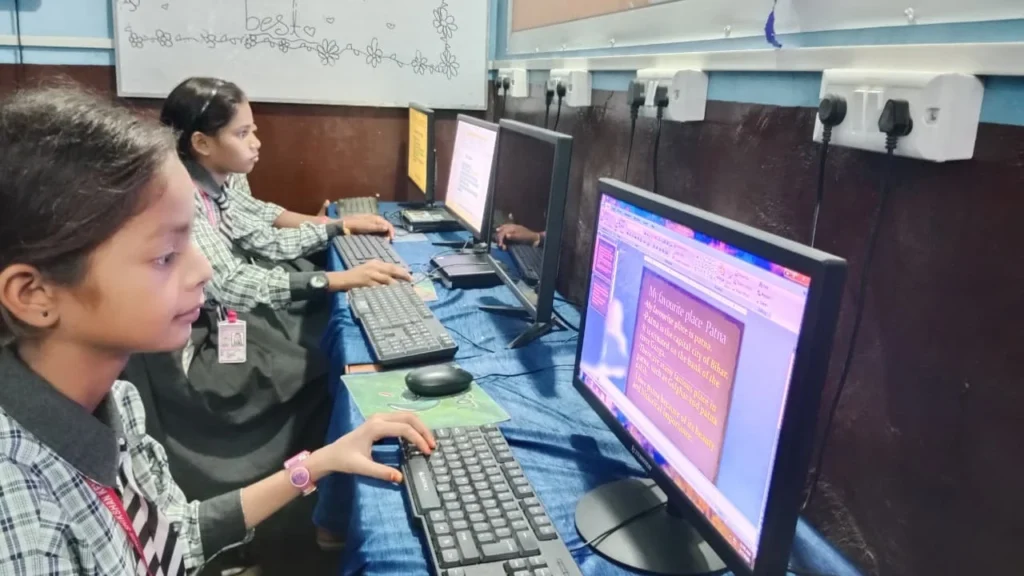
Even well-intentioned parenting approaches can unintentionally discourage children from using technology.
Parents should avoid comparing their child’s digital abilities with others, forcing long computer sessions, expecting immediate results or completing every digital task on their behalf.
The objective should be to develop independence rather than simply increase computer usage.
How Apna PC Supports Comfortable Digital Learning
A computer designed around educational needs can make the transition to digital learning easier.
Apna PC is designed as a distraction-free learning computer that supports purposeful digital exploration. Its education-focused approach helps children engage with learning activities without unnecessary complexity.
By combining an appropriate learning device with consistent parental encouragement, families can help children develop a healthier relationship with technology.
Read more: Why a Student PC for Parents Should Be Simple.
Conclusion
When a child avoids the computer, the answer is not always more practice or stricter instructions. Sometimes, children simply need a different approach to technology.
Meaningful activities, patient guidance and a comfortable learning environment can gradually build computer confidence. With the right parent support and educational tools, children can move towards becoming curious, capable and independent digital learners.
Frequently Asked Questions (FAQs)
1. Why does my child avoid using the computer?
Children may avoid computers because of unfamiliarity, fear of mistakes, difficult applications or previous negative experiences.
2. How can parents improve computer confidence in children?
Start with simple activities, appreciate progress and allow children to complete manageable tasks independently.
3. Should parents force children to use computers?
No. Encouraging gradual exploration through interesting activities is more constructive than forcing computer usage.
4. How does computer usage support student learning?
Computers help students explore educational resources, practise digital skills, complete creative projects and develop independent learning habits.