


A PC for homework keeps your child focused on studies when it is set up only for learning, not entertainment. When you choose a device built for academic work, with study tools pre-loaded and distractions removed, your student can complete digital assignments, research projects and online classes without the temptation of games or social media.
This article explains how a study-only PC works, what features matter for homework, and how to decide if your child needs one.
What is a PC for homework?
A PC for homework is a desktop computer designed and configured solely for academic tasks. It includes software for document writing, maths, coding and online learning, but excludes gaming applications and entertainment software. The goal is to create a distraction-free home study environment.
Unlike a general-purpose computer, a homework PC has parental controls built in, limited internet access, and monitoring tools so you know what your child is doing. It is not a shared family device; it belongs to the student and supports their school curriculum.
How is a homework PC different from a regular computer?
A regular PC allows anyone to install any software, browse anywhere, and switch between work and play. A homework PC restricts these freedoms to keep the student on task.
| Feature | Homework PC | Regular PC |
|---|---|---|
| Pre-loaded software | Study apps only (LibreOffice, Scratch, research tools) | Mixed (games, browsers, entertainment) |
| Parental controls | Built-in and always active | Optional, often disabled |
| Installation rights | Parent approval required | User can install freely |
| Internet filtering | Educational sites prioritised | Full open access |
| Operating system | Linux-based (lightweight, secure) | Windows or Mac (heavier, more apps) |
A homework PC is also typically more affordable than a gaming or general-purpose computer because it does not need high-end graphics or processing power.
What software should a student PC include?
A good homework PC comes with tools that match your child’s school curriculum and age. Essential software includes a word processor for essays, a spreadsheet tool for data, coding software for computer science classes, and a browser for research.
Look for LibreOffice (a free alternative to Microsoft Office), Scratch (for learning coding), and a parent monitoring app so you can track study time and website visits. The device should also have access to DIKSHA digital learning platform if your school uses it. Avoid pre-installing games, video apps or social media.
Why should parents choose a study-only PC over a shared family computer?
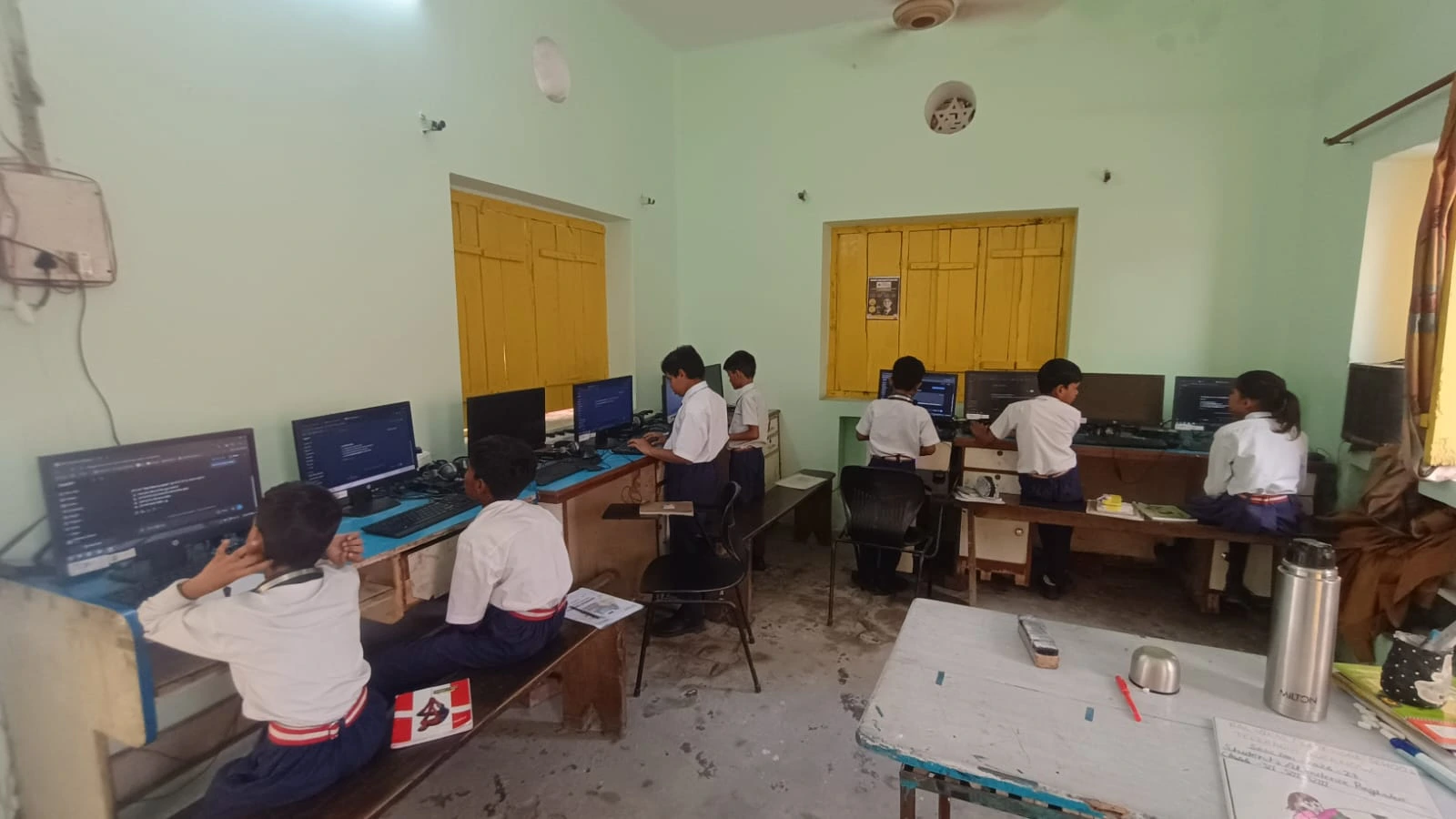
A shared family computer creates conflicts. Your child may wait for others to finish, or siblings may distract them with games and videos. A dedicated homework PC eliminates these delays and removes the temptation to switch tasks.
Study-only devices also teach responsibility. Your child learns that this computer is a learning tool, not entertainment. When combined with setting limits on computer time for kids, it creates a healthy digital routine. You can also check if a second computer is worth buying based on your child’s school demands and your budget.
What does a homework PC cost and what does it include?
A basic homework PC is an affordable investment compared to gaming laptops or high-end desktops because it does not need expensive graphics cards or processors. Apna PC by Apni Pathshala is a budget-friendly option (shipping and GST excluded) and includes 8GB RAM, 128GB SSD, Linux (Zorin OS), and pre-loaded Apni Prerna (parent and student monitoring), LibreOffice, and Scratch.
When comparing options, compare Apna PC versus a laptop for students to see which fits your home setup and budget. Check current rates and specifications on the seller’s website before deciding.
Can a homework PC support online classes and digital assignments?
Yes. A homework PC is designed to handle video conferencing (Google Meet, Zoom), online submission portals, and interactive learning platforms used by Indian schools. It can open PDFs, Word documents, spreadsheets, and multimedia files needed for schoolwork.
Most homework PCs run Linux or lightweight operating systems that are fast and stable for these tasks. Before buying, check that your child’s school uses software compatible with Linux or web-based tools. If your school uses Windows-only software, confirm the PC supports it or ask the seller about dual-boot options.
What is the right monitor size for a student PC?
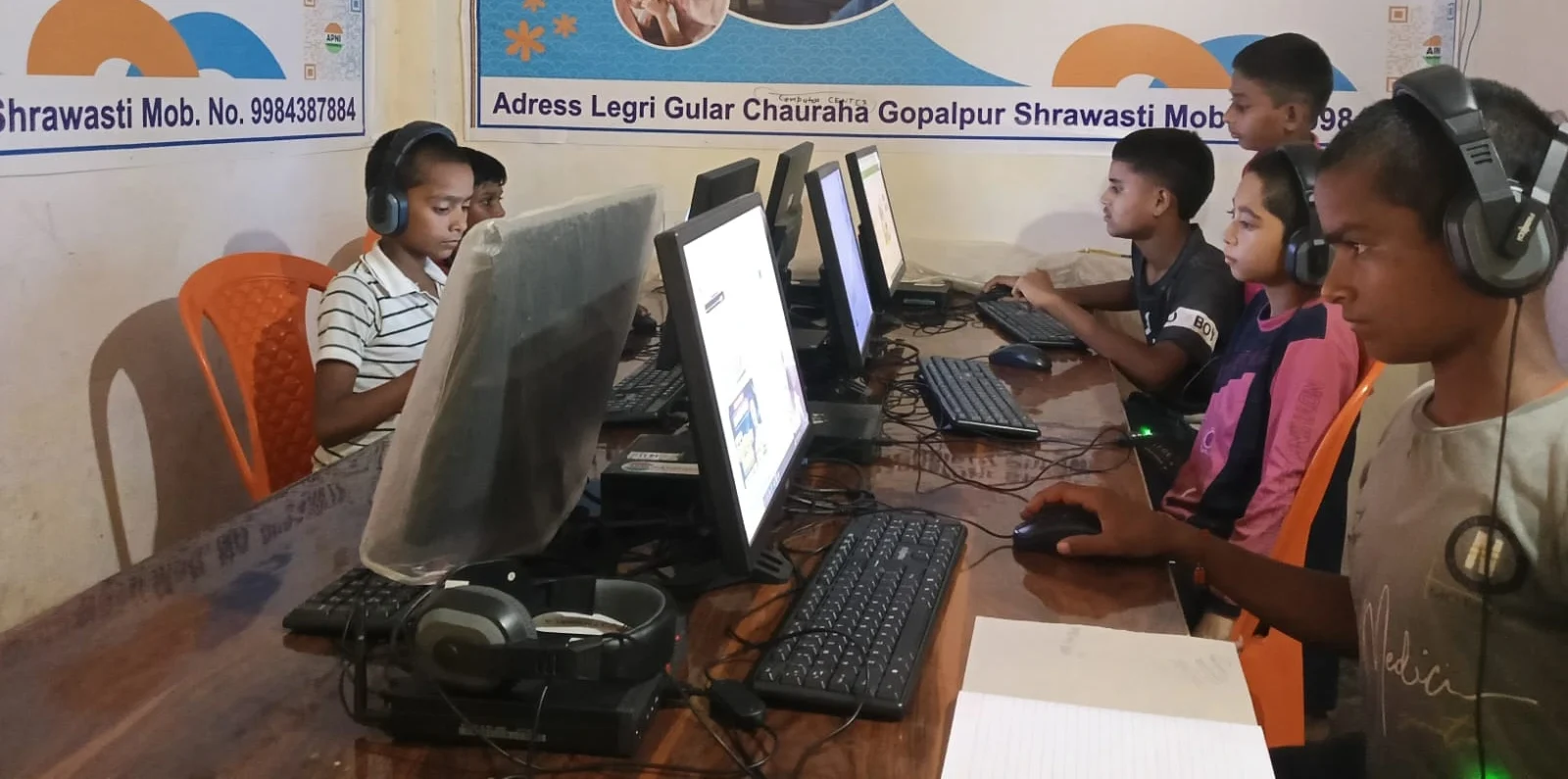
A 21- to 24-inch monitor is ideal for homework. It is large enough to read documents and code clearly without straining the eyes, but not so large that your child sits too far away. Choose the right monitor size for kids’ study to balance screen visibility with posture and distance.
Position the monitor at arm’s length away and at eye level when your child is seated. This reduces neck and back strain during long study sessions. Pair the monitor with an adjustable desk and chair for comfort.
When should you buy a homework PC for your child?
Consider a homework PC when your child enters middle school (Class 6 onwards), and digital assignments become regular. If your child’s school uses online platforms or requires coding projects, a dedicated device helps them focus.
A home desktop for students is a one-time investment that supports their academic work over several years. Check your budget and your child’s actual needs before deciding. You can also review CBSE digital learning guidelines to understand what your school expects.
Frequently Asked Questions
Can a homework PC also be used for light entertainment like watching educational videos?
Yes, but in moderation. A homework PC can stream educational YouTube videos, documentaries, or online classes. However, set time limits and use parental controls to block entertainment sites. The device should remain primarily a study tool, not a media player.
Is Linux safe for a student to use?
Yes. Linux is secure, free from most viruses, and widely used in schools and offices. It has a learning curve, but students adapt quickly. Many homework PCs use Zorin OS, a beginner-friendly Linux version with a familiar interface similar to Windows.
Can I monitor what my child does on a homework PC?
Yes. Most homework PCs include built-in parental monitoring software like Apni Prerna, which tracks study time, websites visited, and applications used. You receive reports and can set usage rules without invading privacy.
What if my child’s school software is not compatible with a homework PC?
Ask your school if the software works on Linux or if web-based alternatives exist. Many schools now use cloud tools like Google Classroom that work on any device. If Windows is required, buy a PC that supports dual-boot (both Linux and Windows) or ask the seller about options.