

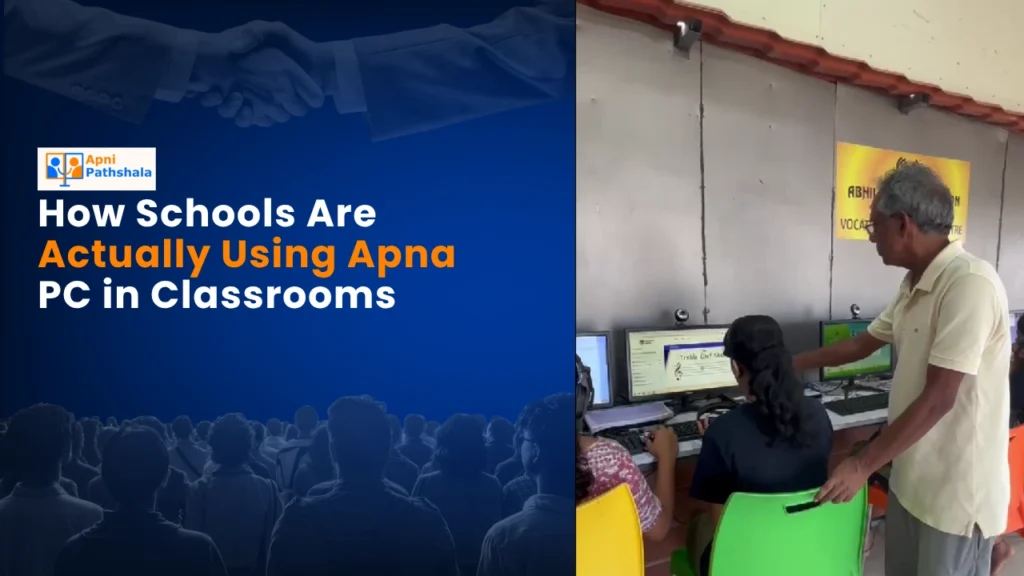
When Mrs Sharma’s Class Got Their First Study Computer for Students
Last month, Government Primary School in Indore received five Apna PC units. Mrs Sharma, a teacher with 18 years of experience, was sceptical. She’d seen fancy tech come and go in her classroom. But on day one, something shifted when she opened Scratch on the study computer for students and watched 30 kids lean forward in their seats.
The smart classroom wasn’t about replacing her. It was about giving her superpowers she didn’t have before. Within weeks, her students went from passively copying math problems to building digital solutions. This is what’s actually happening in schools across Tier 2 and Tier 3 cities right now.
The Real Challenge Teachers Face
You know the struggle. Your school has a computer lab that sits empty because it’s too complicated to book. Or the machines are so old they crash mid-lesson. Parents worry their kids aren’t getting tech exposure. Meanwhile, you’re juggling 40+ students with one projector and limited resources.
That’s the problem Apna PC solves. It’s not a fancy gaming machine or a distraction device. It’s built specifically for what happens in your classroom right now.
What Schools Are Actually Doing With This Study Computer for Students
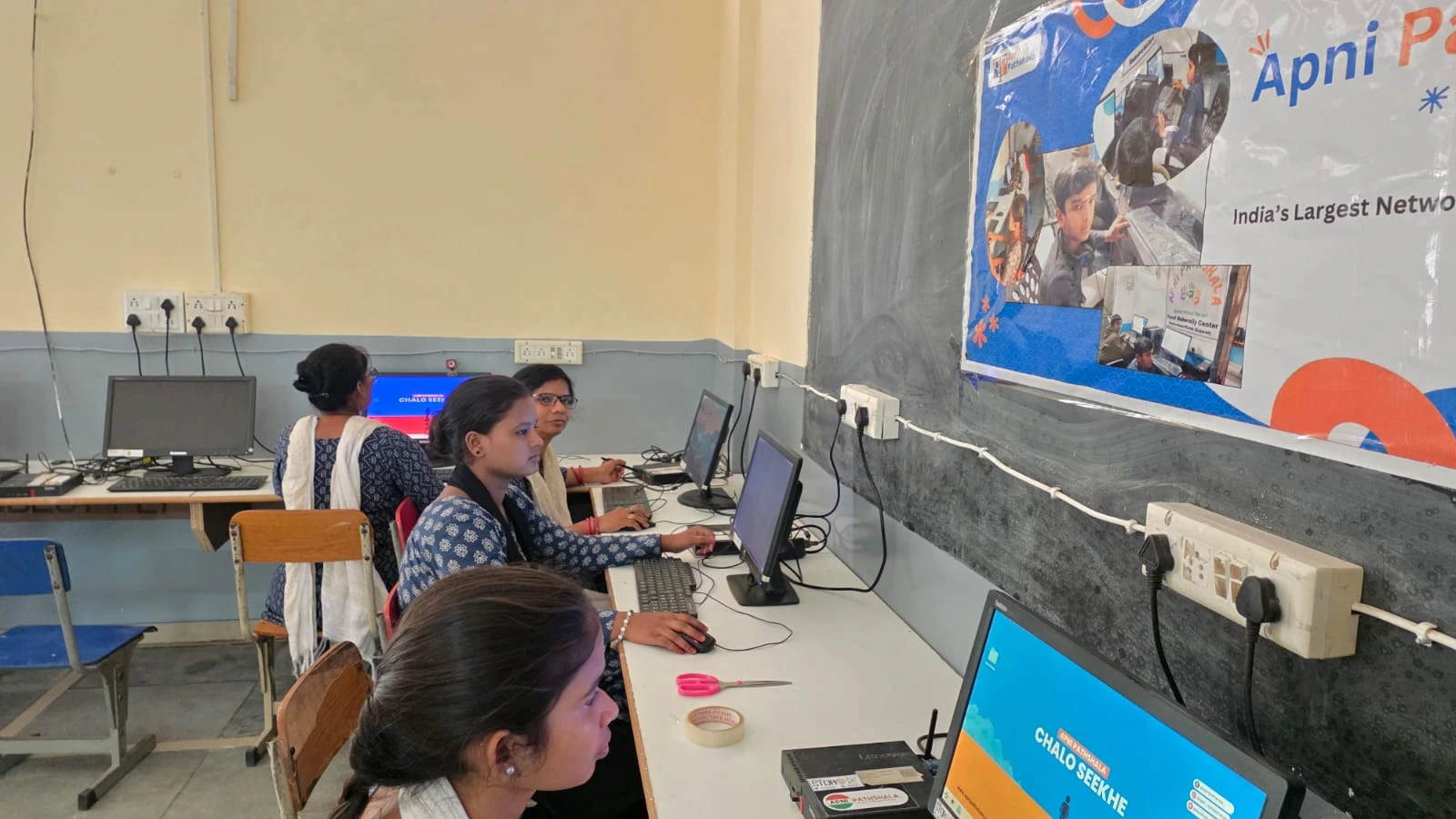
Let’s talk specifics because this matters. This study computer for students comes with 8GB RAM and 128GB SSD. That’s enough power for 25-30 students to work simultaneously without lag. The Rs.30,000 price point (shipping and GST excluded) means your school can buy multiple units instead of one expensive system.
Here’s what three different schools are doing:
- Coding clubs: Scratch comes pre-loaded. Students build games and animations instead of staring at textbooks. One school in Nagpur started a coding club where 8th graders are now teaching 6th graders.
- Digital literacy: LibreOffice is ready to go. Your students learn spreadsheets, presentations, and document creation. Real skills they’ll need in college and jobs.
- Teacher monitoring: Apni Prerna (the student monitoring system) lets you see what each child is doing in real time. No more wondering if they’re actually working or just clicking around.
The Zorin OS operating system keeps things simple and distraction-free. There’s no YouTube rabbit hole. No social media. Just learning.
Smart Classroom Doesn’t Mean Complicated
You don’t need an IT expert to run this. Teachers at a school in Raipur told us they were nervous about the tech side. Within two days, they were comfortable. The interface is straightforward. The pre-loaded software works out of the box.
This is aligned with the Digital India initiative. Real digital learning means technology that actually works for your students, not against them.
Your school’s IT team won’t spend weeks setting things up. Your teachers won’t waste class time troubleshooting. You get a distraction-free learning environment from day one.
Educational Technology That Fits Your Budget
Most edtech solutions cost too much. They require ongoing subscriptions. They demand internet speeds your school doesn’t have. This study computer for students is different.
At Rs.30,000 per unit, you can equip a classroom instead of buying one expensive machine for the staff room. The software is pre-loaded. There are no monthly fees. The hardware specs are solid enough for years of use.
One principal in Ujjain calculated that five units cost less than upgrading their old lab. Now they have a flexible study-computer setup that moves between classrooms instead of one static lab nobody uses.
What Parents Want to Hear
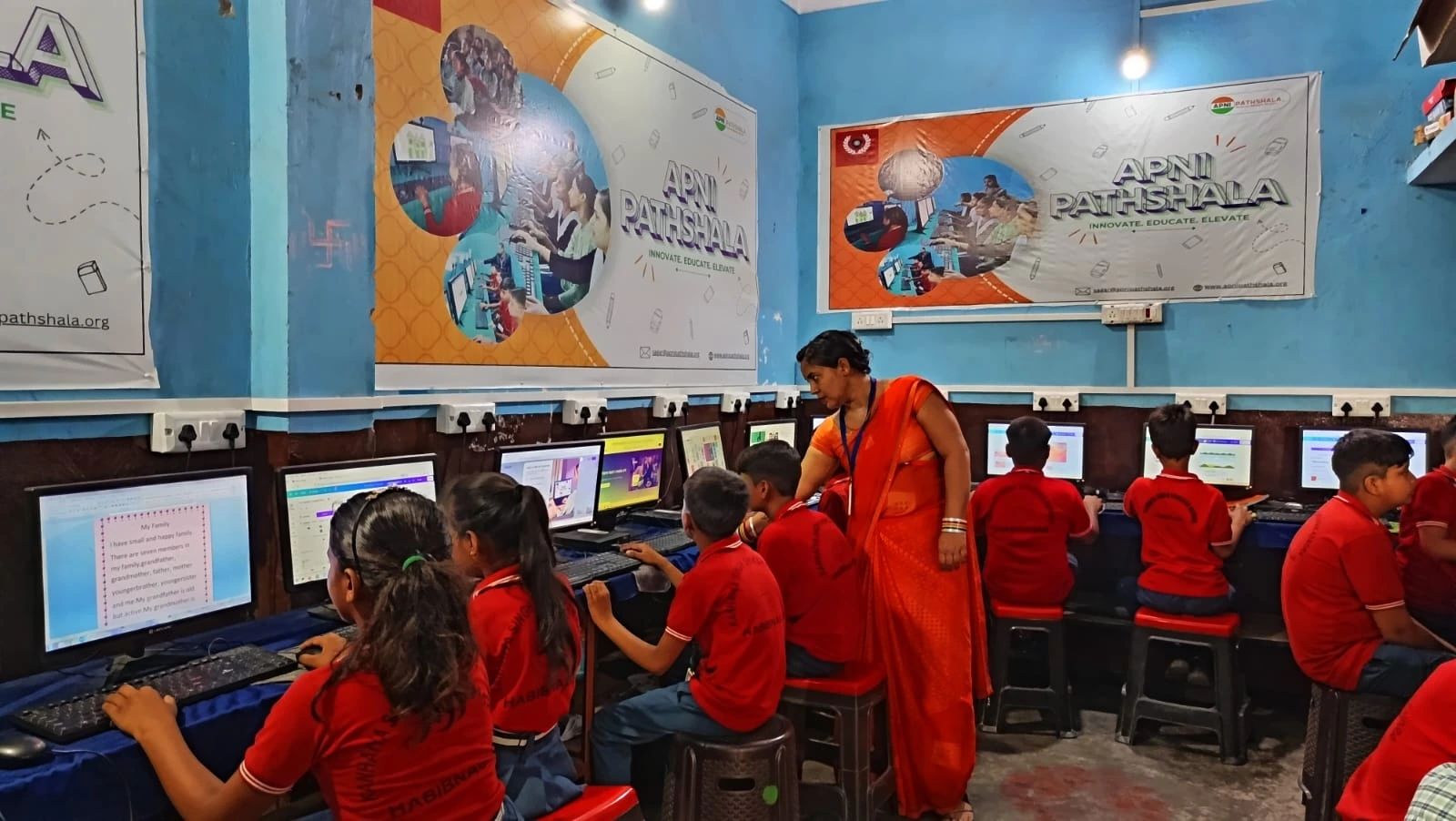
Parents in Tier 2 and Tier 3 cities worry their children aren’t getting enough tech exposure. They see ads for coding bootcamps and feel anxious. This approach addresses that directly.
When you introduce digital learning in class, parents see their kids coming home excited about what they built. Not what they consumed. Not what they watched. What they created.
That’s the shift happening right now. Students aren’t just users of technology. They’re builders.
The Honest Truth About Implementation
We’re not going to pretend this fixes everything. You still need good teachers. You still need lesson planning. You still need to care about your students’ progress.
What this study computer does is remove the technical barriers. It gives your teachers one less thing to worry about. It gives your students a tool that actually works. It gives your school a way to offer modern education without breaking the budget.
Teachers at five schools we spoke with said the same thing: “This actually works. We can use this tomorrow.”
Making the Decision for Your School
If you’re a school administrator, the question isn’t whether to go digital. It’s how to do it responsibly and affordably. This fits that need.
If you’re a teacher, you know what your classroom needs. A study computer for students that doesn’t distract. That actually helps you teach better. That your students can use without constant supervision.
If you’re a parent, you want your child learning skills that matter. Coding. Digital literacy. Problem-solving. That’s what’s pre-loaded and ready to go.
The schools getting results right now aren’t waiting for perfect conditions. They’re starting with what they have and building from there. Your school can do the same thing.
Apna PC is built for your classroom, your budget, and your students’ future. Visit apnapc.com to learn more.