

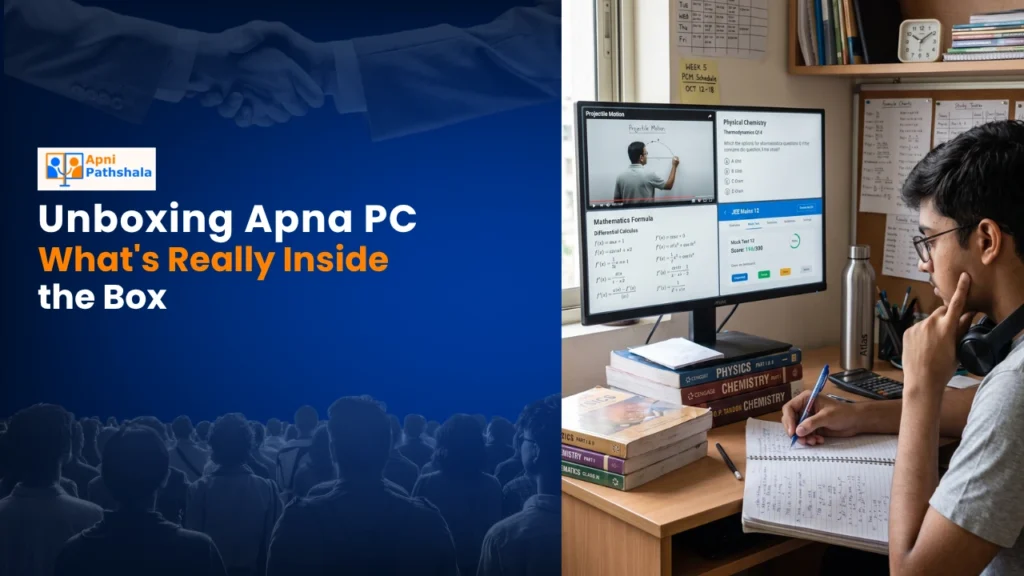
Rajesh’s Surprise: When Education Met Technology
Rajesh sat in his small flat in Indore, staring at the cardboard box that’d just arrived. His daughter Priya, a class 5 student, was struggling with math and coding concepts at her government school. The teacher barely had time for individual attention in a class of 50 kids. That’s when Rajesh discovered Apna PC, an educational computer designed specifically for Indian families like his. He’d saved for three months to afford this Rs.30,000 investment. Today, as he opened the box, he wasn’t just unboxing a device. He was unboxing possibilities for his daughter’s future.
What Is Inside the Box: The Complete Package
When you open the box, you’ll find more than just a computer. This kids’ learning device comes thoughtfully packed with everything your child needs to start learning immediately. Let me walk you through exactly what’s waiting inside.
- The Computer Unit: A sleek, compact machine with 8GB RAM and 128GB SSD storage. It’s powerful enough for your child’s educational needs without being overwhelming.
- Pre-loaded Software: Zorin OS (a user-friendly Linux operating system), Apni Prerna for student monitoring, LibreOffice for documents and presentations, and Scratch for coding basics.
- Keyboard and Mouse Included: Your setup arrives ready to use. No hunting for compatible peripherals or spending extra money.
- Educational Content: Access to Apni Pathshala’s curated learning resources designed for Indian school curricula.
- Documentation: Clear setup guides in Hindi and English so you’re not confused during installation.
For a detailed look at what is inside the box, you can check the complete specifications on our site.
Why Your Child Needs This Educational Computer
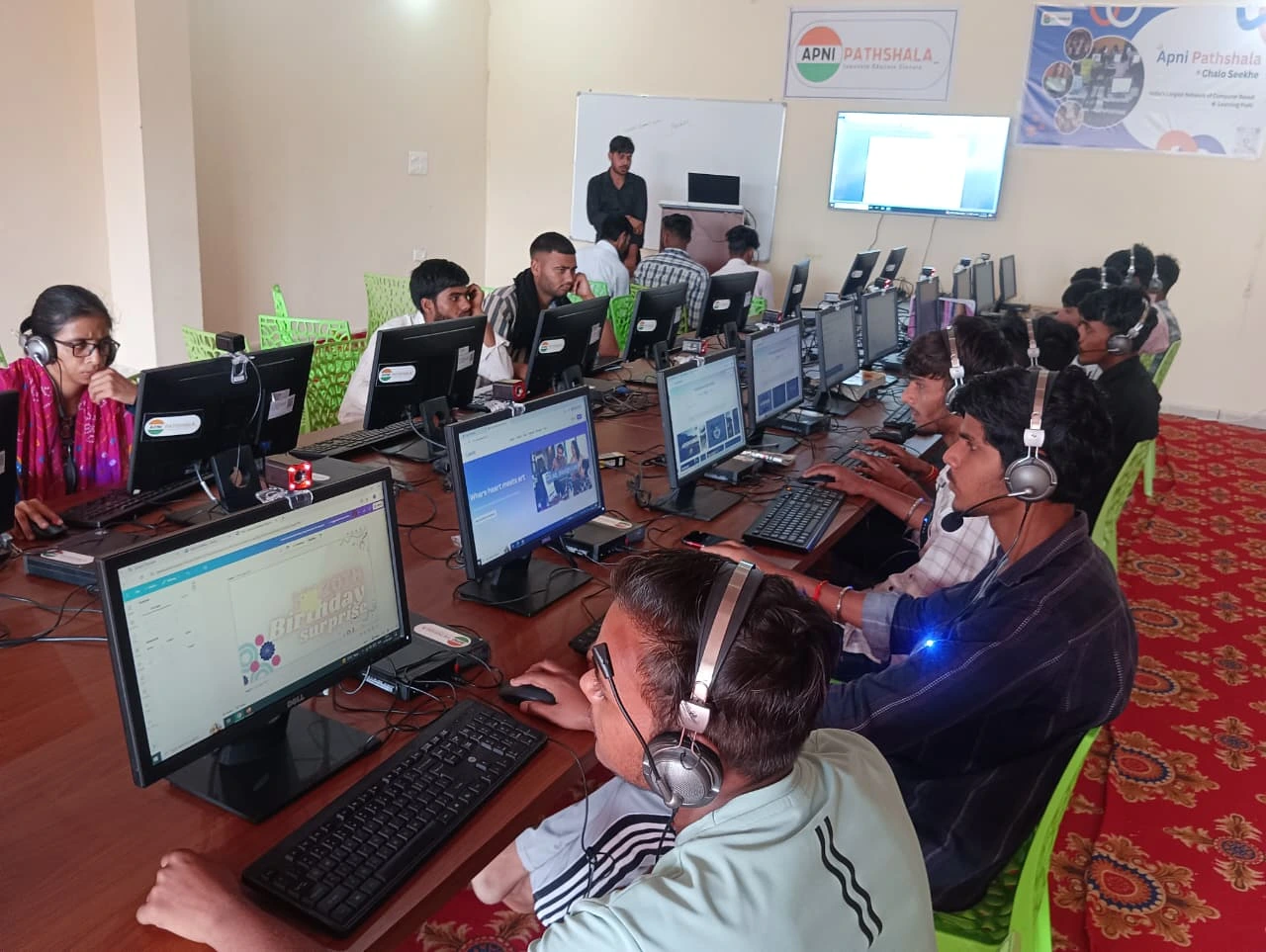
Let’s be honest. Your child’s school probably doesn’t have enough computers for every student. If you’re in a Tier 2 or Tier 3 city, quality tech education is even harder to find. The education system in India is changing, but access to technology remains unequal.
This educational computer bridges that gap. Your child can practice coding with Scratch, create presentations with LibreOffice, and access educational content without distractions from gaming or social media. The operating system is simple, secure, and designed for learning.
The Apni Prerna monitoring system lets you track your child’s progress. You’ll know exactly what they’re studying, how much time they’re spending, and where they need help. This isn’t spying. It’s parenting in the digital age.
The Advantage: Built for Indian Families
You might wonder why this device is different from a regular laptop. The answer lies in understanding your needs as an Indian parent in a Tier 2 or Tier 3 city.
First, affordability. At Rs.30,000, this educational computer is priced for middle-class families. You’re not paying for gaming graphics or unnecessary features. Every rupee goes toward educational value.
Second, simplicity. Zorin OS is intuitive. Your child won’t get lost in complicated menus. The pre-loaded software works immediately. No tech-savvy parent needed to set things up.
Third, alignment with curriculum. The content and tools match what your child learns in school. Coding through Scratch, document creation with LibreOffice, and monitored learning through Apni Prerna all support their academic growth.
Fourth, the Digital India initiative supports educational technology adoption across the country.
Real Performance: What You’re Actually Getting
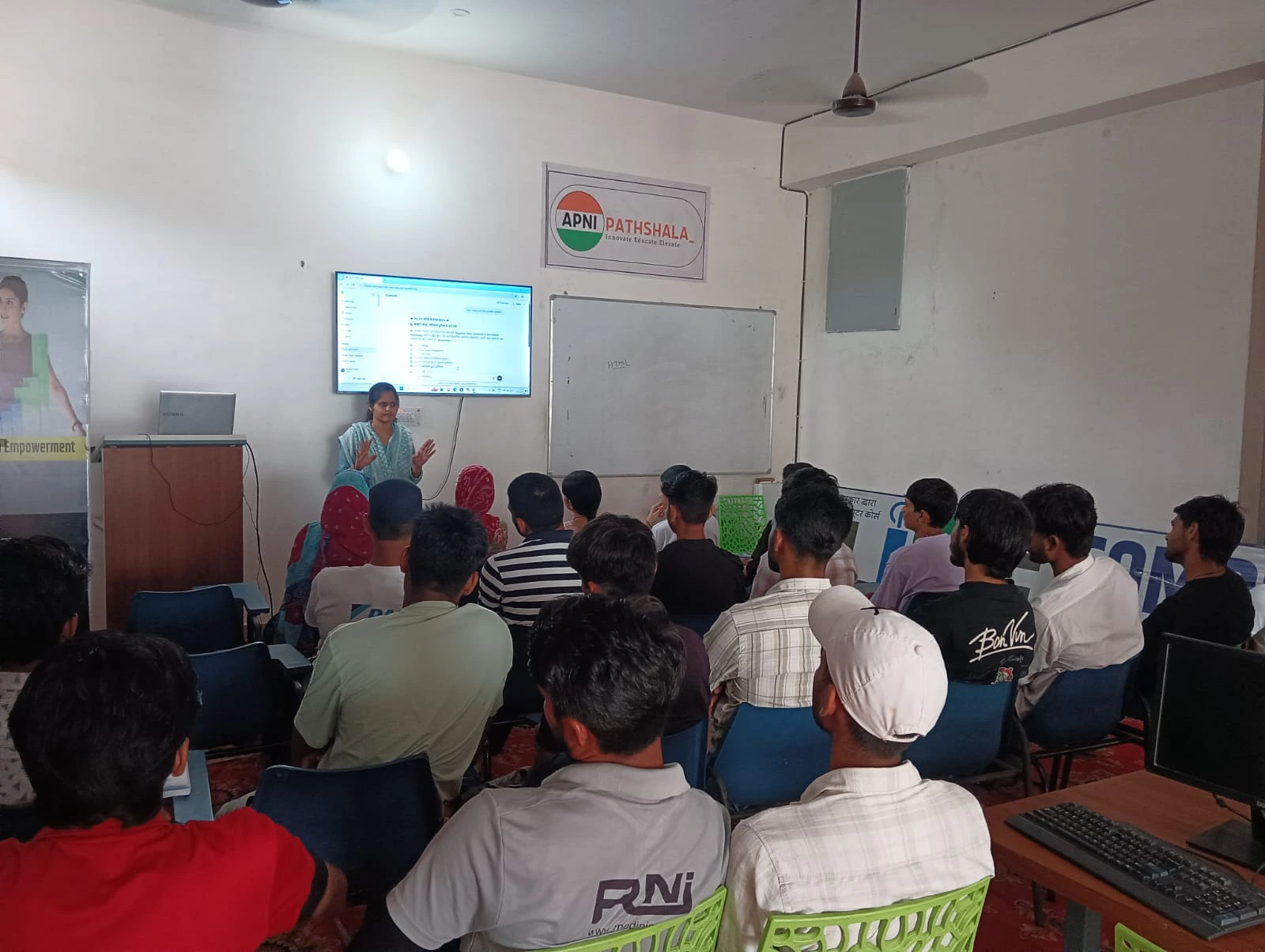
The 8GB RAM ensures smooth multitasking. Your child can have multiple browser tabs open while working on a Scratch project without the system slowing down. The 128GB SSD provides fast boot times and quick file access.
This isn’t a device that’ll feel outdated in two years. It’s built to grow with your child’s learning needs through their school years.
The keyboard and mouse included are ergonomic for younger learners. Your child’s posture and comfort matter during those long study sessions.
Setting Up: From Box to Learning
Setup takes about 15 minutes. Plug it in, connect to your WiFi, and you’re ready. The documentation guides you through each step in simple language.
Your child can start with Scratch coding tutorials on day one. By week two, they’ll be creating their first programs. Within a month, they’ll be noticeably more confident with computers.
Investment in Your Child’s Future
Rajesh watched Priya complete her first coding project. She’d created a simple game where a character collected coins. Her teacher was amazed at the next class. Priya’s confidence soared.
That’s what this kids’ learning device delivers. Not just a computer, but a confidence boost. Your child learns that technology isn’t something that happens to them. It’s something they can create with.
In Tier 2 and Tier 3 cities, this educational technology becomes the great equaliser. Your child gets access to the same learning opportunities as kids in metros.
Your investment today shapes your child’s career options tomorrow. In a world where coding and digital literacy are essential skills, can you afford not to invest? Visit apnapc.com to learn more.