

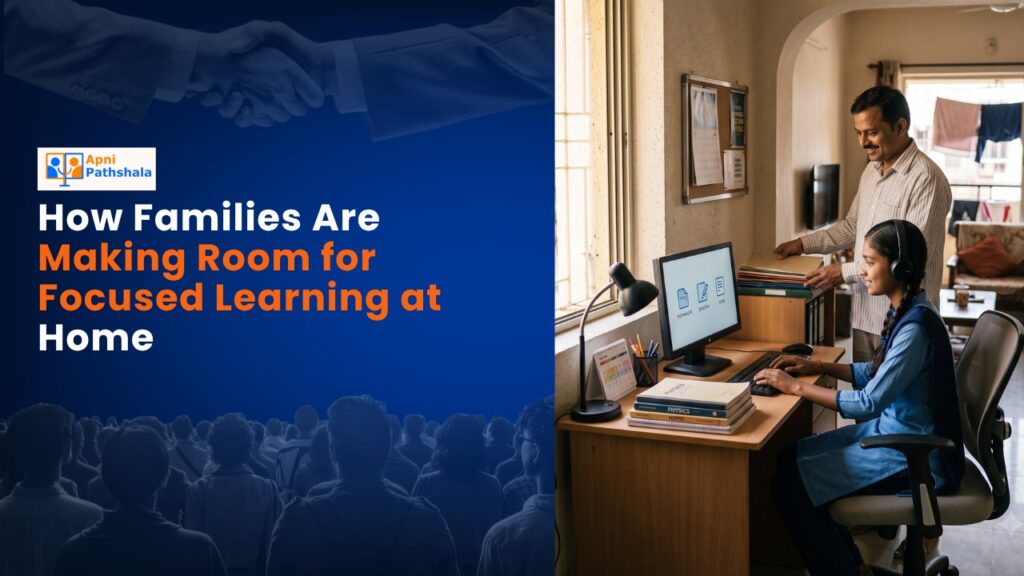
A focused home learning space needs three things: a dedicated spot, a reliable computer, and a few consistent rules around distraction. You do not need a separate room. A corner of the living room or a bedroom alcove works well. With the right setup, your child’s brain learns to shift into study mode as soon as they sit down.
Why does your child need a dedicated study space at home?
A dedicated study spot signals to your child’s mind that it is time to focus. It separates learning from play and entertainment. This boundary matters more than you might expect.
When you create a home learning environment, you are not just organising furniture. You are building habits. Your child learns that certain spaces mean concentration. They learn that education happens here, not in front of the TV. Over time, this becomes automatic.
The challenge for many families is that space is expensive. You might not have an extra room. Your apartment might be small. But you do not need much. You need:
- A small desk or sturdy table
- A comfortable chair that supports posture
- A reliable computer or device
- Good lighting
- Minimal distractions nearby
That is it. You can build this in a corner of your living room, in a bedroom alcove, or even part of the kitchen. The size does not matter. The intention does.
What is the right computer for a home study setup?
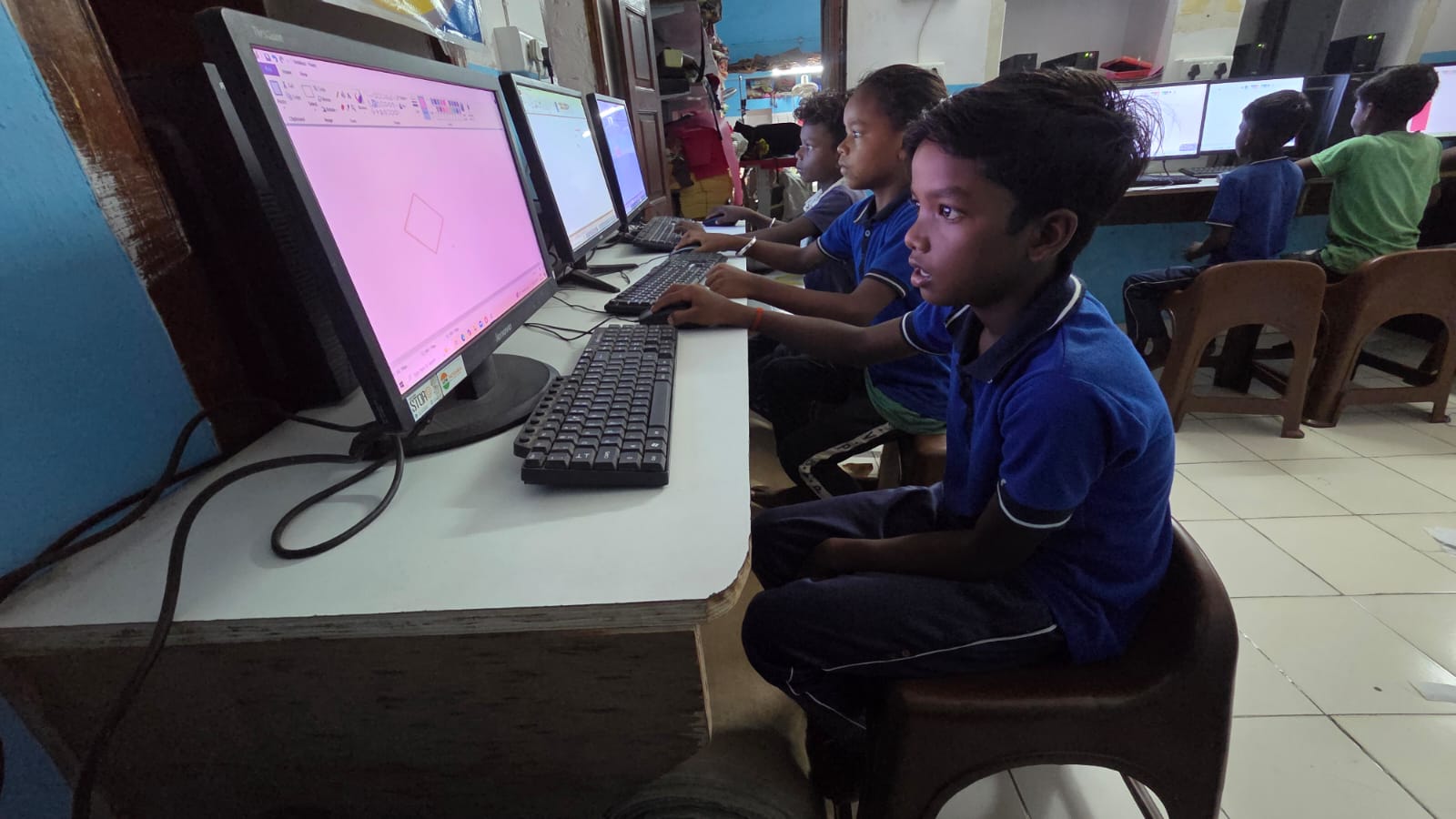
Quality computers cost a lot. You might spend 50,000 rupees or more for something that your child needs for school. That is not realistic for many households in Tier 2 and Tier 3 cities. Apna PC is priced at Rs.30,000 (before shipping and GST). It is built specifically for students, not for gaming or unnecessary extras. It handles school, assignments, research, and creative learning.
The machine comes pre-loaded with everything important. Zorin OS is clean and fast, without the bloatware that slows down regular computers. LibreOffice handles all document, spreadsheet, and presentation needs. Scratch teaches coding through visual blocks. Apni Prerna, the student monitoring system, lets you see what your child is doing without being invasive.
8GB RAM and 128GB SSD mean your child will not wait for things to load. Programs open quickly. Multiple tabs do not cause freezing. Your child stays focused instead of getting frustrated with a slow machine.
How does a dedicated computer build independence in students?
When you give your child a dedicated computer in a dedicated space, something shifts. They stop asking you to search for answers on your phone. They stop interrupting your work to find information. They start solving problems themselves.
Your child learns to navigate the computer, open applications, save files, and organise their work. These are not just tech skills. They are life skills. They are confidence.
You can learn more about building this kind of independence in our guide on independence through study tools. It covers practical strategies for letting your child learn while you stay involved without hovering.
How do you create a distraction-free study space at home?
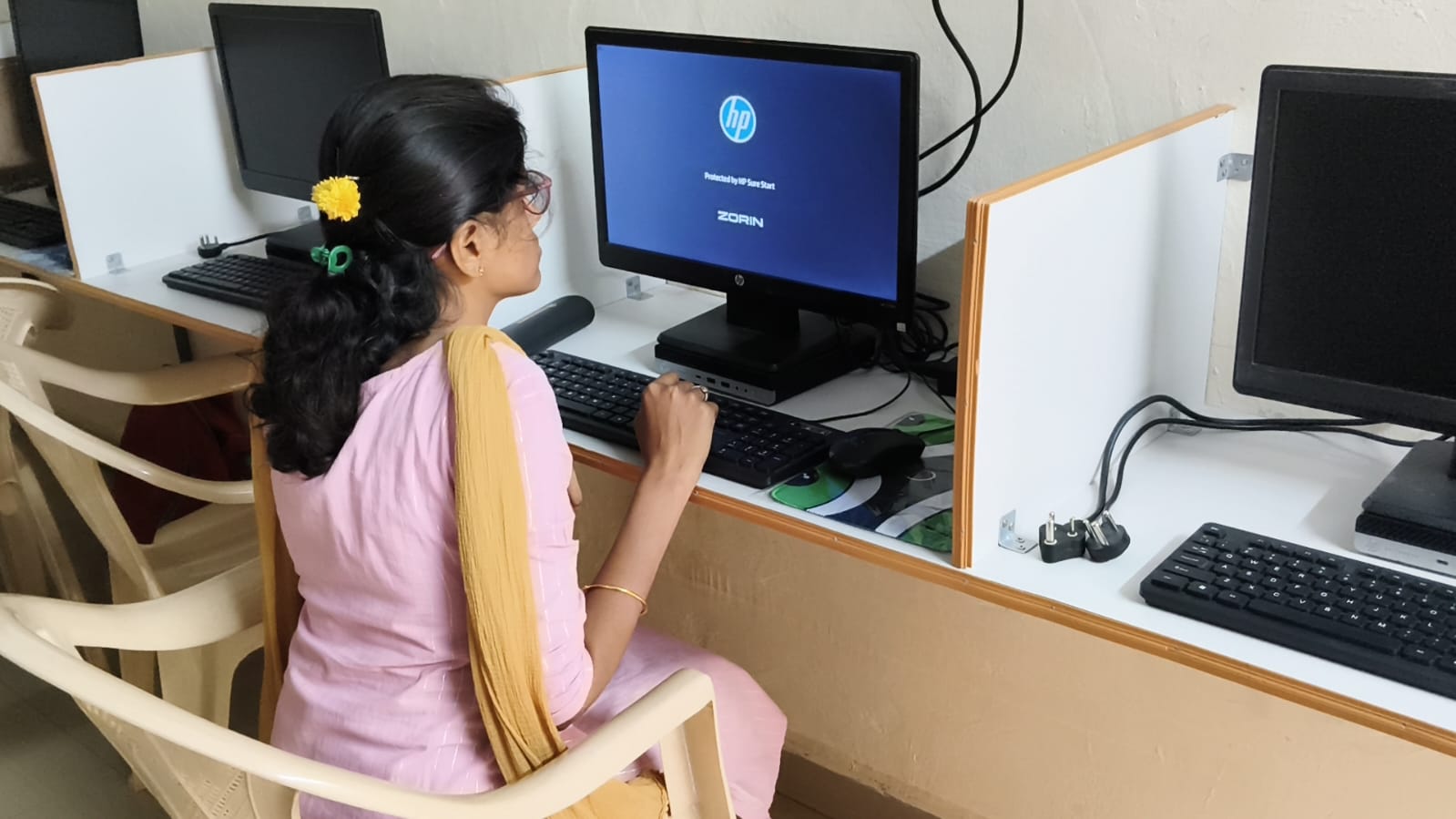
The computer is one part. The space is another. Your child needs an environment where they can concentrate. No TV playing in the background. No younger siblings running around. No constant phone notifications.
You do not need a soundproof room. You need boundaries. Set a household rule that during your child’s study hours, the study corner is for learning only. No interruptions unless it is an emergency. Your child studies. Family members respect that time.
Lighting matters too. Natural light is best, but a simple desk lamp works. The screen should not create glare. These small things prevent headaches and keep focus sharp. For detailed tips, check our article on creating a distraction-free study space. It walks you through room arrangement, lighting, and noise management.
What does effective home learning actually require?
Learning at home today goes beyond online classes. It includes research, projects, coding, presentations, and creative work. Your child needs tools that support all of this. Platforms like the DIKSHA digital learning platform offer quality educational content, but your child needs a reliable computer to use them well.
A proper study infrastructure at home starts with the right device. That means a computer with enough speed for video classes, enough storage for projects, and software ready to use from day one. When every piece is in place, your child can focus on learning, not on technical problems.
Getting started does not require a large home or a large budget. It requires a small investment, a clear space, and the commitment to protect your child’s study time. Visit apnapc.com to learn more.
Frequently Asked Questions
How small can a home learning space be?
A home learning space can fit in a corner of any room. What matters is a stable surface, good lighting, and a dedicated computer. Even a small setup with minimal distractions supports focused daily study sessions without needing an extra room or a large budget.
Does my child really need their own computer, or is sharing one fine?
Sharing a computer creates scheduling conflicts and breaks study momentum. A dedicated device means your child can start studying when they need to, save work in progress, and build a consistent learning routine without waiting for the device to be free or losing their files.
What if there is no quiet room in the house?
Set a household rule around the study corner during your child’s study time. A desk lamp, a fixed chair, and a consistent schedule signal to everyone that this corner is for focused work. Quiet does not require walls. It requires family agreement and a regular routine.
Setting up a focused home learning space takes one good computer and a consistent routine. Apna PC is affordable, pre-loaded with educational tools, and ready to use from day one.