


Imagine your child returning from school with a science project. They need to find information, prepare a presentation, and organise pictures. Your smartphone is available, but completing everything on a small screen feels inconvenient.
Many Indian parents face similar situations. They want their children to benefit from technology without developing unhealthy screen habits. This is where choosing a desktop for kids can make a practical difference. A dedicated computer gives children a place to study, explore, practise, and gradually develop independent learning skills.
Why a Desktop for Kids Makes Sense at Home
Children need more than access to educational videos. They need opportunities to interact with technology and apply what they learn.
A desktop allows children to work comfortably with a separate monitor, keyboard, and mouse. They can prepare school assignments, practise typing, explore educational applications, and complete creative projects.
Unlike portable devices that move between rooms, a desktop usually remains in one place. This makes it easier for families to establish a dedicated learning environment and separate study activities from entertainment.
How a Home Computer Supports Everyday Learning
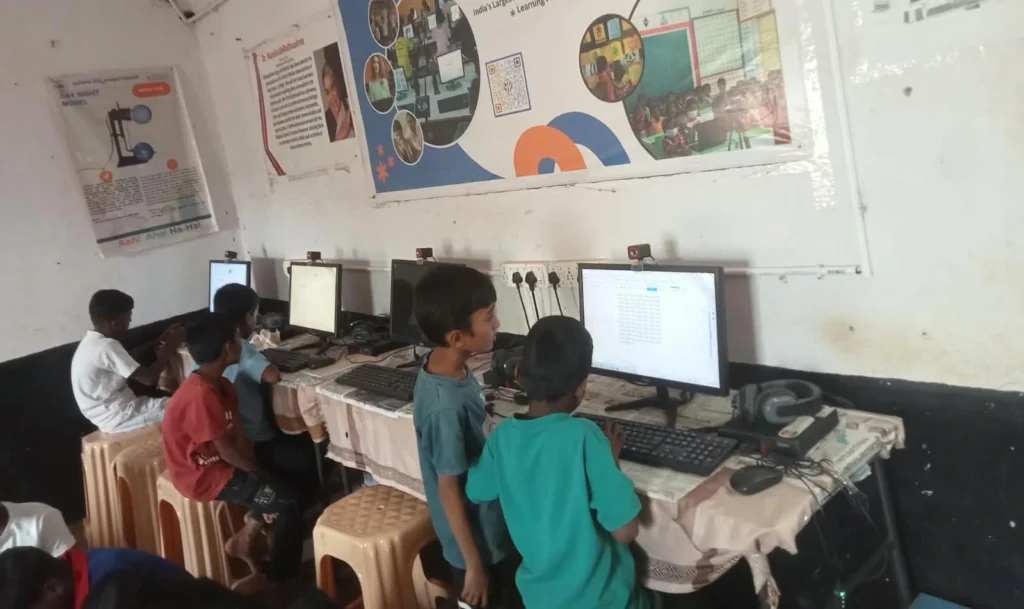
Learning does not always end when school finishes. Children often need additional time to understand difficult concepts, revise lessons, or explore subjects that interest them.
A home computer makes these activities more accessible. Instead of waiting for their next computer class, children can practise digital skills at their own pace.
They can use computers to:
- Prepare school assignments and presentations.
- Explore educational simulations.
- Practise keyboard and mouse skills.
- Learn basic coding and digital drawing.
- Organise notes and study materials.
These everyday activities help children become more comfortable with technology through practical experience.
Read more: Why Students Need Hands-On Computer Time, Not Just Theory?
A Student Desktop Can Encourage Better Study Habits
When children have a familiar place to study, following a regular learning routine becomes easier.
A student desktop placed on a properly arranged study table can help children approach computer-based learning with a clearer purpose.
Parents can encourage children to set a small learning goal before switching on the computer. It could be completing homework, practising typing, or understanding a difficult mathematics concept.
Over time, this routine can help children develop greater responsibility for their learning rather than depending on constant reminders.
A comfortable setup with suitable lighting, seating, and regular breaks also matters.
Read more: Why Do Students Need a Fixed Study Desk With Their Computer?
How a Learning PC Builds Practical Digital Skills
Knowing how to operate a smartphone does not necessarily mean a child understands how to use a computer effectively.
A dedicated learning PC introduces children to practical activities such as managing folders, editing documents, using spreadsheets, and creating presentations.
For example, preparing a simple monthly expense sheet can introduce children to basic spreadsheet functions while connecting mathematics with everyday life.
Similarly, creating a presentation about their favourite animal allows them to practise research, writing, and visual communication together.
These experiences encourage children to use technology as a tool for creating something rather than simply consuming content.
Can Parents Manage Computer Use at Home?
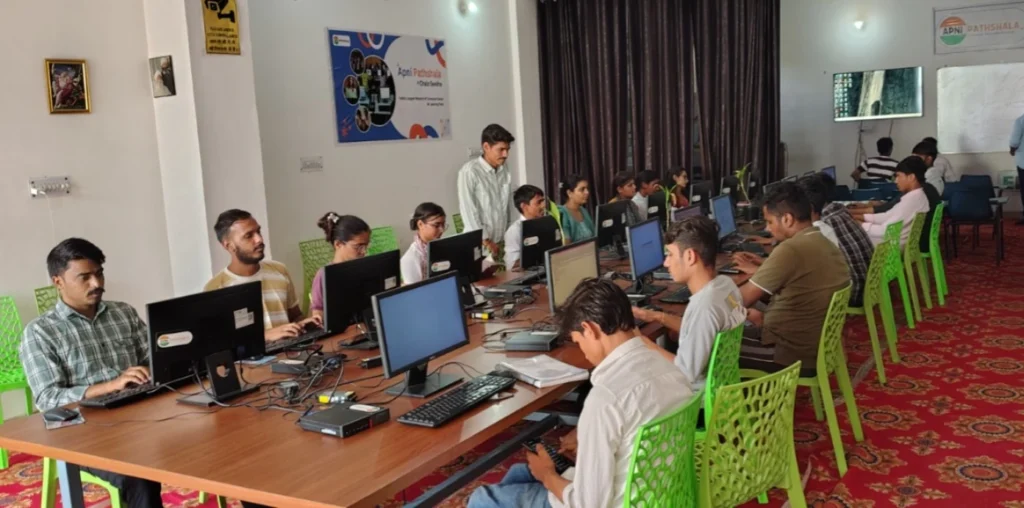
One of parents’ biggest concerns is whether a computer will become another source of distraction.
A desktop positioned in a shared family space makes parental supervision more convenient. Parents can establish clear rules, select suitable educational resources, and gradually teach children responsible internet behaviour.
The UNICEF guide to keeping children safe online recommends open communication, appropriate privacy settings, and parental involvement in children’s digital experiences.
Computer time should also leave enough room for physical activity, sleep, reading, and family interaction.
The American Academy of Pediatrics provides a helpful Family Media Plan that parents can use to establish balanced digital routines.
What Should Parents Look for in a Desktop for Kids?
An educational computer does not necessarily require expensive or advanced hardware. Parents should prioritise features that support their child’s actual learning requirements.
Look for a comfortable display, responsive performance, a full-sized keyboard, sufficient storage, age-appropriate educational software, and suitable safety controls.
Apna PC focuses on providing a learning-oriented computer experience that encourages students to use technology purposefully.
The objective should be to create an environment where children can learn without unnecessary digital distractions.
Conclusion
Choosing a desktop for kids is not simply about purchasing another electronic device. It is about giving children a dedicated space to practise, discover, and develop useful skills.
With appropriate guidance and balanced usage, a home computer can become a valuable part of a child’s educational journey, supporting both classroom learning and independent exploration.
Frequently Asked Questions
1. Is a desktop suitable for children at home?
Yes. A desktop can support homework, educational activities, creativity, and practical digital skill development with appropriate parental guidance.
2. Do children need an expensive student desktop?
Not necessarily. A reliable computer with suitable specifications for everyday educational tasks is generally sufficient.
3. Can a learning PC help children become independent learners?
Yes. Regular access to educational tools allows children to explore topics, practise skills, and gradually complete learning activities independently.
4. Where should parents place a desktop for kids?
A comfortable, well-lit study area or shared family space is preferable for organised learning and convenient supervision.