

Schools across India are bringing dedicated study computers into classrooms and recommending them for home use because shared tablets and phone-based learning cannot match the focused experience a proper computer provides. Apna PC, running Zorin OS with LibreOffice, Scratch, and Apni Prerna, is designed specifically for this school environment.
Why Are Schools Recommending Dedicated Study Computers?
Schools have found that students who have their own computer for school work do more consistent homework, submit better-formatted assignments, and develop digital literacy faster than those who rely on shared family devices. The difference comes down to configuration. Having a device set up for school work rather than entertainment changes how a student uses it.
Apni Prerna, built into Apna PC, gives both teachers and parents visibility into study sessions. Schools that work with Apna PC can track engagement across the student body. Parents can see which subjects their child worked on that day without needing to interrupt the student.
What Makes Apna PC Suitable for Classroom and Home Use?
Apna PC runs Zorin OS, which is familiar to students who use Linux-based lab computers in school. The pre-loaded software matches what students use in computer labs: LibreOffice for documents, Scratch for programming basics, and a browser for research. There is no gaming software and no social media shortcut on the desktop to distract from school tasks.
- LibreOffice: compatible with school-required document formats
- Scratch: matches programming curricula used in CBSE and state board schools
- Apni Prerna: gives parents and schools progress data without extra apps
- Zorin OS: stable and lightweight, familiar to students used to school computer labs
How Does Apna PC Support the Problem Apna PC Was Originally Built to Solve?
The core problem was straightforward: Indian students need a focused learning device but families cannot afford premium hardware, and cheap alternatives are too distracting or unreliable. What Apna PC was built to solve is covered in detail on the blog, but the short version is that Apna PC delivers quality hardware at Rs.30,000 (shipping and GST excluded) in a package that is ready to use from day one.
How Do Teachers Use Apna PC Monitoring in School Settings?
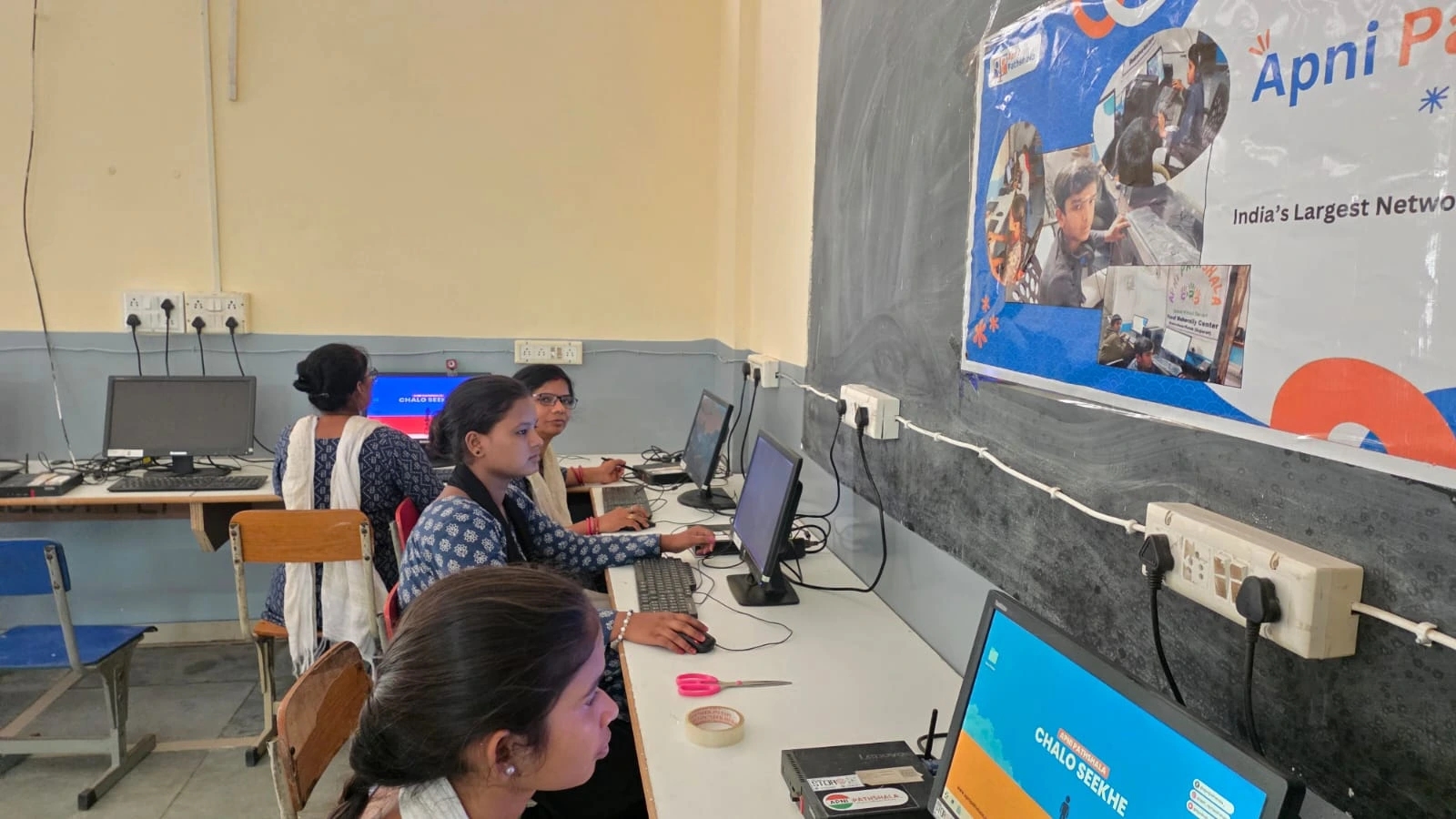
In schools where Apna PC is used, teachers can use Apni Prerna data to understand which students are engaging with digital assignments and which are falling behind. This is especially useful for schools with large class sizes where individual check-ins are not always possible.
The monitoring does not require any additional software installation. Apni Prerna runs as part of the Apna PC setup. Data is available to teachers and parents without students needing to do anything extra. This kind of built-in visibility is one reason schools recommend Apna PC as a distraction-free learning environment.
What Rs.30,000 Delivers for a School Student at Home
At Rs.30,000 (shipping and GST excluded), Apna PC provides a device that covers every digital school need from Class 5 upward. It includes a keyboard, monitor, and all pre-loaded software. There is no ongoing subscription cost and no additional setup required from the parent. The device is plug-in and go.
For parents whose children attend schools that recommend Apna PC, the transition from class to home is straightforward because the same software environment is used in both places. For more on how digital tools build lasting study habits, the full guide explains what changes over the first few months of consistent use.
Frequently Asked Questions
Can a student use Apna PC for all subjects, not just computer class?
Yes. LibreOffice on Apna PC covers writing assignments for English and Hindi, spreadsheet work for maths and commerce, and presentation creation for project-based subjects. Scratch handles computer science and logical thinking tasks. The device is built for all CBSE and state board subjects, not just digital-specific ones.
How is Apna PC different from a school computer lab machine?
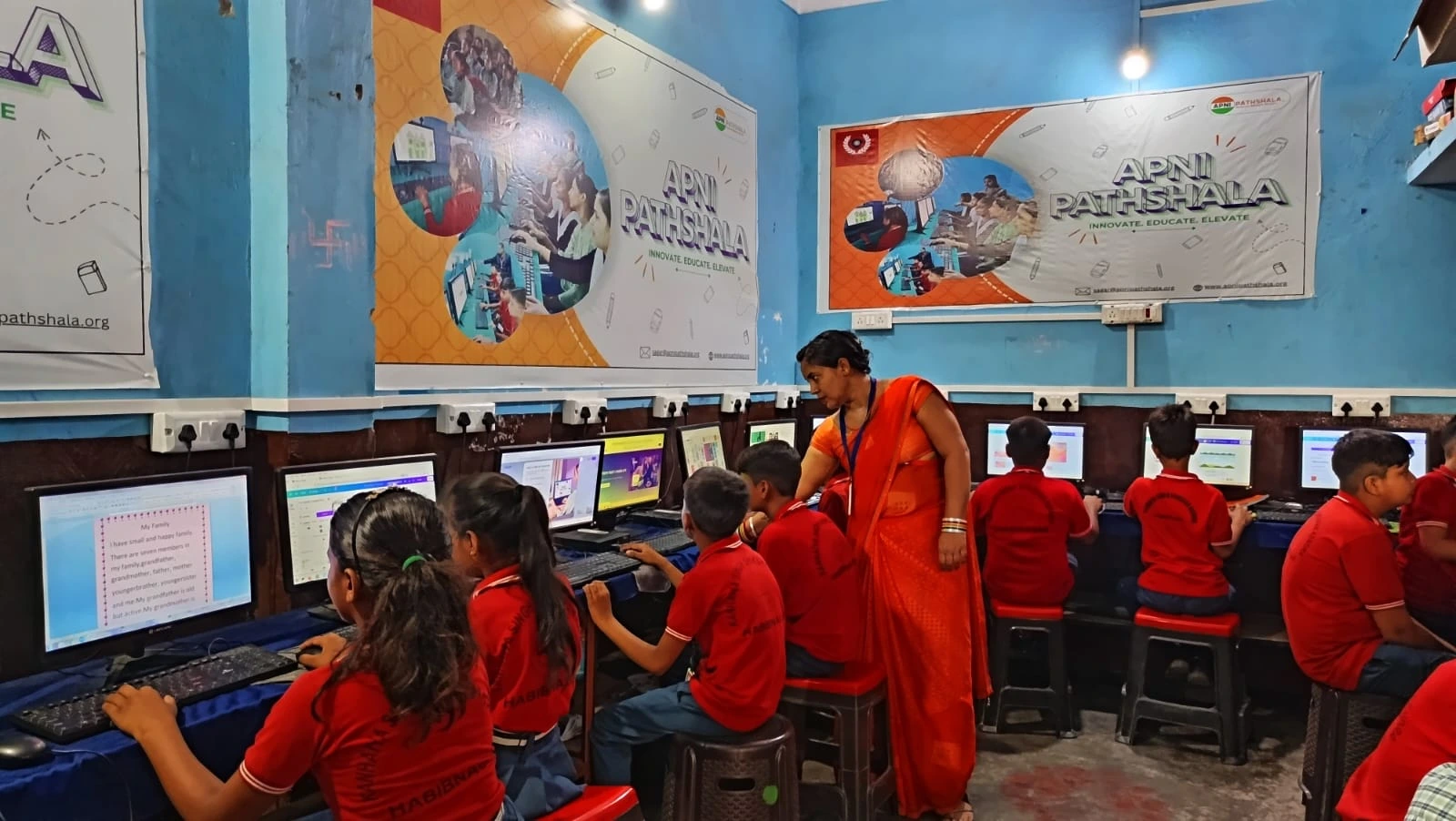
A school lab machine is shared among many students and not available after school hours. Apna PC gives one student exclusive access at home, configured with the same software environment used in labs. This continuity between school and home is what helps students develop consistent digital work habits.
What happens if a school does not officially use Apna PC?
Apna PC works as a home study device regardless of which computer systems a school uses. LibreOffice files are compatible with Microsoft Office formats used in most schools. Students can complete assignments at home and submit them in the required format without any compatibility problems.
Apna PC bridges the gap between school and home learning. Visit apnapc.com to find out how it supports Indian students in and out of the classroom.