

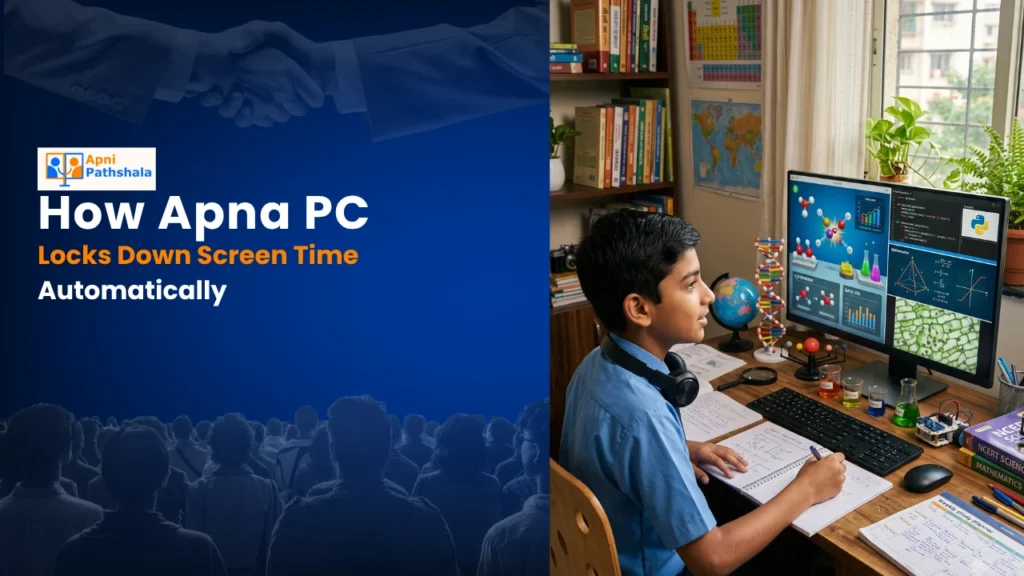
You can lock down your child’s screen time automatically by using a computer that enforces limits at the system level, not just through an app your child can close. Apna PC does this with Apni Prerna: you set daily limits and study hours once, and the computer locks itself when time is up.
For example, a parent who has tried app timers and taking the device away may still find hours lost to videos and games. A system-level lock removes the daily negotiation.
Why do normal parental controls often fail?
Normal controls fail because children find workarounds and because the computer itself is full of distractions. If you live in a city like Indore, Nagpur or Lucknow, you know the struggle: your child needs a computer for school projects and online classes, but a regular laptop quickly turns into scrolling and gaming.
Unlike smartphone parental controls that children constantly try to crack, Apna PC’s limits are built into the operating system itself, so they are much harder to switch off. See how this compares in Apna PC vs parental control software.
How does automatic screen time locking work on Apna PC?
When you set a limit in Apni Prerna, the computer locks at that time. Apna PC runs Zorin OS, a Linux-based system different from Windows or Mac, and the limit is enforced at the operating system level. If you set two hours of study time, the computer shuts down after two hours.
According to Apna PC, your child cannot bypass it with hidden apps, restart tricks or factory resets. You get control over:
- Daily screen time limits that reset each morning
- Specific study hours when the computer is available for schoolwork
- App restrictions so only approved software runs
- Real-time monitoring through the Apni Prerna dashboard on your phone
Can screen time limits fit around your family’s routine?
Yes. You can create custom time slots for each activity, and the computer knows when to allow access and when to lock. For example, online classes from 9 AM to 11 AM and maths practice from 3 PM to 4 PM.
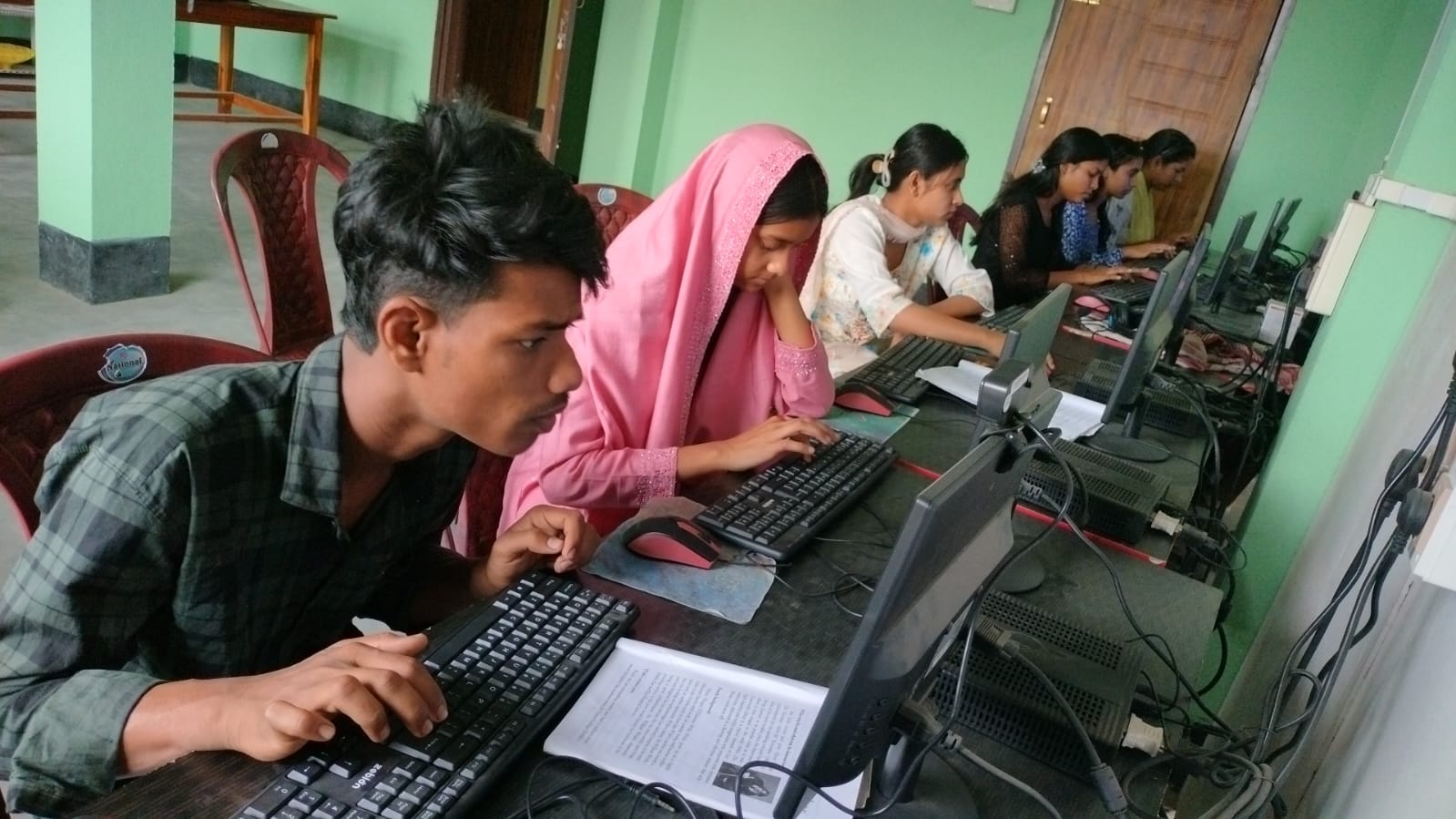
A simple setup might be three blocks: morning for online classes, afternoon for homework and evening for one hour of creative projects in Scratch, which comes pre-loaded. Outside these windows, the computer does not turn on, so there is no temptation and no willpower needed.
You can adjust limits anytime from your phone. If your child has an extra assignment, extend screen time for that day without changing the whole system. The flexibility stays with you, not your child.
What makes Apna PC different from a regular computer?
The difference is what Apna PC does not have: games, entertainment apps and endless scrolling. Apna PC comes with no games built in.
Instead, you get LibreOffice for documents, Scratch for coding and other learning tools. The 8GB RAM and 128GB SSD are enough for schoolwork, video calls and research, but the system is not set up for the games and apps that waste time.
At Rs. 30,000 (excluding shipping and GST), Apna PC is an educational investment, not an entertainment device. It is backed by Apni Pathshala, an organisation focused on digital literacy for Indian students.
How do you set up a distraction-free learning environment?
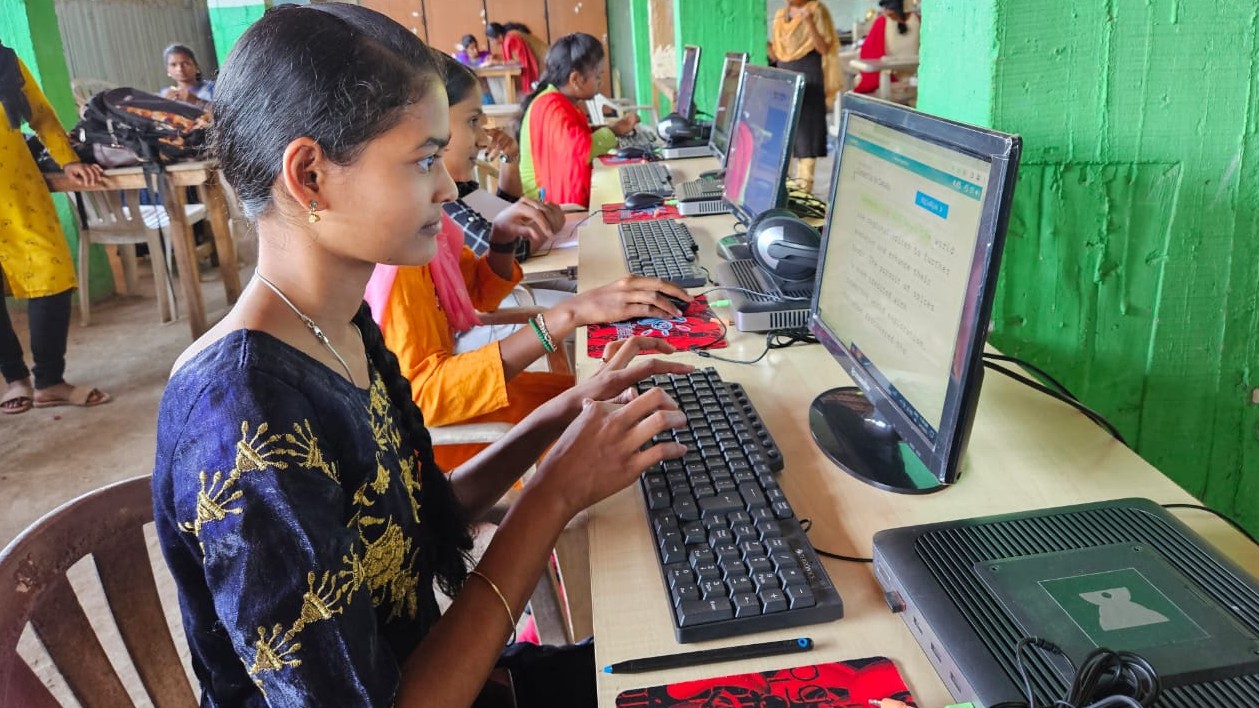
Setup is straightforward and needs no technical skill. Apna PC arrives with Zorin OS, Apni Prerna, LibreOffice and Scratch already installed.
- Create a parent account with a strong password.
- Create a student account for each child with locked-down permissions.
- Set screen time limits and choose which applications each child can use.
- Monitor activity and adjust settings from your phone or another device.
Children tend to stop asking for “just five more minutes” when they understand the limit is a system rule, not a parent’s mood. See this guide on distraction-free learning setup for more details.
Why does screen time management matter right now?
Children need technology for their future, but they also need protection from the addictive design of entertainment apps. The Digital India initiative is bringing computers into more classrooms and homes, and without boundaries, digital tools become digital distractions.
Automatic limits mean you are not relying on willpower or constant watching. The system handles it, and your child learns to use technology responsibly. For tips on the conversation side, read setting screen time limits without fights.
Frequently Asked Questions
Can I give extra computer time for a school project?
Yes. You can extend the limit for a single day from the Apni Prerna dashboard on your phone without changing the regular schedule. Once the day ends, the normal limits return automatically, so a one-off exception does not turn into a new habit.
Will strict screen time limits make my child resent studying?
Usually not, if you explain the rules and set them together. Children often accept limits more easily when the computer enforces them, because there is no one to argue with. Include time for creative projects they enjoy, so the computer feels useful and not only restrictive.
Can different children have different screen time limits?
Yes. Each child can have their own student account with their own limits, study hours and allowed applications. This lets you give an older student more time for exam preparation while keeping a younger child on a shorter, simpler schedule on the same computer.
Your child’s digital life does not have to be a constant struggle. With automatic screen time management on Apna PC, they get the tools they need without endless distraction. Visit Apna PC to learn more.