


A computer bridges the gap between school and home learning by letting your child practise, revisit and explore what was taught in class, at their own pace. Without that practice at home, concepts taught at school often fade by evening.
For example, a primary student might learn multiplication tables in class but forget them by night because a sibling needs the family’s only phone. A dedicated computer gives that child a steady place to practise.
Why is school learning alone not enough?
School introduces topics, but practice at home is what makes them stick. Your child spends 6 hours in school, and teachers have to keep pace with the whole class, so concepts can fade without reinforcement.
Home learning creates space for:
- Repeating lessons without pressure or time limits
- Learning at your child’s own pace, not the class pace
- Building confidence through self-directed practice
- Developing the digital skills schools now expect
With a computer at home, your child can revisit what they learned, explore topics in more depth and build habits that last. The problem for many families in Tier 2 and Tier 3 cities is not effort or interest. It is access.
How does a computer create the bridge?
A dedicated student computer is always available for learning, has software made for education and gives your child a space of their own. A smartphone or shared family device does none of these well.
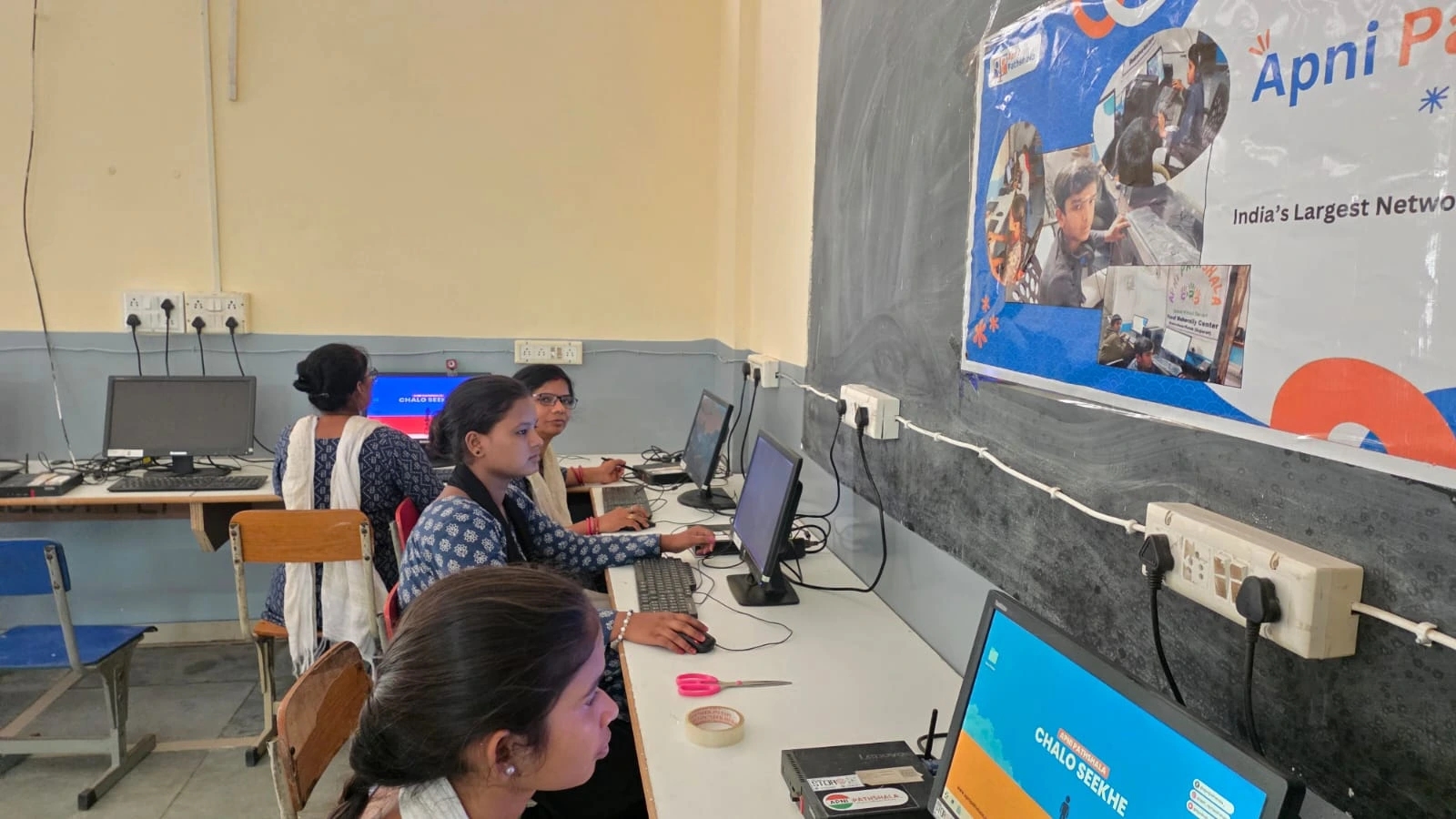
| Need | Shared smartphone | Dedicated student computer |
|---|---|---|
| Availability | Competes with messages, games and family use | Always ready for study |
| Software | Built for entertainment | Built for education |
| Space | Belongs to the family | Your child’s own learning space |
Apna PC is built for this purpose. It comes with Apni Prerna, a student monitoring system that shows what your child is learning without being intrusive, so you can see where they struggle and support them. It also includes LibreOffice for documents, Scratch for creative coding and Zorin OS, a simple, secure operating system.
With 8GB of RAM and a 128GB SSD, Apna PC runs school tasks smoothly. It is a focused tool for maths practice, essays, science topics and digital literacy, not a gaming machine.
What changes for your child with a computer at home?
Your child can practise on their own time, look up concepts and type assignments instead of struggling with handwriting. Most importantly, they feel independent because they have their own learning space.
- Better retention: practice at home reinforces what was taught at school.
- Faster homework: research and writing become easier.
- Digital confidence: children learn to use technology for study, not only entertainment.
- Independence: they explore and learn without always asking for help.
For practical ideas, see ways a computer makes homework easier.
Is Apna PC affordable and easy to set up?
Yes. At Rs. 30,000 (excluding shipping and GST), Apna PC is priced for families who have been waiting for the right moment to invest in their child’s education.
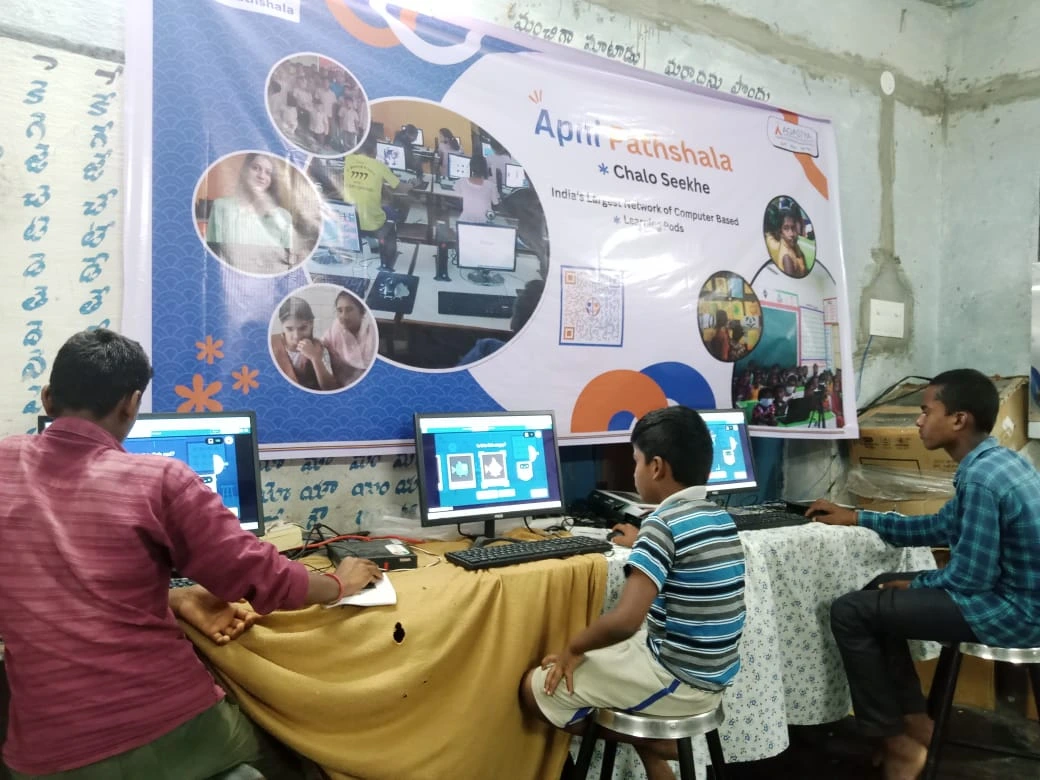
The computer comes pre-loaded and ready to use, so there is no software to install or technical setup to worry about. Apni Prerna lets you follow your child’s learning without making them feel watched, and the operating system is simple, fast and secure.
A computer removes the gap between intention and action. When your child wants to practise, the computer is there. Learn how a personal computer supports learning growth, and how to start building a learning-first home with one computer.
How does Digital India affect your child’s schoolwork?
Schools are becoming more digital, and teachers increasingly expect students to research online and submit digital assignments. A child without a computer at home can fall behind.
The Digital India initiative recognises that access to technology matters for every child’s future. Families in Tier 2 and Tier 3 cities can give their children the same digital opportunities as children in bigger cities. The history of personal computing also shows that computers were always meant to be personal, accessible tools.
How can you start building a learning-first home?
Start with one dedicated computer and a regular time for home practice. Your child can practise what they learn, explore new ideas and build confidence without stretching your budget.
Keep it simple: a quiet corner, a set routine, and a quick chat each evening about what they practised. Over time, homework stops feeling like a battle and starts feeling like your child’s own work.
Frequently Asked Questions
How much home practice should follow a school day?
Short, regular practice usually works better than long, rare sessions. Ask your child to revisit the day’s main topic on the computer, try a few problems and note anything unclear. The goal is reinforcement while the lesson is still fresh, not a second school day.
Can my child use the same computer for school portals and assignments?
Yes. A student computer handles browsing school portals, researching topics, typing assignments in LibreOffice and preparing presentations. Having one dedicated machine for all schoolwork keeps files in one place and makes it easier for your child to stay organised.
How do I know if home learning is working?
Look at whether your child remembers lessons better, finishes homework with less stress and can explain topics in their own words. Apni Prerna also shows what they studied. Steady improvement in these signs matters more than any single test result.
Your investment in a computer today supports your child’s learning and digital future. Visit Apna PC to learn more.
2 Responses
nice vlog
Thank you!