

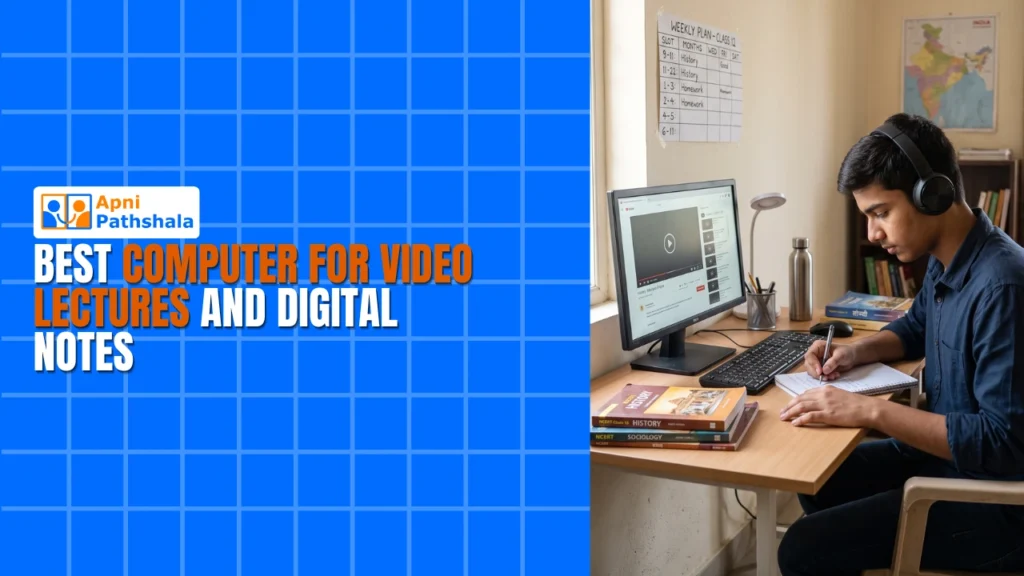
Watching video lectures and taking digital notes at home has become the backbone of modern learning. If you’re a student or parent hunting for the right video lecture computer, you’ve landed in the right place. Your study setup matters more than you think. The right machine can transform how you absorb content, organise notes, and stay focused during long study sessions.
Let’s be real: not every computer works well for online learning. You need something reliable, affordable, and built to handle streaming, note-taking apps, and multitasking without lag. That’s exactly what we’re diving into today.
Why a Dedicated Video Lecture Computer Changes Everything?
A computer built for learning isn’t just another gadget. It’s your gateway to quality education from home. When you have a machine optimised for studying, everything clicks into place.
First, you avoid distractions. A computer set up purely for studies keeps you away from gaming, heavy downloads, and clutter. Second, performance stays smooth. Video lectures demand consistent streaming without buffering or crashes. Third, your notes stay organised in one place, synced, and safely backed up.
Many students share family laptops, which means constant switching, slow performance, and lost focus. A dedicated video lecture computer solves this completely. You own your learning space, literally.
Key Features Your Video Lecture Computer Needs
Not all computers are created equal. Here’s what actually matters for your online learning PC:
Smooth Streaming: Your machine needs stable internet handling and enough RAM to run YouTube, Zoom, or DIKSHA without freezing. 4GB RAM is your baseline; 8GB is the comfort zone.
Long Battery Life: Whether you’re studying in your room or the living room, your computer should last through full study sessions without dying mid-lecture.
Clear Display: You’ll stare at this screen for hours. A bright, sharp display reduces eye strain and helps you catch every detail in diagrams, code, or handwritten explanations.
Lightweight Design: Your computer should move easily between rooms or to a friend’s place for group study sessions. Reliable Storage: Downloaded lectures, PDFs, and digital notes pile up fast. Solid-state storage keeps everything accessible and fast.
How a Video Lecture Computer Improves Your Study Habits
Here’s the thing: your computer shapes your study behaviour. When you have a focused, distraction-free setup, you naturally study better.
A dedicated machine helps you build routines. You sit down, open your notes app, queue up the lecture, and dive in. No temptation to open games or social media. Your brain knows: this machine equals study time.
Learn more about creating the perfect study environment with our guide on focused computer setup for better study habits.
Affordable Digital Notes Computer Options for Every Budget
Here’s the good news: you don’t need to spend a fortune. Budget-friendly machines are available and work brilliantly for students.
Look for computers with Intel Celeron or AMD Ryzen processors, 4-8GB RAM, and SSD storage. These specs handle video lectures, note-taking apps like OneNote or Notion, and even light coding without breaking a sweat. Price range? You’re looking at Rs.21,000 and up for a solid video lecture computer.
Avoid ultra-cheap computers that crash after six months. Your study computer is an investment in your education. Spend a bit more upfront, save headaches later.
Your Complete Online Learning PC Companion
A good learning machine isn’t just for lectures. It’s your all-in-one study tool. Use it to access platforms like the DIKSHA digital learning platform, which offers free courses and resources for Indian students. Combine that with decent processing power, and you’ve got unlimited learning potential.
Many schools and colleges now use hybrid models. Your computer handles live classes, recorded lectures, assignments, and virtual exams. One machine. One focus. Maximum learning.
Setting Up Your Digital Notes Computer for Success
Your study machine should have note-taking software ready to go. OneNote, Notion, or even Google Keep work great. The key is choosing one and sticking with it.
Organise your notes by subject, date, or topic. When you review lectures later, your notes are searchable, tagged, and easy to find. This beats scrambling through messy handwritten pages.
Pro tip: take notes while watching lectures at 1.25x speed. Your computer handles it smoothly, and you retain more by actively writing.
Check out our article on the best online class computer for students for more detailed setup guidance.
Why Government Initiatives Support Educational Computing?
India’s Digital India initiative pushes affordable tech for students. The government recognises that every student deserves access to quality computers for learning.
This means more affordable study computers are entering the market. Prices are dropping, quality is improving, and students like you can finally own a machine built for education.
Making Your Choice: What to Look For
When shopping for your next study machine, ask yourself these questions:
Will it work smoothly with my school’s online platform? Can I watch videos without constant buffering? Does the keyboard feel good for long typing sessions? Is the screen bright enough for all-day use? Will it last through my entire academic year without major issues?
If you answer yes to most of them, you’ve found your machine.
Visit apnapc.com to learn more about affordable educational computers designed specifically for students like you. Our machines are built for learning, reliable, and priced to fit your family’s budget.