

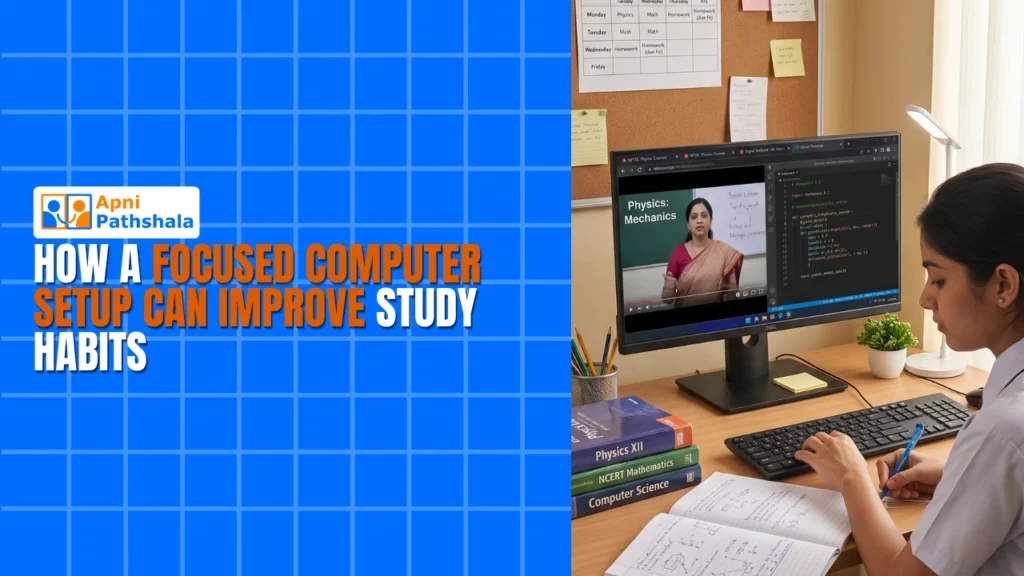
When Study Time Becomes Screen Time Chaos
Rajesh sat in his Indore home, watching his 14-year-old son Arjun stare at the laptop. The boy was supposed to study, but tabs kept multiplying. YouTube, Instagram, gaming sites. Within minutes, the homework assignment disappeared behind a wall of notifications. Rajesh’s frustration grew. He’d bought an expensive computer thinking it’d help academics. Instead, it’d become a distraction machine. This is the reality in thousands of Indian homes where a focused computer setup could change everything.
You’re not alone in this struggle. Parents across Tier 2 and Tier 3 cities face the same problem. Your child needs a computer for school projects, online classes, and research. But the moment you hand them access to the internet, focus evaporates. The solution isn’t taking away technology. It’s building a distraction-free setup designed specifically for learning.
Why Your Study Computer Needs a Different Approach?
A regular computer is built for everything. Streaming, gaming, social media, work, entertainment. Your child’s brain gets pulled in a hundred directions simultaneously. Research shows that when students work on a purpose-built machine, their productivity increases by 40-60 percent. They retain information better. They complete assignments faster. They actually enjoy studying.
Think about the difference between a general-purpose kitchen and a professional chef’s workspace. Both have knives and stoves, but one is optimized for results. Your student PC should work the same way. It should remove temptation, not through willpower alone, but through smart design.
- Limited app ecosystem: Only the tools your child actually needs for learning
- Parental monitoring built-in: You can see what they’re doing without being intrusive
- Simplified interface: Less visual clutter means better focus
- Pre-loaded educational software: Everything they need is already there
When you remove friction from legitimate study tasks while adding friction to distractions, behavior changes naturally. You’re not restricting your child. You’re architecting their environment for success.
How a Distraction-Free Setup Actually Works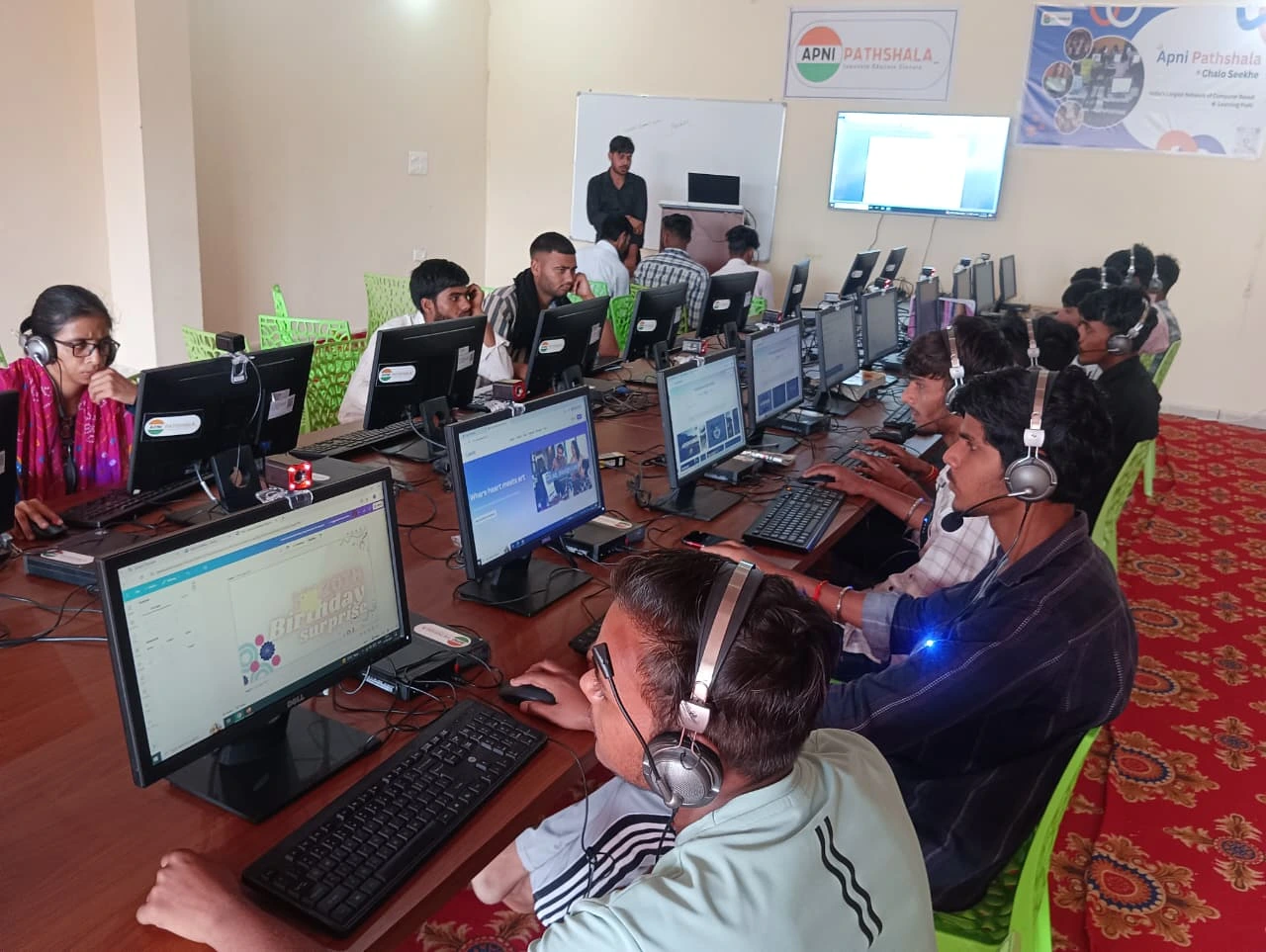
Imagine your child opens their study computer. No gaming stores. No social media apps. No streaming services pre-installed. Instead, they see LibreOffice for documents, Scratch for learning coding, and a clean desktop. The operating system itself is built for focus, not engagement metrics.
Apna PC, the educational computer by Apni Pathshala, runs on Zorin OS. This isn’t Windows or macOS optimized for consumer entertainment. It’s built for learning environments. The system comes pre-loaded with exactly what students need: productivity tools, educational software, and parental monitoring through Apni Prerna.
Your child can’t accidentally stumble into addictive apps because they’re not there. They can’t spend two hours on YouTube because YouTube isn’t one click away. The distraction-free setup becomes the default, not something they have to fight against every single day.
The Parental Monitoring Advantage
You’re not trying to spy on your child. You’re trying to support their education. Apni Prerna, built into Apna PC, lets you see what they’re actually doing. Not in a controlling way, but in a supportive way. You can understand their study patterns. You can see which subjects they’re focusing on. You can have informed conversations about their work.
This transparency builds trust, not erodes it. When your child knows you can see their screen, they’re more likely to stay focused anyway. It’s the gentle guardrail that keeps them on track without feeling imprisoned.
Real Specifications for Real Learning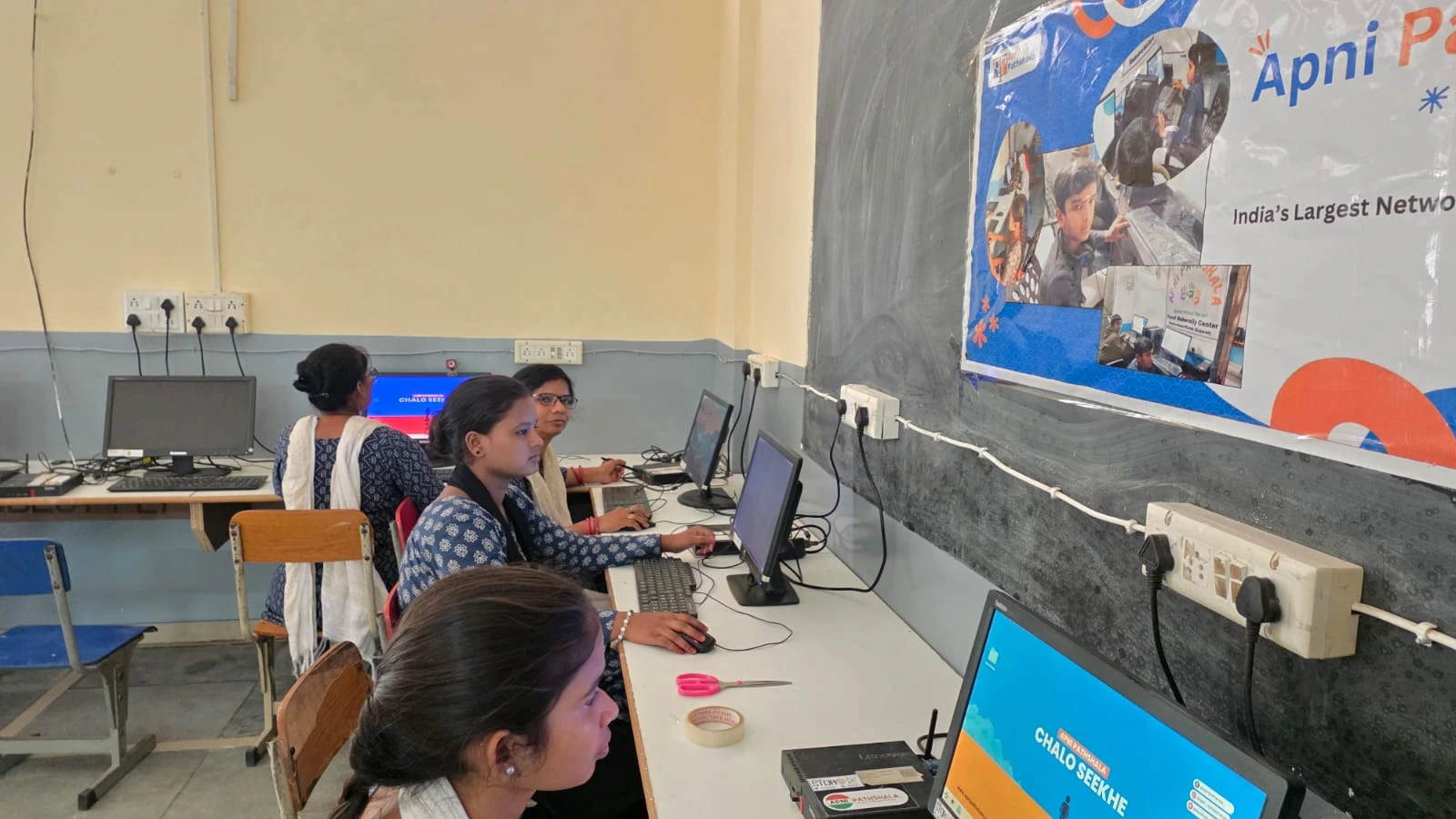
You might wonder if a study computer means compromising on performance. It doesn’t. Apna PC comes with 8GB RAM and 128GB SSD storage. That’s enough for smooth multitasking, video calls during online classes, and running educational software without lag. Your child won’t experience frustration from slow loading times.
The 8GB RAM handles simultaneous browser tabs, document editing, and video conferencing without stuttering. The 128GB SSD means they can store years of school projects, research files, and learning materials. At Rs.21,000 (excluding shipping and GST), you’re getting enterprise-level specifications at a student-friendly price point.
This is what a personal computer designed for education actually looks like. Not stripped down or underpowered, just purposefully configured.
Building the Right Environment at Home
A focused computer setup isn’t just software and hardware. Your physical environment matters too. Where does your child study? Is it in a common area where you can see them, or isolated in a room? Is the desk organized or cluttered? Are there snacks and water nearby? Are siblings and pets creating noise?
These details sound small, but they compound. When you combine a distraction-free machine with a thoughtful physical workspace, your child’s academic performance shifts noticeably. They finish assignments faster. They understand concepts better. They actually want to study because it feels manageable.
Our distraction-free computer guide walks you through creating this complete environment. It’s not just about the machine. It’s about the system you build around it.
Why Now is the Right Time?
India’s Digital India initiative has brought technology to every corner of our country. But technology without purpose creates problems. Your child needs a setup that respects their need to learn while acknowledging that they’re also teenagers surrounded by temptation.
School curricula now require computer skills. Online research. Digital presentations. Coding basics. Your child can’t avoid technology. But you can choose which technology they use. You can choose a study computer that’s built for academics, not engagement.
Parents in Tier 2 and Tier 3 cities have the same concerns as parents anywhere. You want your child to succeed. You want them to develop good habits. You want them to see technology as a tool for learning, not a time sink. A focused computer setup makes that possible.
Start With One Small Change
You don’t need to overhaul everything tomorrow. Start by examining your child’s current setup. What distracts them most? What apps do they actually need for school? What could you remove without impacting their education? This audit shows you exactly what a purpose-built learning machine should look like for your specific child.
Then consider moving to a study-focused computer for kids. Not as a punishment or restriction, but as an investment in their focus and success. Apna PC was designed by educators who understand Indian students’ needs. It’s not a generic device. It’s built specifically for the way your child learns.
Your child’s academic success depends partly on their effort and intelligence. But it also depends on their environment. When you remove distractions and add support, amazing things happen. You’ll see it in their grades, their confidence, and their relationship with learning itself.
Discover how a focused computer setup can transform your child’s study habits. Visit apnapc.com to learn more.