


A computer for board exam preparation at home needs fast video playback, enough storage for downloaded study materials, a distraction-free setup, and parental monitoring for accountability. Apna PC at Rs.30,000 covers all four requirements in a single complete desktop setup designed for the Indian school curriculum.
What computer specs does a student need for board exam preparation?
Board exam preparation involves video lectures, PDF study materials, digital notes, and mock tests. This requires at least 8GB RAM (for smooth multitasking), a 128GB SSD (for fast file access and storing downloaded lectures), and a stable operating system. A computer that freezes mid-lecture or takes two minutes to start wastes valuable study time during the exam period.
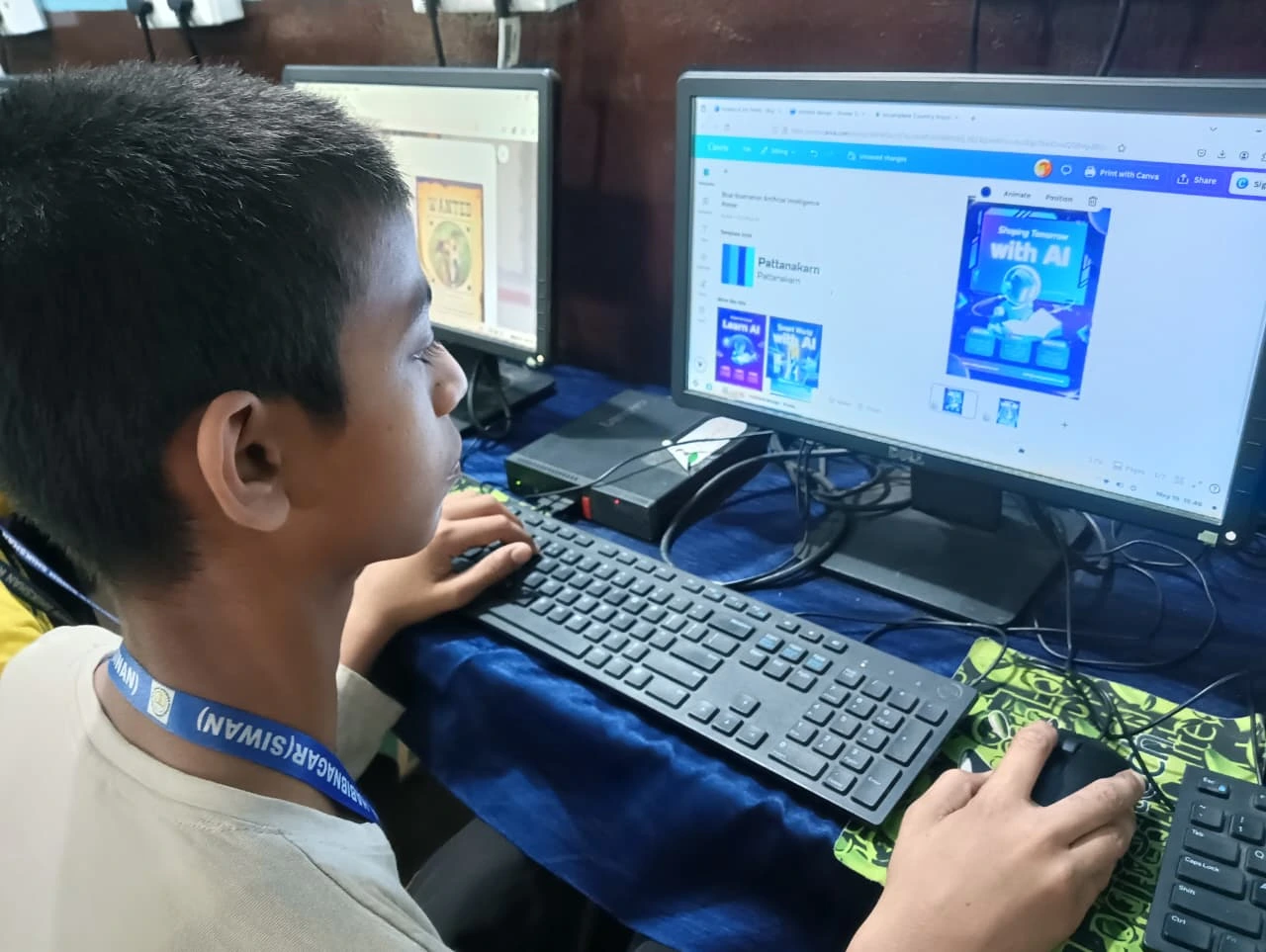
How should a student organise board exam study on a computer?
Create subject folders for each exam topic. Store downloaded PDFs, notes, and past papers in the right folder. Use a word processor to create revision summaries after each study session. Download mock tests from CBSE or state board official websites and practice them in timed conditions. The connection between computer access and board exam performance explains how consistent access changes preparation outcomes.
What is a reasonable price for a board exam study computer?
At Rs.30,000, Apna PC gives a complete setup including monitor, keyboard, and mouse. At Rs. 15,000, options exist but typically compromise on RAM or use slow hard disks. At Rs. 30,000 and Rs.40,000, general laptops are available but add entertainment distractions and do not include monitoring software. For strictly exam-focused study, the Rs.30,000 Apna PC setup is a strong choice. what specs a board exam year computer needs addresses this question directly.
How does Apni Prerna help parents during board exam preparation?
Board exam periods are stressful for families. Parents want to know their child is studying consistently, not just sitting in front of a screen. Apni Prerna logs which applications and websites the student uses and for how long. Parents can review this data any time. When a child claims to have studied for several hours, parents can verify the claim without confrontation. Apna PC’s role in a child’s first year of serious exam preparation describes what this looks like in practice.
| Board exam task | How the computer helps |
|---|---|
| Video lectures | HD playback, offline storage on SSD |
| Mock tests | Online test platforms work in browser |
| Digital notes | Word processor for fast revision summaries |
| Past year papers | PDF downloads stored locally for timed practice |
| NCERT content | DIKSHA and NCERT portals work in browser |
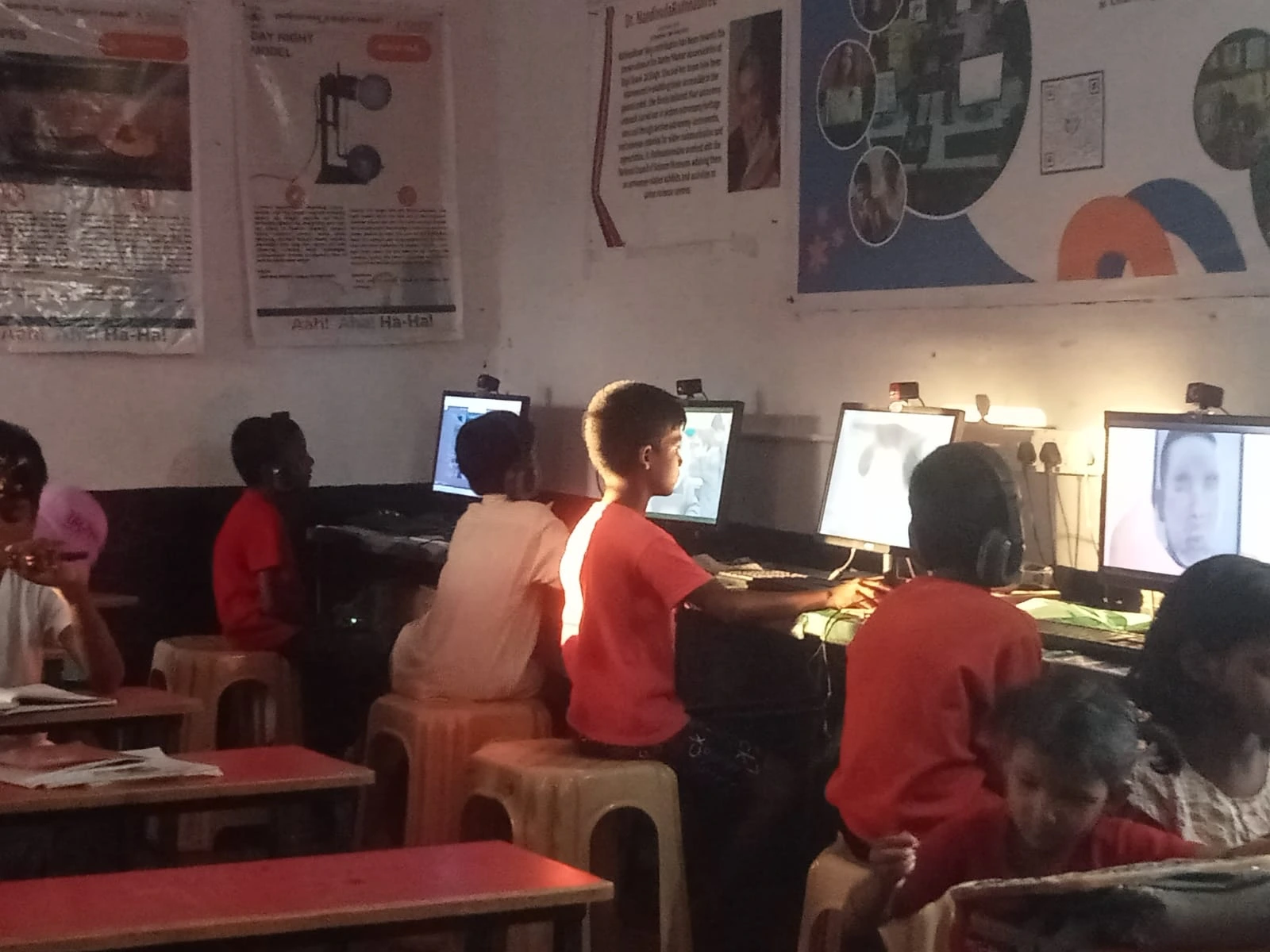
How is a distraction-free computer different from a regular one for exam prep?
A regular computer has social media shortcuts, gaming apps, and notification systems on the same desktop the student uses for study. During board exam periods, when stress is high and willpower is stretched, these distractions cause the most damage. A distraction-free computer like Apna PC removes them from the environment entirely. How to set up a distraction-free computer for JEE and NEET preparation explains the specific setup steps that apply equally to board exams.
Can one computer handle board exams, homework, and also coding if needed?
Yes. Apna PC handles the full range of school tasks. The 8GB RAM and 128GB SSD support coding environments alongside study apps. Students preparing for Computer Science board exams can code and study on the same machine without performance issues. See NCERT computer board exam preparation for curriculum-specific guidance.
Frequently Asked Questions
How many study hours per day can the computer handle before needing a restart?
Apna PC can run continuously through a full day’s study sessions without needing a restart. The lightweight Zorin OS does not accumulate background processes the way a cluttered Windows installation does. Restarting once every few days is enough to keep things running smoothly.
Can my child download and store all their study materials offline?
Yes. The 128GB SSD stores video lectures, PDF textbooks, past year papers, and digital notes without filling up quickly for typical school use. Downloading study materials offline also means your child can study during power outages if the computer has battery backup (UPS), or when internet is unreliable before exams.
What is the best way to use a computer for revision before board exams?
Create a subject-by-subject revision schedule. Each session: open your saved notes, review the topic, add anything you missed, then do a practice question from a past paper. Keep sessions focused at a fixed time each day. Having the computer in a fixed study spot helps maintain the routine when exam stress is high.
Can parents restrict specific sites during board exam period?
Yes. Browser settings allow blocking specific sites. Apni Prerna also logs which sites the student visits, which creates natural accountability without needing hard blocks. Some parents find that visibility alone is enough: children study more consistently when they know their usage is being tracked.
Is Apna PC only for science students, or does it work for commerce and arts too?
Apna PC works for all streams. Commerce students use it for accounting practice, economics notes, and business studies. Arts students use it for history, geography, and language subjects. The computer is not tied to any subject stream. It works as a general study tool for any school board curriculum.
Visit Apna PC to get a complete board exam study computer set up for your child at home.