

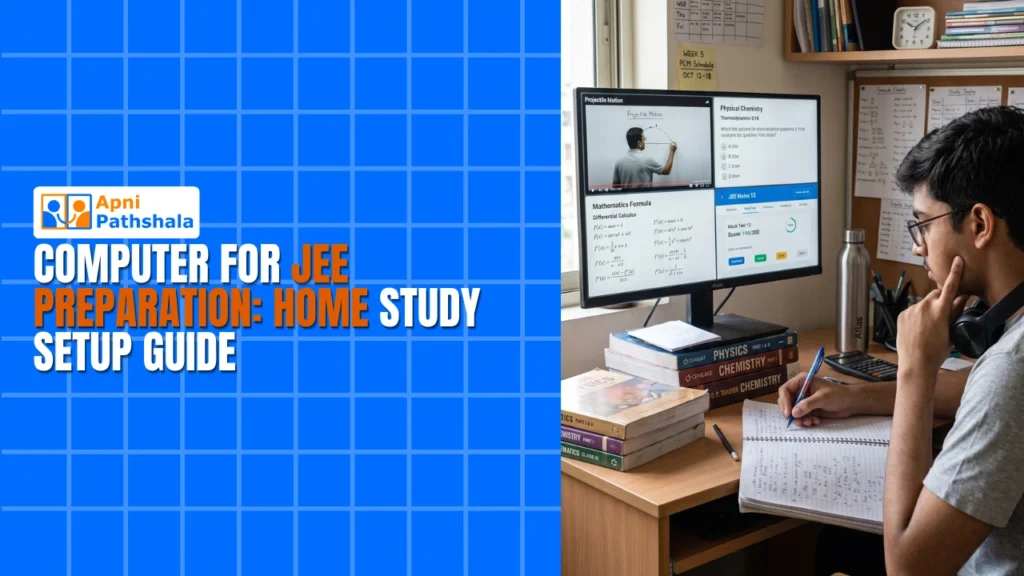
Rajesh Kumar sat in his small living room in Indore, watching his son Arjun struggle with an old laptop that froze every time he tried to take an online JEE mock test. The screen would lag, the test would crash, and Arjun would lose precious practice time. Rajesh knew his son had the talent to crack JEE, but the tools were holding him back. This is the reality for thousands of families across Tier 2 and 3 cities in India. Your child deserves a JEE computer that actually works, not one that becomes another source of frustration.
Finding the right JEE computer setup isnt about buying the most expensive machine. Its about getting a device thats reliable, fast enough for online tests, and built specifically for student needs. Arjun needed something different, and so does your child.
Why Your JEE Prep Computer Needs to Be Different?
A regular computer isnt designed for focused exam preparation. Your child needs a JEE computer that eliminates distractions and keeps them on track. When Arjun switched to a dedicated exam study PC, his focus improved immediately because the setup was optimized just for learning.
Online test computers for JEE and NEET require specific features that most household laptops dont have. Your machine needs stable performance during 3-hour mock tests, quick loading times for question banks, and reliable internet connectivity. A frozen screen during a timed test can shake your childs confidence and waste weeks of preparation.
The right JEE computer also comes pre-loaded with educational software, not bloatware. Your child shouldnt waste time installing tools or dealing with unnecessary programs slowing things down. Every minute counts during JEE preparation.
What Makes an Ideal JEE Computer Home Study Setup
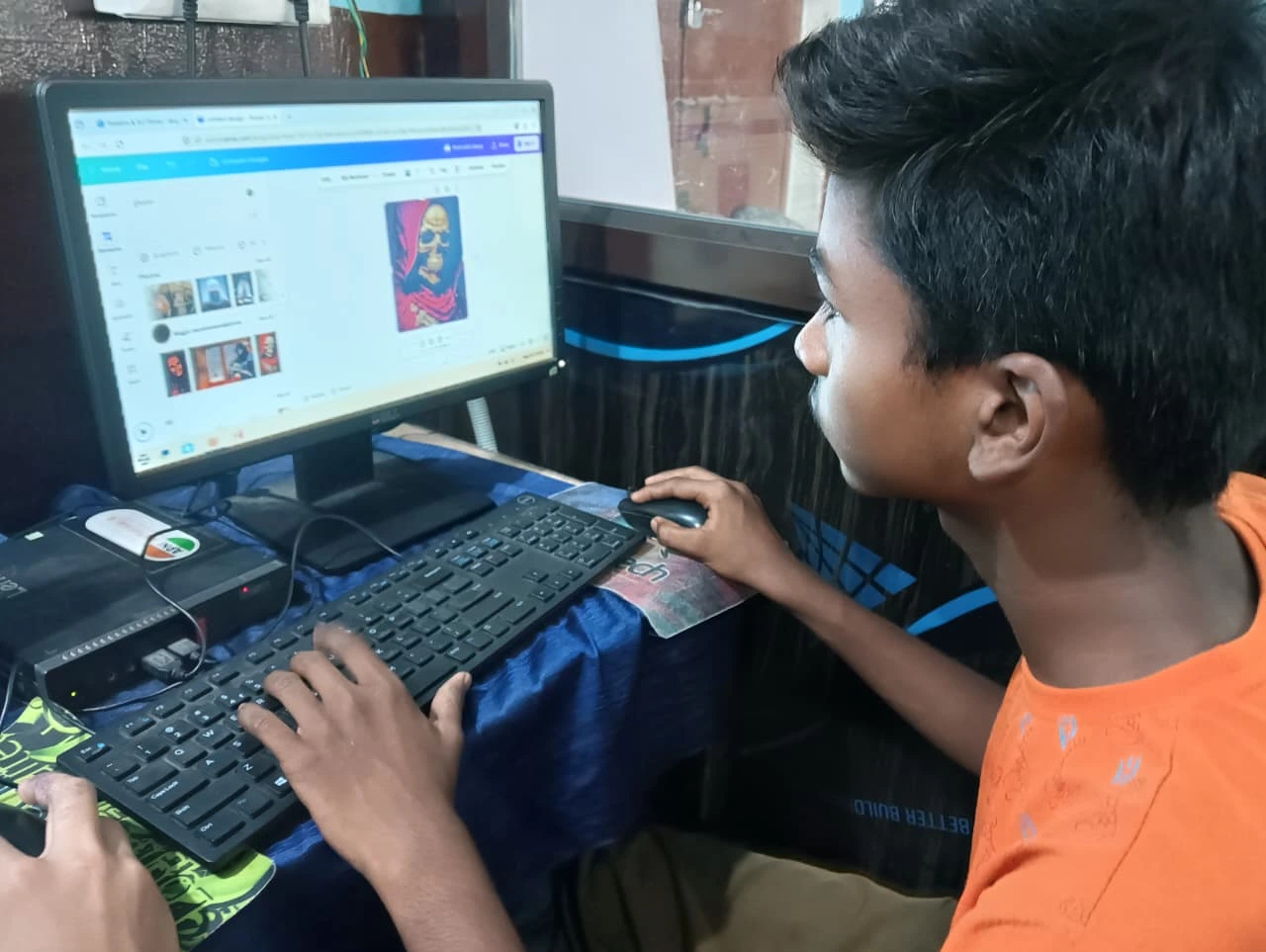
Your home study setup needs four core elements working together. First, your JEE computer must have enough RAM and storage to handle multiple browser tabs, video lectures, and mock test platforms simultaneously. Second, the operating system should be lightweight and student-focused, not cluttered with games or entertainment apps. Third, your setup needs built-in parental monitoring so you can track study patterns without invading privacy. Fourth, pre-installed educational software saves you money and setup time.
Consider this practical breakdown for your JEE prep computer:
- Processor Speed: Fast enough to load online tests instantly, no lag during exams
- RAM: Minimum 8GB to run multiple learning platforms and video lectures smoothly
- Storage: At least 128GB SSD for quick boot times and smooth application loading
- Operating System: Linux-based (like Zorin OS) for stability and focus, not Windows distractions
- Pre-loaded Software: LibreOffice for notes, Scratch for logic building, student monitoring tools for accountability
This isnt just about specs on paper. Its about your childs actual experience taking tests and learning effectively.
Building Your Budget JEE Computer Setup
You don’t need to spend Rs.50,000 or Rs.1,00,000 on a JEE computer. Smart families in Indore, Bhopal, Nagpur, and similar cities are discovering that a focused, budget-friendly option works better than expensive gaming laptops. Our budget student desktop guide shows exactly what features matter and which ones don’t.
At Rs.21,000 (plus shipping and GST), Apna PC offers everything your child needs without unnecessary extras. The 8GB RAM handles all JEE study materials. The 128GB SSD boots up in seconds. Zorin OS keeps your child focused on studies rather than distracted by entertainment. Apni Prerna monitoring software lets you stay involved in their preparation journey.
Compare this to gaming laptops costing Rs.40,000-60,000 that drain batteries, overheat, and tempt your child with games instead of studies. Your JEE computer should support learning, not compete with it.
Connecting to India’s Best Learning Platforms
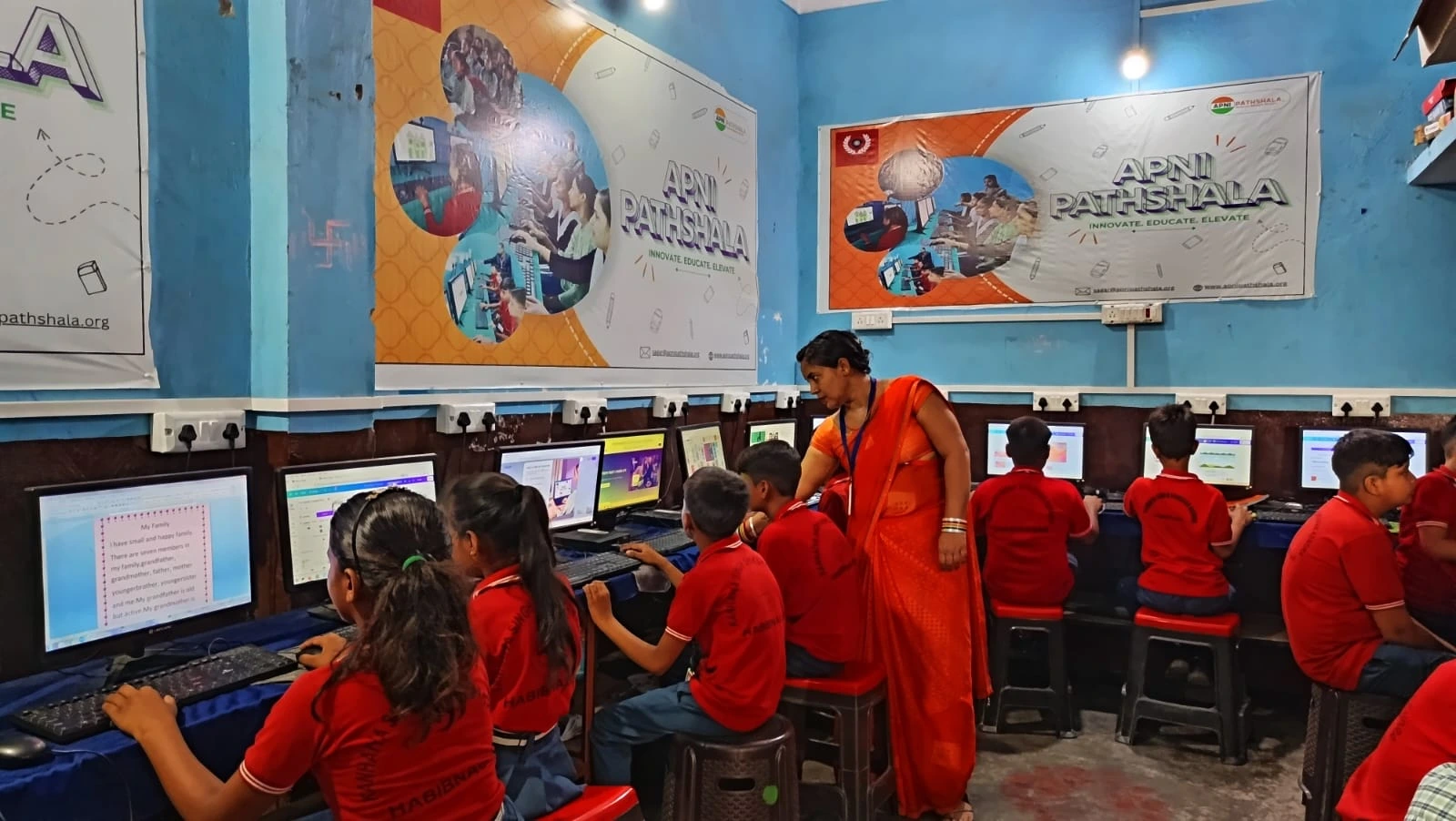
Your JEE computer becomes powerful when connected to quality learning resources. Platforms like DIKSHA digital learning platform offer free educational content. Your state board resources through Central Board of Secondary Education provide structured curriculum support.
When your computer is optimised for these platforms, everything loads faster, and your child stays in the flow of learning. Slow loading times break concentration and waste study hours. Fast, reliable performance keeps momentum going.
Check our guide on online test computer for JEE and NEET to understand how to optimise your setup for these specific platforms.
Creating Your Home Study Space
Your computer is just the beginning. The space around it matters equally. Place your JEE computer in a quiet corner of your home, away from television and high-traffic areas. Good lighting reduces eye strain during long study sessions. A comfortable chair supports proper posture for hours of focused work.
Keep your setup dedicated to studies only. This psychological boundary helps your child shift into focus mode when they sit down. If the computer is also used for entertainment or casual browsing, it becomes harder to concentrate.
Set clear study hours and stick to them. Your child studies better when they know exactly when the JEE computer is available for prep rather than for other activities. Consistency builds discipline and improves retention.
Tracking Progress Without Hovering
Apni Prerna, pre-loaded on Apna PC, lets you monitor your child’s study patterns without constant checking. You can see which topics they’re working on, how long they study, and where they might need help. This data-driven approach beats guessing about your child’s preparation level.
Real monitoring isn’t about control. It’s about understanding your child’s journey and supporting them better. When you know your child spent 2 hours on organic chemistry yesterday, you can have smarter conversations about what they’re struggling with.
Why Families in Tier 2-3 Cities Choose Apna PC for JEE
Families like Rajesh’s in Indore choose Apna PC because it solves real problems without unnecessary complexity. No confusing specifications. No overpowered gaming features. Just a JEE computer built for preparation that actually works.
Your child gets a machine thats reliable during crucial mock tests, fast enough to handle all learning platforms, and focused on education. You get peace of mind knowing your investment supports their goals without distracting them.
When Arjun switched to the right JEE computer, his mock test scores improved within two weeks. Not because he studied differently, but because his tools finally matched his ambition. Your child deserves the same advantage.
The right computer for JEE preparation isn’t a luxury. It’s an investment in your child’s future that pays returns every single study day. Your child’s success depends partly on having reliable tools that support their hard work. Visit apnapc.com to learn more.