

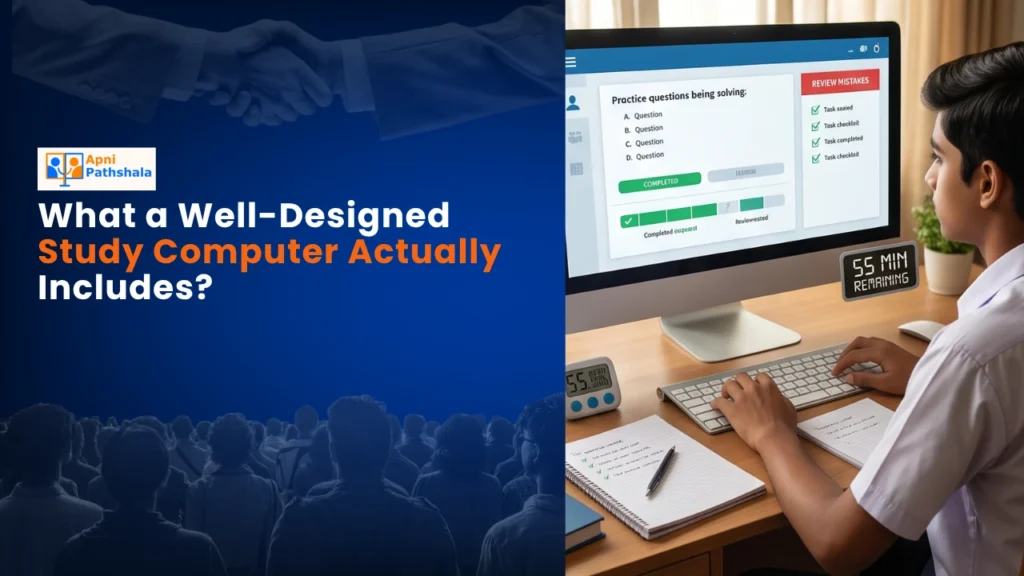
Rajesh’s Dilemma: Finding the Right Study Computer for His Son
Rajesh sat in his small electronics shop in Indore, scrolling through his phone. His son Arjun, a Class 9 student, needed a computer for his online classes and coding assignments. The big brands wanted 60,000 rupees. Rajesh’s budget was tight, his shop wasn’t doing great, and he kept wondering: what does a study computer actually need to have?
This is the question thousands of parents like Rajesh ask every year. Your child’s education is important. You want them to have the right tools. But you don’t want to waste money on features they’ll never use. A well-designed educational computer isn’t about the fanciest graphics or the fastest gaming performance. It’s about what actually helps your child learn better, stay focused, and build real skills.
Let’s talk about what a proper educational computer should include. Your computer needs to be more than just a device. It should be a complete learning partner built specifically for students.
The Core Hardware Every Educational Computer Must Have
When you’re choosing an educational computer, start with the basics. Your device needs enough processing power to handle multiple tabs, video calls, and educational software without freezing. This isn’t about gaming performance. It’s about smooth, uninterrupted learning.
RAM is crucial here. You need at least 8GB of RAM for your student’s device. This lets your child run their online classes, open a research document, play an educational video, and use a note-taking app all at the same time. Without this, every click becomes frustrating.
Storage matters too. A 128GB SSD (solid-state drive) gives your student enough space for their schoolwork, project files, and educational software. SSDs are faster than old hard drives, so your device boots up quickly and opens files instantly. Your child won’t waste time waiting.
A good student laptop should also have a decent display and keyboard. Your child spends hours looking at the screen. A clear display reduces eye strain. A comfortable keyboard makes typing assignments easier.
Software That Actually Supports Learning
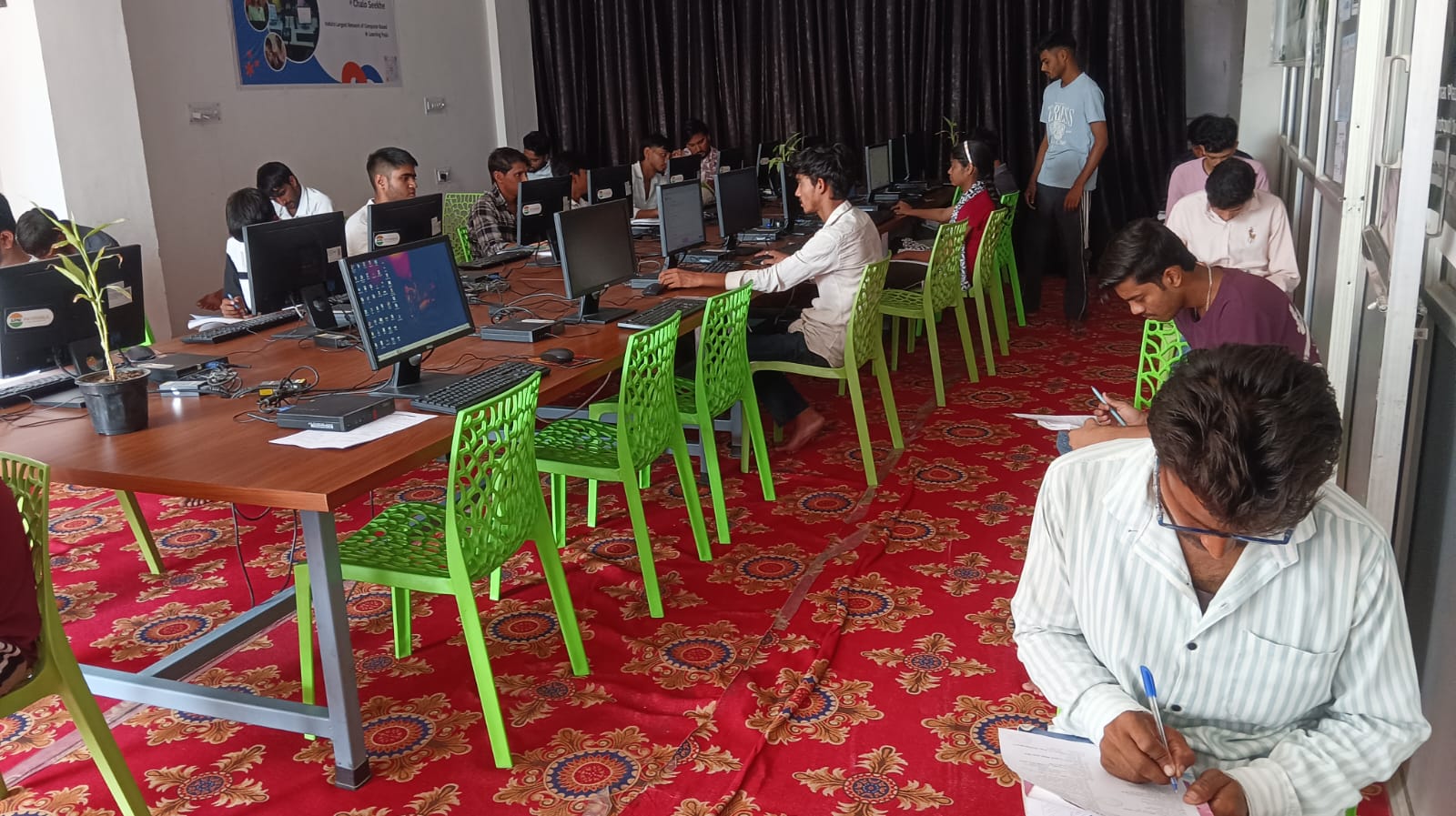
Here’s what most parents miss: the right software makes or breaks an educational computer. You can’t just install any operating system and expect it to work for education.
Your study computer needs a lightweight, distraction-free operating system. It should boot quickly, run smoothly, and not waste resources on unnecessary features. The system should be stable so your child isn’t dealing with crashes during important assignments or online exams.
Your device should come pre-loaded with productivity tools. LibreOffice gives your student everything they need for documents, spreadsheets, and presentations without expensive subscriptions. These are tools they’ll use for years, from school projects to college applications.
Coding and logic-building are essential skills now. Your educational computer should include Scratch or similar tools that teach programming through visual blocks. Your child learns how computers think without getting overwhelmed by complex syntax.
Student monitoring features matter for parents. You need visibility into your child’s learning patterns and study time. This isn’t about spying. It’s about understanding if your child is actually studying or just browsing social media. A good study computer includes tools that track productive study sessions and alert you to unusual patterns.
Why Affordable Doesn’t Mean Low Quality
You don’t need to spend 60,000 or 80,000 rupees for a quality learning device. That’s the trap many parents fall into. Premium brands charge for their name, not always for better educational features.
A well-designed study computer at 30,000 rupees (before shipping and GST) can have everything your child needs. It’s built for learning, not gaming. It includes the right software, not bloatware. It’s fast enough for schoolwork, not overpowered for tasks that don’t need it.
This approach aligns with the Digital India initiative, which aims to make technology accessible to every Indian family. Quality education technology shouldn’t be a luxury only wealthy families can afford.
What Your Child Actually Does on a Study Computer
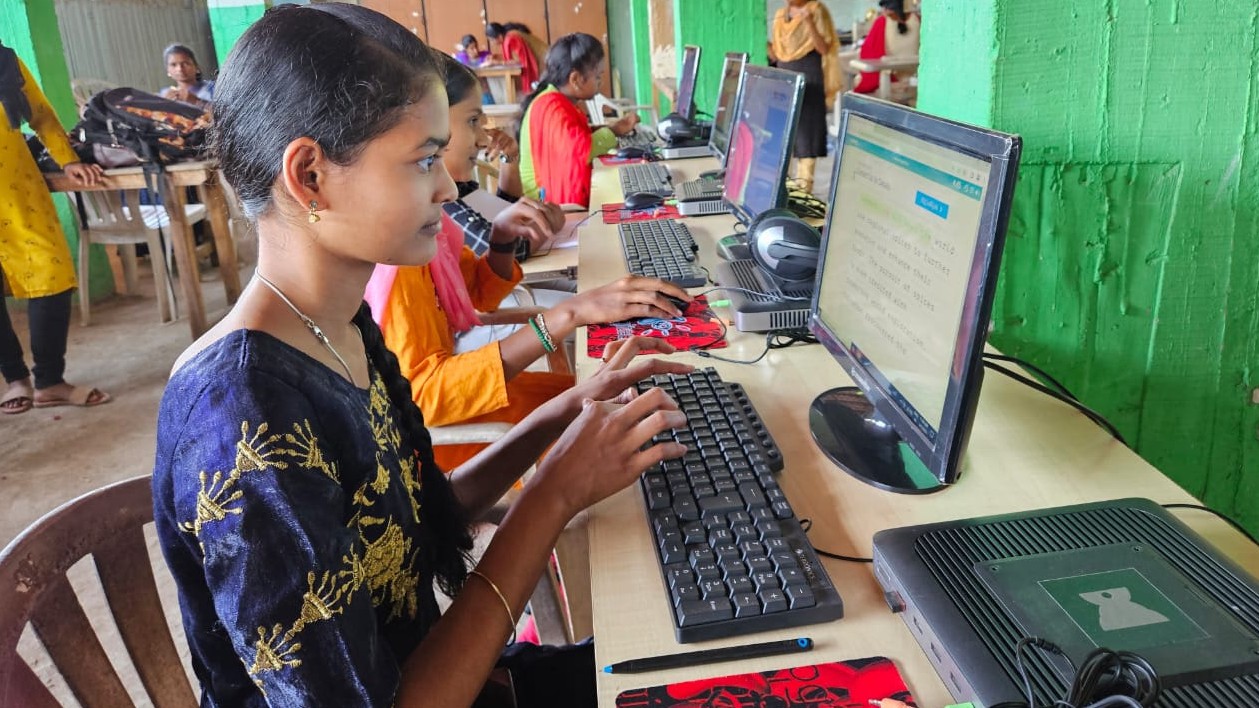
Your child needs their learning device for online classes. They need it to watch educational videos, take notes, and research topics. They need it for assignments, projects, and sometimes online exams. They need it for coding practice and logical thinking exercises.
They don’t need it to play the latest video games or edit 4K movies. That’s where many parents waste money. You’re buying unnecessary power that your child will never use.
A good computer handles all these learning tasks smoothly. Your child can attend a Zoom class while keeping Google Docs open for notes. They can watch an educational YouTube video while keeping a research paper open in another window. Everything runs without lag or frustration.
Building a Productive Learning Environment
Your educational computer is just one part of the equation. You also need to help your child develop a study routine and energy levels that support learning. A computer designed for studying helps with this. It doesn’t distract your child with gaming notifications or unnecessary features.
When your child sits down at a purpose-built device, they know it’s for learning. The interface is clean. The tools are focused. Everything points toward productivity.
You can also support productive study sessions by having monitoring tools that show you when your child is actually studying and when they’re getting distracted. This helps you guide them without being intrusive.
The Real Value of a Purpose-Built Learning Device
Back to Rajesh’s story: when he found a computer designed specifically for education, everything clicked. It had the right specs, the right software, and the right price. His son Arjun started his coding classes with Scratch. His grades improved because he could attend classes without his computer freezing. His parents could see he was actually studying, not just pretending.
Your child deserves a study computer that’s built for them. Not a gaming machine that costs too much. Not a budget device that frustrates them. A purpose-built educational computer that has exactly what they need to learn, grow, and succeed.
The right learning device removes obstacles between your child and learning. It’s fast, focused, and affordable. It includes monitoring so you stay involved. It has software that builds real skills like coding and productivity.
Your child’s future depends on the tools you give them today. Visit apnapc.com to learn more.