


When Fever Keeps Your Child Home: Why Online Learning Needs the Right Setup
Priya’s son Arjun woke up with a temperature of 101 degrees on a Tuesday morning in Indore. His class 5 Hindi exam was scheduled for Thursday, and he’d already missed two days of school the previous week. His mother sat at their old laptop, frustrated, watching him squint at the screen while lying on the bed. The keyboard was sticky, the screen kept flickering, and worst of all, Arjun couldn’t focus because the device kept freezing every few minutes. This is where online learning becomes critical, but only when you have the right tools.
When your child is home sick, learning remotely isn’t just about catching up on lessons. It’s about creating an environment where they can actually learn without adding to their frustration or yours. A dedicated educational computer changes everything about this experience.
Why a Dedicated Computer Matters for Learning at Home
Your child’s study setup during illness is different from your work laptop. They need something built specifically for their needs, not something that’s been passed down from family members or shared across the household. When you use a family computer, there are distractions, slow performance, and often, your child feels rushed because you need it back.
Apna PC solves this exact problem. It’s an educational computer designed specifically for students like Arjun, priced at Rs.30,000 (excluding shipping and GST). It comes with everything your child needs right out of the box.
- Zorin OS – A clean, distraction-free operating system that keeps your child focused on studies, not games or social media
- 8GB RAM and 128GB SSD – Fast enough to handle multiple browser tabs, video classes, and document work without lag
- LibreOffice – For creating presentations, documents, and spreadsheets just like in school
- Scratch – For coding basics if your child’s school includes computer science
- Apni Prerna – Your monitoring tool to see what your child is studying and for how long
This isn’t a gaming machine. It’s not a device that’ll distract your child with notifications and updates. It’s built for what matters: learning.
Setting Up Online Learning When Your Child Can’t Go to School
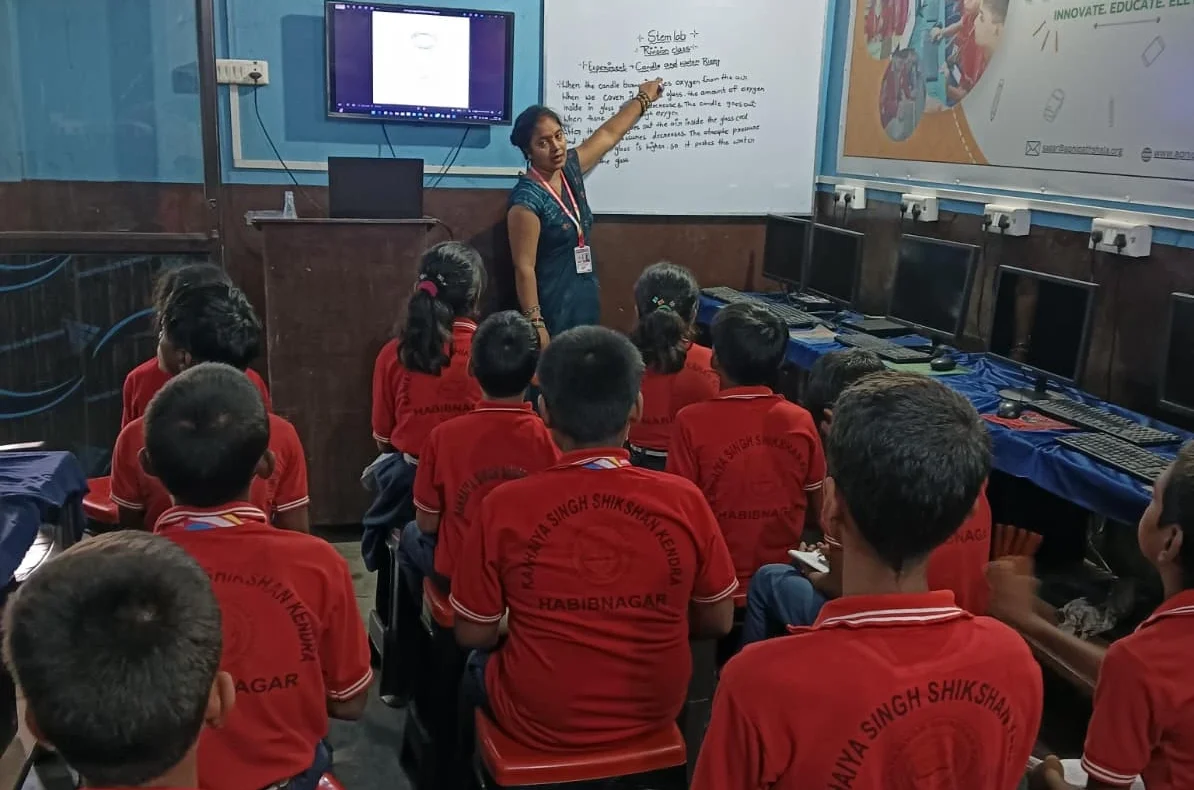
The first thing you’ll do after unboxing Apna PC is connect it to your internet. Make sure your WiFi is strong in your child’s room or study area. If the signal is weak, move the router closer or use an ethernet cable for the most stable connection during video classes.
Next, create a separate user account for your child on Apna PC. This keeps their study materials organized and separate from any family use. Install the video conferencing apps your school uses, whether it’s Google Meet, Zoom, or Microsoft Teams. Test the microphone and camera before the first class.
Download the DIKSHA digital learning platform if your state uses it. Many Indian schools now integrate with DIKSHA for homework and additional resources. Your child can access textbooks, practice problems, and educational videos all in one place.
Set up Apni Prerna monitoring so you can check in on your child’s study sessions without being intrusive. You’ll see which apps they’re using and how long they’re studying, giving you peace of mind while they rest and recover.
Creating a Focused Study Environment at Home
Having the right computer is only half the battle. You also need to create the right space. Read our guide on distraction-free study space tips to set up your child’s room properly.
Position Apna PC at a desk or table where your child sits upright, even if they’re recovering from illness. The screen should be at eye level to avoid neck strain during long study sessions. Keep water and tissues within reach, but keep snacks away from the keyboard.
Establish a study schedule that matches your child’s school timings. If their class starts at 9 AM, have them ready by 8:45 AM. This maintains routine and helps them stay engaged even while sick at home.
Turn off notifications on Apna PC during study hours. Your child doesn’t need alerts popping up every few minutes. The beauty of Zorin OS is that it’s already optimized to minimize distractions, so you don’t have to fight against the system.
Beyond Just Catching Up: Building Better Study Habits
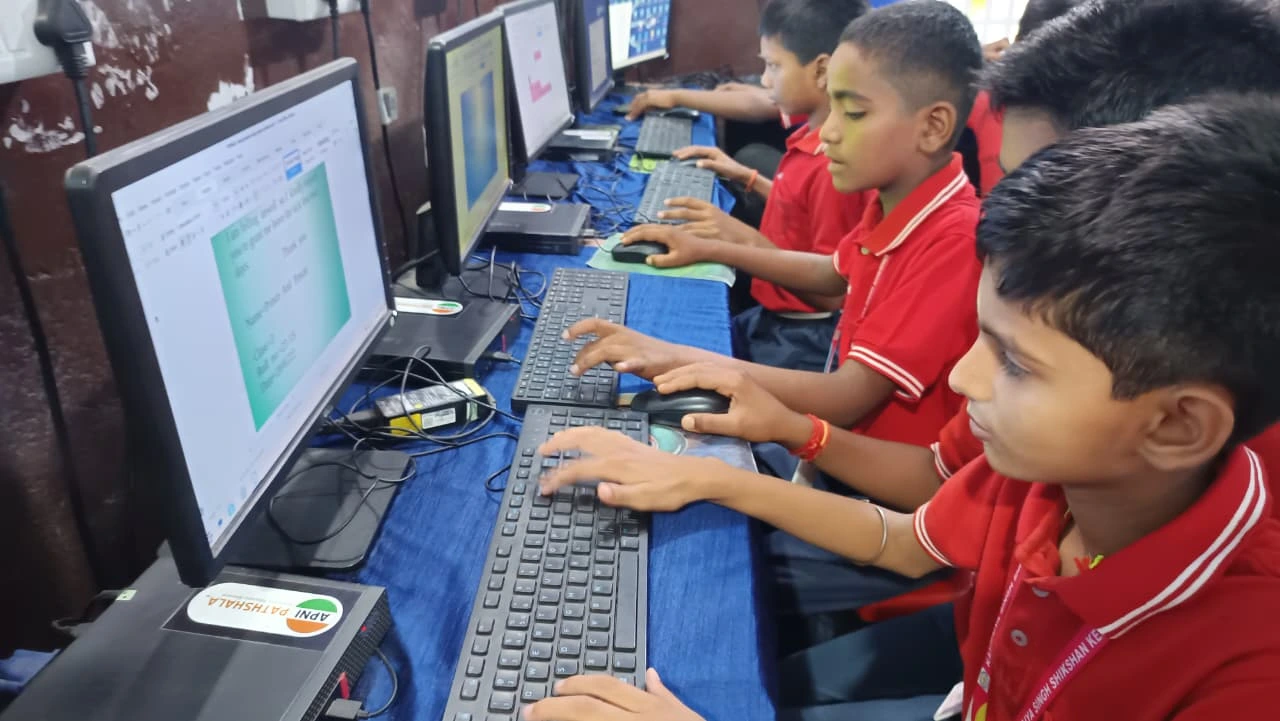
When your child gets better and returns to school, Apna PC doesn’t become useless. It becomes the foundation for focused learning at home every single day. Homework, projects, coding assignments, and online research all happen on a device designed for their success.
According to research on online learning, students who have dedicated study devices perform better than those sharing family computers. Your child won’t feel rushed. They won’t have to wait for you to finish work. They’ll have their own space to learn.
For government school students, the DIKSHA platform offers thousands of free resources. Apna PC makes accessing these resources smooth and reliable, giving your child an edge in their studies.
The Real Cost of Not Having the Right Setup
Think about what happens when your child tries to study on a slow, old computer. They get frustrated. They lose focus. They take longer to finish assignments. Over a year, that lost productivity adds up. Plus, if your child falls behind during illness because the setup wasn’t right, catching up becomes harder.
Apna PC at Rs.30,000 is an investment in your child’s education, not just an expense. It’s there for every sick day, every exam season, every project deadline, and every homework assignment for the next 5-7 years.
Your child deserves a learning tool built for them, not a hand-me-down that slows them down. When Arjun’s mother finally switched to a proper educational computer, his focus improved immediately. His grades reflected it. Your child can have the same advantage.
Don’t let illness become an excuse for your child to fall behind in studies. Set them up for success with Apna PC today. Visit apnapc.com to learn more.