


Yes, parents can absolutely use a family learning computer alongside their children to build their own skills and get work done. A family learning computer supports multiple users of different ages and abilities, making it an ideal shared device for households where parents and children want to learn and grow together.
This article covers how parents benefit from a family learning computer, what features make it parent-friendly, and how to set up shared access in your home.
What Is a Family Learning Computer?
A family learning computer is a device built specifically for households where education matters. Unlike gaming PCs or office workstations, it comes pre-loaded with tools for learning, monitoring, and productivity that serve parents and students equally. The system runs on Linux (Zorin OS), which is stable, secure, and distraction-free.
Apna PC by Apni Pathshala includes 8GB RAM and 128GB SSD storage. It arrives with Apni Prerna (a parent and student monitoring tool), LibreOffice for documents and spreadsheets, and Scratch for coding basics. Built for study, not gaming, the device helps your family stay focused on learning goals.
How Can Parents Use a Family Learning Computer for Their Own Learning?
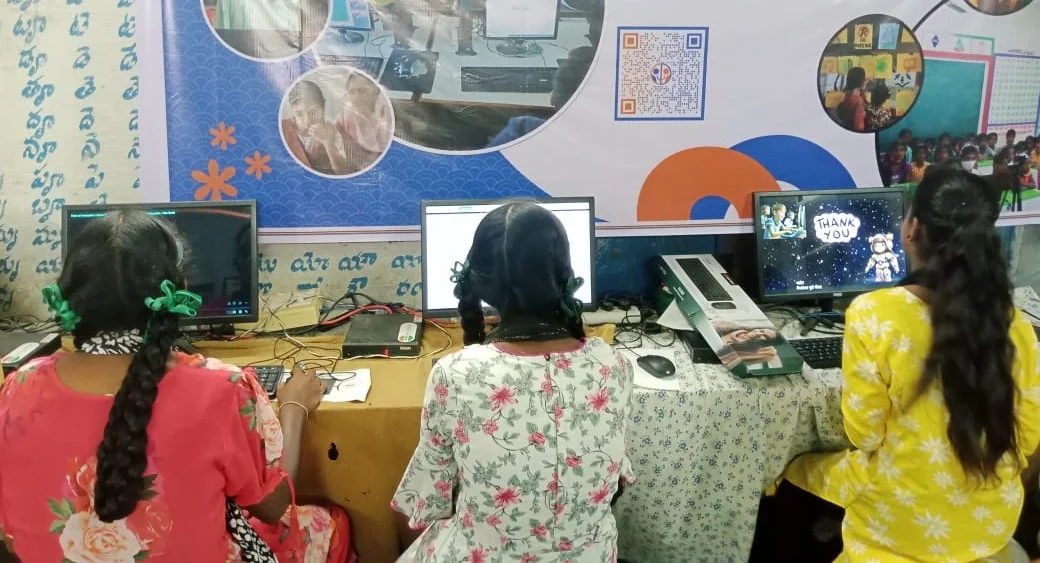
Parents often want to improve their digital skills, learn new languages, or manage household finances and documents. A family learning computer gives you a dedicated, distraction-free space to do this. You can use LibreOffice to create budgets, letters, or project plans without the bloat of expensive software.
Many parents also learn alongside their children. You might explore basic coding with Scratch, take online courses through free platforms, or practice typing and internet skills. Research on technology use in families shows that shared learning devices encourage parents and children to develop skills together rather than in isolation.
What Features Make a Family Learning Computer Parent-Friendly?
A good family learning computer includes tools that respect your role as a parent while letting you use the device for your own work and growth. Apni Prerna lets you monitor your child’s screen time and learning progress without being intrusive. You can set study schedules, block distracting websites, and see which apps your child uses most.
The pre-loaded software is practical for parents too. LibreOffice works like Microsoft Office but costs nothing. You can write emails, create spreadsheets, or design simple graphics. The device’s 8GB RAM handles multiple tasks without slowing down, so you can work while your child learns nearby.
How Do You Share a Family Learning Computer Between Parent and Child?
Sharing a device means setting up separate user accounts so each person has their own workspace, files, and settings. Linux (Zorin OS) makes this simple. Each family member logs in with their own username and password, keeping documents private and personalised.
| Time Slot | Parent Use | Child Use |
|---|---|---|
| Morning (6 to 9 AM) | Work, email, documents | Online classes, study |
| Afternoon (2 to 5 PM) | Household tasks, learning | School homework, projects |
| Evening (6 to 8 PM) | Shared learning or rest | Coding practice, reading |
Easy PC Setup Parents guides walk you through creating accounts and organising shared access for your household schedule.
What Should Parents Know Before Buying?
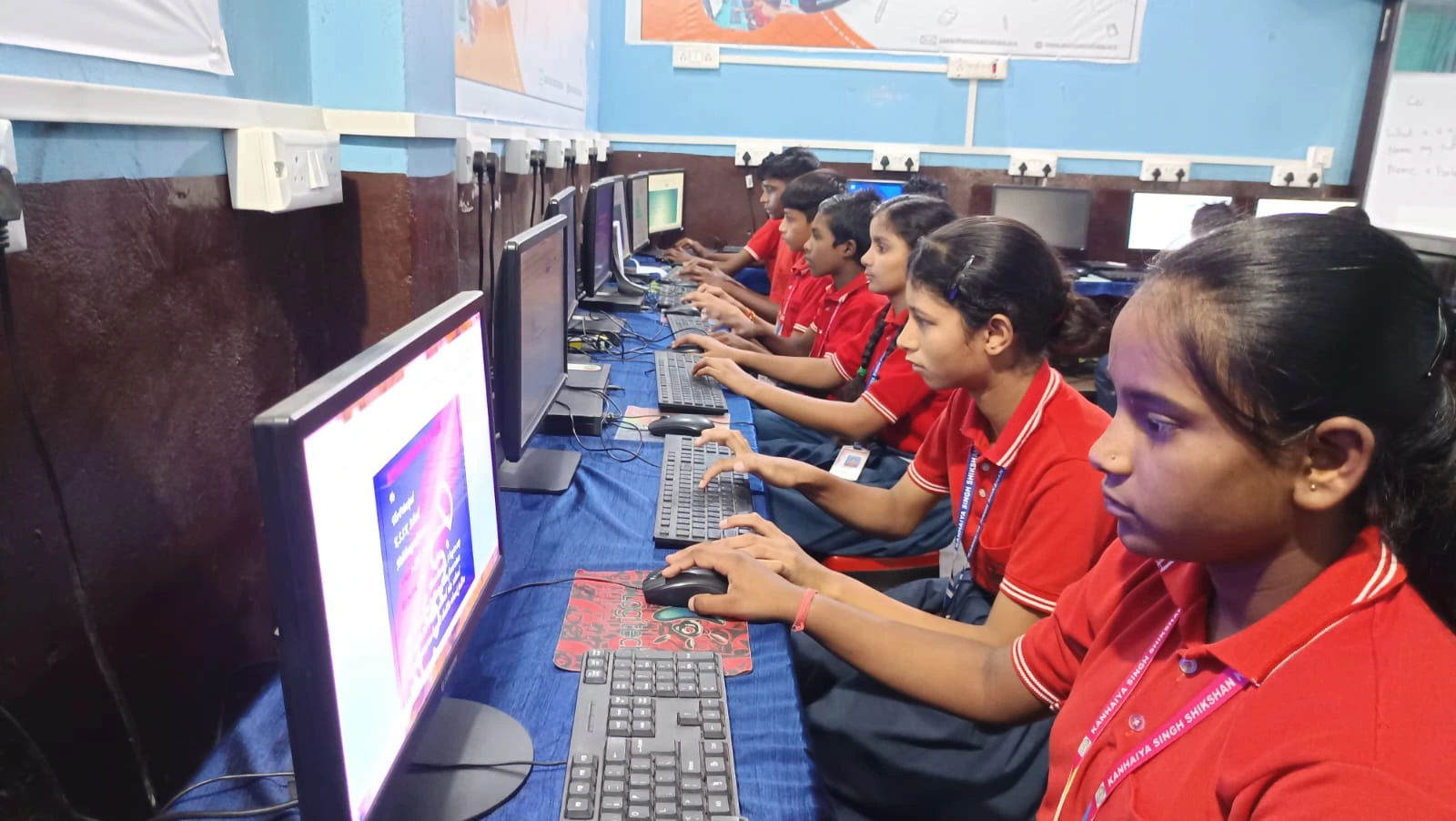
Before investing in a family learning computer, consider your household’s needs. Do you want to learn digital skills? Will your child attend online classes? Do you need a device for household tasks like online banking or document work? If yes to any of these, a family learning computer is a good fit.
This device isn’t designed for gaming, video editing, or heavy graphics work. It’s built for education, productivity, and light browsing. If your family needs those features, this may not be the right choice. Education Ready Computing explains what the device can and cannot do.
How Does Parental Monitoring Work on a Family Learning Computer?
Apni Prerna, the built-in monitoring tool, lets you see what your child is doing without constant hovering. You can view activity reports, set time limits, and block non-educational websites. This isn’t about spying; it’s about safely guiding your child’s learning.
As a parent, you also benefit. You can track your productivity, set task reminders, and keep your work organised. Apna PC Families Limited Tech Support helps you troubleshoot monitoring issues if they arise.
Can a Family Learning Computer Replace a Smartphone or Tablet?
A family learning computer is not a replacement for phones or tablets, but it serves a different purpose. Phones are portable and always with you; a family learning computer sits in one place and encourages focused, undistracted learning. For parents, it’s a better tool for serious work like managing finances or writing documents.
Many Indian families find that one shared learning computer reduces overall screen time. Instead of everyone scrolling on their phones, the family gathers around a device meant for real learning and productivity. Families New to Computers explains how to make the transition if your household is new to PC use. Data from DSEL Education Statistics India tracks how shared devices support learning outcomes in Indian homes.
Frequently Asked Questions
Can two people use a family learning computer at the same time?
Yes, but not on the same screen. You can create separate user accounts so that you and your child each have a login. One person uses the computer at a time, but switching between accounts takes seconds. If you need two screens, you’d need two devices.
Is a family learning computer good for parents who work from home?
It depends on your job. If you do light work like email, documents, spreadsheets, or online meetings, yes. If you need heavy software like video editing, coding IDEs, or graphic design, a family learning computer may be too limited. Student PC for Parents explains work-from-home suitability in detail.
What if a parent has never used a computer before?
Linux (Zorin OS) is designed to be beginner-friendly. It looks and works similarly to Windows but is simpler. LibreOffice is intuitive for basic tasks. Apni Pathshala provides guides and support to help new users learn at their own pace without frustration.
Can parents use a family learning computer for online banking?
Yes. Linux is secure and reliable for banking. LibreOffice lets you manage household finances and budgets. The device’s simplicity means fewer viruses and security risks than devices with unnecessary software.