


Your child not being interested in computers is more common than you think, and it doesn’t mean they lack ability or future potential. Many students develop computer skills gradually when they have the right tools, environment and encouragement rather than pressure.
This article explores why some children seem uninterested in technology, how you can shift that mindset, and what practical steps help build confidence and curiosity around computers.
Why Are Some Students Not Interested in Computers?
Lack of interest in computers often stems from limited access, past negative experiences, or simply not seeing how technology connects to their real life. A student who has never used a computer, or who feels intimidated by complex software, may avoid it instead of engaging.
Fear of breaking something, confusion about what to do, or pressure to “be good at tech” can also create resistance. Some children are naturally drawn to hands-on, physical activities first and need time to warm up to screens. Boredom with gaming-focused devices or irrelevant content also plays a role. The key is recognising that disinterest often signals that the learning approach, device, or context doesn’t match your child’s needs yet.
How Can You Make Computers More Appealing to Your Child?
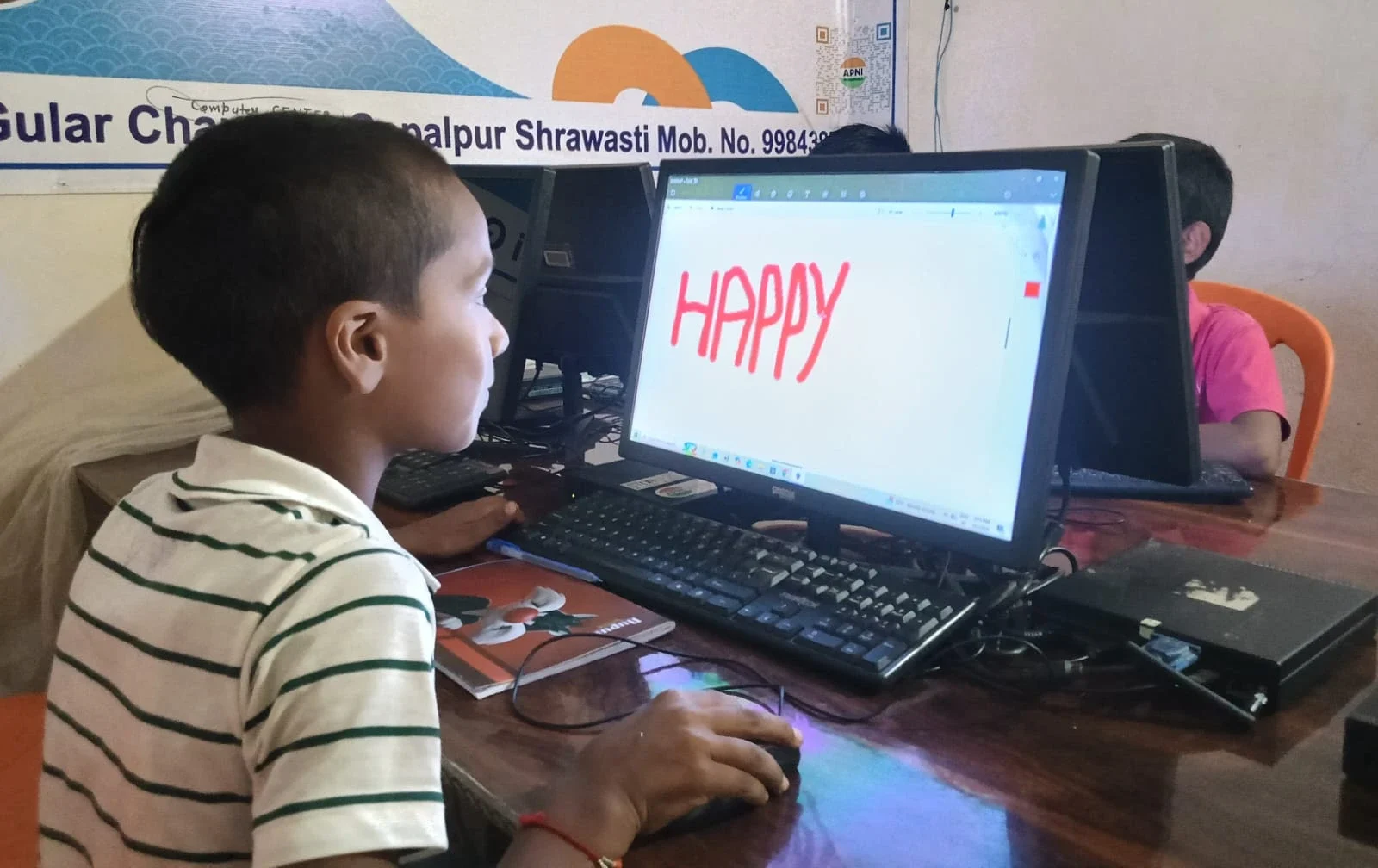
Start by connecting computers to things your child already loves. If they enjoy drawing, show them digital art tools. If they like storytelling, introduce them to simple coding or video-making. This bridges the gap between their interests and technology.
Remove the pressure to perform. Let exploration happen without grades or timers. Sit with your child sometimes, ask questions about what they’re doing, and show genuine curiosity rather than judgment. A relaxed environment where mistakes are normal helps enormously. Also, choose age-appropriate, engaging software that teaches without feeling like homework. Preconfigured software on student computers is often designed with this balance in mind, offering learning tools that feel natural to use.
What Role Does the Right Device Play?
The device itself matters more than many parents realise. A slow, cluttered computer frustrates learners and reinforces the idea that “computers are annoying.” A responsive, clean device with student-focused software creates a different experience entirely.
A device designed for study rather than gaming sends a clear message about purpose. It also removes distractions that pull attention away from learning. Apna PC as a starting point for learning is built with this philosophy. It comes with tools like Scratch for creative coding, LibreOffice for document work, and Apni Prerna for monitoring progress, all pre-loaded so your child can start immediately without confusion. The simplicity of a focused device often appeals to students who felt overwhelmed by complex systems.
Can You Build Computer Skills Without Forcing Interest?
Yes. Skills build naturally when your child uses computers for real tasks they care about. Writing a story, making a poster, researching a school project, or creating a simple animation all teach computer literacy without feeling forced.
The key is consistency and choice. Let your child decide what to work on within reasonable boundaries. Short, regular sessions work better than long stretches. Celebrate small wins: “You figured out how to change the font colour” or “You saved your work without help.” These moments build confidence and curiosity. Over time, competence breeds interest. As your child becomes more comfortable, they naturally want to explore more.
What Does a Parent’s Role Look Like?
Your role is to create conditions for learning, not to force it. This means providing a quiet space, a working device, and uninterrupted time. It also means being honest about your own comfort with technology. If you’re unsure about computers, that’s okay. You can learn alongside your child or find resources that support you both.
Student PC guide for parents offers practical advice for setting up and supporting your child’s learning. You don’t need to be an expert. You need to be present, encouraging, and patient. Ask your child to teach you something they’ve learned. This role reversal often delights children and reinforces their understanding.
How Does Digital Learning Fit Into School and Home?
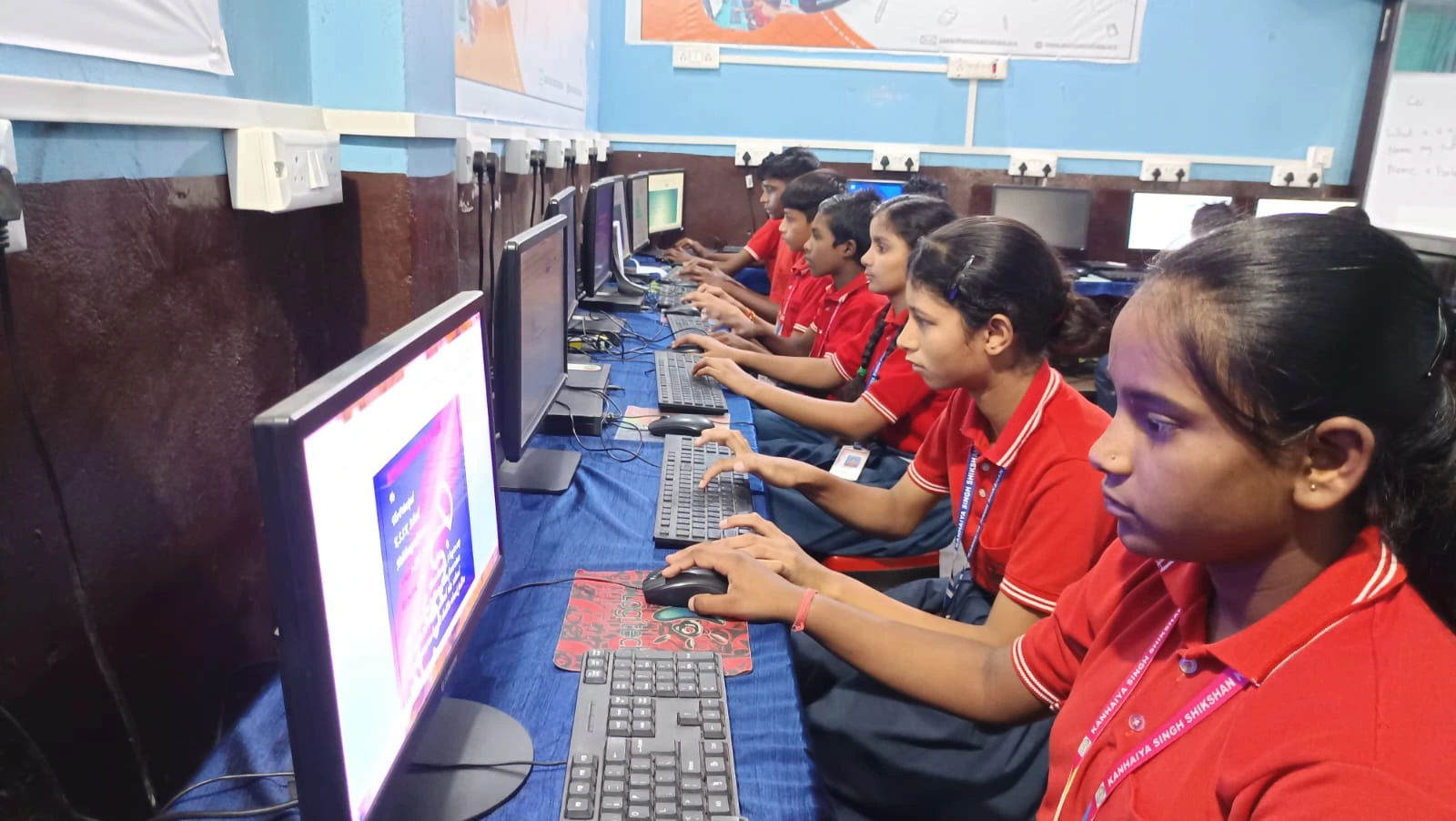
Digital literacy is now part of the school curriculum and essential for future opportunities. The Ministry of Education’s digital learning initiatives under NEP recognise this. Platforms like DIKSHA make learning resources available to all students, but they need a device and basic skills to access them.
Building computer interest now helps your child avoid falling behind as schoolwork increasingly relies on digital tools. It also opens doors to careers across fields, from medicine to agriculture to the arts. Education-ready computing for Indian families supports this transition, ensuring your child has both the device and the confidence to participate fully.
Steps to Help Your Child Get Started with Computers
Getting your child comfortable with computers works best when you follow a simple, pressure-free approach. Here are practical steps you can take at home:
- Choose a quiet, well-lit space where your child can sit comfortably for 20-30 minutes without interruption.
- Start with one activity your child already enjoys, like drawing, writing, or making videos.
- Let your child explore the software without instructions for the first few sessions. Allow mistakes and discovery.
- Sit nearby but not hovering. Be available to answer questions, not to direct every click.
- Celebrate effort and small wins, not just correct answers.
- Keep sessions short and regular. Consistency matters more than duration.
- Gradually introduce new tools or learning software as your child gains confidence.
- Use Apni Pathshala blog and other resources to find age-appropriate activities that match your child’s interests.
Frequently Asked Questions
At what age should a child start learning computers?
Most children can begin basic computer skills around age 5-6, starting with simple games and drawing apps. By age 8-10, structured learning like typing and basic coding becomes appropriate. There’s no single “right age”; readiness depends on your child’s interest, fine motor skills, and attention span.
Is it normal for a child to resist computers?
Yes, it’s very normal. Some children are naturally drawn to physical play first, while others need time to feel comfortable with screens. Resistance often signals that the approach, software, or environment needs adjustment, not a lack of ability. Most children become interested when they see computers as tools for their own goals.
What if my child only wants to play games on the computer?
Gaming can be a gateway to computer literacy if you channel it thoughtfully. Educational games teach problem-solving and logic. You can gradually introduce other software alongside games and set time boundaries. Many children who start with games develop interest in coding, design, or content creation over time.