


A Real Story: When Aarav’s Screenshot Went Viral
Last month, Aarav’s mother Priya discovered something that made her stomach drop. Her 10-year-old son had posted a photo on his friend’s WhatsApp group showing his school ID card, his full name, and the location of his coaching centre. Within hours, the screenshot was shared across three different groups. Priya realised she’d never talked to Aarav about his digital footprint, and now she was scrambling to understand what it even meant. She wasn’t alone in this worry. Thousands of parents in Tier 2 and Tier 3 Indian cities are waking up to the same reality: our children leave traces online every day, and we don’t always know how to guide them.
Your child’s online presence is every piece of information they leave behind on the internet. It includes photos they post, comments they make, accounts they create, and even data collected when they use apps and websites. Unlike marks in sand that wash away, a child’s online traces can stay visible forever.
Understanding Your Child’s Digital Footprint
Think of a digital footprint like the path your child walks through a crowded market. Every shop they visit, every person they talk to, and every item they touch creates a record. Now imagine that record stays permanently visible to anyone who wants to look. That’s what happens online.
Every time your child posts photos on social media, comments on YouTube videos, creates gaming accounts, uses educational apps with their real names, shares their location, or participates in online classes, that record grows.
The challenge is that kids don’t always understand that these actions have lasting consequences. They post impulsively, share too much personal information, or don’t realise who can see what they’ve shared. As a parent, you need to help them build a positive and safe online presence from the start.
Why Talking About Digital Footprint Matters Right Now
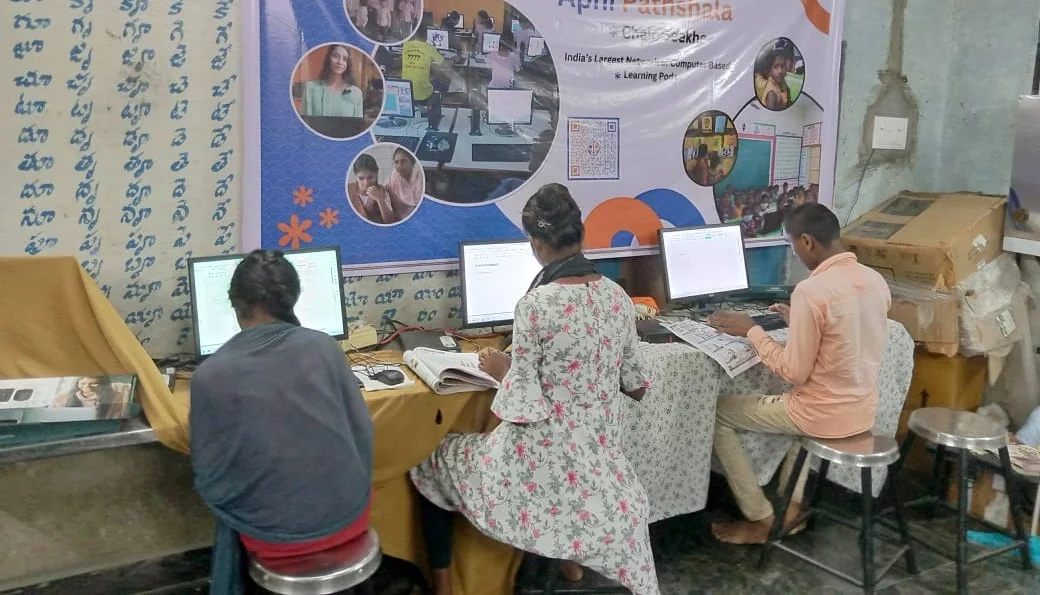
The Digital India initiative has brought computers and internet access to millions of Indian homes. Your child is more connected than ever before. Schools use online platforms, kids take online classes, and they access educational content constantly. This is wonderful for learning, but it also means their digital footprint is being created whether you’re paying attention or not.
Employers, colleges, and even strangers can search for your child’s name online in the future. What they find could impact your child’s opportunities. A careless post today could become a problem tomorrow.
How to Start the Conversation with Your Child
Talking about your child’s online behaviour doesn’t have to be scary or preachy. Here are real conversation starters you can use with your child tonight:
Conversation Starter 1: “What would you want people to know about you?” Ask your child to describe themselves. Then explain that everything they post online is telling people a story about who they are. Is that the story they want to tell?
Conversation Starter 2: “Can you delete something forever?” Show your child how screenshots work. Explain that even if they delete a post, someone might have already saved it. This helps them understand that online actions have real permanence.
Conversation Starter 3: “Who should see this?” Before your child posts anything, teach them to ask this question. A funny photo might be fine for close friends but not for the entire internet. Help them understand privacy settings and audience control.
Conversation Starter 4: “Would you say this in person?” Kids sometimes say things online they’d never say face-to-face. This question helps them think before they type.
Making Online Safety Practical at Home
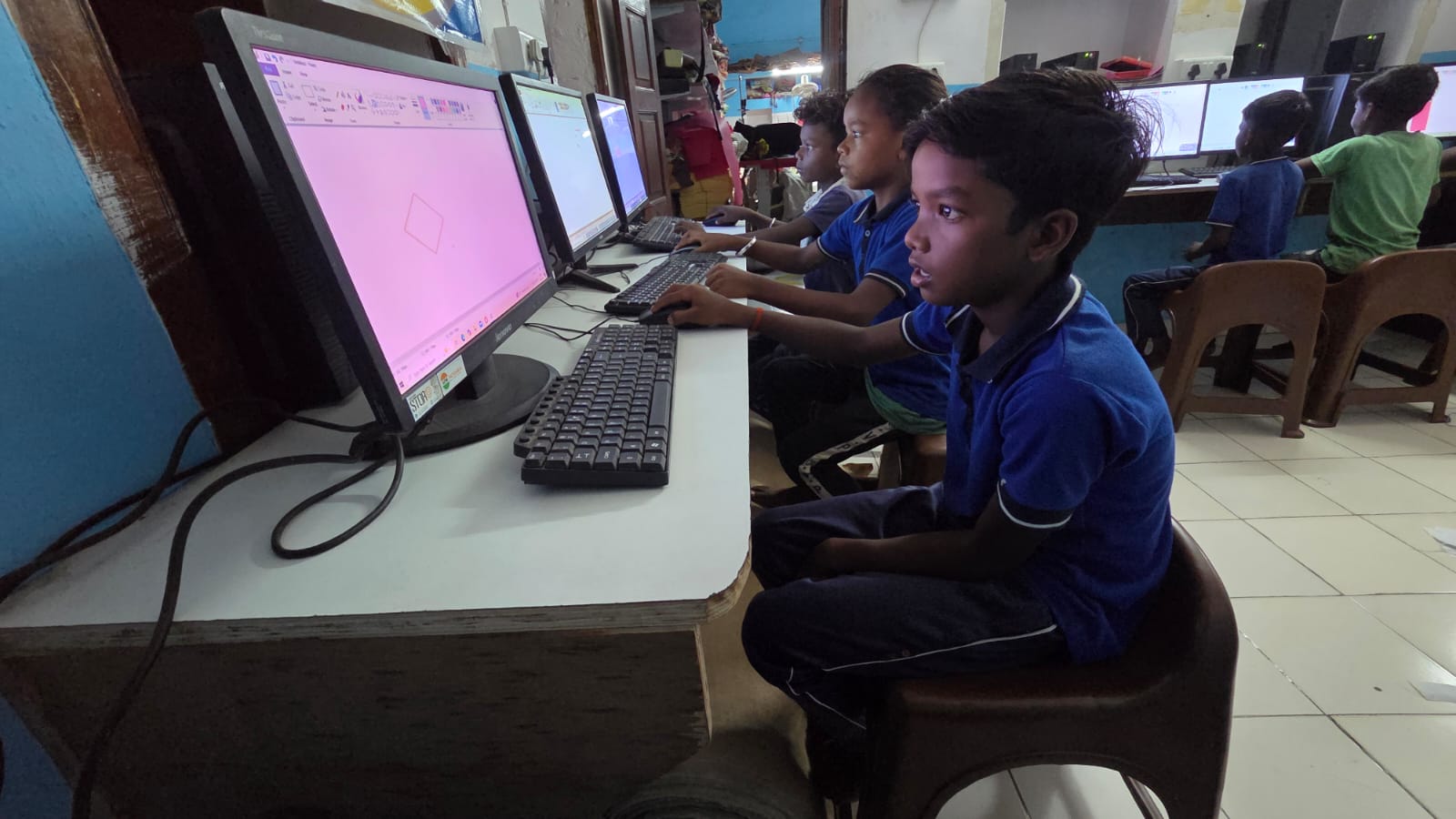
Talking is important, but you also need tools and systems. This is where having the right device matters. When your child uses a child-first student computer like Apna PC, you get built-in support to monitor and guide their online activity safely.
Apna PC comes with Apni Prerna, a student monitoring system that helps you stay informed about what your child is doing online without being invasive. You can see which websites they’re visiting, how much time they’re spending on different activities, and identify potential risks early. This isn’t about spying on your child. It’s about being present and informed so you can have better conversations about their digital choices.
The computer also comes with Zorin OS, a secure operating system, and educational software like Scratch and LibreOffice. This means your child’s first computer experience is focused on learning and creation, not just consumption. They’re building skills while you maintain visibility into their digital world.
Building Good Digital Habits for Your Child
The best time to teach your child about digital footprint is before problems happen. Set clear family rules about what’s okay to share and what’s not. Make it a habit to review what your child posts before it goes live. Celebrate when they make smart choices online.
Encourage your child to use extracurricular learning with computer tools that build real skills. When kids are focused on creating something meaningful, they’re less likely to make careless mistakes with their online presence. They’re building a portfolio of good work instead of accumulating regrettable posts.
Remember, your role isn’t to prevent your child from using the internet. It’s to teach them how to use it wisely. Understanding digital literacy is as important as reading and writing in today’s world.
Your Next Steps
Start tonight by having one of these conversations with your child. Ask them what they’ve posted online recently and why. Listen without judgment. Then, work together to create family guidelines about digital footprint. When you’re ready to give your child a dedicated learning device, Apna PC provides the tools and monitoring features you need to support their growth safely. Visit apnapc.com to learn more.