


Parent-child learning together means you and your child build digital skills at the same pace, in the same space, using shared resources and real-world tasks. This approach removes the fear many Indian parents feel about technology and lets your child see learning as a lifelong habit. This article covers practical steps, the benefits of learning side by side, and resources to get started.
How can parents and children learn computer skills together at home?
Start by setting up a quiet corner with a table, chair, and good lighting where you can sit together comfortably. Position the computer so you can both see the screen clearly. Keep a notebook and pen nearby to jot down steps or new terms you want to remember.
Keep distractions away during learning time. Turn off mobile notifications, close unnecessary windows, and set a timer for 30 to 45 minutes of focused practice. Easy PC setup for parents guides you through choosing the right hardware and arranging your workspace so learning feels natural, not stressful.
Why should parents learn computer skills alongside their child?
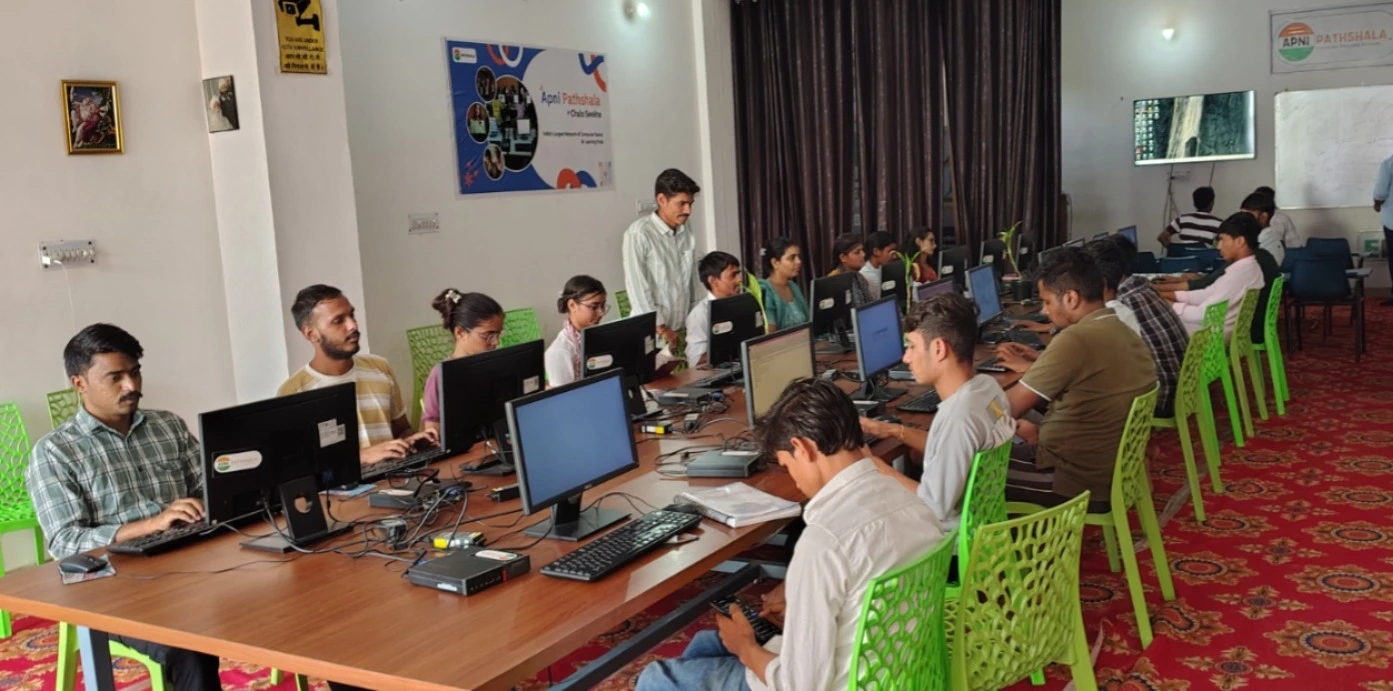
When you learn computer skills alongside your child, you become a guide rather than a bystander in their digital world. Your child sees that learning is a lifelong process, and you gain the confidence to support their schoolwork and online activities. Many Indian parents feel left behind by technology, but families new to computers find that shared learning reduces shame and speeds progress.
You also model curiosity and persistence. When your child watches you struggle with a task and then solve it, they learn that mistakes are part of learning. This mutual respect creates a safe space where you both ask questions without fear.
What are the five steps to start learning computer skills together?
- Begin with the basics your child already knows. Ask your child to show you how to open a file, use the browser, or send an email. This builds their confidence as the teacher and helps you learn from someone you trust.
- Practice one skill at a time. Master switching on the computer, using the mouse, and typing before moving to email or online searches. Rushing through topics leaves gaps and causes frustration.
- Use real-world tasks as lessons. Search for your child’s school information together, check their online grades, or look up a recipe. Learning feels purposeful when it solves an actual need.
- Create a simple checklist of skills to master. Write down tasks like “send an email,” “download a file,” or “use a search engine.” Ticking them off gives you a sense of progress.
- Schedule regular practice days. Consistency matters more than long sessions. Two or three 30-minute sessions per week will build skills faster than one long day followed by weeks of nothing.
Which computer skills should parents learn first?
Start with foundational skills that open access to everything else. Knowing how to use the mouse, keyboard shortcuts, and file management means your child can show you how to find and save documents. Email is next, because it connects you to your child’s school and teachers.
Online safety comes early too. Learn how to spot phishing emails, create strong passwords, and understand privacy settings. Your child needs to see that you take digital safety seriously, not as a rule imposed on them but as a shared responsibility.
| Skill | Why It Matters | Time to Learn |
|---|---|---|
| Mouse and keyboard basics | Foundation for all computer tasks | 1 to 2 weeks |
| Opening and saving files | Helps you manage your child’s schoolwork | 1 to 2 weeks |
| Email and attachments | Connects you to school and teachers | 2 to 3 weeks |
| Web search and bookmarks | Lets you find information independently | 1 to 2 weeks |
| Online safety and passwords | Protects your family from fraud and harm | 1 week |
How can you use educational platforms to learn together?
India’s DIKSHA digital learning platform and resources from the Ministry of Education offer free courses and content for students and parents. Explore these platforms with your child to see what they are learning in school and how you can support them at home.
Many platforms have parent dashboards that show your child’s progress. Learning to navigate these tools together gives you insight into their studies and shows your child that you are invested in their education. Student PC for parents comes with access to educational resources, so you both have what you need in one place.
How can you overcome challenges when learning together?
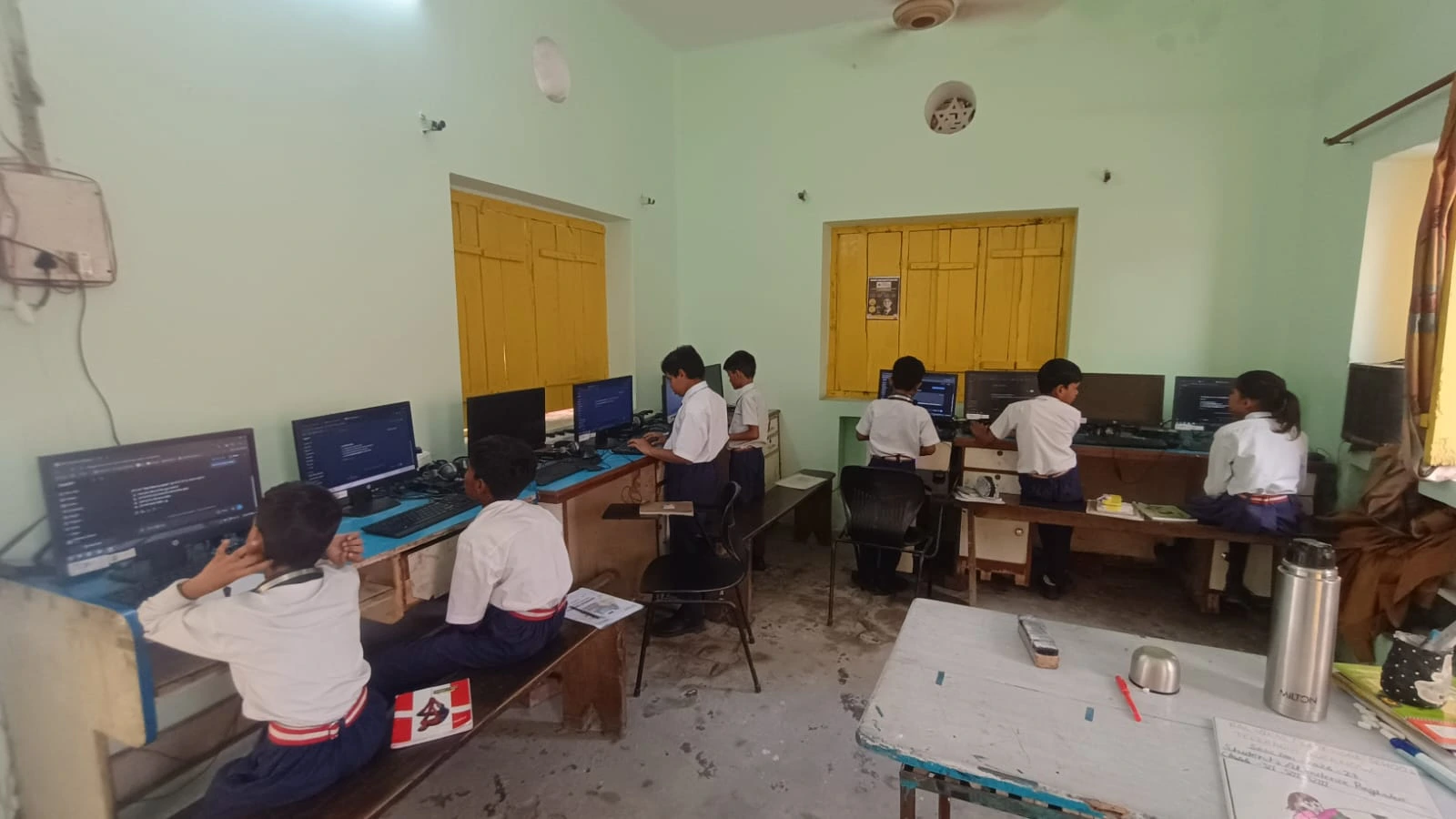
Frustration is normal. If you feel stuck, take a break and come back later. Your child may learn faster than you, and that is fine. Celebrate small wins and remind yourself that every expert was once a beginner.
If your child becomes impatient with your pace, agree on ground rules. Ask them to explain slowly without taking over the mouse. If tension builds, parent tech support resources and structured guides help you learn without relying only on your child. Setting boundaries between teaching time and family time keeps you both motivated.
What resources help parents new to computers?
Ready-to-use PCs for school come pre-configured so you skip the setup stress and start learning immediately. Easy PC setup guides walk you through every step if you prefer to set up on your own.
Online tutorials, free webinars, and community groups for parents new to technology also exist. Your child’s school may also offer parent tech workshops. Ask the principal or teacher what support is available in your area.
Frequently Asked Questions
How long does it take for a parent to learn basic computer skills?
Most parents master foundational skills like email, web search, and file management within several weeks of regular practice. Progress depends on how often you practise and where you start. Consistency matters more than speed.
What if my child learns faster than I do?
This is common and healthy. Ask your child to teach you and explain concepts in simple terms. This builds their communication skills and confidence while you learn at your own pace without pressure.
Is it safe for my child to teach me computer skills?
Yes, as long as you set boundaries. Agree on learning time, take breaks, and use structured resources so your child is not solely responsible for your education. Balance teaching with their own schoolwork and play.
Can I learn computer skills if I have never used a computer before?
Absolutely. Start with the very basics: switching on, using the mouse, and typing. Move slowly through each step. Thousands of Indian parents with no prior experience have successfully learned alongside their children. Learning computer skills with your child is an investment in both your futures. Visit apnapc.com to learn more.