

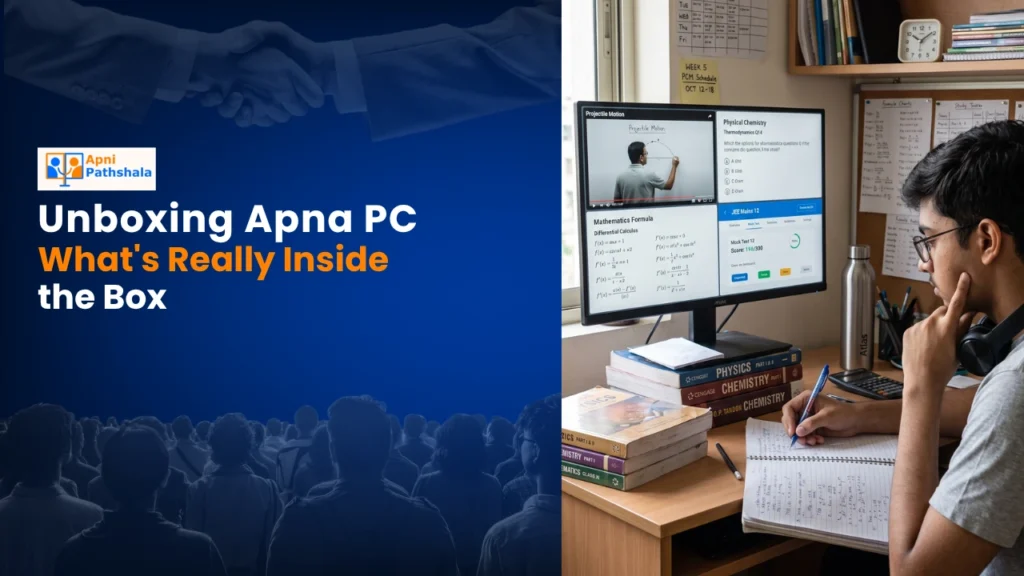
Inside the Apna PC box you get the computer unit with 8GB RAM and a 128GB SSD, a keyboard and mouse, pre-loaded learning software and setup guides in Hindi and English. Everything needed to start is included, so your child can begin learning on the day it arrives.
For example, a Class 5 student who gets little individual attention at school might open the box with a parent and be practising Scratch the same evening. That is the experience this educational computer is designed for.
What exactly comes inside the Apna PC box?
The box contains the complete setup, not just a computer. Here is what is waiting inside:
- The computer unit: a compact machine with 8GB RAM and 128GB SSD storage, powerful enough for educational needs.
- Pre-loaded software: Zorin OS (a user-friendly Linux operating system), Apni Prerna for student monitoring, LibreOffice for documents and presentations, and Scratch for coding basics.
- Keyboard and mouse included: the setup arrives ready to use, with no hunting for compatible peripherals.
- Educational content: access to Apni Pathshala’s curated learning resources for Indian school curricula.
- Documentation: clear setup guides in Hindi and English.
For full specifications, see what is inside Apna PC.
Why does a child need a dedicated educational computer?
Because many schools do not have enough computers for every student, a home device fills the gap. In Tier 2 and Tier 3 cities, quality tech education is even harder to find, and access to technology remains unequal.
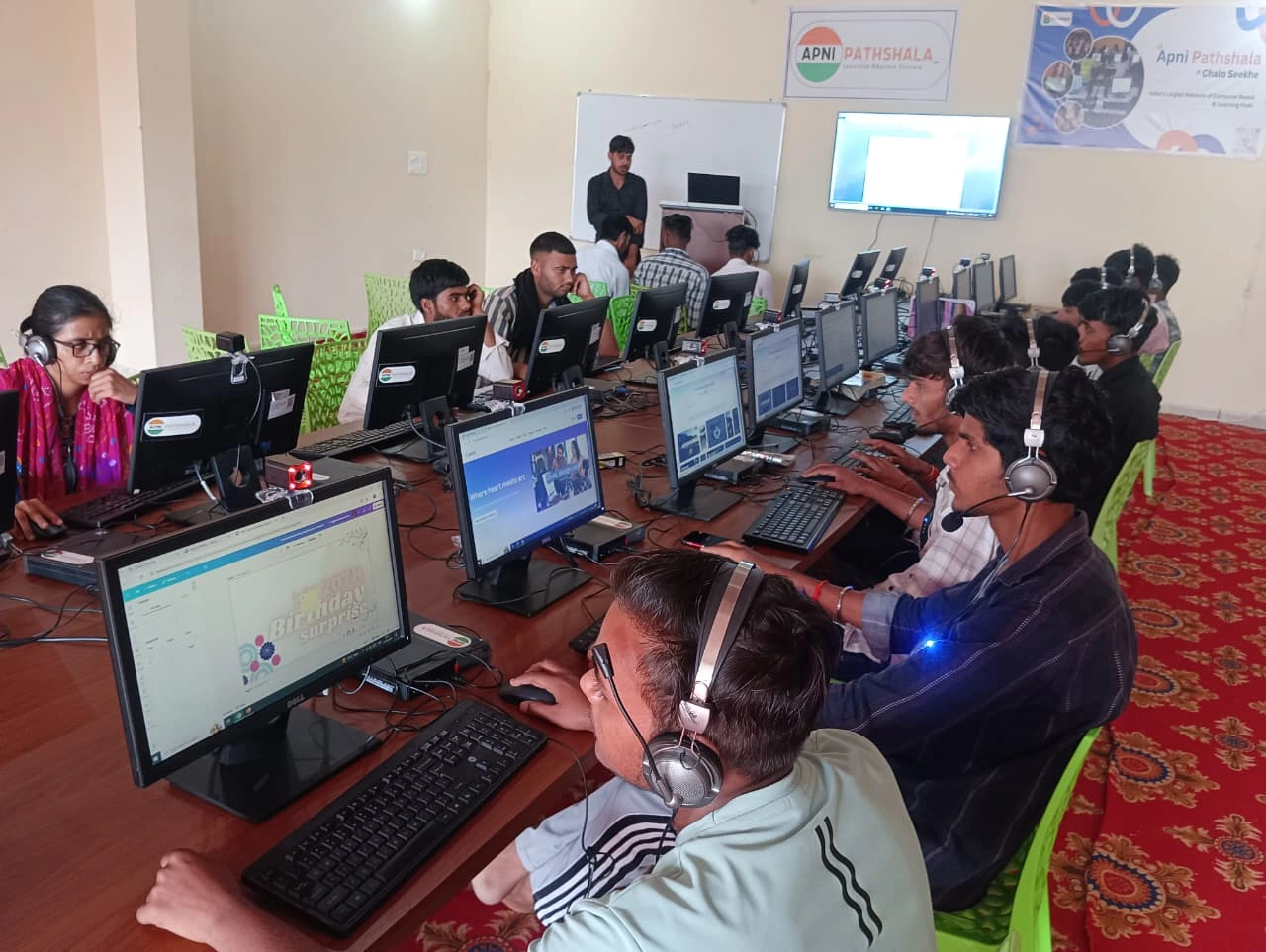
With an educational computer at home, your child can practise coding in Scratch, create presentations in LibreOffice and use learning content without gaming or social media distractions. The operating system is simple, secure and designed for learning.
Apni Prerna lets you follow your child’s progress: what they are studying, how much time they spend and where they need help. This is not spying. It is ordinary, involved parenting for a child who learns on a screen.
How is it different from a regular laptop?
It is built around an Indian family’s needs instead of general use. Four things stand out:
- Affordability: at Rs.30,000, it is priced for middle-class families, without paying for gaming graphics or features a student does not need.
- Simplicity: Zorin OS is intuitive, the software works immediately and no tech-savvy parent is needed for setup.
- Curriculum fit: Scratch coding, LibreOffice documents and monitored learning through Apni Prerna support schoolwork.
- National direction: the Digital India initiative supports educational technology adoption across the country.
How well does it perform for schoolwork?
It handles everyday study smoothly. The 8GB RAM lets your child keep several browser tabs open while working on a Scratch project, and the 128GB SSD gives fast start-up and quick file access.
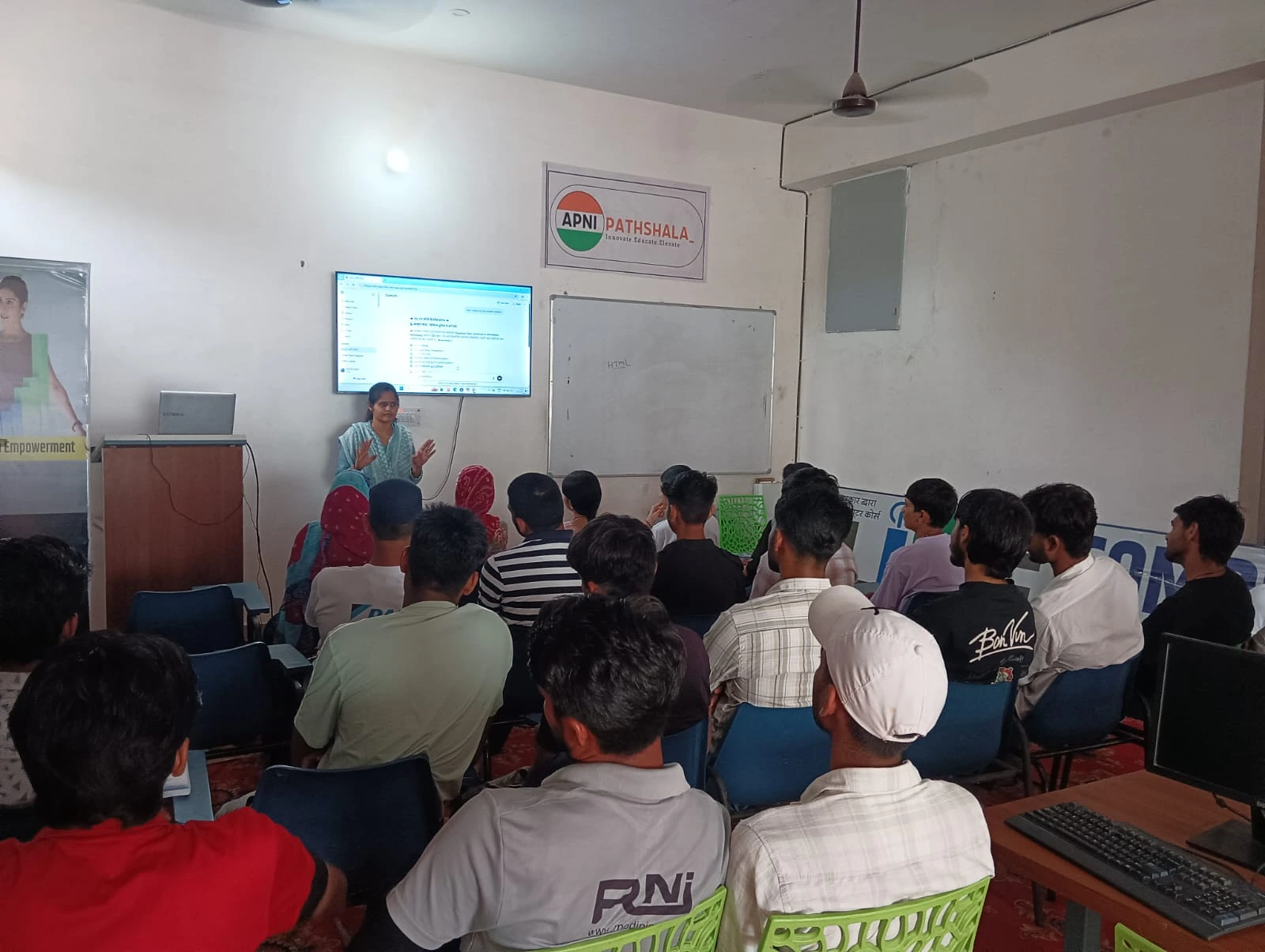
It is built to keep up with your child’s learning needs through their school years. The keyboard and mouse included are comfortable for younger learners, which matters during long study sessions.
How long does setup take?
Setup takes about 15 minutes. Plug it in, connect to your WiFi and you are ready, with the documentation guiding you through each step in simple language.
Your child can start Scratch coding tutorials on day one and build up to their own simple programs with regular practice. Parents setting up a computer for the first time may also find our guide to the out-of-box experience for parents useful.
What difference can it make for your child?
The biggest change is usually confidence. When a child finishes their first coding project, such as a simple game, they learn that technology is something they can create with, not just use.
In Tier 2 and Tier 3 cities, a home learning computer gives children access to the kind of learning opportunities more common in metros. Our article on how Apna PC simplifies first setup for parents explains the next steps after unboxing.
Frequently Asked Questions
Do I need to buy a keyboard or mouse separately?
No. A keyboard and mouse are included in the box, so the setup arrives ready to use. You will not need to hunt for compatible peripherals or spend extra money on them, which makes the first day much simpler for parents who are new to computers.
Do I need technical knowledge to set it up?
No. The software comes pre-loaded and the setup guides in Hindi and English walk you through each step in simple language. Most families just plug it in and connect to WiFi. Zorin OS is also easy for children and parents to navigate from the start.
Is the software already installed or do I download it?
It is already installed. Zorin OS, Apni Prerna, LibreOffice and Scratch are pre-loaded, so your child can start writing, making presentations or coding straight away. There is no need to search for and install learning software yourself before your child can begin.
Your investment today shapes your child’s options tomorrow, as coding and digital literacy become everyday skills. Visit apnapc.com to learn more about what Apna PC includes.