


Priya sat in her small room in Nagpur, staring at her old laptop screen. Her science project on plant photosynthesis was due in three days, but she had no way to record a decent video demonstration. Her family had just bought her a student computer with a built-in webcam, and suddenly everything changed. She could film her experiments, edit them, and submit work that actually impressed her teacher.
A webcam for students isn’t just for attending online classes anymore. It’s become an essential tool for creative learning, project documentation, and skill development that goes far beyond video calls.
Video Projects and Presentations With a Webcam for Students
Your webcam for students opens up a whole new world for project submissions. Instead of just writing a report, you can record yourself explaining concepts, demonstrating experiments, or presenting research findings. Teachers across India, from CBSE schools to state boards, now expect multimedia submissions that showcase deeper understanding.
Many students use their webcams to create short documentary-style videos about historical events, scientific processes, or literary analysis. You can film yourself reading poetry with proper expression, conduct a mock interview for a social studies project, or demonstrate a math problem step by step. These videos often score higher marks because they show effort, creativity, and genuine engagement with the subject.
- Science experiments: Document your lab work, chemical reactions, or botanical observations in real time
- Language learning: Record yourself speaking English, Hindi, or other languages to practice pronunciation and build confidence
- Art and design: Film your sketching process, craft projects, or digital art creation to show your creative journey
- History projects: Create documentary-style videos about local heritage, freedom fighters, or cultural traditions
Building Your Portfolio and Showcasing Skills
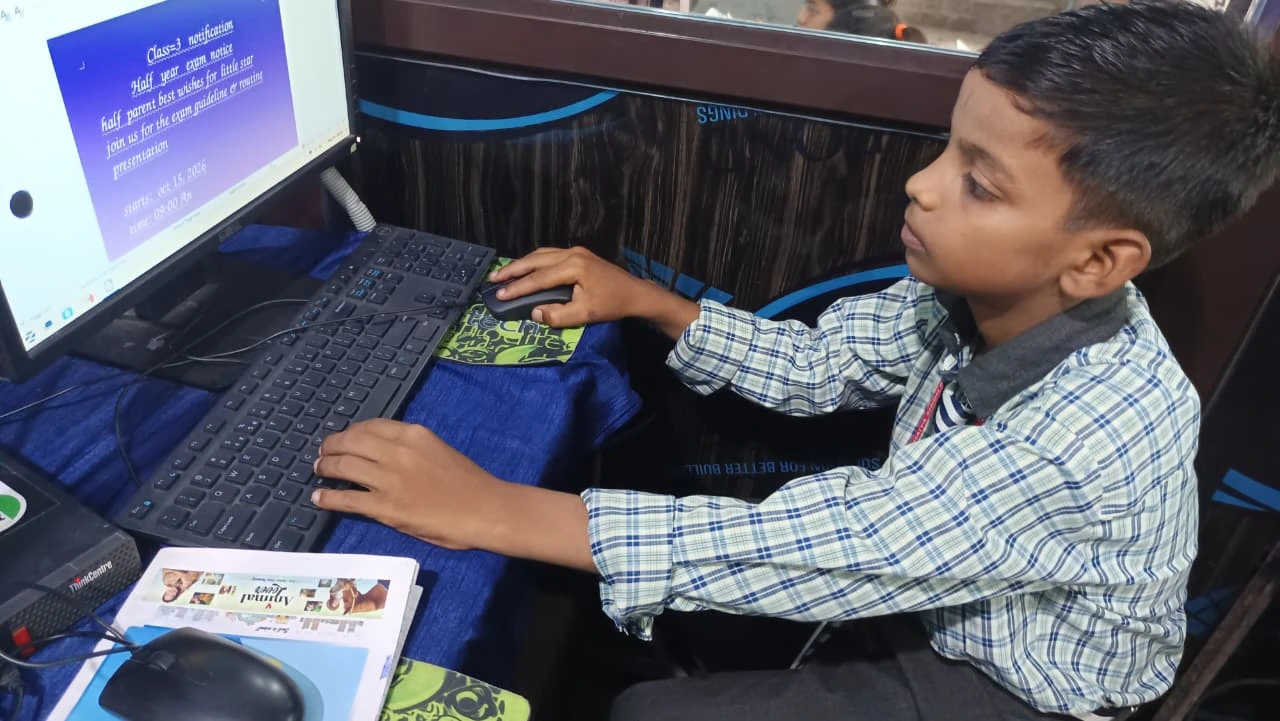
If you’re in Class 10, 11, or 12, a good webcam helps you build a portfolio that impresses colleges and future employers. You can create videos demonstrating coding projects, robotics work, or technical skills that go beyond what a written application can show. Many competitive entrance exams now recognise multimedia portfolios as proof of practical knowledge.
Students interested in content creation, teaching, or media studies benefit hugely from practising with their webcam. You can start a YouTube channel explaining difficult concepts, create tutorial videos for younger students, or build a body of work that demonstrates your expertise. This experience looks fantastic on college applications and can even earn you money through platforms like YouTube.
Recording Lectures and Study Materials
Your webcam helps you create personalised study materials that you can revisit anytime. Record yourself solving complex math problems, explaining physics concepts, or discussing important historical events. When exam time comes around, you’ll have custom study videos in your own voice and style, which UNESCO education research links to better retention in digital learning.
Many students in tier 2 and 3 cities don’t have access to premium coaching centres or one-on-one tutors. By recording yourself teaching concepts, you can create a personal library of lessons. You can also share these videos with classmates who might be struggling with the same topics, becoming a peer mentor in your school.
Participating in Online Learning Platforms
Platforms like DIKSHA and other educational portals often require video submissions for interactive learning. Your webcam lets you engage fully with these platforms, participate in live doubt-clearing sessions, and submit video assignments. Apni Pathshala also uses video-based learning where you can interact directly with instructors through your device.
Many schools now conduct live practical exams in subjects like science and physical education. A good webcam ensures your teacher can see your work clearly, understand your methodology, and evaluate you fairly. This is especially important for students taking board exams who need to demonstrate practical skills.
Documenting School Events and Memories
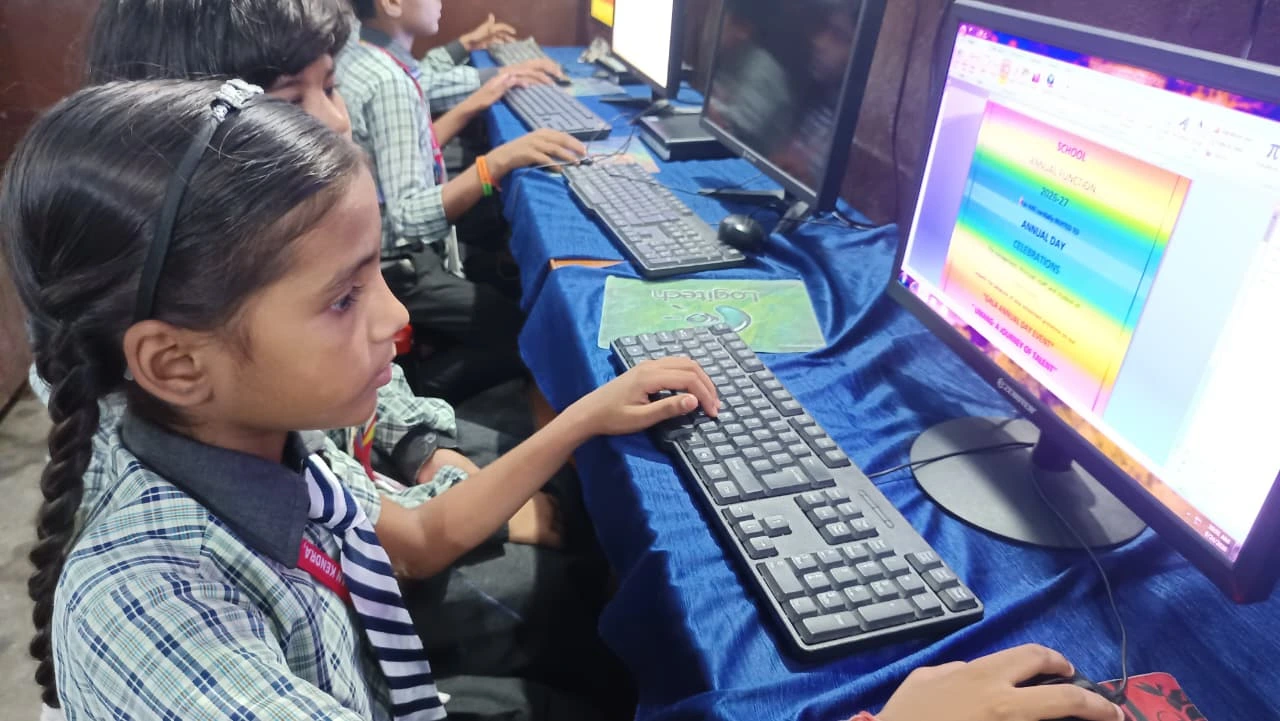
Your webcam isn’t just for academics. You can document school events, cultural programs, or group projects that become wonderful memories. Many schools encourage students to create promotional videos for their annual functions or awareness campaigns on social issues.
Group projects benefit tremendously from video documentation. You can film different team members explaining their parts, create behind-the-scenes content, and produce a polished final video that shows collaboration and teamwork. Teachers love seeing the process, not just the final product.
Choosing a Webcam for Students: What Your Computer Needs
When you’re investing in a student computer, the built-in webcam quality matters more than you’d think. The Apna PC comes with a reliable webcam that captures clear video for all these purposes. With 8GB RAM and a 128GB SSD, you can comfortably record, edit, and store multiple projects without your computer slowing down.
The pre-loaded software like LibreOffice and Scratch means you’re ready to create right out of the box. You can also scan and digitise school documents while recording video explanations to create comprehensive study materials. Running on Zorin OS, your Apna PC is secure, fast, and specifically designed for student needs.
Your webcam for students is a gateway to expressing yourself, documenting your learning journey, and building skills that matter in the modern world. Whether you’re in a small town or a big city, having the right tools makes all the difference in your educational success. Visit apnapc.com to learn more.