


Rajesh’s Video Project Changed Everything
Rajesh sat in his room in Indore, staring at his biology assignment. His teacher had asked the class to create a video presentation on photosynthesis, and he had no idea where to start. His parents bought him a basic computer, but he didn’t know how to record his screen or capture his explanation. That night, he learned screen recording. By the next morning, he had created a professional-looking video that showed diagrams, animations, and his voice explaining every step. His teacher gave him full marks. His classmates asked how he did it. That video changed how Rajesh studied and presented his work.
You might think screen recording is only for tech experts or content creators. That’s not true. Screen recording is a basic computer skill that every student should learn, especially if you want to succeed in school and beyond.
Why Screen Recording Matters for Your Studies
Screen recording lets you capture whatever is on your computer display and save it as a video file. You can record your screen while explaining a math problem, showing how to use software, or presenting research findings. This skill helps you create better project submissions and video presentations that teachers actually remember.
When you use screen recording for your projects, you can:
- Explain complex topics clearly by showing step-by-step processes while talking through them.
- Create video presentations that combine slides, documents, and your voice in one file.
- Demonstrate computer skills by recording yourself using software or coding programs.
- Build a portfolio of your best work to show colleges or future employers.
- Study better by recording lectures or tutorials you can watch again later.
Most schools now expect students to submit digital work. This skill helps you stand out from other students who turn in boring written assignments or static presentations.
Screen Recording Builds Real Computer Skills
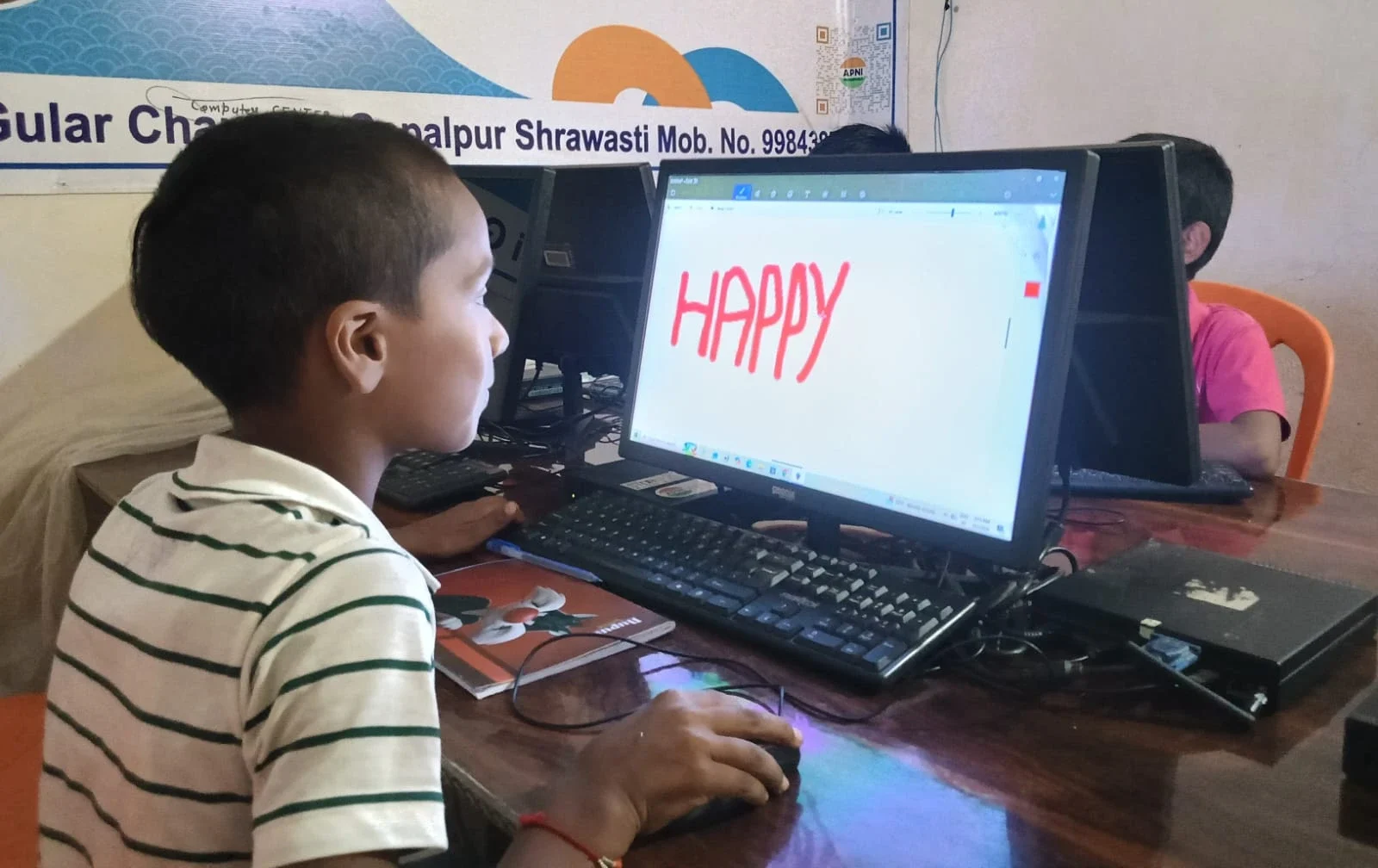
Learning this skill teaches you how to use your computer thoughtfully. You learn to organise your files, plan what you want to record, and edit your work. Employers want these skills in new employees. According to the Ministry of Education, digital literacy is now a core part of student development in India.
When you learn to record your screen, you also learn about audio quality, video formats, and file management. You understand how to back up important projects, so you don’t lose your work. You discover how to edit videos and improve your presentation skills. These computer skills directly help your grades and your future career options.
The Digital India initiative aims to bring digital skills to every Indian student. This is one of those essential skills that fits this goal perfectly.
How to Start Learning Today
You don’t need expensive software to learn screen recording. Most computers come with built-in recording tools. On Windows, you can use the Game Bar or built-in screen recorder. On Linux systems like Zorin OS, you have Simple Screen Recorder. These tools are free and work well for student projects.
Start small. Record yourself solving a math problem. Then record a short explanation of a science concept. Next, try recording a presentation with slides. Each practice session builds your confidence and skill. Within a few weeks, you’ll be creating professional-quality videos for your assignments.
Your parents want you to develop skills that matter. Screen recording is practical, useful, and something you can start learning today on your current computer.
The Right Computer Makes Learning Easier
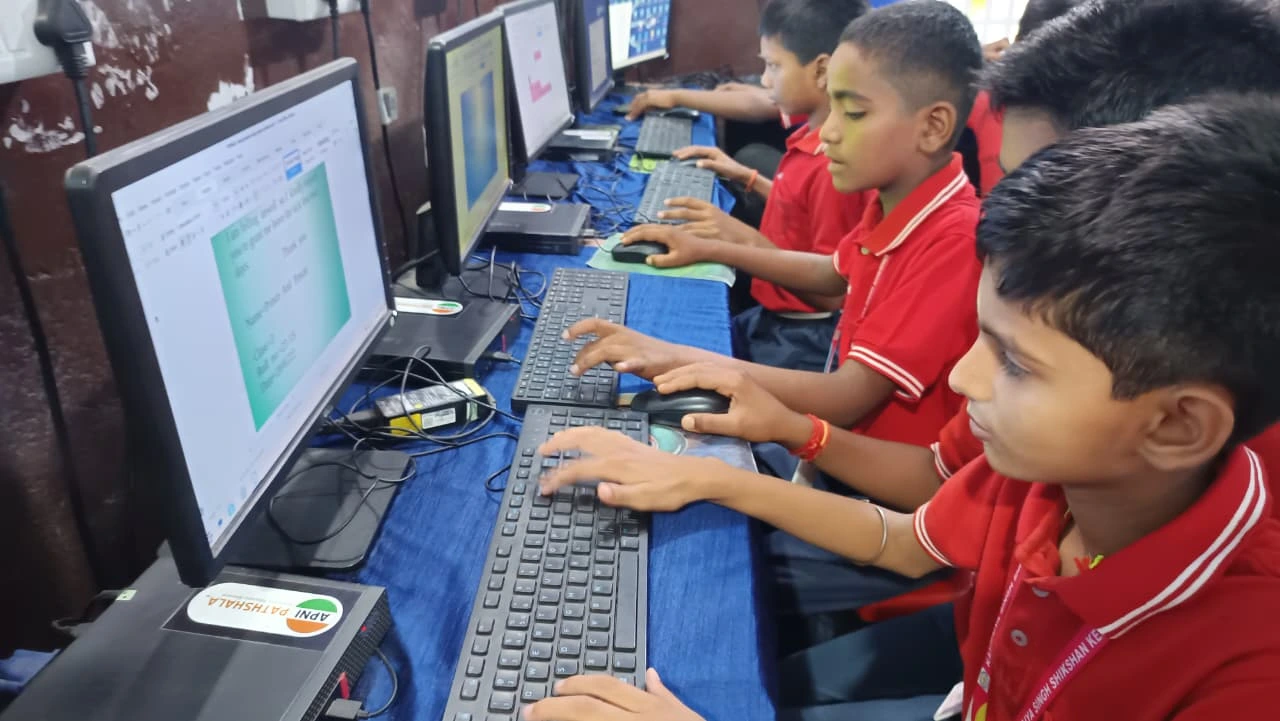
To learn this skill comfortably, you need a high-performing computer. If your computer is slow or has storage problems, recording videos becomes frustrating. You need at least 8GB RAM and solid storage space to handle video files smoothly.
Apna PC, created by Apni Pathshala, is specifically designed for Indian students. It comes with 8GB RAM and 128GB SSD storage, perfect for student projects and video recording. The computer runs Zorin OS, which includes built-in recording tools. It also comes pre-loaded with LibreOffice for creating presentations and Scratch for learning coding. At Rs.30,000 (excluding shipping and GST), it’s affordable for families in Tier 2 and Tier 3 cities.
Apna PC also includes Apni Prerna, a tool that helps you stay organised with your studies and track your learning progress. With the right computer, learning these digital skills becomes natural and enjoyable.
New Skills Open Doors
Students who can create videos and presentations have advantages in school competitions, college applications, and job interviews. You can create portfolio videos showing your best work. You can make tutorial videos teaching others what you know. You can record explanations of your projects that impress teachers and judges.
This skill isn’t difficult. You can learn it in a few hours and practice it over weeks. Investing in it now will pay off throughout your education and career. Your future self will thank you for starting today.
Start your screen recording journey today with a computer built for students. Visit apnapc.com to learn more.