

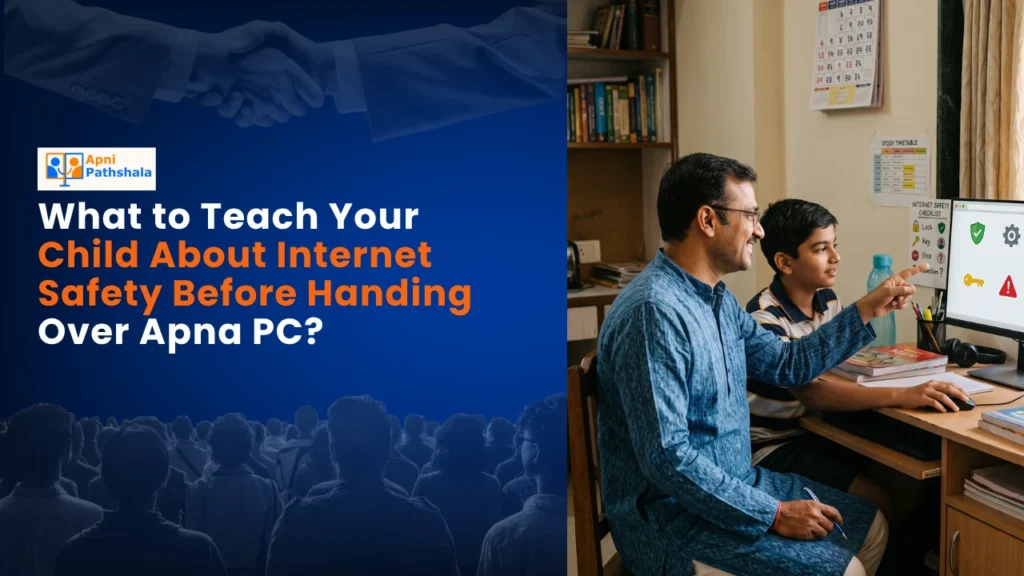
Before handing over a new computer, teach your child five internet safety basics: keep passwords private, remember that people online may not be who they claim, think before sharing because posts can be copied, understand why some sites are off-limits and always tell an adult when something feels wrong.
For example, a parent bringing home a first computer for a child’s birthday may feel excited about learning but worried about harmful content and strangers online. Preparation turns that worry into a plan.
Why does internet safety matter before a child’s first computer?
A first computer opens your child to information and creativity, but also to real risks like cyberbullying, inappropriate content and online predators. Most of these risks can be managed with good habits and the right setup.
The Internet in India overview is useful background on how fast internet use has grown here. Choosing a device designed for children, like Apna PC, is already a sensible first step.
Teaching safety is not about creating fear. It is like teaching your child to cross the road: you are not keeping them home, you are preparing them to move through the world wisely.
What are the five internet safety lessons every child needs?
These five lessons cover the most common risks. Teach them one at a time, in simple words, before the computer is switched on.
1. Passwords are like house keys
Passwords protect your child’s digital home, so they should never share them, even with best friends. Create a strong password together using letters, numbers and symbols, and keep a written copy somewhere safe that only you and your child know.
2. Not everyone online is who they say they are
A “friend” in a game might actually be an adult with bad intentions. Teach your child never to share their address, school name or phone number online, and to tell you immediately if anyone asks for personal details.
3. What you share can last for ever
Anything shared online can be saved, copied and passed on, even after it is deleted. Encourage your child to ask before posting: “Would I be okay if my teacher saw this?”
4. Some websites and apps are not safe for children
Be open about your monitoring. Explain that you check activity to keep them safe, not to spy, and show them how the parental controls on Apna PC work. You can help your child adjust to Apna PC safety features as a team.
5. If something feels wrong, tell an adult
Your child should know they can come to you about a strange message, upsetting content or someone asking them to keep secrets, without getting into trouble. Make it clear you are on their side.
How should you set up Apna PC for safe learning?
Set up parental controls together with your child and explain what you monitor and why. That openness builds trust.
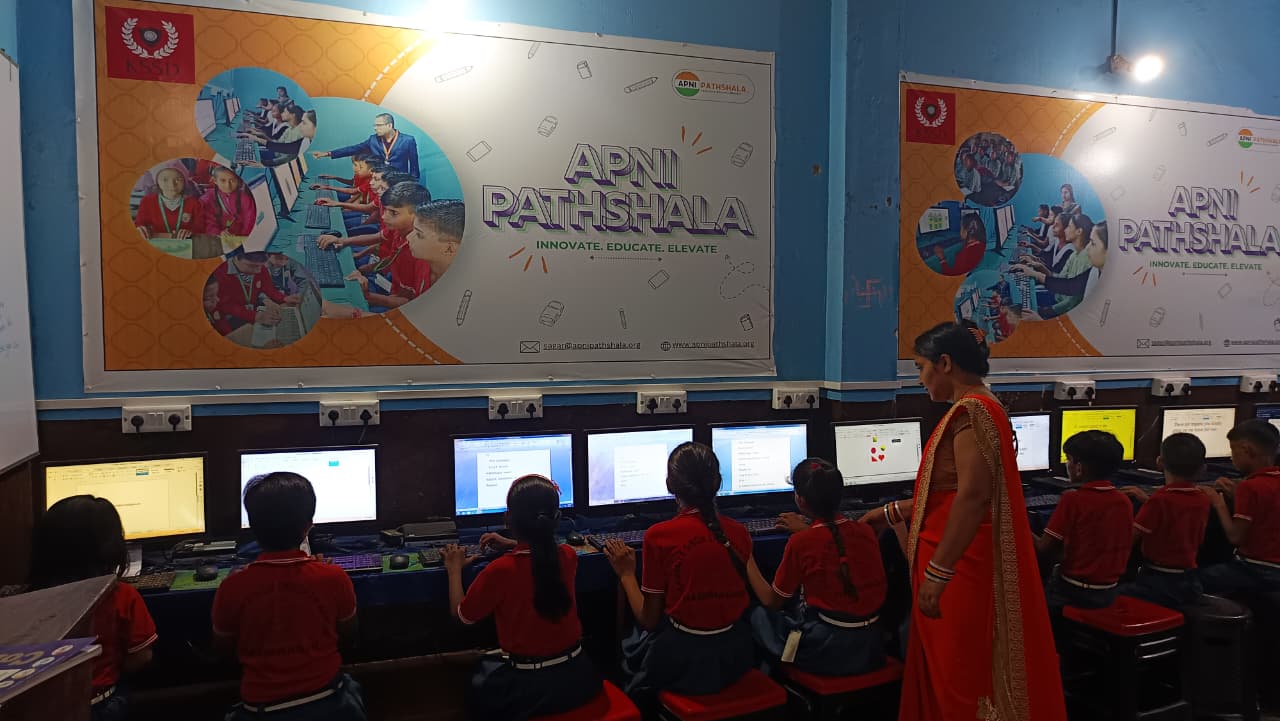
Apna PC comes pre-loaded with Zorin OS and Apni Prerna, a student monitoring system built for Indian families. It gives you visibility into your child’s learning and helps you monitor your child’s study progress. It also includes LibreOffice and Scratch, runs on 8GB RAM and a 128GB SSD, and costs Rs. 30,000 (shipping and GST excluded).
Agree clear rules on screen time, allowed websites and when the computer can be used. Rules work best when children understand the reasons behind them.
How do you raise a digitally responsible child?
Internet safety is part of a bigger goal: a child who makes good choices online, treats others with respect and understands consequences.
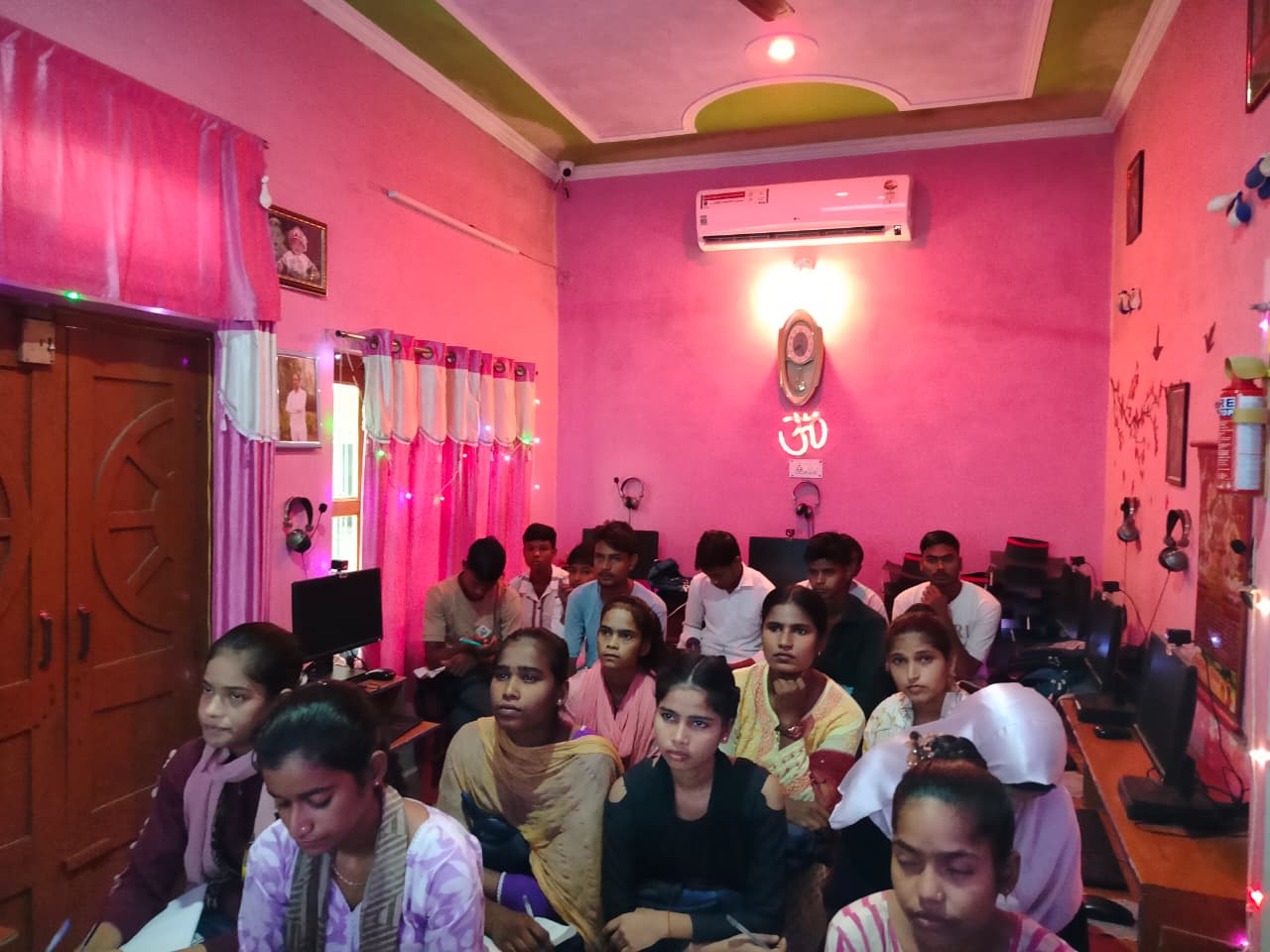
The Digital India initiative is good background on the national push for digital literacy, which includes using technology responsibly. For more practical steps, see how to keep your child safe online without blocking everything.
How do you keep the safety conversation going?
Treat internet safety as an ongoing conversation that grows with your child, not a one-time lesson. Regular, relaxed check-ins work better than occasional lectures.
- Ask what they are learning, what games they play and who they talk to.
- Keep the tone curious and supportive, never threatening.
- Revisit the five lessons as your child starts using new sites and apps.
When children know you are interested and supportive, they are far more likely to come to you when something goes wrong.
Frequently Asked Questions
At what age should I start teaching internet safety?
Start before your child first goes online on their own, whatever their age. Young children can learn simple rules like never sharing their address and always telling a parent about strange messages. Add more detail, such as privacy and digital footprints, as they grow and use more apps.
Should I read my child’s messages?
Be open rather than secret about monitoring. For younger children, checking activity together is reasonable. As they grow, focus more on trust and regular conversations. If your child knows what you can see and why, they are more likely to tell you about problems themselves.
What should I do if my child sees something upsetting online?
Stay calm and thank them for telling you. Ask what happened, reassure them they are not in trouble and help them close or report the content. Then review your parental controls together, so the experience builds their trust in you rather than fear.
Start these conversations today, before you hand over that new computer. Visit Apna PC to learn more.