

Rajesh’s Story: When Safety Met Learning
Rajesh sat in his small flat in Indore, watching his 10-year-old son Aditya stare at the computer screen with wide eyes. His wife Priya had just unboxed the new Apna PC, and Rajesh felt both excited and worried. Would his son actually use it safely? Would the Apna PC safety features really protect him from the internet’s dangers? Rajesh knew he needed answers, not just promises.
You’re probably asking the same question right now. How long does it actually take a child to get used to Apna PC safety features? The answer isn’t as simple as “two weeks” or “one month.” It depends on your child, your family’s habits, and how you introduce these protections. Let me walk you through what real families experience.
Week One: Adjusting to Apna PC Safety Features
The first week is always interesting. Your child will notice that these safety features work differently than regular computers or smartphones they’ve used before. The operating system feels new. The apps look different. Some kids feel restricted, others feel curious.
Aditya spent his first three days exploring. He tried to open websites his friends used, but the parental controls stopped him. Instead of getting angry, he asked his father why. Rajesh explained that the safety features were there to help him learn, not to punish him. This conversation was crucial.
Your child might:
- Test the boundaries of what’s allowed and what’s not
- Ask why certain websites or apps won’t open
- Compare the experience to phones or other computers they’ve used
- Feel frustrated for a few days, then settle down
Most children adapt within 5-7 days. They start to understand that Apna PC’s safety features aren’t obstacles. They’re guardrails.
Weeks Two and Three: Building Trust with Technology
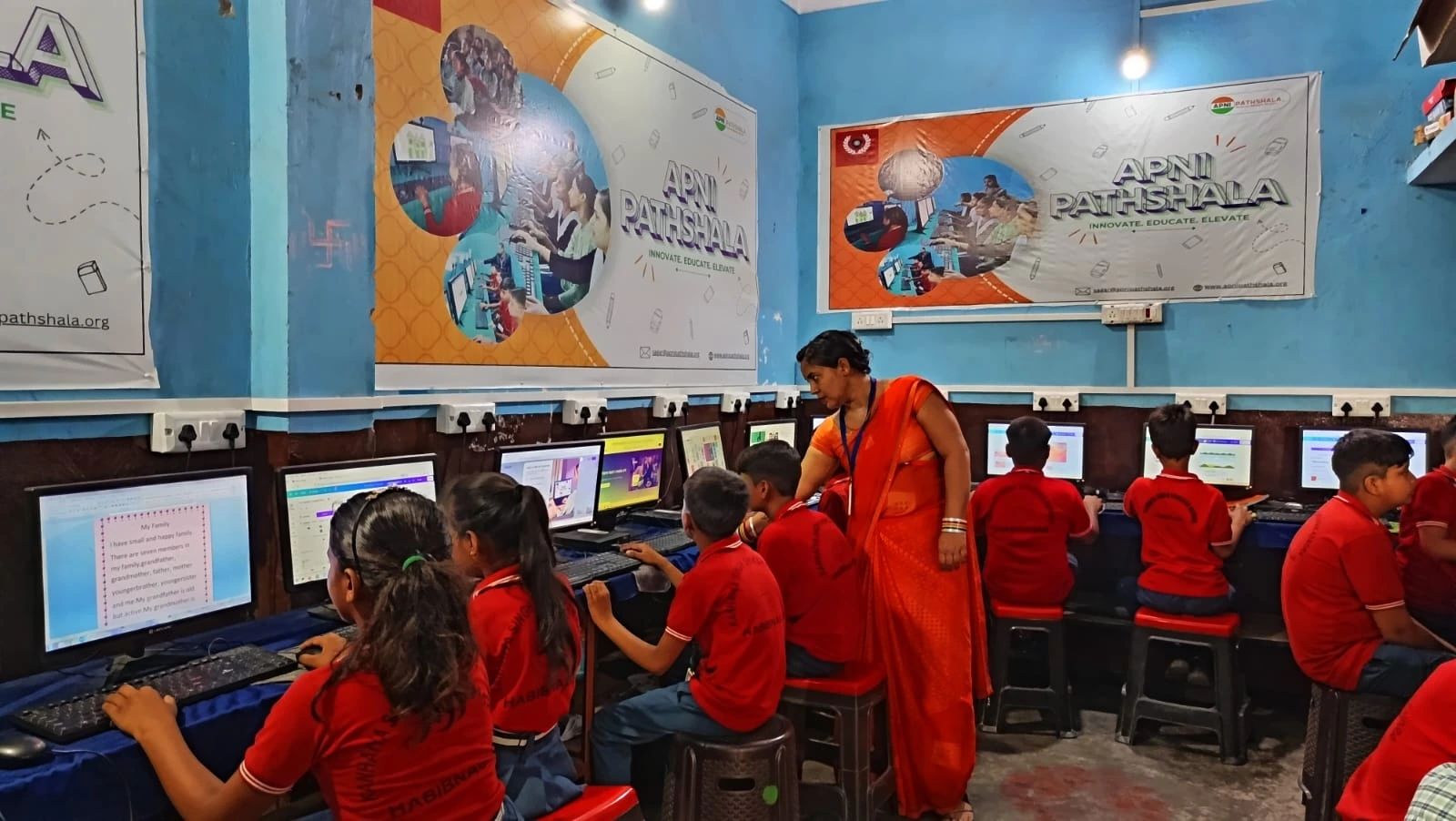
By the second week, something shifts. Your child stops fighting the system and starts using it. Aditya discovered Scratch, the coding platform pre-loaded on Apna PC. He spent hours creating simple games. He forgot to miss the unrestricted internet.
This is when the safety features become invisible to your child. They’re not thinking about restrictions anymore. They’re thinking about what they want to create or learn. The skills students learn with Apna PC start to shine through.
You’ll notice your child:
- Stops asking why certain things are blocked
- Uses the allowed apps and programs confidently
- Starts showing you what they’ve created or learned
- Develops a routine around using the computer
Rajesh started seeing Aditya’s homework improve. The boy was using LibreOffice to write better essays. He was researching topics properly because the safety features guided him to educational resources only.
Month Two: When Apna PC Safety Features Become Normal
After four weeks, most children have completely adjusted. They don’t feel restricted anymore. The safety feels normal, like how they don’t think about seatbelts in a car. It’s just there, protecting them.
The real benefit shows up in month two. Your child understands that safe learning is effective learning. They’re not distracted by endless social media or inappropriate content. They’re focused.
Priya started using the monthly learning tracker to see what Aditya was doing. She could see exactly which programs he used, how much time he spent, and what he was learning. This wasn’t spying. This was parenting with information.
Factors That Speed Up Adjustment
Not every child adjusts at the same speed. Your situation matters. Some families see their kids adapt in two weeks. Others take a full month. Here’s what makes the difference.
Your involvement matters most. Sit with your child during the first week. Explain why these safety features exist. Show them what they can do, not just what they can’t do. When Rajesh spent 30 minutes with Aditya on day one, the boy felt less restricted and more guided.
Age plays a role too. Younger children (ages 7-9) usually adjust more quickly because they accept rules more readily. Older children (10-13 years) might test boundaries more, but they also understand the reasoning better once you explain it.
Your child’s tech experience matters. If your son or daughter has spent lots of time on unrestricted phones, they might feel the adjustment more sharply. If they’re new to computers, Apna PC safety features feel normal from day one.
Addressing Common Concerns
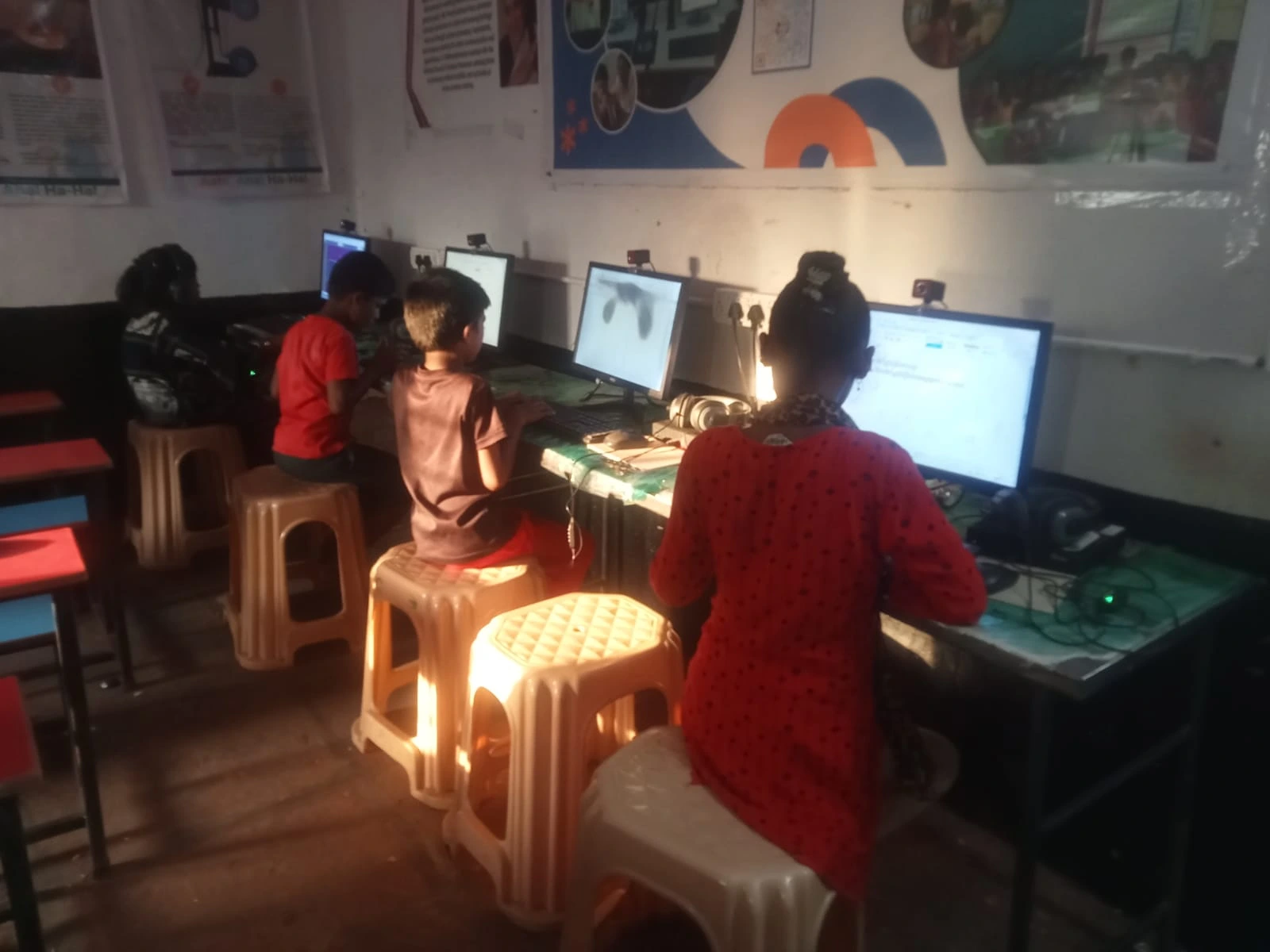
Parents often worry that the safety features will make their children feel controlled or resentful. This rarely happens if you frame it correctly. You’re not taking away freedom. You’re creating a safe space for learning.
Your child might ask, “Why can’t I go on YouTube like my friend?” This is your chance to explain. YouTube has content for adults. Apna PC gives you curated, age-appropriate educational content that’s actually useful. You’re not being punished. You’re being protected.
Another worry: will my child feel left out? No. Your child will actually have more time to do meaningful things than kids scrolling through social media. They’ll have projects to show friends, skills to teach others, and real accomplishments to feel proud of.
The Bigger Picture: Building Digital Citizenship
Apna PC safety features do more than just block bad content. They teach your child what good digital behaviour looks like. They learn that computers are tools for creation and learning, not just consumption and entertainment.
This is part of the larger Digital India initiative. India is building a digital future, and your child needs to be ready. Understanding information technology basics isn’t optional anymore. It’s essential.
When your child gets used to Apna PC safety features, they’re not just adjusting to one computer. They’re learning lifelong habits for using technology responsibly.
What to Expect After One Month with Apna PC Safety Features
After your child has been using Apna PC for a month, you’ll see real changes. Their typing will improve. Their ability to research and learn independently will grow. Their screen time will be productive instead of wasted.
Aditya’s adjustment took about three weeks. By week four, Rajesh and Priya no longer needed to monitor him closely. They could trust that he was safe. They could see through the learning tracker that he was actually learning. The safety features had become part of his normal routine.
Your child will get used to Apna PC safety features faster than you expect. Usually, it’s 2-4 weeks before they stop noticing the restrictions and start enjoying the possibilities. By month two, they’ll be a confident, safe digital learner.
Your child’s digital safety and education matter. Visit apnapc.com to learn more.