


Family digital learning means parents and children using computers together to build skills that matter for school and life. When you learn alongside your child, you both grow confident with technology and create shared moments that strengthen your bond.
This article covers how to start family digital learning at home, what skills to focus on, and how the right computer setup makes it easier for everyone.
What Is Family Digital Learning?
Family digital learning is when parents and children sit down together with a computer to explore educational tools, practice typing, or work on school projects. It’s not about leaving your child alone in front of a screen. Instead, you’re present, asking questions, and learning alongside them.
This approach builds confidence in both of you. Your child sees that you value these skills enough to learn them too. You understand what your child is doing online, which also keeps them safer. Families new to computers often find that learning together removes the pressure and makes the experience fun.
Why Should Your Family Learn Digital Skills Together?
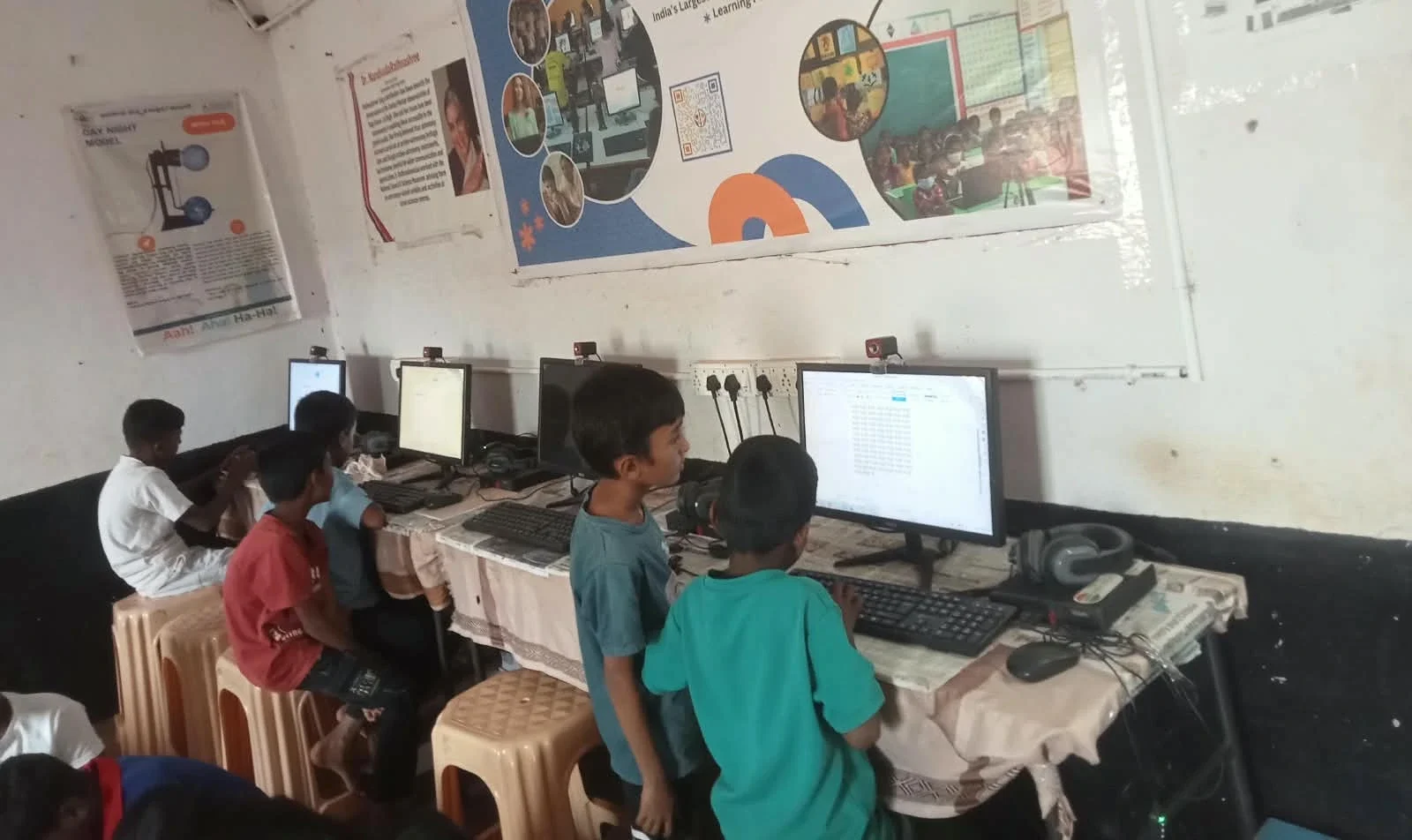
When you learn digital skills as a family, your child doesn’t feel alone or judged if they make mistakes. You both learn at the same pace. This shared experience builds trust and makes your child more willing to ask you questions about what they see online.
You also become better equipped to guide your child’s learning. If you understand what tools they’re using and what they’re learning, you can support their homework and suggest resources. India’s Ministry of Education emphasises that parental involvement strengthens children’s educational outcomes.
Which Digital Skills Should Your Family Start With?
Begin with the basics: typing, using a web browser, and opening common programs like word processors. These skills are the foundation for everything else your child will do on a computer.
Then move to subject-specific tools. Your child’s school may use DIKSHA, India’s digital learning platform, which offers lessons in many subjects. Learning to navigate DIKSHA together prepares your child for online study. You can also explore coding basics with visual programming tools that teach logical thinking without requiring advanced typing skills.
Skills to Build Together
- Typing and keyboard navigation
- Opening, saving, and organising files
- Using web browsers safely and searching for information
- Creating documents and simple presentations
- Understanding online safety and privacy
- Introduction to coding or visual programming
How Can You Set Up Your Home for Family Digital Learning?
A good setup starts with a reliable computer built for education, not gaming. Education-ready computing for Indian families means choosing a device with enough power for schoolwork, clear software, and tools that help both you and your child stay focused.
Place the computer in a shared space, not hidden away in a bedroom. A living room or study area lets you sit together comfortably. Make sure the screen is at eye level, and the chair supports good posture. Easy PC setup for parents guides you through choosing the right location and connections.
What Computer Features Help Family Digital Learning?
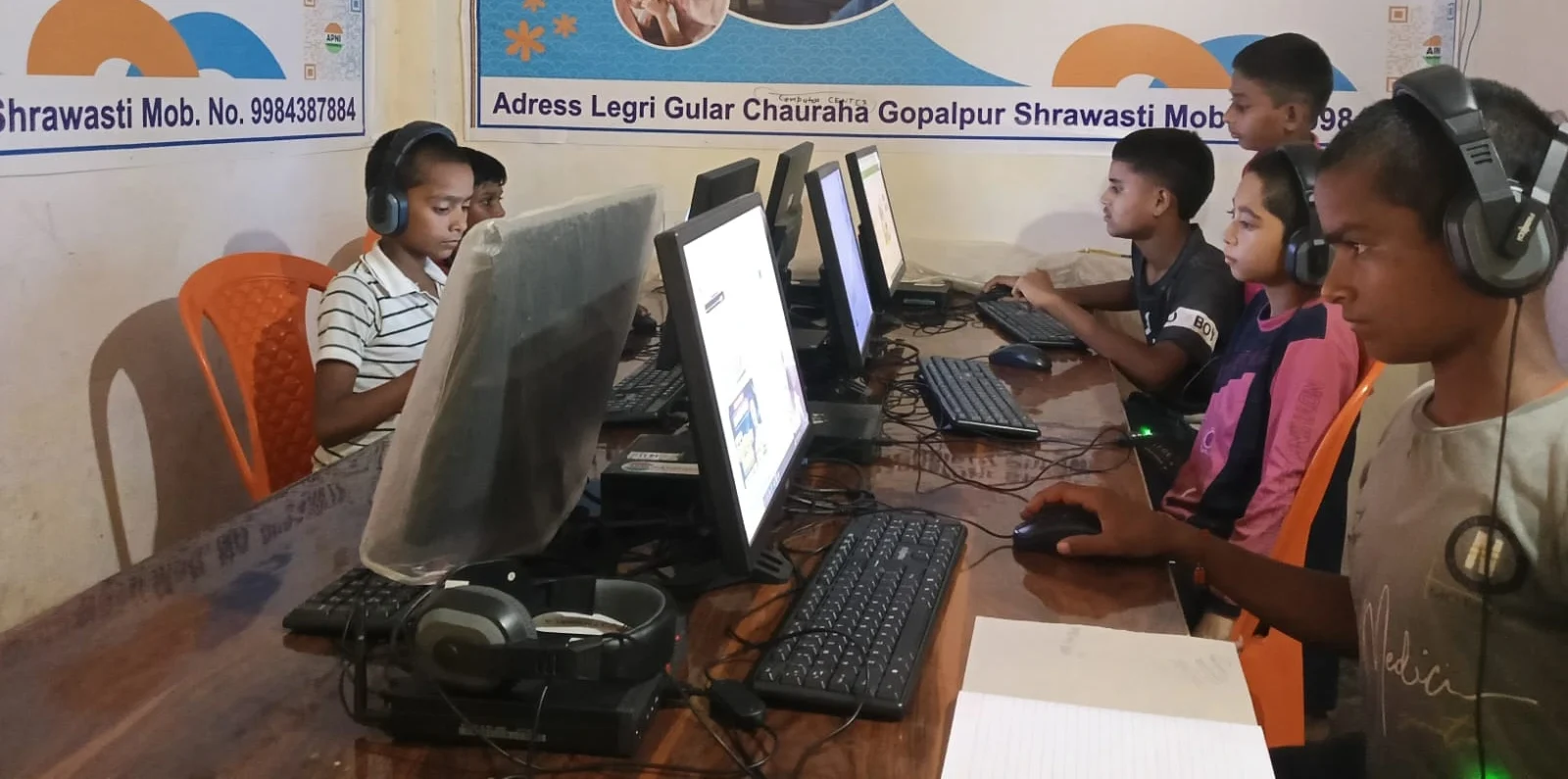
You need a computer with enough memory and storage to run educational software smoothly. It should have parental controls so you can monitor what your child accesses. Built-in learning tools make it easier to start without buying extra software.
Apna PC by Apni Pathshala is designed for this purpose. It comes with 8GB RAM and 128GB SSD storage, which handles schoolwork and educational apps without lag. It includes Apni Prerna for parent and student monitoring, LibreOffice for documents and presentations, and Scratch for learning visual coding. The price is Rs. 30,000 (shipping and GST excluded). Student PC for parents explains how this setup supports both teaching and learning.
How Do You Keep Family Digital Learning Sessions Productive?
Set a regular time each week for family digital learning, just like you’d schedule homework time. Start with 30 to 45 minutes so it doesn’t feel like a chore. Have a goal for each session: “Today we’ll learn to save a document” or “We’ll explore a new subject on DIKSHA.”
Take turns. Let your child show you something they’ve learned, then you guide them through the next step. Celebrate small wins. When your child types their first sentence or completes a coding puzzle, acknowledge the effort. This builds their confidence and yours.
What Learning Tools Should You Use?
Learning tools for student computers include free platforms like DIKSHA, which offers lessons aligned with Indian school curricula. LibreOffice lets you create documents and spreadsheets together. Scratch teaches coding through visual blocks that snap together like puzzles, making it perfect for beginners of any age.
Start with one or two tools, so you’re not overwhelmed. Once you’re comfortable, add more. The key is choosing tools that match your child’s school subjects and your family’s interests.
What if your child learns faster than you?
That’s normal and wonderful. Let your child take the lead sometimes and teach you what they’ve learned. This builds their confidence and shows them that learning is a two-way street. You’re still there to guide, ask questions, and keep them on track.
Family digital learning doesn’t require you to be an expert. It requires your presence, patience, and willingness to learn. When you invest time in building these skills together, you’re giving your child a gift that will help them throughout their education and career. Visit apnapc.com to learn more.
Frequently Asked Questions
Can parents who don’t know computers learn alongside their children?
Yes. Learning together is easier than learning alone because you’re both new to it. Your child won’t judge your mistakes, and you’ll both celebrate progress. Start with very basic skills like using a mouse and keyboard, then build from there.
How much time should families spend on digital learning each week?
Start with one to two 30- to 45-minute sessions each week. This is enough to build skills without feeling like a burden. As you get more comfortable, you can adjust based on your family’s schedule and your child’s school needs.
Is a computer necessary for family digital learning?
Yes, a reliable computer is essential. Tablets and phones are useful for some tasks, but they don’t provide the full experience of keyboard typing, file management, and software that schools expect. A dedicated computer designed for education makes learning easier and more effective.
How do you balance family digital learning with school homework?
Sessions should complement, not replace, school homework. Use them to explore topics your child is studying, practice skills their teacher mentioned, or learn something your child is curious about. This reinforces what they learn in class.