

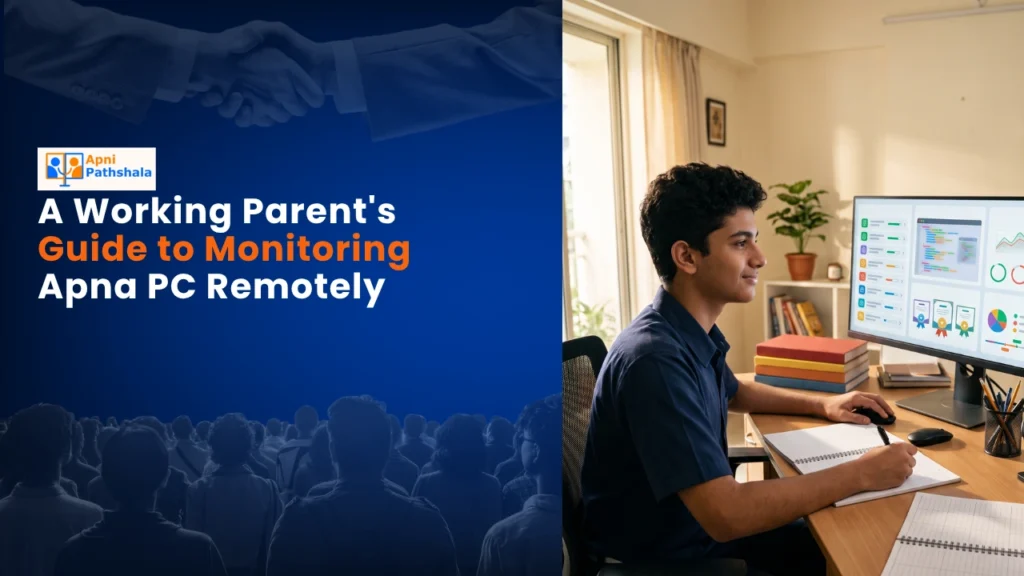
Working parents can monitor their child’s study computer remotely through Apni Prerna, the monitoring system built into Apna PC. From the office, you can see which applications your child used, how long they spent on schoolwork versus games, and set time limits or block websites, without hovering or calling home every hour.
For example, a parent at an office far from home can check in the evening whether their child studied that afternoon, instead of guessing.
Why do working parents need student progress tracking?
Because you cannot be home all the time, but you still want to know your child is learning and safe online. Juggling meetings, emails and deadlines leaves no room to call home about homework, and hoping everything is fine is not a plan.
Remote monitoring is about staying connected, not spying. It helps you know your child’s routine, understand how they learn and step in when they need help. For general background on students and schooling, see this overview of students.
Apna PC comes pre-loaded with Zorin OS, LibreOffice for schoolwork and Scratch for coding basics. Apni Prerna is your window into your child’s digital day.
How does student progress tracking work on Apna PC?
Apni Prerna gives you a parent dashboard with clear information about your child’s computer use. The 8GB RAM and 128GB SSD keep the machine fast, even with five tabs open, but the monitoring is what makes the difference.
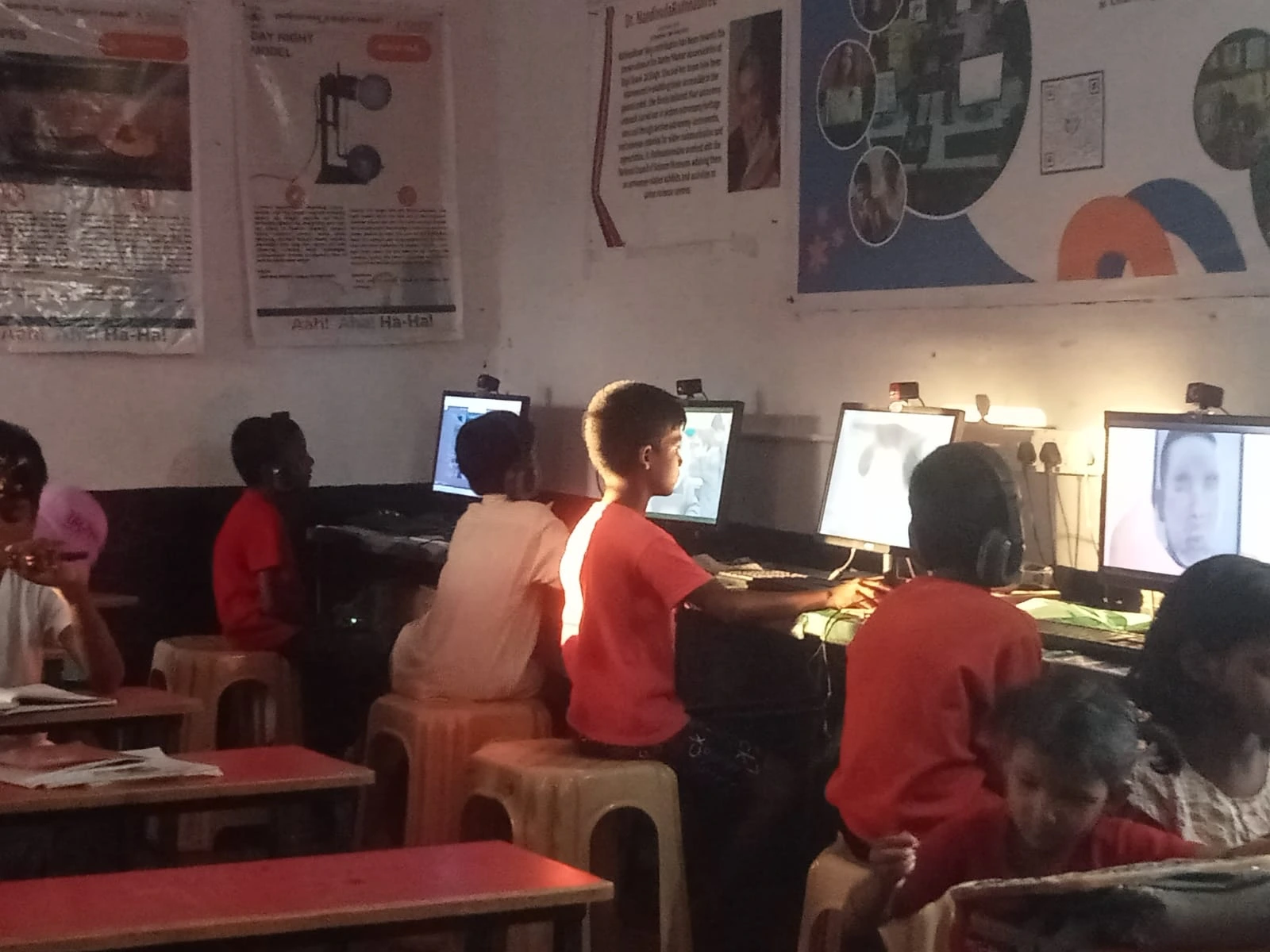
- See which applications your child uses
- Check time spent on schoolwork versus games
- Set time limits
- Block certain websites during study hours
This is different from old-style parental control software. It is about understanding, not only blocking, and the data helps you have better conversations with your child. See our parental control comparison for details.
How do you set up remote monitoring from your office?
You do not need to be tech-savvy. Apna PC, priced at Rs.30,000 (shipping and GST excluded), comes ready to go, and the dashboard is easy to use. Most parents can get it running in under 30 minutes.
- Create a parent account. This takes a few minutes.
- Link your child’s profile. The system starts collecting activity data right away.
- Set custom rules. For example, allow 45 minutes of Scratch coding practice but limit YouTube to 20 minutes, or block certain websites during school hours.
By evening, you can check from your office and see a full picture of the day. Our guide on usage reports explains how to read the data.
What benefits will working parents notice?
The biggest change is that you know what is happening instead of imagining the worst.
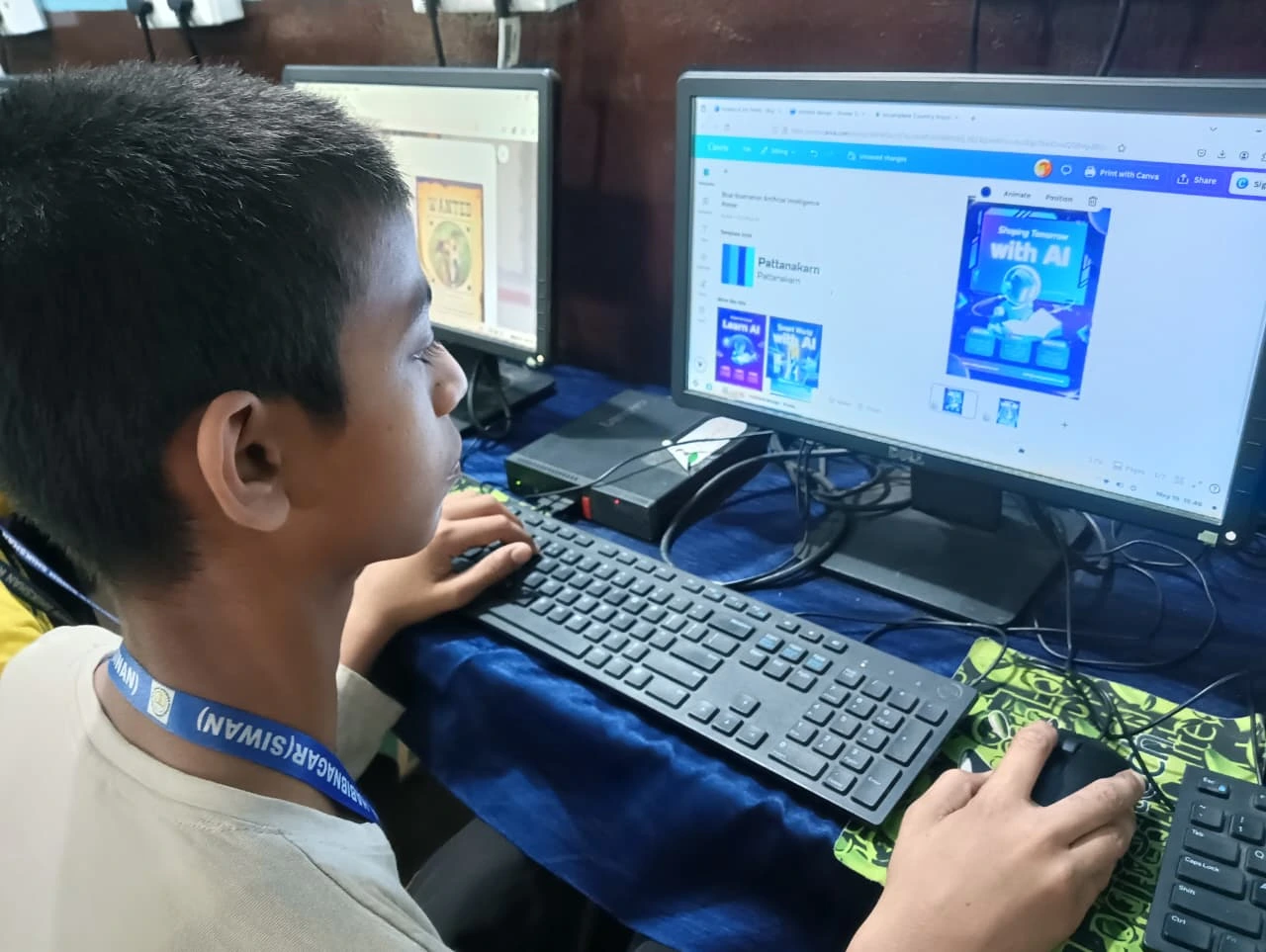
Gentle accountability
Children who know their parents are aware often make better choices. It is not harsh. It is simply there.
Better conversations
Instead of “What did you do today?” and hearing “Nothing”, you can ask: “I see you spent 30 minutes on Scratch today. What were you building?” That starts real dialogue.
Problems caught early
If your child suddenly spends hours on one site or avoids schoolwork, you will know and can address it before it grows.
How can working parents share supervision at home?
Remote tracking works best alongside a simple plan for who checks in and when. If both parents work, splitting the evening review keeps it light for everyone. See our guide on splitting study supervision for practical ideas.
Is Apna PC a good fit for Indian working families?
Yes. At Rs.30,000, it is an investment in your child’s education and built for how Indian families actually live. The Ministry of Education increasingly emphasises digital literacy and safe online learning, and Apna PC fits those goals.
The hardware is solid, the software is thoughtful and the support is local. You do not have to choose between being at work and knowing how your child is doing.
Frequently Asked Questions
Will my child feel spied on if I monitor their computer?
Not if you explain it openly. Apni Prerna is designed to inform you, not to make your child feel watched. Tell your child the rules and why they exist, and use what you see to ask about their work rather than to punish small slips.
Can I change time limits without being at home?
Yes. Apni Prerna lets you set rules such as time limits and blocked websites without touching your child’s computer. You can adjust them from your office, for example limiting YouTube during study hours while allowing more time for coding practice.
What should I look at first in the monitoring data?
Start with time spent on schoolwork versus games, and which applications were used. These two views quickly show whether study time is really going to study. Then use specific details to start a conversation about what your child worked on that day.
If you are ready to stay informed about your child’s learning while you work, explore what Apna PC can do for your family. Visit apnapc.com to learn more.