

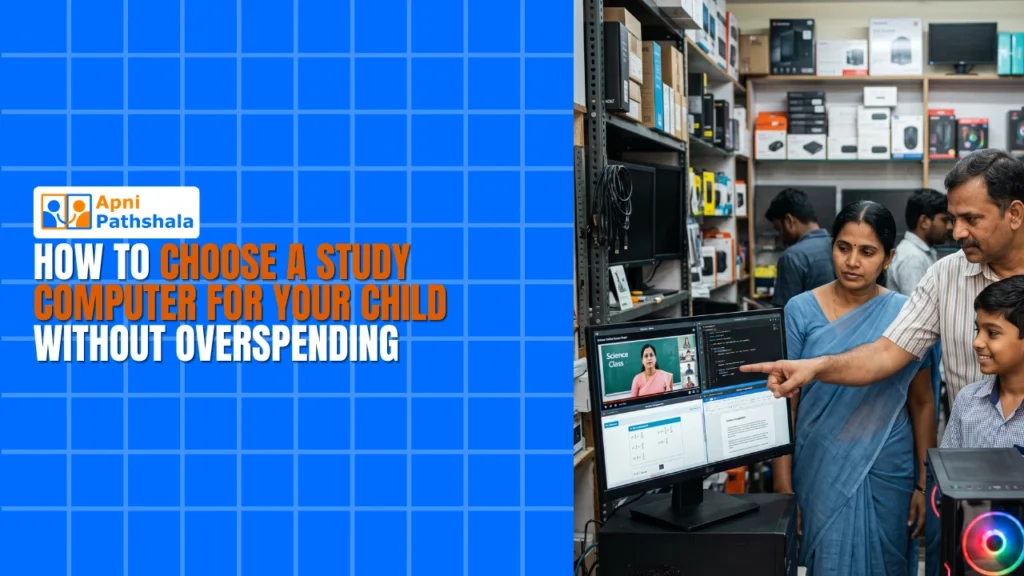
Rajesh’s Dilemma: Finding the Right Study Computer for His Daughter
Rajesh sat in his small shop in Indore, scrolling through laptop prices on his phone during lunch break. His daughter Priya had just entered class 8, and her school was pushing digital learning hard. He wanted to buy her a study computer for kids, but every option seemed to drain his savings. High-end laptops cost 40,000 to 1,00,000 rupees, and budget options felt cheap and unreliable. Rajesh wasn’t alone in this struggle. Thousands of parents in Tier 2 and Tier 3 cities face the same pressure to provide technology without breaking the bank.
You don’t need to spend a fortune to find the right study computer for kids. The right device balances affordability, durability, and educational features. This guide will help you navigate the choices and find a budget desktop or student computer that works for your family’s needs.
Why Your Child Needs a Study Computer Today?
Schools across India are moving toward digital learning. Whether it’s accessing the DIKSHA digital learning platform or submitting assignments online, your child needs reliable access to a computer. A dedicated study computer for kids keeps them focused on learning without the distractions of a shared family device.
Online education platforms, coding tutorials, and interactive learning tools all require a stable, dedicated machine. Your child can’t learn coding on a smartphone, and they can’t submit science projects through a tablet alone. A proper student computer opens doors to skills that will matter for their future.
Budget Desktop vs Laptop: What Makes Sense for Your Child
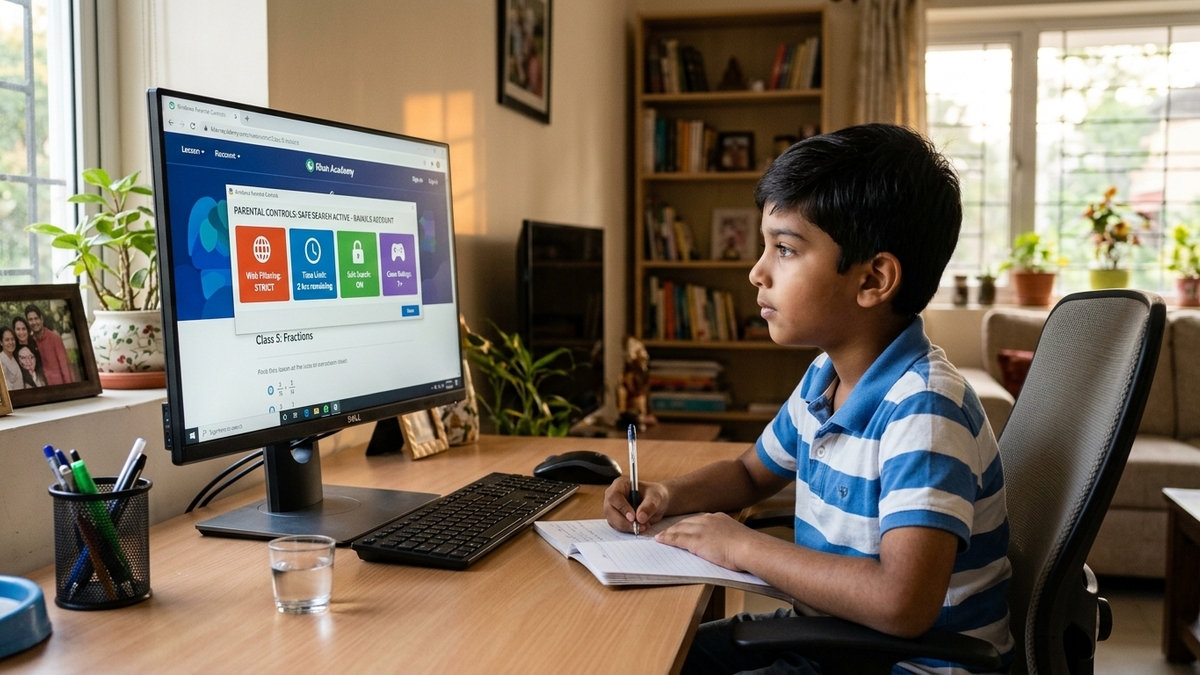
The first choice you’ll face is between a budget desktop and a laptop. Laptops offer portability, but they cost more and have shorter lifespans. A budget desktop sits on a desk, stays put, and lasts longer for the same price.
- Desktop advantages: Better performance for the money, easier to upgrade, longer lifespan, less prone to damage from drops
- Laptop advantages: Portable, takes up less space, can be used anywhere in the house
- Best choice for most families: A budget desktop for serious study, paired with a tablet if portability is essential
For Rajesh’s situation, a desktop made more sense. Priya could study at the dining table without worrying about carrying it to school, and it would last through her entire school years without performance issues.
What Specifications Matter for Learning?
You don’t need gaming-level specs for a study computer. Your child doesn’t need the latest processor or a graphics card that costs thousands. Focus on these key specs that actually matter for a computer for learning.
- RAM: 8GB is the sweet spot. It handles multiple browser tabs, video calls, and document editing without lag
- Storage: 128GB SSD is enough for school projects, videos, and software. It’s also much faster than old hard drives
- Processor: A mid-range processor from the last 2-3 years works fine. You’re not rendering videos or playing AAA games
- Display: A 20-24 inch monitor is ideal for a study desk. Bigger than that causes eye strain; smaller makes reading difficult
Many parents overspend on specs their children will never use. A student computer for learning doesn’t need to be a powerhouse. It needs to be reliable, fast enough for schoolwork, and built to last.
The Software Question: What Should Come Pre-Loaded
Don’t overlook what’s already on the computer when you buy it. Many budget desktops come with bloated software, ads, and unnecessary programs that slow things down. You want a clean operating system with educational tools built in.
Look for computers that come with free, open-source software like LibreOffice for documents and spreadsheets. If the device includes monitoring tools that let you see what your child is doing online, that’s a bonus for safety. Coding tools like Scratch are invaluable if your child shows interest in programming. The best budget desktop comes with these tools ready to go, not requiring you to hunt for free versions online.
Understanding What Apna PC Offers for Your Budget
If you’re looking at options in the Rs.21,000 range, Apna PC by Apni Pathshala is worth serious consideration. It’s built specifically as a study computer for kids in India, not a generic budget machine adapted for education.
The specs are solid: 8GB RAM and 128GB SSD mean your child gets smooth performance without lag. It comes with Zorin OS, a beginner-friendly operating system that’s free from ads and bloat. Pre-loaded software includes LibreOffice for documents, Scratch for coding, and Apni Prerna for learning progress tracking. Learn more about what Apna PC offers and how it supports your child’s education.
Questions to Ask Before You Buy
Before handing over your money, ask the seller these questions about any study computer for kids you’re considering:
- What’s the warranty period and what does it cover?
- Is technical support available locally or only through email/phone?
- Can the RAM or storage be upgraded later if my child’s needs grow?
- What operating system is installed, and is it free from ads?
- Are educational software and tools pre-installed or do I need to buy them separately?
These questions help you understand the true value of what you’re buying. A cheap computer with no warranty and no local support isn’t a bargain. It’s a headache waiting to happen.
Making the Final Decision Without Guilt
Rajesh finally bought Priya a quality study computer. It wasn’t the most expensive option, but it was built for what she actually needed. Within weeks, she was submitting better assignments, learning coding basics, and exploring learning resources online. Most importantly, Rajesh didn’t feel like he’d wasted money or shortchanged his daughter.
You can make the same choice. A study computer for kids around Rs.21,000 is a real investment in your child’s education. It’s not about having the fanciest device; it’s about having a reliable tool that supports learning. Consider exploring options that come with educational software pre-installed and local support available. You might also want to understand learning beyond the school curriculum to see how a dedicated computer opens more doors for your child.
Check what the Central Board of Secondary Education (CBSE) recommends for digital learning tools, and make sure your choice aligns with your child’s school requirements. Your child deserves access to quality education tools, and you deserve to feel confident about your purchase. Visit apnapc.com to learn more.