

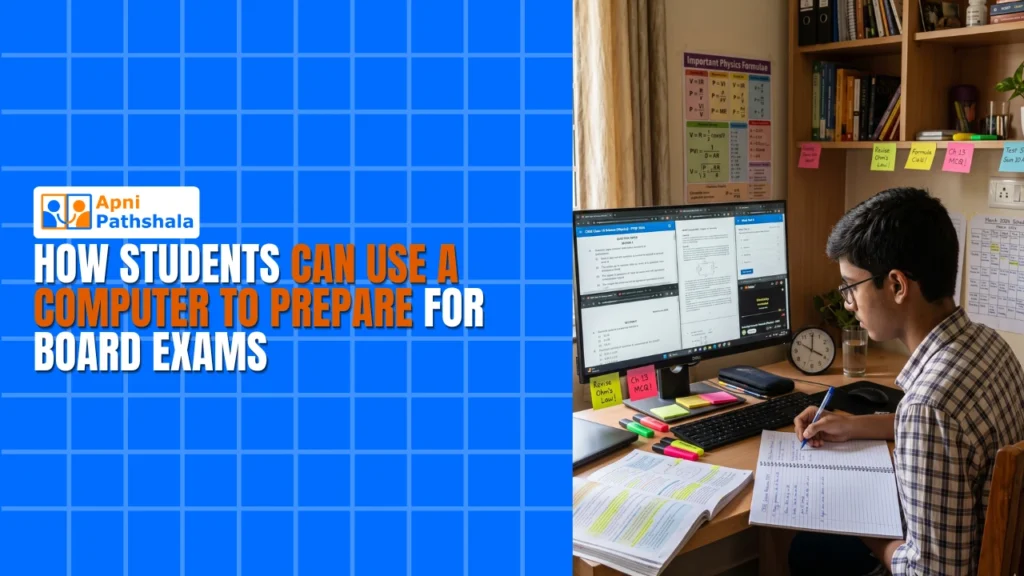
A computer helps students prepare for board exams by giving them access to video lectures, digital notes, mock test platforms, and downloaded study materials. The key is using the computer actively for structured study rather than passively browsing. This guide explains the most effective ways students use a computer during board exam preparation.
How should students use a computer for board exam video lectures?
Treat video lectures like live classes: take notes while watching, pause to write formulas and diagrams, and replay confusing sections. A computer with 8GB RAM and a 128GB SSD handles HD lectures without buffering and stores them locally for offline review. Use a separate notebook or digital document alongside each video to build your own summary. Best computer for video lectures and digital notes explains which specs matter most for this.
How do mock tests on a computer help board exam preparation?
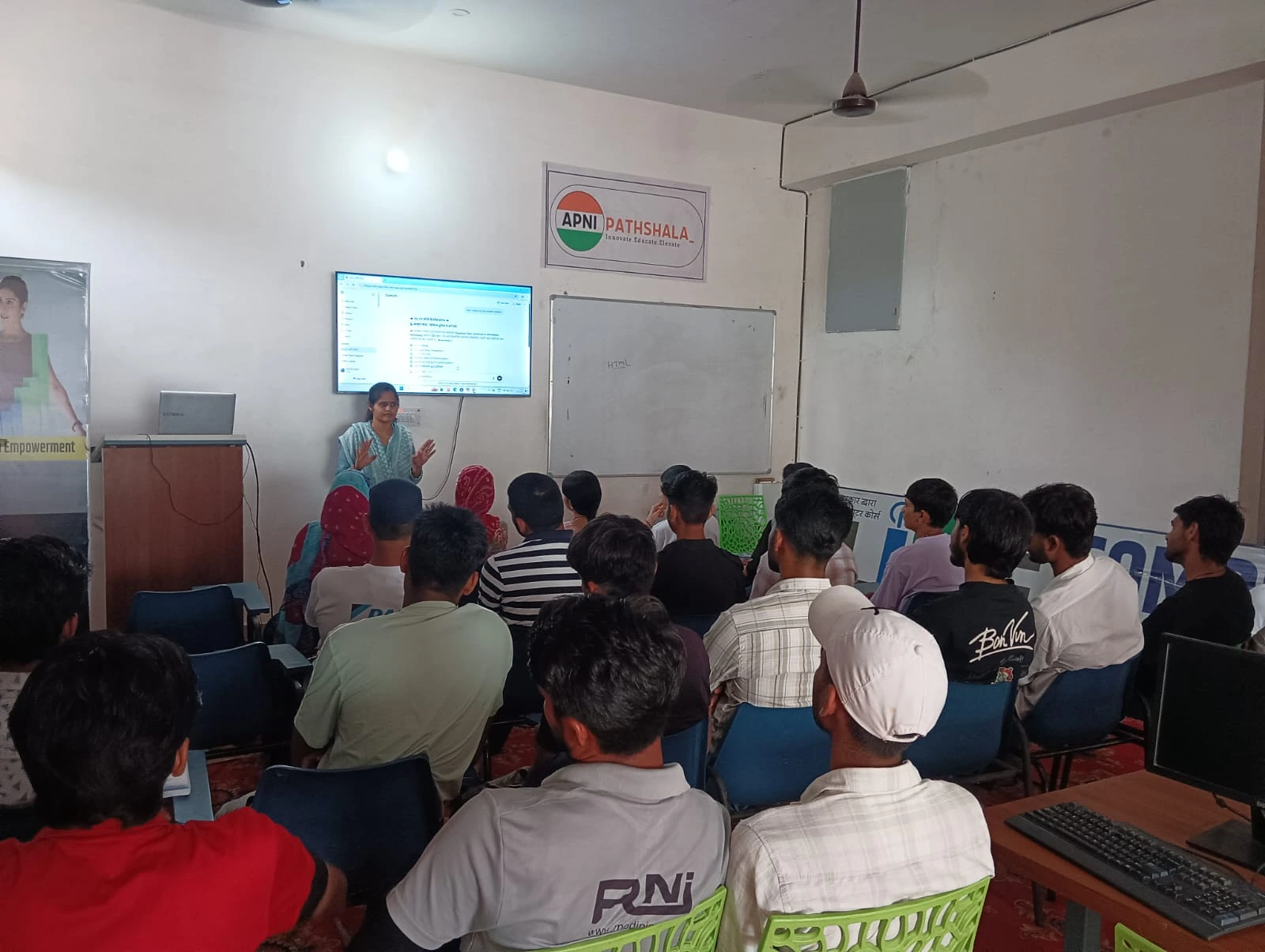
Practising on a computer acclimates students to the digital interface used in many board and entrance exams. Regular timed mock tests on platforms like CBSE’s official portal or third-party test platforms build speed and confidence. Students can review mistakes immediately after each test rather than waiting for a teacher’s correction. The connection between computer access and board exam performance gives more detail on this advantage.
What digital study methods work best on a home computer?
Three methods stand out for board exam preparation on a home computer: creating digital summaries in a word processor (which forces active recall), using the computer’s browser to access NCERT digital content and DIKSHA resources, and saving past year papers as PDFs for timed practice. These methods work better on a desktop than on a phone because the larger screen and keyboard support longer, more focused work sessions.
How does Apna PC support board exam preparation specifically?
Apna PC runs Zorin OS, which is pre-configured for study. At Rs.30,000, it includes 8GB RAM, a 128GB SSD, and Apni Prerna monitoring. The monitoring software shows parents whether their child is spending time on study platforms or drifting to entertainment during the exam period. This visibility is valuable when exam preparation is at a critical stage. Apna PC’s role in a child’s first year of serious exam preparation covers the transition to exam-focused study.
| Study method | How the computer helps | Time per week |
|---|---|---|
| Video lectures | HD playback, offline storage | As per schedule |
| Mock tests | Timed online practice | Regularly before exam |
| Digital notes | Word processor, easy revision | Daily |
| NCERT/DIKSHA | Official digital content | Weekly review |
| Past year papers | PDF download and practice | Before exams |
What distractions should students avoid during computer-based study?
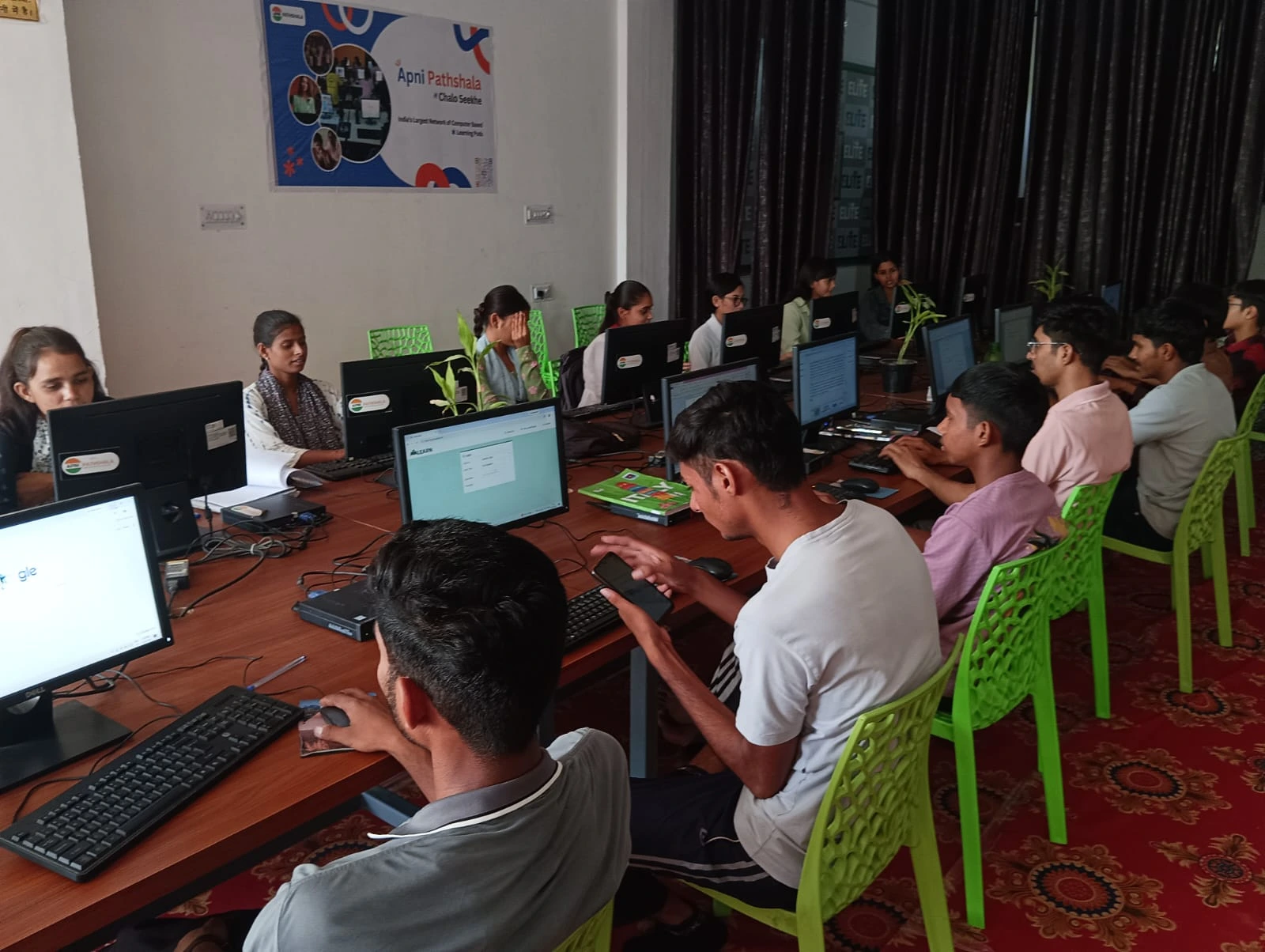
Close all non-study browser tabs before a session. Turn off social media notifications. If studying on a shared computer, ask family members not to interrupt during the scheduled study block. A purpose-built study computer like Apna PC reduces these problems structurally: it does not have social media apps or entertainment shortcuts installed. How Apna PC protects students from online distractions while studying explains the built-in approach.
How should parents support their child’s computer-based board exam study?
Parents can help most by ensuring the computer is in a consistent study spot, the study schedule is posted nearby, and internet is available during scheduled study hours. Using Apni Prerna to check study patterns helps parents identify when their child is studying consistently and when they need a nudge. The Apna PC for students in India overview explains how the full system supports the family, not just the student.
Frequently Asked Questions
Can students download NCERT textbooks on Apna PC?
Yes. NCERT provides official digital textbooks on its website as free PDF downloads. Students can save these to the 128GB SSD and read them offline. Having NCERT textbooks saved locally means they are available even when internet access is limited during study sessions at home.
How should a student organise their study files on the computer?
Create a simple folder structure by subject and topic. For example, a Science folder with sub-folders for Physics, Chemistry, and Biology. Store notes, PDFs, and practice papers in the right folder. Good file organisation saves time searching for materials during revision sessions close to the exam.
Is it better to handwrite notes or type them on a computer?
Both have benefits. Typing is faster and easier to search and revise. Handwriting is better for formulas and diagrams. Many students type their initial notes on the computer and then draw diagrams in a notebook alongside. The best approach depends on the subject and the student’s learning style.
Can students do revision using flashcard apps on Apna PC?
Yes. Web-based flashcard tools work in the browser on Apna PC. Students can create digital flashcards for definitions, formulas, and key dates. These are particularly useful for subjects like History, Biology, and Chemistry where memorisation plays a significant role in exam performance.
What is the best screen setup for long study sessions before board exams?
Adjust brightness to a comfortable level, keep the monitor at arm’s length, and ensure the top of the screen is at or slightly below eye level. Take a short break every hour. Good lighting in the study room reduces eye strain during long sessions before exams.
Visit Apna PC to get a complete study computer set up for your child’s board exam preparation.