

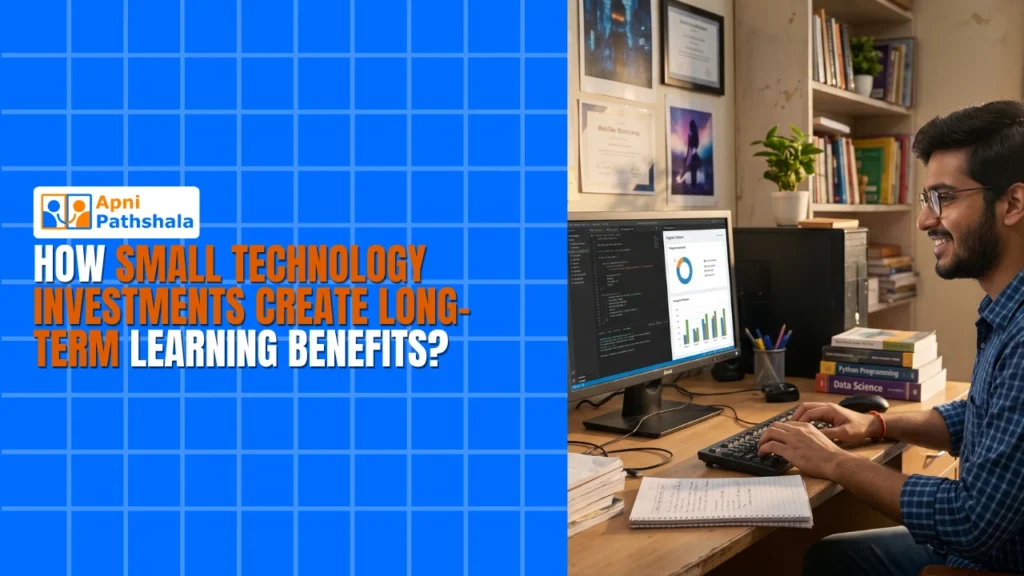
Small technology investments, like one home computer used every day, create long-term learning benefits because skills such as typing, research and self-study build on each other year after year. The gains are quiet at first, but they compound into stronger independence and exam readiness.
The gap between two students in the same class is often not intelligence. It is whether one of them has the right tools at home to revisit a concept until it makes sense.
What does technology in education actually mean for a family?
For most families, technology in education simply means a computer at home that a child uses regularly to learn, practise and explore. It does not mean smart boards or an expensive private school setup.
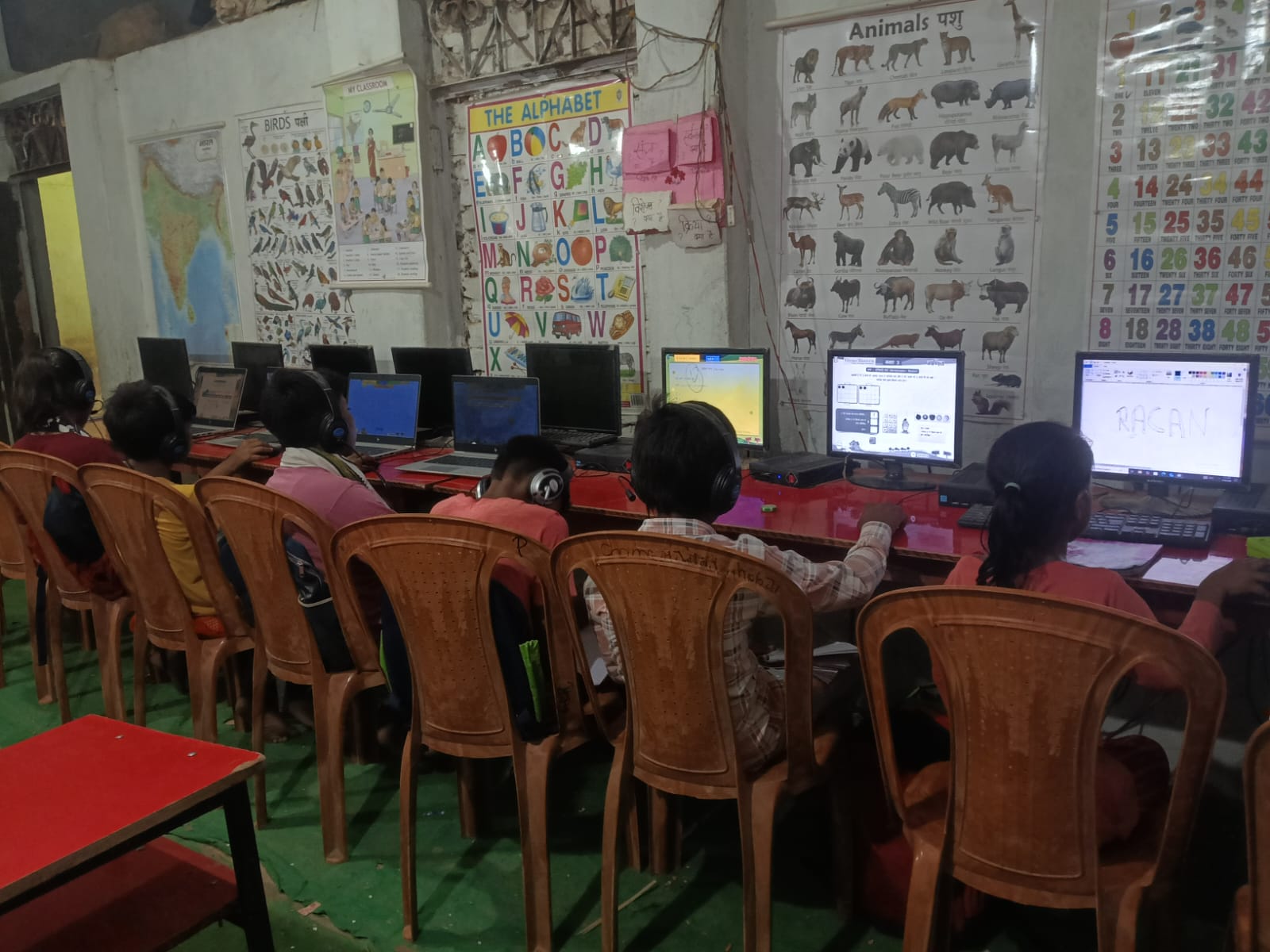
A student with a reliable home computer can open free NCERT solutions, watch concept explainer videos, practise typing and mock tests, and research topics independently. UNESCO’s education pages are useful background on why digital access matters for learners around the world.
The technology does not need to be expensive. It needs to be present and used every day.
What are the real benefits of technology in education?
The benefits of technology in education come from small habits repeated often, not from one big moment. A student who practises typing for 15 minutes a day becomes much faster by the end of the year.
Here is what regular access to a computer does for a student over time:
- Builds independent learning. Students stop waiting for everything to be explained in class and start finding answers themselves.
- Improves exam readiness. Typed notes, online mock tests and digital flashcards speed up preparation.
- Develops digital fluency early. File management, typing and basic research become second nature before Class 10.
- Reduces learning anxiety. Practising at home means less fear of making mistakes in class.
- Opens free resources. DIKSHA, India’s national digital learning platform offers free lessons, textbooks and practice material in Indian languages, all from one device.
None of this needs a coaching centre or a premium subscription. It needs one device, used regularly.
Why do digital learning benefits compound over the years?
Digital learning benefits compound because each skill builds on the last. A textbook teaches a subject for one year, while a computer teaches a student how to keep learning.
A student who learns to type in Class 5 will be faster in Class 8. A child who learns to search for answers at age 10 can research independently by age 16. Nobody marks this growth on a report card, but it shows in how confidently they handle new work.
Why does this matter more in Tier 2 and Tier 3 cities?
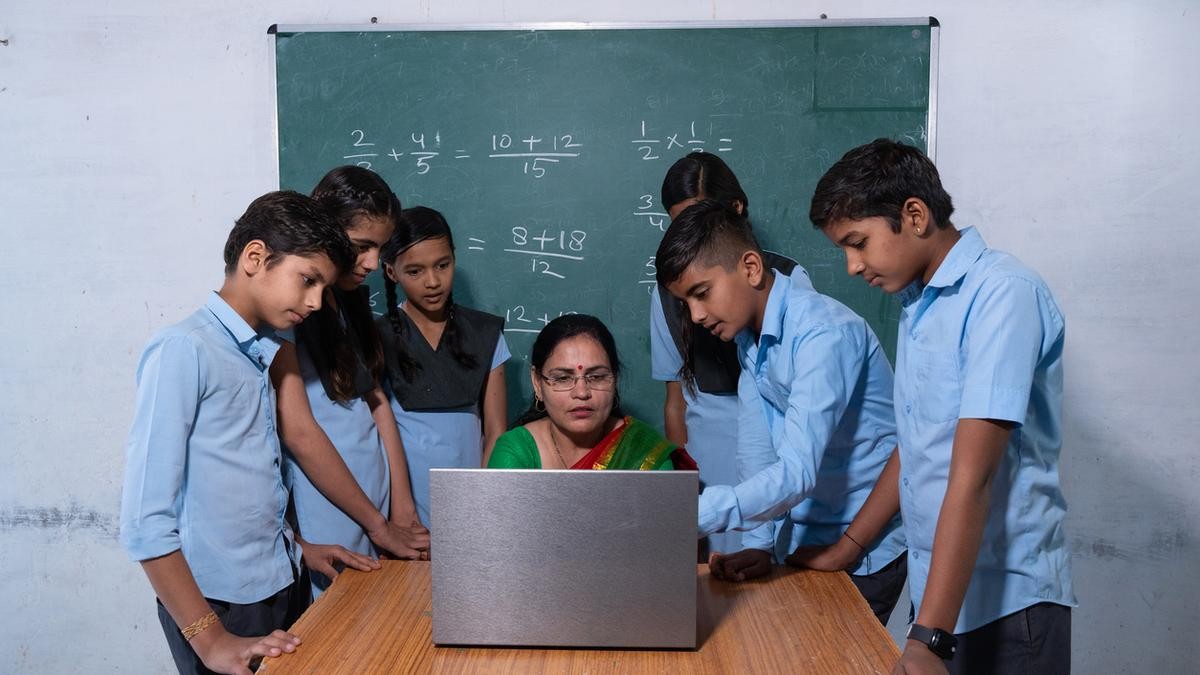
In smaller cities, a home computer often fills the gap left by fewer coaching centres and private tutors. It does not close that gap perfectly, but it closes it meaningfully.
A student with steady device access at home practises more, prepares better and walks into competitive situations with more confidence. The real investment is not in hardware. It is in years of learning opportunities that keep adding up. Our post on digital access and long-term habits explores this further.
How does Apna PC make this affordable?
Apna PC is built for students and parents in Tier 2 and Tier 3 cities who want the benefits of a computer without the price of a premium laptop. It keeps education technology within reach.
At ₹30,000 (shipping and GST excluded), Apna PC is designed for daily use. It handles typing practice, NCERT revision, online mock tests and free educational platforms. It is a practical, durable device that does what it promises.
Is a home computer worth it if it feels like a big purchase?
Yes, if it is used every day. Think of it as a one-time investment that creates a learning advantage for years, not as a single expense.
Read more about how a personal computer helps students learn beyond the classroom, and why the biggest advantage a student can have is about what they can access and practise every day, not only marks.
Frequently Asked Questions
When is the right time to get my child a computer?
Earlier is usually better, because skills like typing and searching build on each other. A child who starts in primary school will be far more comfortable by Class 8. The key is regular use at home, not the exact age when the computer arrives.
Do I need paid apps or subscriptions for these benefits?
No, most of the benefits come from free resources. NCERT solutions, DIKSHA lessons, typing practice and many mock tests are available at no cost. What matters most is that your child has a reliable device and uses it as part of a steady daily routine.
How can I tell if the computer is actually helping?
Look for small changes over months, not days. Your child may type faster, find answers on their own, prepare notes more quickly or feel less anxious before tests. These signs of growing independence are the clearest proof that daily computer use is paying off.
Give your child the device, and give them the years to grow with it. Visit Apna PC to learn more.