

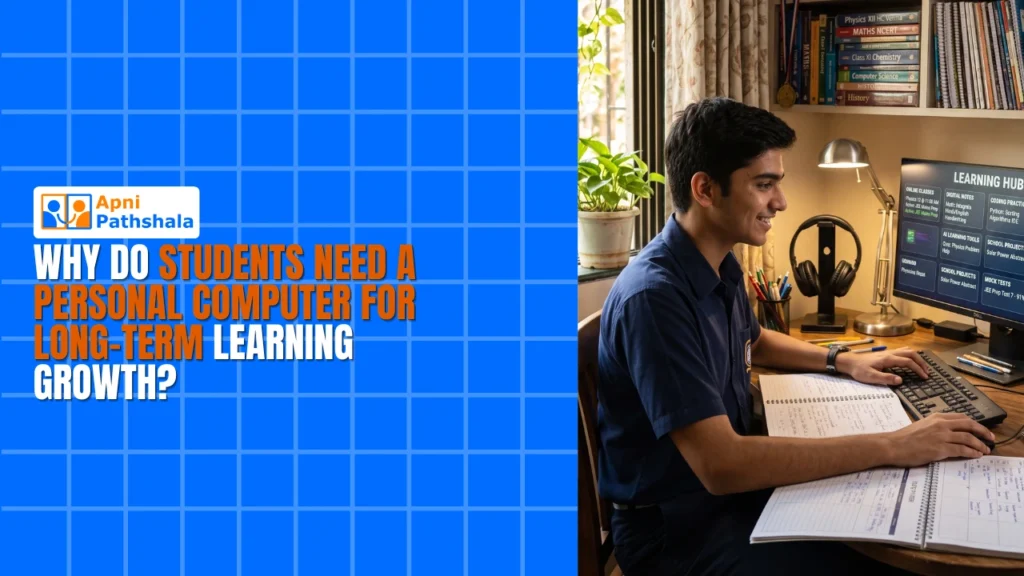
Students need a personal computer for long-term learning growth because steady, daily access turns practice into habits, skills and confidence that last. When a child has their own device, they can revise, take online tests and explore new skills whenever they need to, instead of waiting for a borrowed phone or a weekly lab slot.
For example, a Class 9 student whose school lab opens twice a week for 30 minutes gets very little real practice. In Tier 2 and Tier 3 cities, where good resources are limited, a personal computer is becoming as essential as a textbook.
What goes wrong when a child has no device of their own?
Learning becomes scattered and full of gaps. Children share a school computer, borrow a parent’s smartphone for videos and miss online classes when the device is not free.
- Interrupted learning: no device means no practice after school, so concepts fade before they stick.
- Missed opportunities: online exams, coding classes and digital projects need consistent access.
- Dependency on others: waiting for someone else’s device makes time management harder.
- Limited skill development: the child never learns to use technology independently.
A home computer solves this. It is there for revision, ready for the online test, and it becomes a tool your child controls rather than borrows.
How does a home computer build long-term learning growth?
It supports regular practice, and regular practice builds lasting understanding. Long-term growth is about habits, confidence and skills, not cramming for exams.
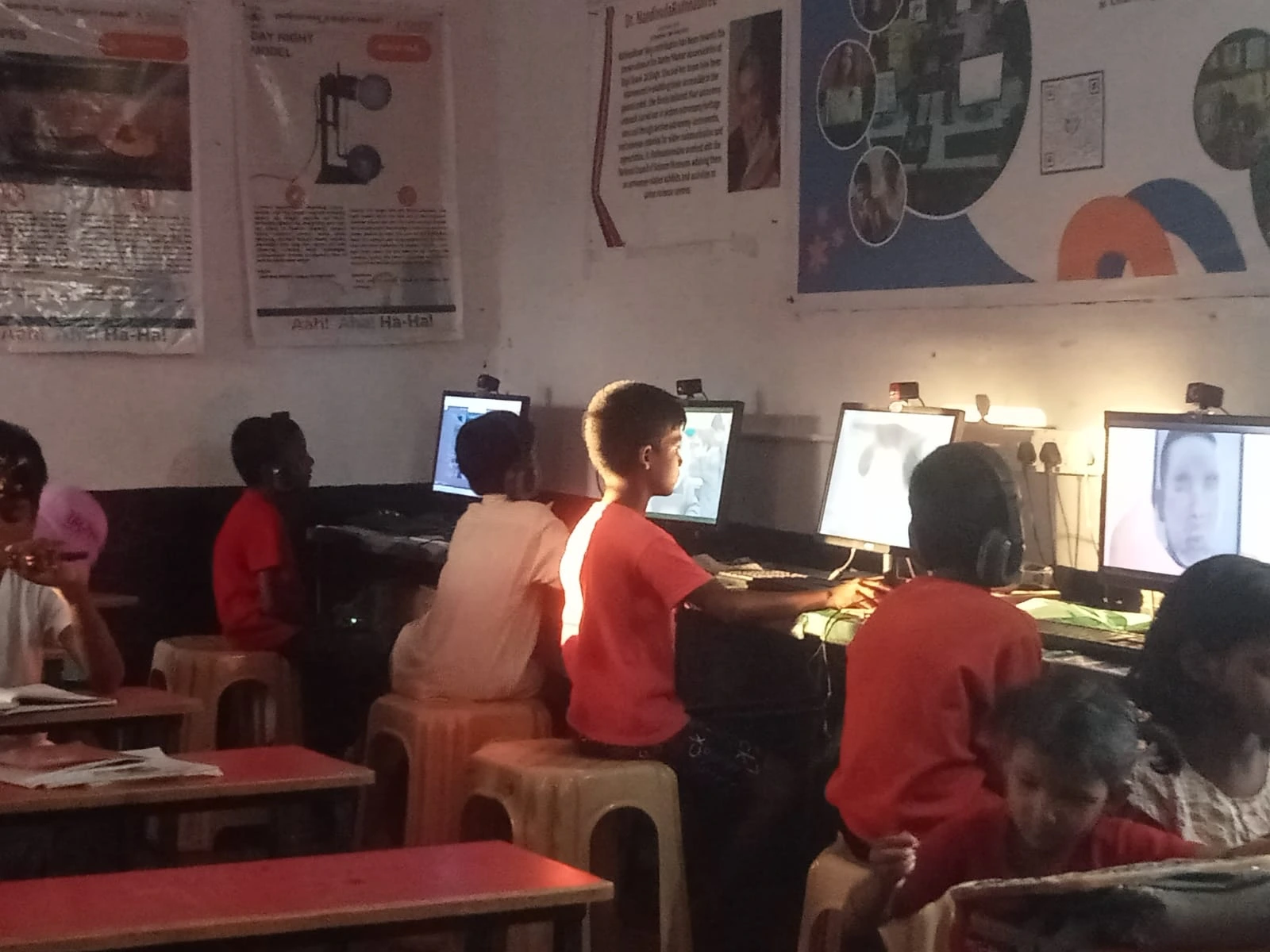
With their own device, children revisit difficult topics without embarrassment and experiment with coding, design and digital tools. They also pick up digital literacy: researching online, spotting reliable sources and using productivity tools. The Digital India initiative is pushing digital access into every community, but your family does not have to wait for it. See how a personal computer builds learning habits.
What makes Apna PC suited to Indian students?
It is designed for study rather than entertainment. Many computers come loaded with games and software that distract and slow things down.
- Pre-loaded learning tools: Zorin OS keeps things simple and fast, LibreOffice handles documents and Scratch teaches coding basics.
- Apni Prerna monitoring: see your child’s progress and which subjects they focus on, without invading their privacy.
- Affordable at Rs.30,000: this includes 8GB RAM and 128GB SSD, enough for years of learning.
- Built for Indian families: designed with bandwidth limits, power issues and local support in mind.
When the computer becomes your child’s daily learning partner, they build a study habit that sticks.
Which skills does a child build with their own device?
Time management, self-awareness and confidence with technology. These grow alongside subject knowledge.
Time management
Children schedule their own study sessions, solve problems independently and develop discipline without constant supervision.
Knowing how they learn best
Some children work better with videos, others with interactive tools. With their own device, they can experiment and find what works.
Confidence with technology
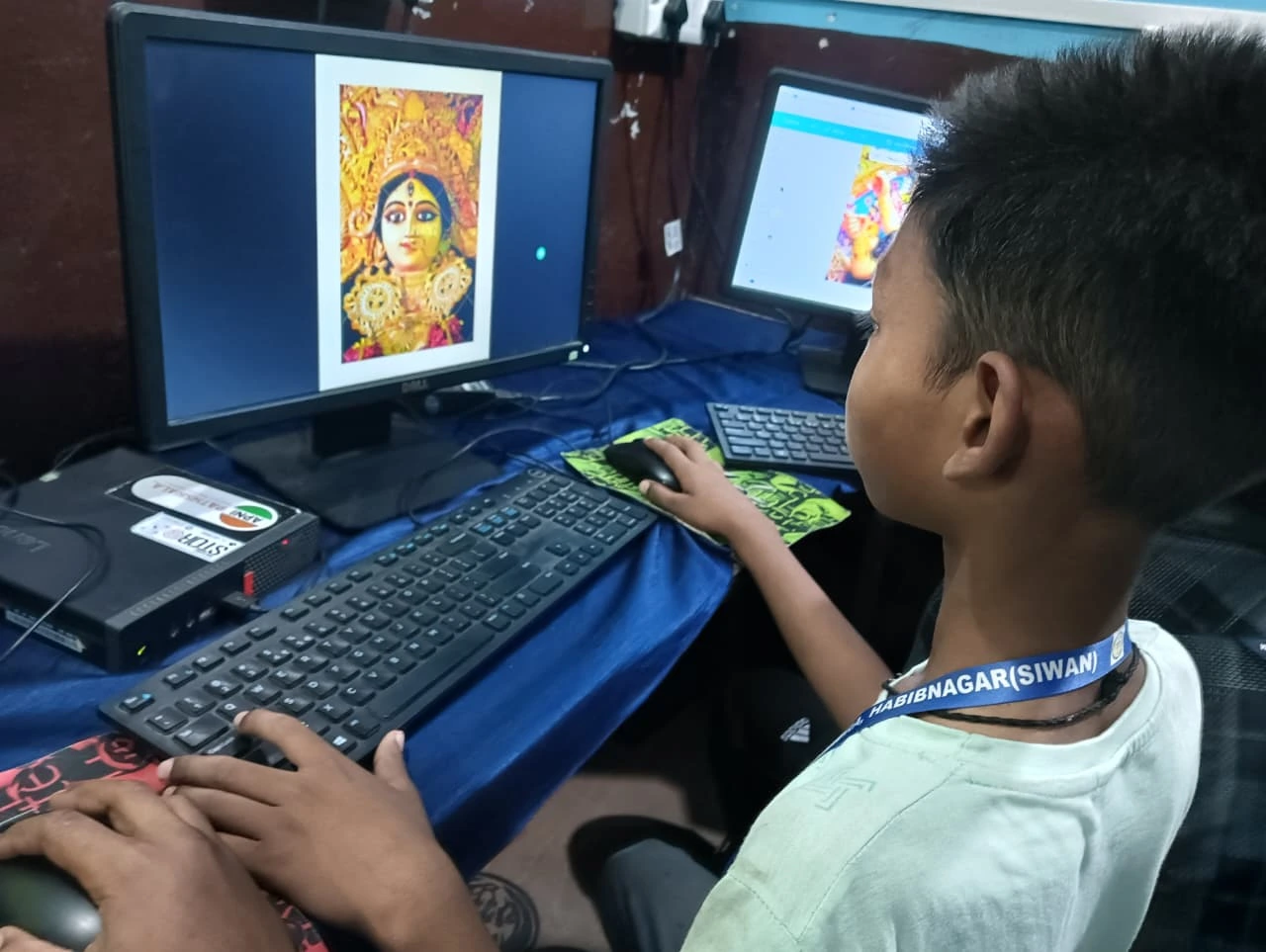
A child who was nervous about computers may soon be the one helping grandparents with their phones. A personal computer also lets them create presentations, edit photos and try coding, which are foundation skills for any career.
Is a personal computer worth the cost?
For most families, yes, because it supports learning over many school years. You are buying consistent access to learning for the next 5 to 7 years of your child’s education, not a gadget.
Compared with ongoing tuition, coaching and private lessons, a good home computer is a one-time cost that is available whenever your child needs it. The payoff shows in grades, and also in how your child approaches problems, manages time and feels comfortable with technology.
How do you take the first step?
Start with a reliable student learning device that works today and grows with your child. You do not need to overthink it.
Remember that learning starts with one computer. If you are unsure about timing, read how to know if your child is ready for a personal computer.
Frequently Asked Questions
At what class should my child get their own computer?
There is no single right class. A child is ready when schoolwork, online classes or projects need regular computer time and they can follow a simple routine. Many families start in middle school, with parents setting study hours and checking progress together.
Can siblings share one personal computer?
They can, with a clear timetable and separate user accounts so each child’s files stay organised. Sharing works best when study slots do not clash, such as one child in the afternoon and another in the evening. If online classes overlap often, a second device may be needed.
How can I make sure the computer is used for learning?
Choose a device set up for study, keep it in a visible spot, and agree on study hours with your child. Built-in monitoring helps you see which subjects get attention, and short weekly conversations about what they learned keep the focus on progress.
Your family deserves access to quality learning tools, wherever you live. Visit Apna PC to learn more.