

Asha’s Story: From Mobile Learning to Real Learning
This isn’t Asha’s fault. Her parents did what millions of Indian families in Tier 2 and Tier 3 cities do: they chose the device they could afford and that fit in their pocket. But here’s what they didn’t know: mobile learning vs computer learning isn’t just about screen size. It’s about how your brain processes information differently on each device.
Why Mobile Learning Feels Easy But Doesn’t Stick
Your phone is designed for quick consumption. Apps are built to grab your attention, show you information fast, and move you to the next thing. When your child studies math on a phone, they’re fighting against the device’s own purpose. The screen is small. The keyboard is awkward. Typing long answers or working through problems takes three times longer.
Mobile learning also creates what researchers call “shallow processing.” Your child sees the information, but they’re not engaging with it deeply. They read a line about photosynthesis, then scroll to check a notification. They solve one math problem, then watch a video. The brain doesn’t build strong connections because the attention keeps breaking.
Mobile Learning vs Computer Learning: The Real Difference
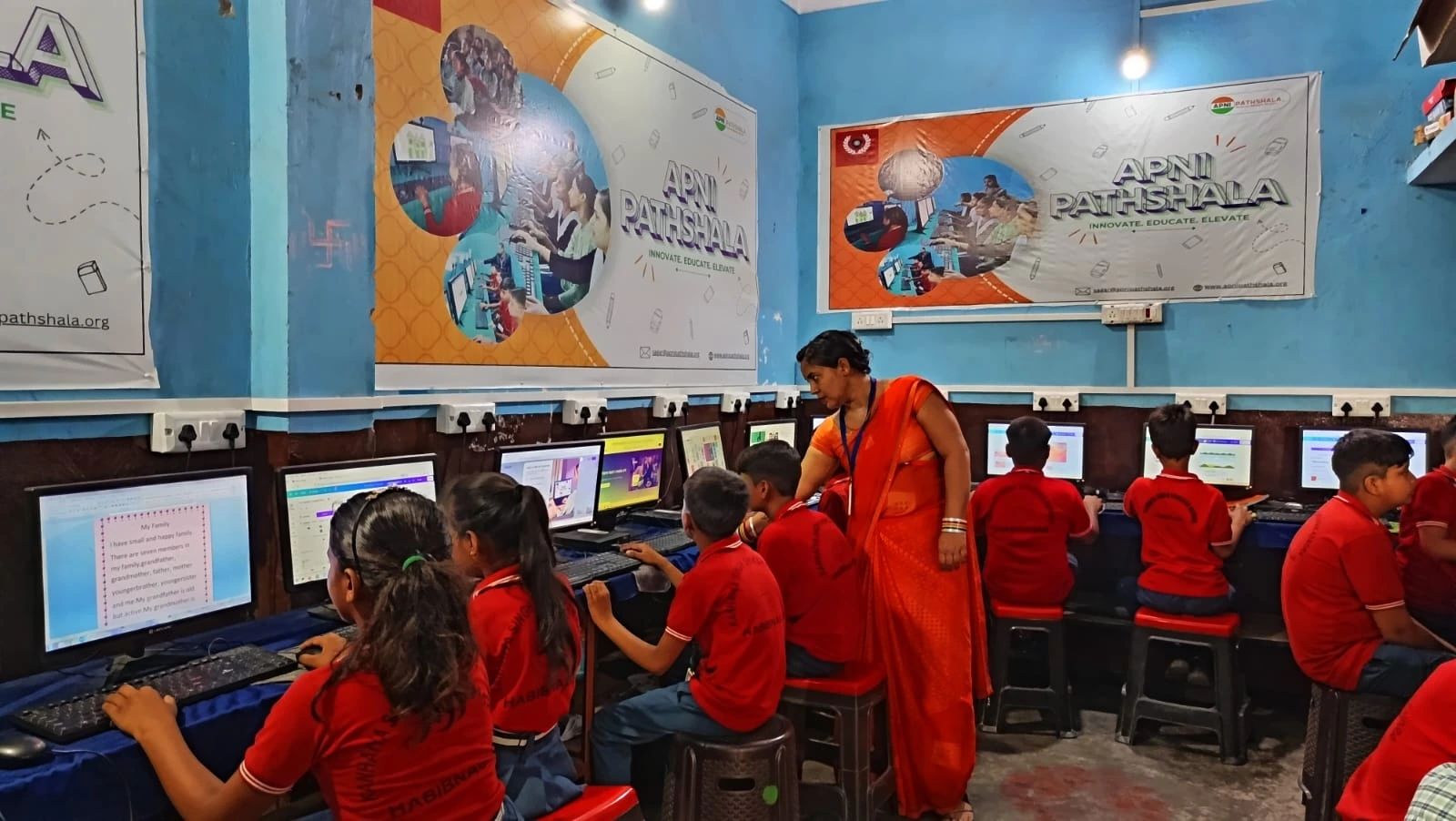
A computer changes how your child learns. The screen is bigger, so reading doesn’t cause eye strain. The keyboard is full-sized, so typing feels natural. Most importantly, a computer is designed for work, not just consumption.
- Create, not just consume. They can write essays in proper word processors, build presentations, and code actual programs instead of just watching videos about coding.
- Focus deeply. A computer doesn’t buzz with social media notifications. The experience is designed for work, so your child’s brain settles into a state of focused learning.
- Use professional tools. They learn on the same software professionals use. When they’re older and need these skills, they won’t be starting from scratch.
- Work on real projects. Your child can research topics thoroughly, organise their thoughts in documents, and submit actual work rather than just answering multiple-choice questions.
Why Your Student’s Computer Matters Right Now?
You might think: “My child can learn anything on a phone. Why spend money on a computer?” Consider what your child actually needs to succeed. Schools are asking for projects, not just test scores. Colleges want to see what students have created. Jobs require people who can use computers confidently.
The right computer for structured learning doesn’t have to be expensive or complicated. It needs to be reliable, have enough power to run educational software smoothly, and come with tools your child actually needs.
Apna PC is built exactly for this. At Rs.21,000, it costs less than a decent smartphone. It comes preloaded with Zorin OS (a learning-focused system), Scratch (for coding), LibreOffice (for documents and spreadsheets), and Apni Prerna (to monitor your child’s progress). The 8GB RAM and 128GB SSD mean it won’t slow down when your child is working on multiple projects.
How Your Child’s First Computer Shapes Their Futur
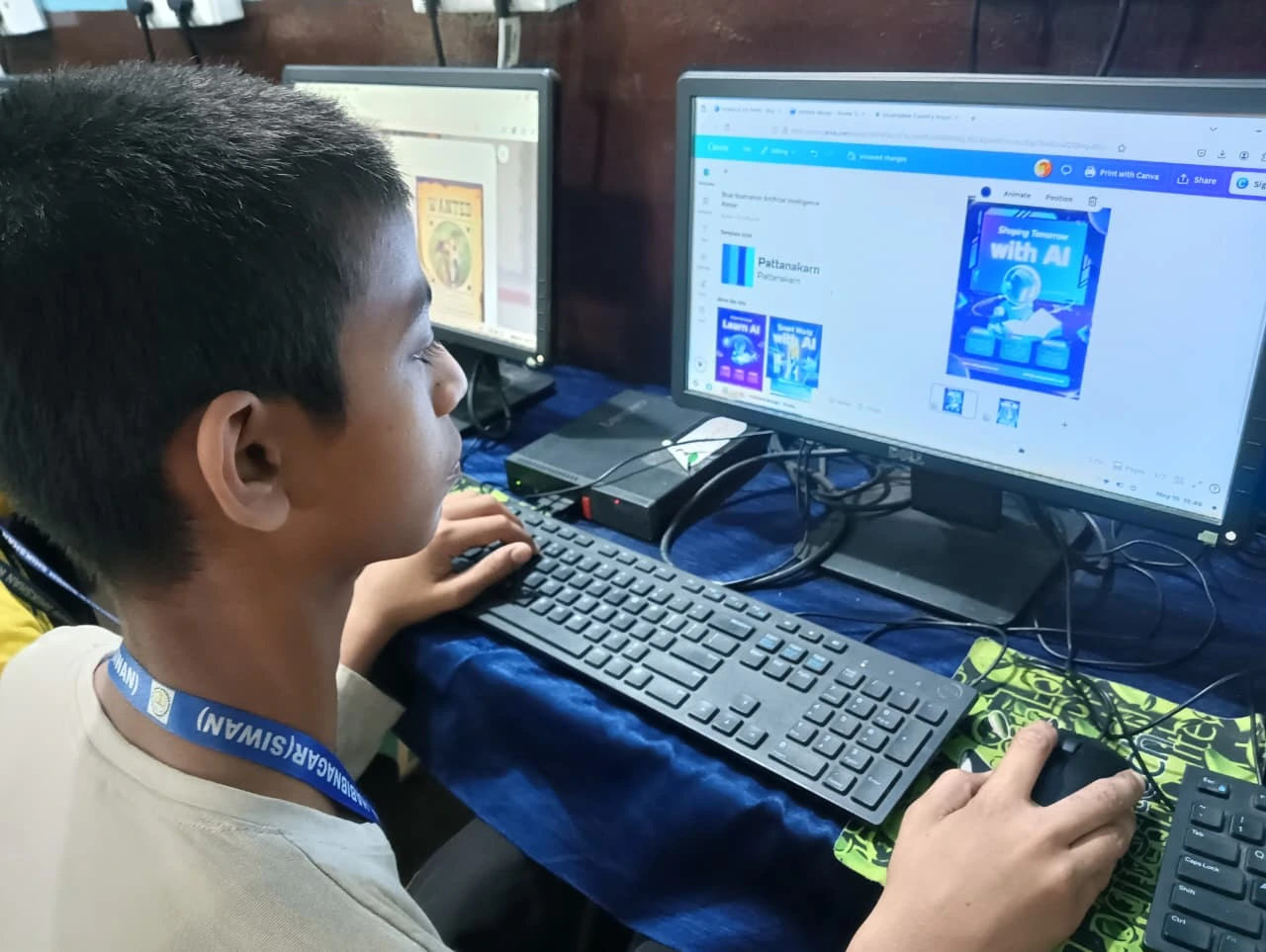
Research shows that how your child learns now affects how they learn forever. If they spend their school years on phones, they develop habits of distraction and shallow learning. If they learn on computers, they build habits of focus and deep work.
When your child opens a computer to study, they’re practising the same behaviour they’ll need in college and at work. They’re learning that serious learning requires a proper workspace. They’re discovering that they can create things, not just consume them.