

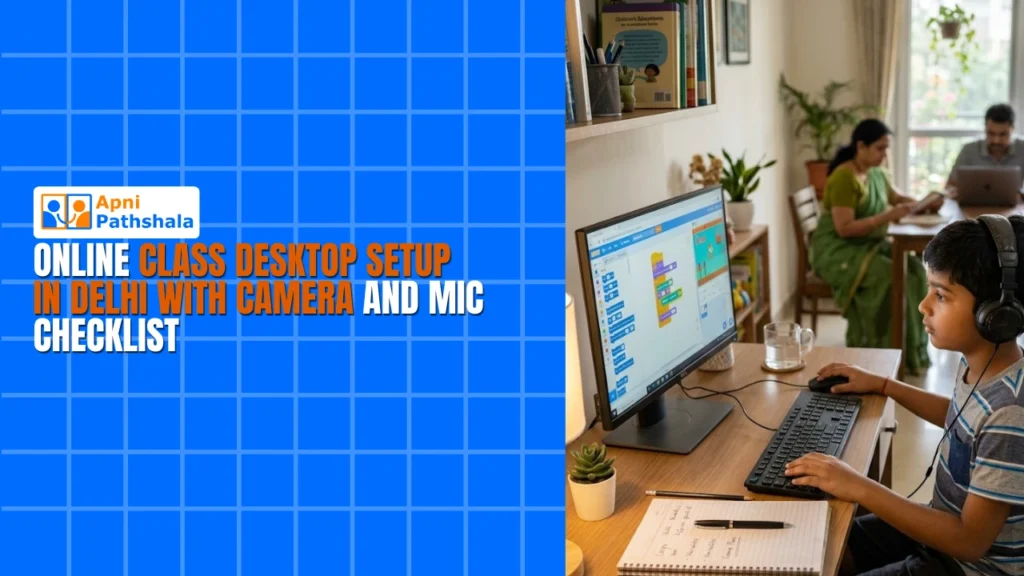
Setting up an online class desktop Delhi environment for your child requires careful planning and the right equipment. Whether your student attends school online or takes additional classes remotely, having a proper online class computer Delhi setup ensures smooth learning experiences. This checklist guides parents through every step of creating an effective home learning station.
Why an Online Class Desktop Delhi Setup Matters for Students?
Online learning has become integral to education in Delhi. A dedicated online class desktop Delhi station helps students focus better, participate actively in classes, and access learning resources efficiently. Unlike shared family computers, a personal setup reduces distractions and improves academic performance.
The Government of India’s DIKSHA digital learning platform and various school portals require stable, reliable computers. An online class computer Delhi that meets basic specifications ensures your child can access these platforms without technical difficulties.
Hardware Essentials: Your Online Class Desktop Delhi Checklist
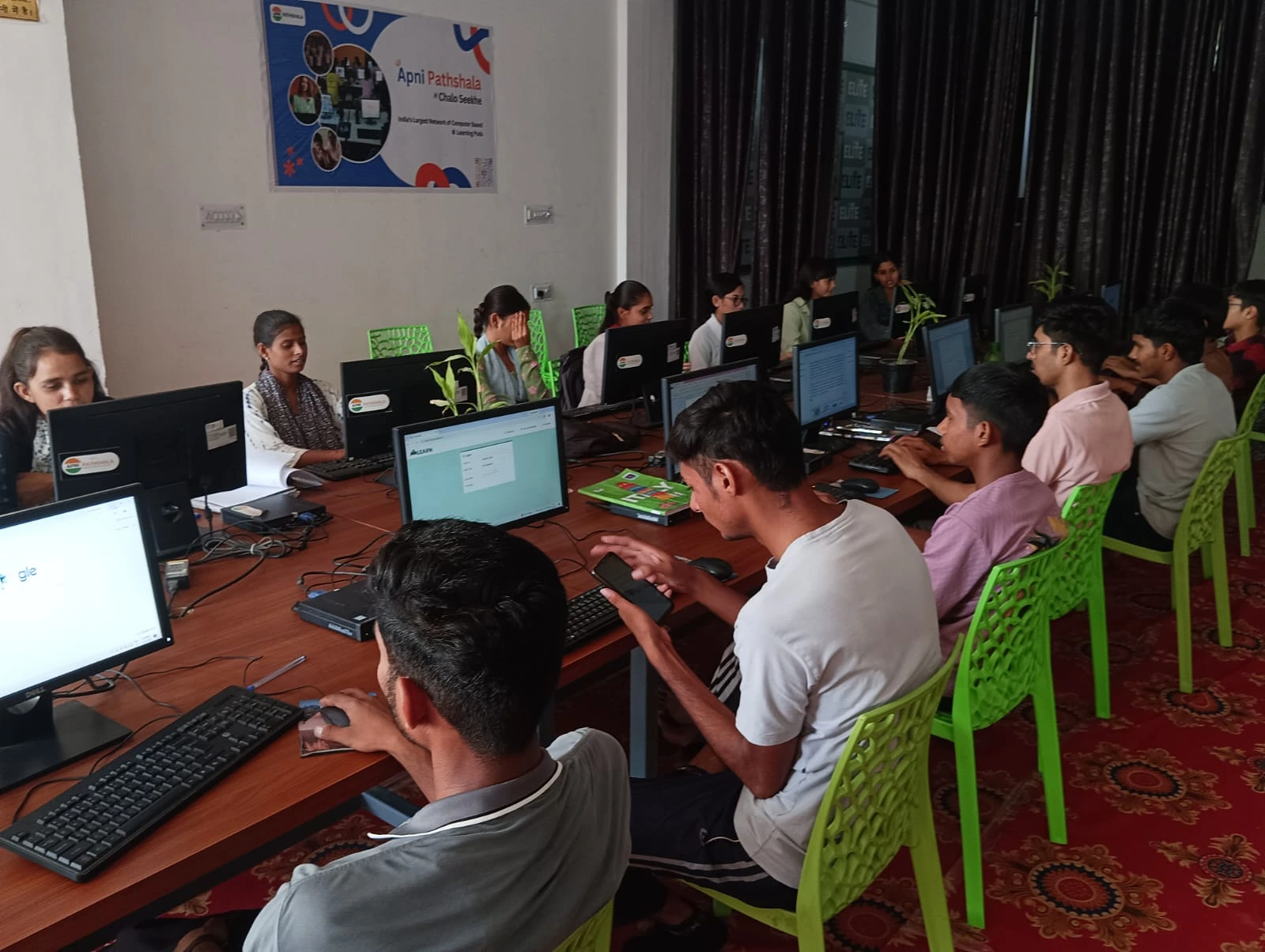
1. Desktop Computer: Start with a reliable machine. Apna PC at Rs.21,000 (shipping and GST excluded) is designed for student learning needs and handles video conferencing, document editing, and online research smoothly. Look for at least 4GB RAM, a dual-core processor, and 256GB storage.
2. Webcam: A good webcam is non-negotiable. Choose a 1080p HD webcam with auto-focus. External webcams provide better video quality and positioning flexibility than built-in laptop cameras. Position the webcam at eye level for a professional appearance during classes.
3. Microphone: Clear audio is essential. A USB microphone or headset with microphone ensures teachers hear your child distinctly. Avoid relying on built-in microphones, which pick up background noise. A noise-cancelling microphone helps if your home has ambient sounds.
4. Headphones: Quality audio output matters as much as input. Use headphones to hear teachers clearly and avoid disturbing others at home. Both wireless and wired options work well for your online class desktop Delhi environment.
5. Stable Internet: Minimum 2 Mbps upload and download speeds work for basic video conferencing. However, 5 Mbps or higher is ideal for smooth streaming. Contact your ISP to confirm your connection supports online learning requirements.
Software Setup for Online Class Computer Delhi
6. Video Conferencing Apps: Install Google Meet, Zoom, Microsoft Teams, or your school’s specific platform. Download these before classes begin to avoid last-minute technical issues. Test audio and video settings in advance.
7. Educational Software: Install Microsoft Office or LibreOffice for document creation. Add PDF readers, antivirus software, and educational apps your school recommends. Productivity tools like note-taking apps help students stay organized.
8. Browser Setup: Use Chrome or Firefox as your primary browser. Install ad-blockers and grammar checkers to enhance the online learning experience. Keep your browser updated for security and compatibility with school platforms.
Physical Setup Checklist for Your Webcam Computer Delhi
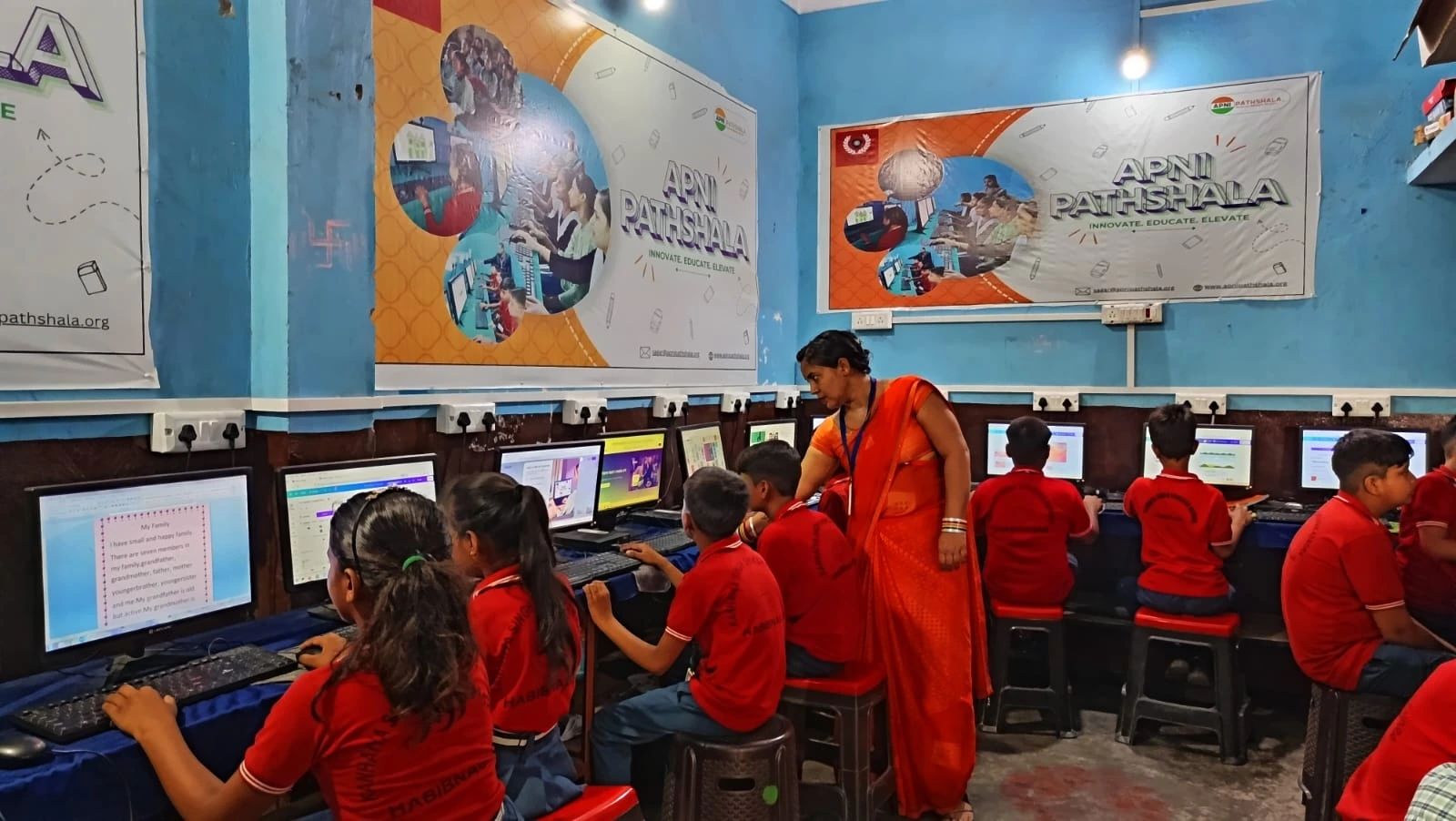
9. Dedicated Study Space: Create a quiet, well-lit corner for your child’s setup. Position the desk near a window for natural light, which reduces eye strain and improves video quality during online classes.
10. Background and Lighting: Keep the background clean and professional. Position a desk lamp or ring light to illuminate your child’s face evenly. Avoid sitting with windows behind them, which creates backlighting issues on camera.
11. Comfortable Seating: Invest in a chair that supports proper posture. Your child will spend hours sitting during online classes, so comfort and spinal support prevent long-term health issues.
12. Cable Management: Organize cables neatly to avoid tripping hazards and create a professional appearance. Use cable clips to keep your online class computer Delhi setup tidy and safe.
Testing and Optimization
13. Pre-Class Testing: Before the first class, test all equipment. Check camera angle, microphone levels, speaker volume, and internet speed. Run a test video call with family members to identify and fix issues beforehand.
14. Regular Maintenance: Clean your webcam lens weekly. Update software monthly. Check internet connection stability and restart your router if needed. Regular maintenance keeps your school computer Delhi running smoothly throughout the academic year.
Budget-Friendly Options for Delhi Parents
Setting up a complete online class desktop Delhi doesn’t require expensive equipment. What is Apna PC explains how affordable computers support student learning effectively. With Apna PC at Rs.21,000, you get a reliable foundation for your child’s online education.
The Digital India initiative promotes technology access for all students. Take advantage of government schemes and educational discounts when purchasing equipment for your online class computer Delhi setup.
Beyond Basic Online Classes
A proper setup enables more than just attending classes. Students can access online libraries, participate in virtual labs, and explore coding platforms. Learn Beyond Curriculum to understand how computers expand educational opportunities beyond traditional classroom boundaries. Visit apnapc.com to learn more.