

Preparing for JEE requires more than just books and coaching classes. A dedicated JEE test computer Bangalore setup gives your child the edge they need to practice mock tests, access online resources, and build exam-day confidence. With the right hardware and configuration, your child can simulate real exam conditions from the comfort of home.
Many Bangalore parents invest lakhs in coaching but overlook the computer their child uses daily. This is a mistake. A slow, unreliable device disrupts study flow and adds unnecessary frustration. Here’s how to set up the perfect JEE computer Bangalore without breaking the bank.
Why a Dedicated JEE Test Computer Bangalore Matters?
JEE is now conducted entirely online. Students who practice on computers daily develop faster navigation skills, better time management, and reduced exam anxiety. A JEE test computer Bangalore that mirrors the actual exam interface helps your child feel comfortable on test day.
Beyond mock tests, a study computer Bangalore serves multiple purposes: watching lecture videos, solving practice problems, accessing digital textbooks, and joining online doubt-clearing sessions. One device handles all these tasks when chosen correctly.
The Central Board of Secondary Education recommends digital literacy for all students. A personal computer builds these skills while serving immediate exam preparation needs.
Essential Specs for a JEE Computer Bangalore
Not every computer suits JEE preparation. Here are the minimum specs your exam prep computer Bangalore should have:
Processor: Intel Celeron or equivalent. JEE mock test platforms are web-based and need decent processing power. Avoid very old processors that lag during timed tests.
RAM: 4GB minimum. JEE preparation involves multiple browser tabs: test platform, reference material, calculator, and notes. Insufficient RAM causes freezing at the worst possible moment.
Storage: 64GB SSD or 256GB HDD. SSD is strongly preferred for faster boot times and quick application loading. When your child has 10 minutes between coaching classes, every second of boot time matters.
Screen: 14-inch minimum for laptops, or any size for desktops. JEE question papers contain diagrams, charts, and multi-part questions. A cramped screen leads to scrolling and wasted time.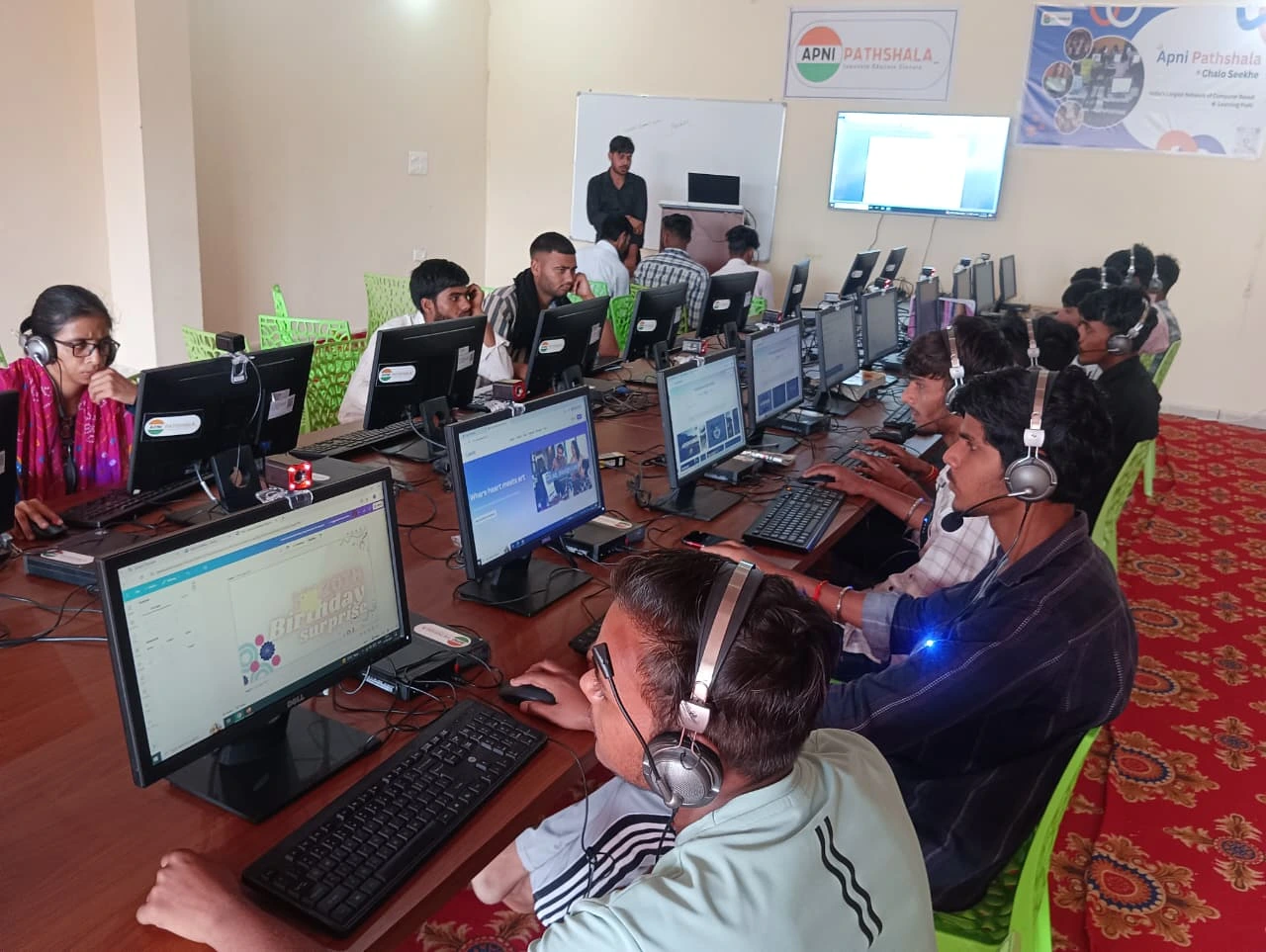
Budget Considerations for Bangalore Parents
JEE coaching in Bangalore already costs Rs.1-3 lakhs annually. Adding an expensive computer to the equation strains family budgets unnecessarily. A well-chosen exam prep computer Bangalore at Rs.21,000 delivers everything your child needs.
At this price point, the hidden cost of not having a computer becomes clear. Students without personal devices rely on coaching center computers, mobile phones, or borrowed machines. None of these provide the consistent, distraction-free practice environment JEE demands.
Apna PC at Rs.21,000 (shipping and GST excluded) offers solid specifications for JEE preparation. It handles mock test platforms, video lectures, and practice software without lag. The money saved compared to premium laptops can fund additional study materials or test series.
Setting Up Your JEE Test Computer Bangalore for Success
Hardware alone doesn’t guarantee results. Proper setup matters equally. Here’s how to optimize your child’s JEE computer Bangalore:
Clean environment: Remove games, social media apps, and entertainment software. The computer should serve one purpose during exam season: studying. Install only educational tools and the JEE mock test platform.
Browser bookmarks: Set up bookmarks for JEE preparation websites, previous year papers, and the official NTA exam portal. Quick access saves time and reduces distractions.
Practice schedule: Create a daily mock test routine. Taking one full-length test every other day on the JEE test computer Bangalore builds stamina and familiarity with the online format.
Timer setup: Use the computer’s built-in timer or a browser extension to simulate exam time pressure. This trains your child to manage the 3-hour window effectively.
Video Lectures and Online Resources
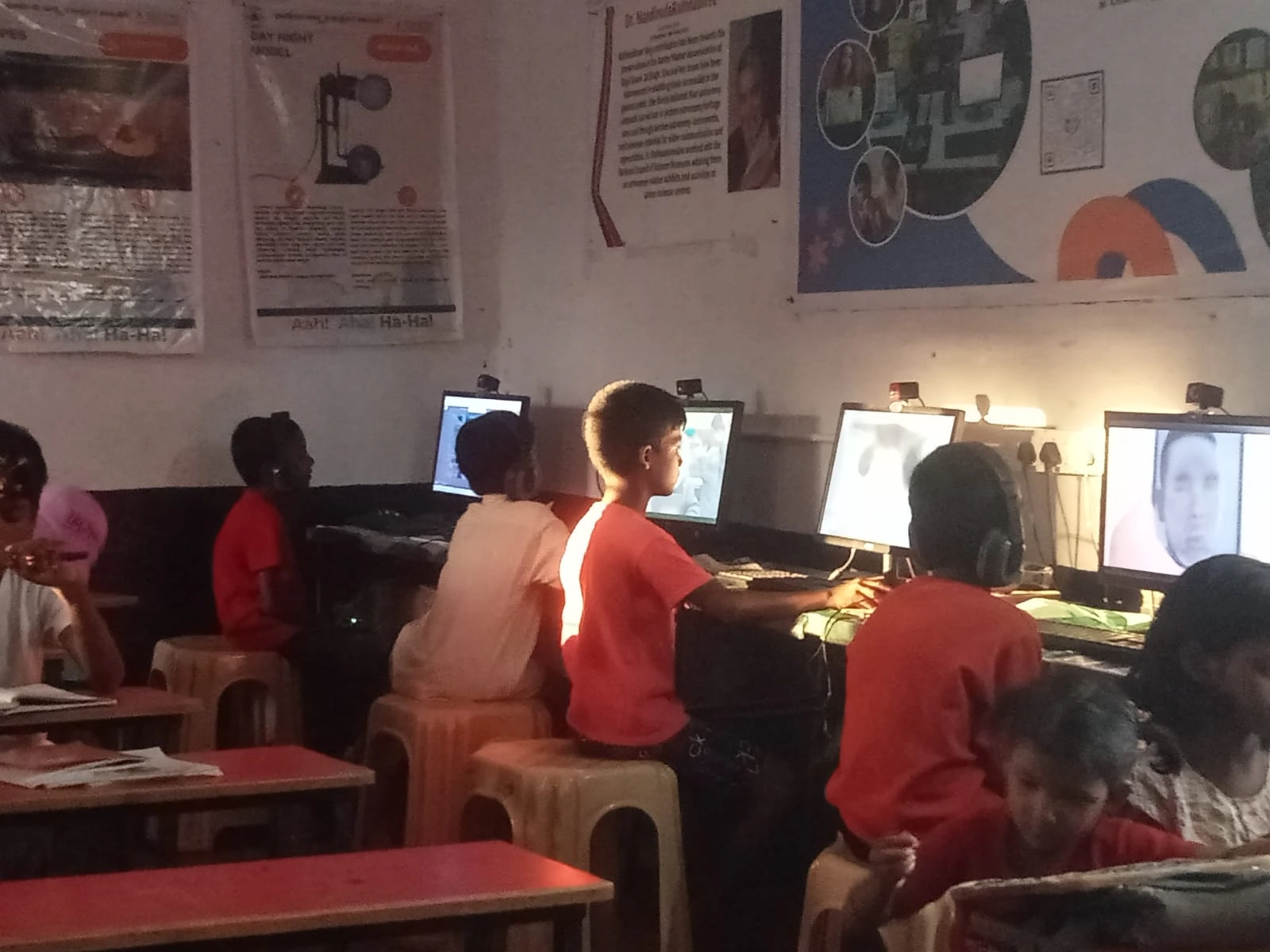
Modern JEE preparation goes beyond textbooks. Top educators upload detailed concept explanations, problem-solving techniques, and revision sessions online. Your exam prep computer Bangalore should handle video playback smoothly without buffering.
DIKSHA offers free educational content aligned with competitive exam syllabi. Combined with paid test series from platforms like Allen, FIITJEE, or Unacademy, your child gets comprehensive preparation at minimal cost.
A good processor and adequate RAM ensure video lectures play without interruptions. Many students watch concept explanations during evening study sessions. Buffering wastes precious time and breaks concentration.
Maintenance Tips for Your Exam Prep Computer Bangalore
Regular maintenance keeps your study computer running smoothly throughout the JEE preparation period. Clean the keyboard and screen weekly. Update your operating system and software regularly for security and performance.
Monitor storage space. With multiple mock tests and study materials, storage fills quickly. Keep at least 20% free space for optimal performance. Back up important study notes to cloud storage or an external drive.
The biggest advantage a student can have today isn’t just marks, it’s the right tools. A reliable JEE computer Bangalore that works consistently throughout the preparation period gives your child confidence and peace of mind.
Making the Right Choice for Your Child’s Future
Investing in a proper study computer Bangalore isn’t just about having a device. It’s about giving your child equal access to resources that top performers use. A dedicated JEE test computer removes barriers and builds confidence before the actual exam.
Your child deserves the best preparation tools available at an affordable price. Visit apnapc.com to learn more.