


A computer for online classes needs to do more than connect to Zoom. It needs to protect your child from distractions, run class software reliably, and make study time easier rather than stressful. Parents who choose the right setup see their children attend classes on time, focus better, and manage schoolwork without frustration.
Many parents feel this pressure, especially as online learning has become a regular part of school. Your child spends hours each day on a device for classes, assignments, and research. That device needs to be right for them, not just any computer you have lying around at home.
What Makes a Computer Safe for Online Classes?
A safe study computer involves more than antivirus software. The whole setup matters: an operating system that reduces distraction, parental controls built in from the start, and hardware that runs reliably without slowing down over time.
Most families buy regular computers meant for adults. These come with games, social media shortcuts, and complex settings that your child does not need. A computer built for student use is different. It limits what your child can access during study time and runs only what they need for school.
What Specs Does a Student’s Online Class Computer Need?
For online classes to run without lag, your child’s computer needs a few key things. Here is what actually matters:
- RAM: 8GB is enough to run video calls, a browser, and documents at the same time without freezing.
- Storage: 128GB SSD makes the computer fast to start and load apps, so your child is never waiting.
- Processor: A modern processor handles video conferencing and schoolwork without overheating during long sessions.
- Operating System: A lightweight, secure OS like Zorin Linux keeps the computer fast and free from most malware.
These are not luxury features. They are the minimum your child needs to attend classes, complete assignments, and practice without delays getting in the way.
How Apna PC Solves the Online Class Problem
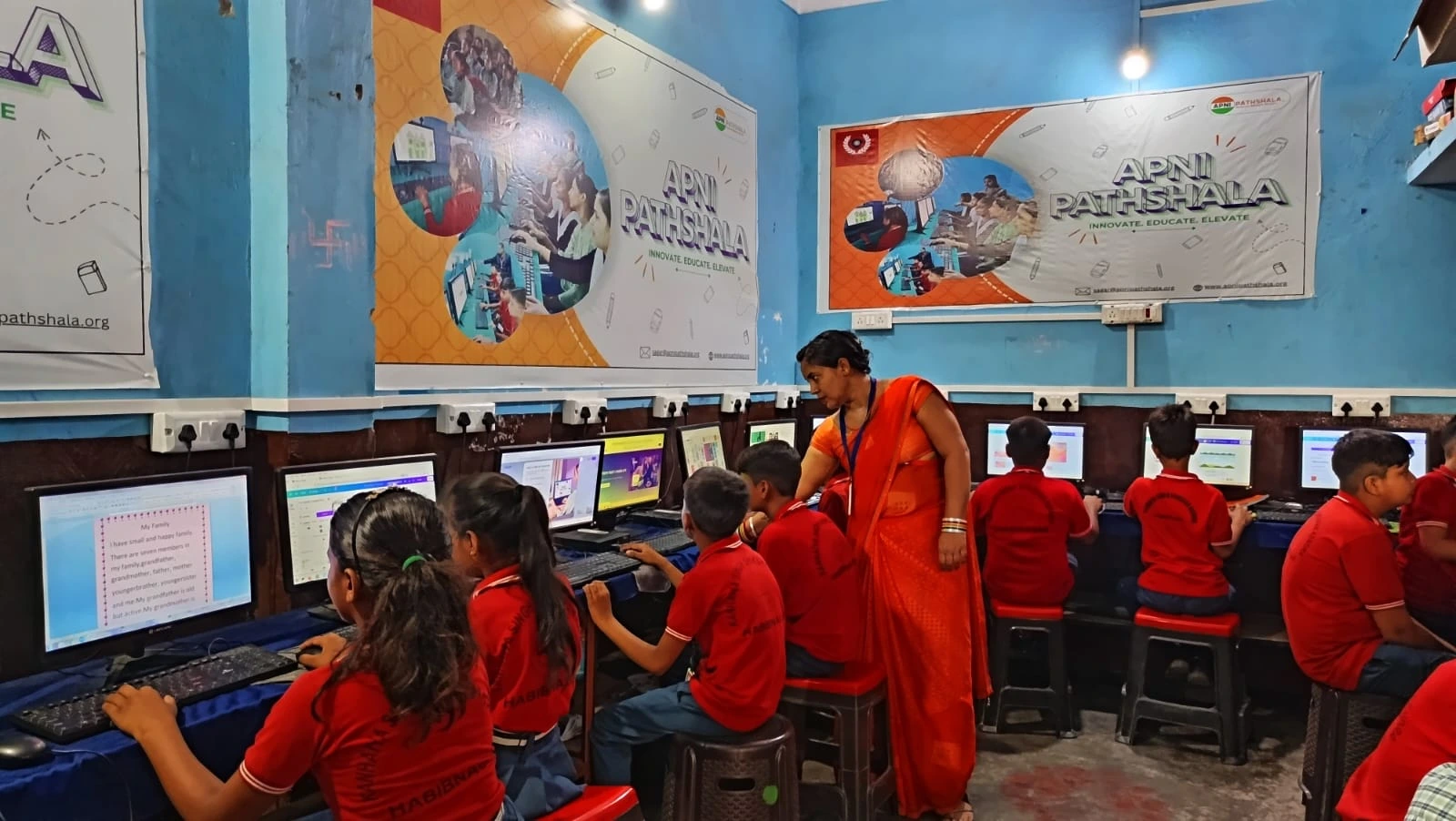
Apna PC is a study computer built by Apni Pathshala for Indian students. It costs Rs.30,000 (excluding shipping and GST), making it accessible to families who want quality without overpaying for features their child does not need.
It comes with 8GB RAM and 128GB SSD. That is enough speed to run multiple browser tabs, video calls, and document editing without lag. The processor handles everything a student needs without overheating during long study sessions. The real difference is what comes pre-loaded. Apna PC runs Zorin OS, a Linux-based operating system that is secure, lightweight, and fast. Learn more about what Apna PC is and how it helps Indian students succeed at every stage of their studies.
Built-In Features That Support Student Learning
Apna PC includes Apni Prerna, a student monitoring system that keeps you informed without being intrusive. You can see what your child is doing, set study schedules, and block distracting websites during class time. It is not about spying. It is about creating a safe environment where your child can focus.
LibreOffice comes pre-installed, covering everything your child needs for documents, spreadsheets, and presentations. There is no expensive subscription. No compatibility issues. All the tools your child needs are ready from day one.
Scratch is also included. This visual programming tool teaches coding to young students in a way that is both engaging and educational. Your child’s online class computer becomes a full learning tool, not just a device for attending video calls.
Why Parents Choose This Setup Over a Regular Computer
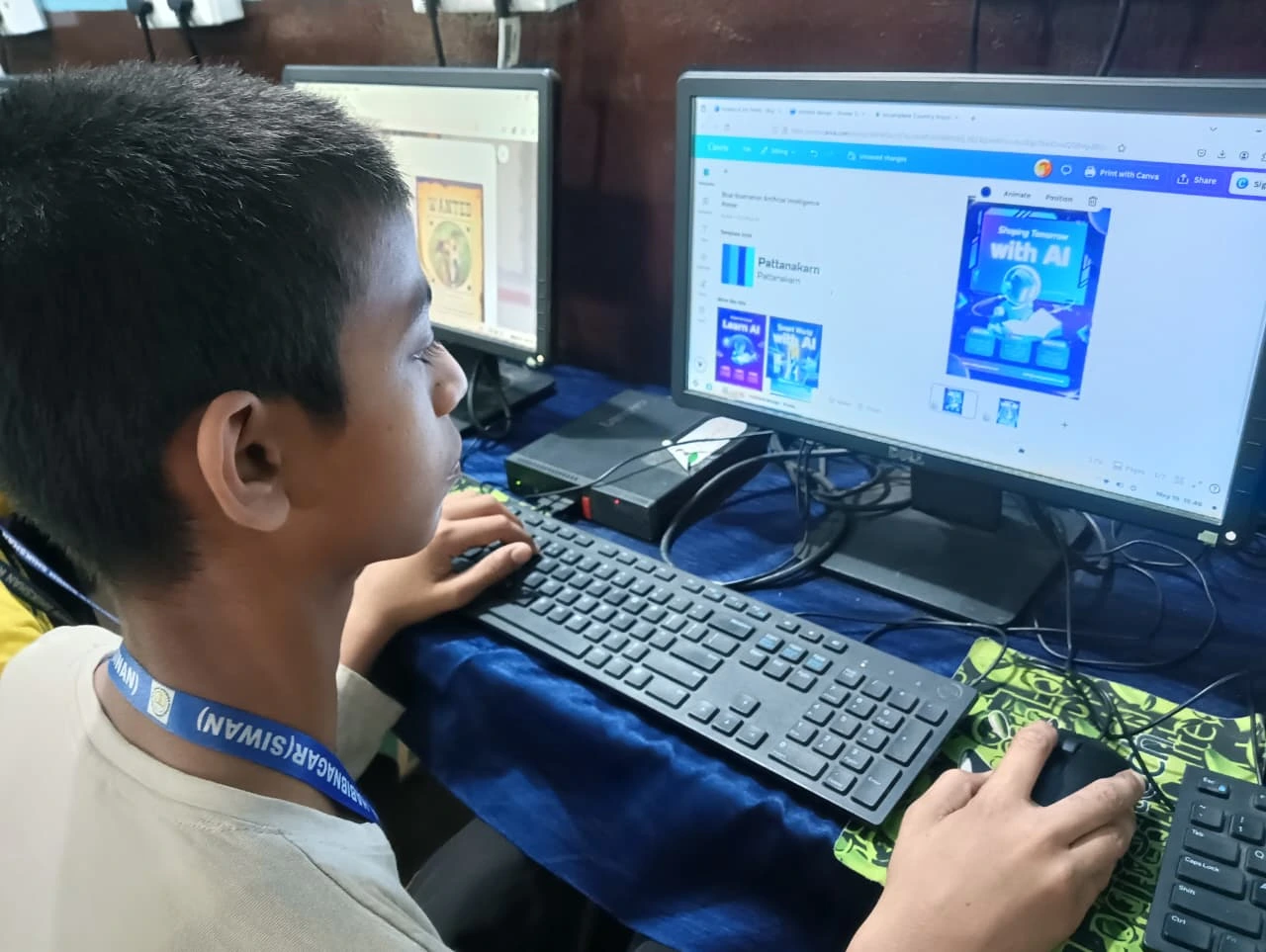
Parents who switch to a dedicated student computer notice an immediate difference. The device does not tempt children with games or entertainment apps during class time. The Digital India initiative and the Ministry of Education both emphasise the importance of proper digital tools for learning, and Apna PC is built around those goals.
Apna PC is compact and efficient. It is designed for Indian households, keeping class connections stable even when broadband speeds vary. When you choose Apna PC, you are investing in your child’s focused learning and digital safety.
What Is the Real Cost of Choosing Wrong?
If you buy a regular computer for online classes, problems will follow. It will slow down after a few months. Malware will appear. Your child will get distracted by games and social media during study sessions. You will spend extra money on repairs and antivirus software. The school computer becomes a source of frustration rather than a learning tool.
Read about the biggest advantage a student can have today: it is not marks alone, but the right tools and focus. Find more details on what students actually need from a computer for online classes before making your decision. Visit apnapc.com to learn more about Apna PC and how it supports your child’s online learning.
Frequently Asked Questions
Can Apna PC run Zoom and Google Meet for online classes?
Yes. Apna PC has 8GB RAM and a modern processor that handles Zoom, Google Meet, and Microsoft Teams without freezing. Your child can attend video classes, share screens, and use the microphone and camera without lag or interruptions during class time.
Does Apna PC come with office software for schoolwork?
Yes. LibreOffice is pre-loaded on every Apna PC. It covers word processing, spreadsheets, and presentations, so your child can complete all written assignments and school projects without buying any additional software subscriptions.
Can parents monitor what their child does on Apna PC?
Yes. Apni Prerna, the monitoring tool built into Apna PC, lets parents see study time, set schedules, and block distracting websites. It works without being intrusive and helps children build consistent, focused study habits from the start.
Apna PC is built for students who need a reliable, safe, and focused computer for online classes and daily schoolwork. Visit apnapc.com to learn more.