

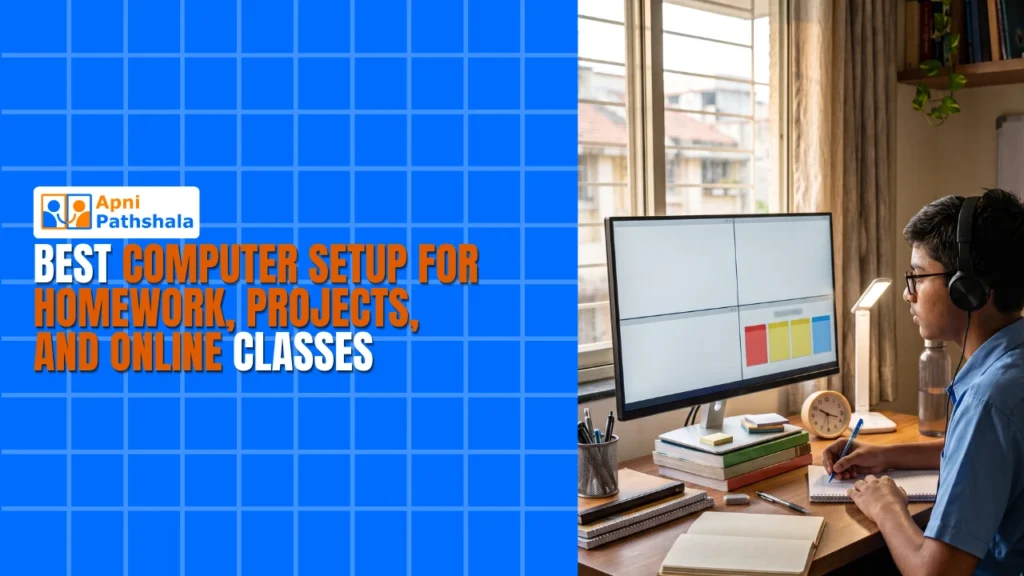
The best homework computer for students has enough RAM for multitasking, fast SSD storage for quick file access, and an operating system designed for schoolwork rather than entertainment. Apna PC at Rs.30,000 (shipping and GST excluded) delivers all of this with 8GB RAM and 128GB SSD, pre-loaded with educational software for Indian school students.
What makes a computer genuinely good for student homework?
Homework sessions involve switching between assignment documents, research browser tabs, digital textbooks, and submission portals. A computer that lags between tasks breaks concentration and makes simple assignments take far longer than they should. The best homework computer removes all this friction.
- 8GB RAM for smooth switching between multiple school apps and browser tabs
- 128GB SSD for fast file saves, quick startup, and year-round storage
- LibreOffice pre-installed for documents, spreadsheets, and presentations
- Stable OS without distractions so homework stays the focus during study sessions
- Parental monitoring to verify the computer is being used productively
How does 8GB RAM change the homework experience?
With 8GB RAM, students can keep a research tab, their assignment document, a PDF textbook, and a reference video open simultaneously without the computer slowing down. 8GB is the threshold where multitasking becomes genuinely smooth rather than functional but frustrating.
Slower computers force students to work sequentially, opening one application at a time and waiting between switches. This friction adds up over a full homework session and makes the experience more tiring than the actual academic work. Study computer for kids: a budget buying guide explains how to evaluate specifications for different student age groups.
Why does SSD storage matter more than hard drive capacity?
Speed matters more than size for homework use. A 128GB SSD opens applications, saves documents, and boots the computer noticeably faster than a larger traditional hard drive. 128GB is enough storage for a full school year of assignments, downloaded PDFs, project files, and educational apps without requiring students to manage storage actively.
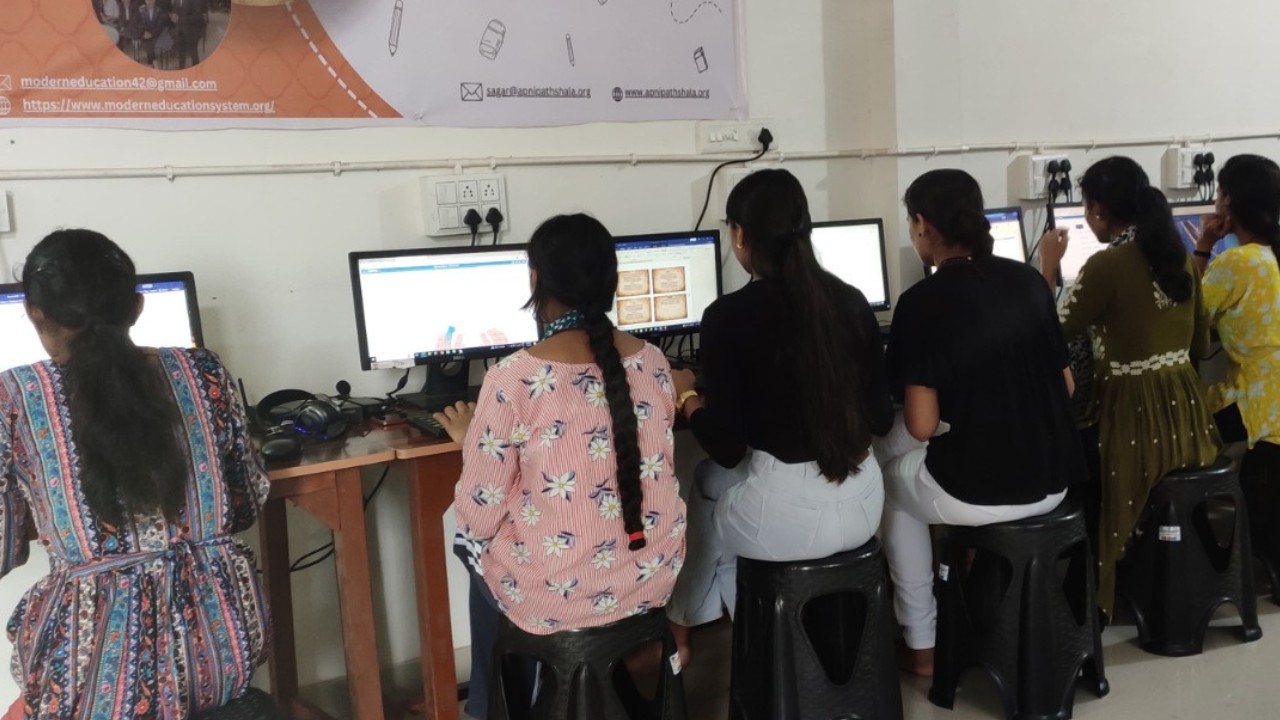
Apna PC’s 128GB SSD boots in under 10 minutes and opens LibreOffice immediately. This quick start removes the temptation to do something else while waiting for the computer to become usable, which is a common distraction pattern for students who have to wait for slow devices to load.
Why Apna PC at Rs.30,000 is the right choice
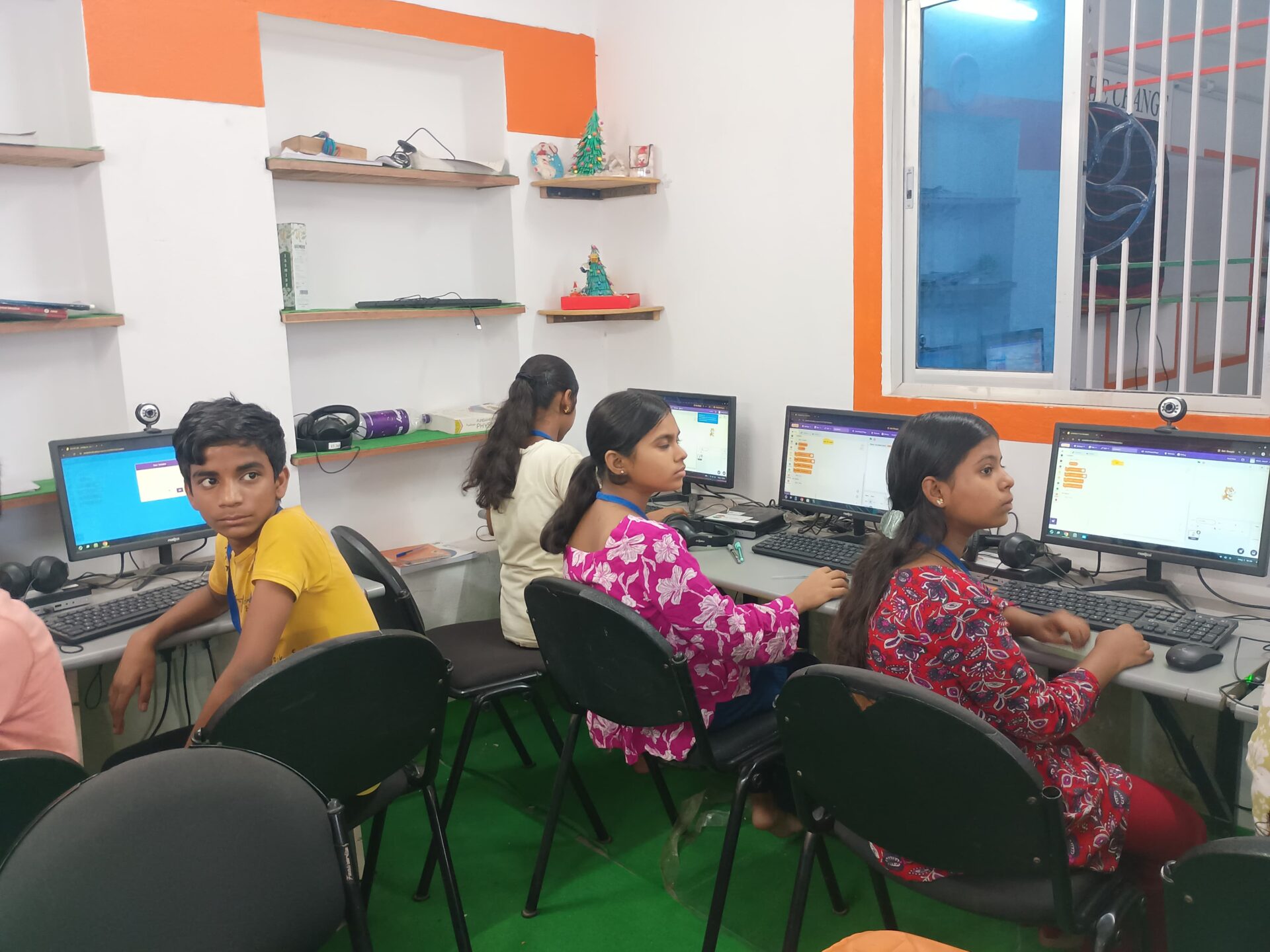
At Rs.30,000, Apna PC delivers 8GB RAM and 128GB SSD with LibreOffice, Zorin OS, Scratch, and Apni Prerna pre-installed. Compare this to consumer laptops under Rs.60,000 that often come loaded with trial software, games, and promotional apps that eat into performance and distract students. The Apna PC bundle at Rs.30,000 gives families a complete, school-ready computer without hidden extras or additional setup costs.
What Apna PC is and how it helps Indian students explains everything that is included in the price and why the hardware and software combination was chosen specifically for school use. What students actually need in an online class computer gives a clear picture of the minimum specifications that handle daily school demands.
Frequently Asked Questions
Is Apna PC suitable for homework across all school subjects?
Yes. Apna PC handles documents, spreadsheets, and presentations through LibreOffice, coding through Scratch, research through the browser, and PDF downloads of textbooks and worksheets. Students across all subjects from language arts to science and maths have everything they need for daily homework without additional software costs.
What is the price of Apna PC and what does it include?
Apna PC is priced at Rs.30,000 (shipping and GST excluded). This is a complete bundle including the CPU, monitor, keyboard, and mouse. LibreOffice, Zorin OS, Scratch, and Apni Prerna are pre-installed. Families do not need to purchase any additional hardware or software for standard school homework use.
How does parental monitoring work on Apna PC?
Apni Prerna, pre-installed on every Apna PC, gives parents visibility into how the computer is being used during study sessions. Parents can see which applications were active, how long homework sessions lasted, and whether the student stayed on educational resources. This insight helps parents support their child’s learning habits without sitting beside them during every session.
The best homework computer for students is one that handles every subject reliably without technical interruptions, year after year. Visit apnapc.com to learn more about Apna PC and how it supports students through every stage of school.