

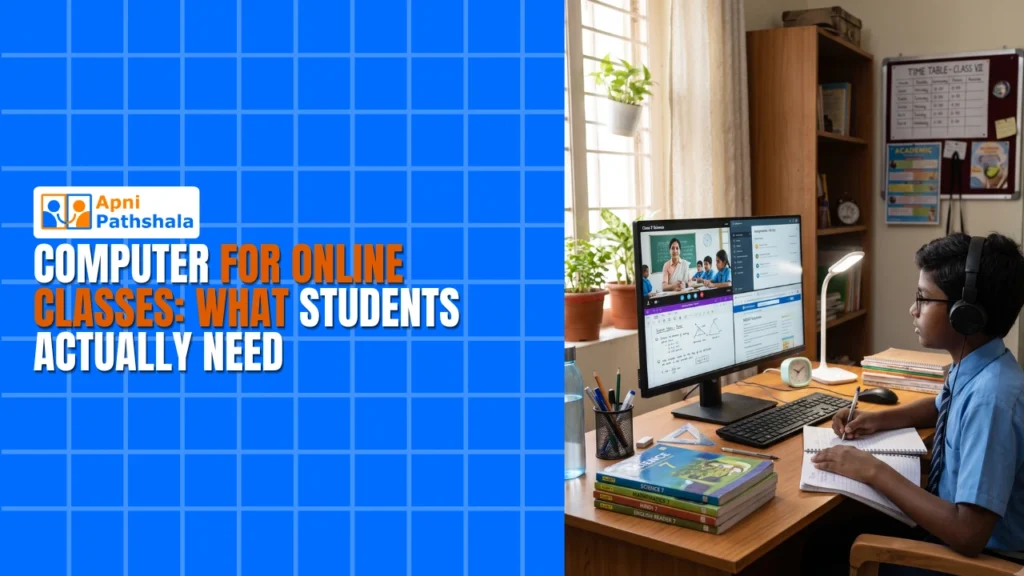
Meera sat in her small room in Indore, watching her son Arjun struggle with his online class on an old laptop that froze every five minutes. His teacher was explaining mathematics, but he’d already missed half the lesson waiting for the screen to respond. His younger sister needed the laptop for her own class in twenty minutes. Meera felt helpless. She wanted to give her children the right tools to learn, but she didn’t know what a computer for an online class actually needed. Most shops quoted prices that made her head spin. That’s when she discovered there was a simpler answer designed exactly for Indian families like hers.
If you’re a parent in a Tier 2 or Tier 3 city, you’ve probably faced the same confusion. What specs matter for online learning? How much should you spend? Will a cheap computer work, or will it frustrate your child during important classes? This guide cuts through the noise and tells you what your child actually needs in an online class computer, without the sales talk or unnecessary features. Resources from the India Ministry of Education also emphasise the importance of digital readiness for students.
Why Your Child Needs a Dedicated Online Class Computer?
When your child shares a laptop with the family, something always goes wrong at the worst time. Someone’s downloading files, the battery dies, or the screen gets too hot. Online classes demand reliability because missing even 10 minutes can mean losing the thread of the lesson.
A dedicated online learning PC changes everything. Your child can leave it ready, sit down, and start class without delays. There’s no fighting over devices, no waiting for software updates to finish, and no stress about accidentally closing important tabs.
Think about what happens during a typical school day. Your child needs to attend live classes on platforms like Google Meet or Zoom, access materials on the DIKSHA digital learning platform, submit assignments, and sometimes watch educational videos. Each task demands a computer that doesn’t lag, doesn’t crash, and doesn’t distract with notifications from games or social media.
What Specs to Look for in an Online Class Computer?
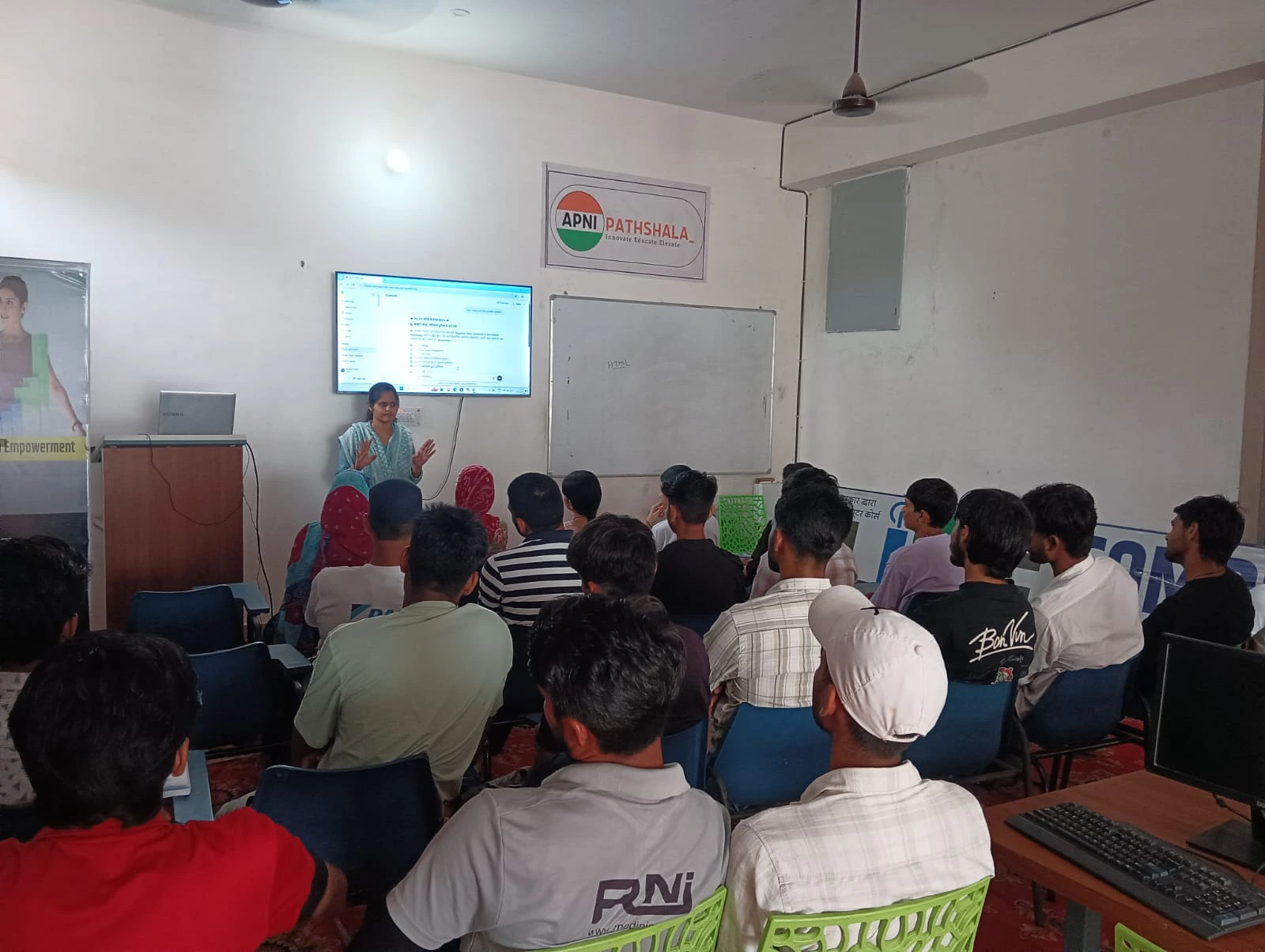
You don’t need a gaming computer or a high-end workstation. Your child doesn’t need 16GB of RAM or the latest processor. What matters in an online class computer is smooth, uninterrupted performance during classes and assignments.
- RAM: 8GB is plenty for running multiple browser tabs, video conferencing, and document editing at the same time without slowdowns
- Storage: A 128GB SSD gives your child space for downloaded lessons, projects, and assignments without filling up
- Processor: A decent quad-core processor handles video calls and online platforms without freezing
- Display: A 20-24 inch screen is comfortable for long study sessions and makes reading text easier than a laptop
- Software: Pre-loaded educational tools mean your child can start learning immediately, without waiting for installations.
This is exactly why the Apna PC was built. At Rs.21,000, it’s designed for Indian students who need reliability without paying for gaming features they’ll never use. It comes with 8GB RAM and 128GB SSD, which handles everything a student throws at it during the school day.
The Right Operating System Matters Too
Your child’s computer runs an operating system, which is like the brain that controls everything. Apna PC comes with Zorin OS, which is built for education and simplicity. It’s not Windows, and that’s actually a strength for students.
Zorin OS is lightweight, meaning it runs fast even on modest hardware. It’s secure, so you don’t worry about viruses or malware affecting your child’s schoolwork. It comes with LibreOffice pre-installed, which opens all the documents and spreadsheets your child needs for class. Best of all, it’s designed to keep students focused on learning rather than distracted by unnecessary features.
The Apni Prerna student monitoring tool comes built in, so you can gently track your child’s learning progress and screen time without being intrusive. Parents appreciate knowing their child is using the computer for studies rather than spending hours on unproductive activities.
Desktop vs Laptop: Which School Computer Works Better
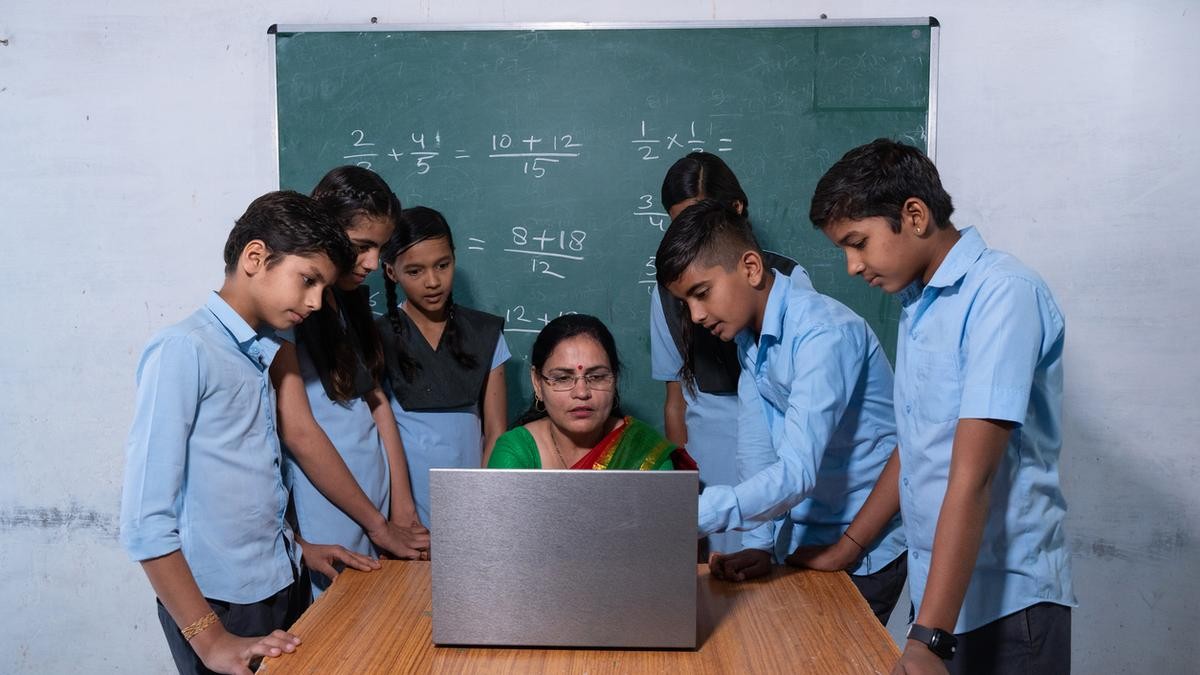
You might wonder if a laptop would be cheaper and more flexible. Here’s the honest truth: why a desktop is better than a laptop for students.
Desktops don’t overheat during long study sessions. Laptops get hot, fans get loud, and performance drops when your child’s been in class for two hours. A desktop stays cool and quiet, so nothing interrupts concentration.
Desktops last longer. Laptops get knocked around, screens crack, keyboards wear out. A desktop sits in one place, protected and reliable for years. That’s better value for your money.
Desktops have bigger screens. Your child’s eyes won’t strain during a three-hour day of classes. The keyboard and mouse are separate, so posture is better. These small things matter when your child studies six hours a day.
Software Your Child Actually Uses
Apna PC comes pre-loaded with tools your child needs from day one. You don’t waste time downloading, installing, or figuring out software. Everything is ready.
LibreOffice handles all document, spreadsheet, and presentation work. Scratch teaches coding basics in a visual, fun way that builds problem-solving skills. The Apni Prerna dashboard helps track learning without being heavy-handed about monitoring.
Your child can access online platforms through the browser, whether it’s your school’s portal, DIKSHA, or video conferencing for live classes. Everything works smoothly without lag or crashes that eat up class time.
Choosing the Best Computer for Your Child’s Future
The best computer for school students at home isn’t always the most expensive one. It’s the one that’s reliable, fast enough for real schoolwork, and built with your child’s actual needs in mind.
When you choose an online class computer, you’re investing in your child’s education. You want something that won’t let them down during an important exam or project submission. You want a tool that helps them focus, not one that distracts them. You want value that lasts years, not months.
Apna PC delivers exactly that. For Rs.21,000, your child gets a purpose-built student desktop with the specs that matter, the software that helps, and the reliability that parents trust. No bloatware, no unnecessary features, no confusion about whether it’s enough.
Your child deserves a computer designed for learning, not gaming or entertainment. Your family deserves a solution that fits your budget and your values. Give your child the foundation they need to succeed in online classes and beyond. Visit apnapc.com to learn more.