

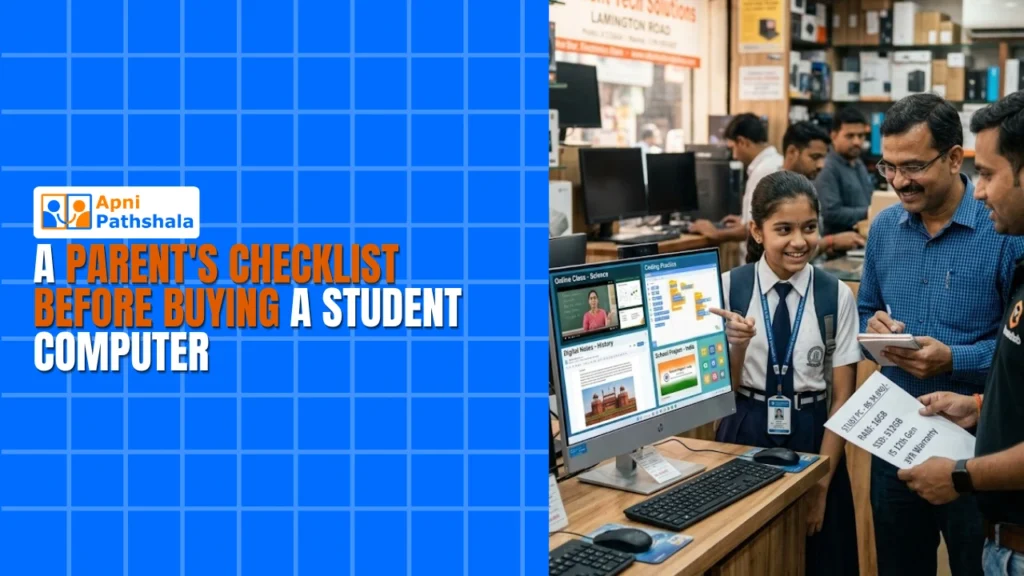
Before buying a student computer, check that it has at least 8GB RAM, a 128GB SSD, a reliable processor, ready-to-use study software, parental monitoring and good local after-sales support. These basics matter far more than a brand name or the lowest price tag.
For example, a parent with Rs.25,000 saved may walk into electronics shops and feel lost among processor names, RAM and operating systems. This checklist cuts through that jargon.
Why does a student computer checklist matter?
The wrong choice leads to slow performance, frustration and wasted money, while the right one lasts from Class 6 through Class 12. Your child will use it for online classes, research, coding projects and assignments.
Many parents buy on brand or lowest price, which is a mistake. A good checklist covers performance, safety, software and long-term value, so you do not overpay for gaming features or underpay on basics. You may also find our guide on what to buy and avoid useful.
What should be on your student computer checklist?
Focus on seven areas: memory, processor, display, software, operating system, parental controls and support. Here is what to look for in each.
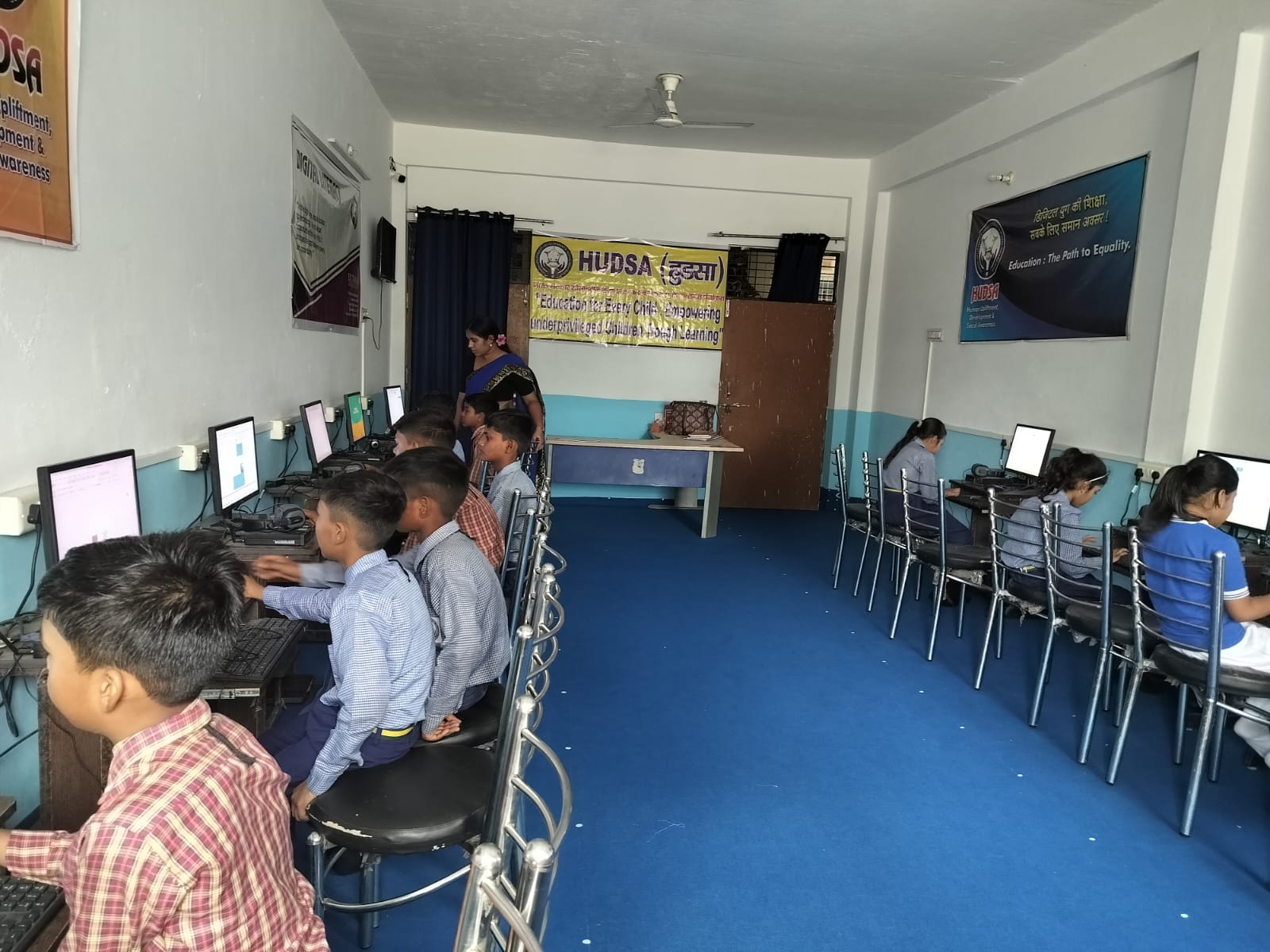
- RAM and storage: at least 8GB RAM for smooth multitasking during online classes, and at least a 128GB SSD, not an older HDD. SSDs load programs faster.
- Processor: look for Intel Core i3 or AMD Ryzen 3 at minimum. These handle online tuition platforms, video calls and schoolwork without lag.
- Display size: a 21-inch to 24-inch monitor is ideal for study desktops. Smaller screens strain young eyes during long sessions.
- Pre-installed software: check for LibreOffice for documents and spreadsheets and Scratch for coding. A computer for budget online learning should be ready on day one.
- Operating system: Linux-based systems like Zorin OS are lightweight, secure and free, and they do not slow down over time with bloatware.
- Parental controls: look for built-in activity monitoring and screen time limits. Our safe computer guide for parents has detailed tips.
- Warranty and support: buy from sellers offering at least a 1-year warranty and local service centres. In smaller cities this matters more than you think.
What can you get for Rs.30,000 to Rs.30,000?
A computer that meets every item on the checklist. You do not need to spend Rs. 50,000 or more on a quality student computer.
Apna PC, built by Apni Pathshala, costs Rs.30,000 (excluding shipping and GST) and comes with 8GB RAM, 128GB SSD, Zorin OS, pre-loaded LibreOffice and Scratch for coding.
It also includes Apni Prerna, a built-in student monitoring system that shows how your child uses the computer. It is a parental guide that respects privacy, not a spy tool, and the computer is designed for Indian students rather than being a stripped-down gaming PC.
Other options in this range often use slow HDDs, lack proper parental controls or run bloated Windows versions that slow down after six months. Check the full checklist before deciding.
Which questions should you ask the seller?
Ask questions that reveal whether the computer is truly built for study and well supported. These are a good start:
- Is this computer designed for student use, or is it a leftover gaming PC?
- What is included in the box: monitor, keyboard, mouse?
- Can I upgrade RAM or storage later?
- Does the seller provide training on using the computer safely?
- What happens if something breaks in the first year?
- Can my child use platforms like Google Classroom and Zoom without issues?
What hidden costs should parents plan for?
Plan for electricity, internet, peripherals and software, not only the price tag. These running costs add up over the years.
| Cost | What to expect |
|---|---|
| Electricity | A desktop uses about Rs.100 to Rs.150 per month. Budget for this over the next 6 years. |
| Internet | A reliable connection for online classes. Upgrading a slow plan may add up to about 1,000 more per month. |
| Peripherals | A better keyboard, mouse or webcam later: budget Rs. 2,000-5,000. |
| Software | Paid Microsoft Office licences cost Rs. 5,000 or more per year, so free software helps. |
For a longer view of running costs, see Apna PC vs a budget laptop.
Why does this choice matter for your child’s future?
Using a computer properly from Class 6-12 builds digital literacy, coding basics and comfort with technology. It also helps with college entrance preparation and a working world where computer skills are expected.
The right budget PC is an investment in learning, not just a box. Understanding personal computer basics helps you decide well, and India’s Digital India initiative is bringing technology into schools and homes across the country.
What is the final checklist before you pay?
Tick every box below before handing over your money:
- 8GB RAM or more
- 128GB SSD storage minimum
- Reliable processor (Intel i3 or AMD Ryzen 3)
- Pre-installed study software
- Parental monitoring features
- Good warranty and local support
- Price within your budget
- Designed for student use, not gaming
Frequently Asked Questions
Is a laptop or a desktop better for a student?
A desktop is usually the better study choice. It comes with a larger 21-inch to 24-inch monitor that is easier on young eyes, and it stays in one study spot. Check that it meets the same basics: 8GB RAM, a 128GB SSD and ready-to-use study software.
Is Windows necessary for school work?
No, Windows is common but not essential. Linux-based systems like Zorin OS are lightweight, secure and free, and they run LibreOffice, Scratch and online platforms like Google Classroom and Zoom. They also avoid the bloatware that slows many Windows computers over time.
Can I upgrade a budget computer later?
Often yes, but ask the seller before buying. Many desktops let you add RAM or storage later if your child needs more power. Confirming upgrade options upfront helps the computer last longer as your child moves into higher classes with heavier school work.
Why does local after-sales support matter so much?
Because repairs are hard without nearby help. In smaller cities, a seller with local service centres and at least a 1-year warranty saves days of downtime. Ask exactly what happens if something breaks in the first year before you pay.
If you want a study computer that ticks every box on this checklist, take a look at Apna PC.