

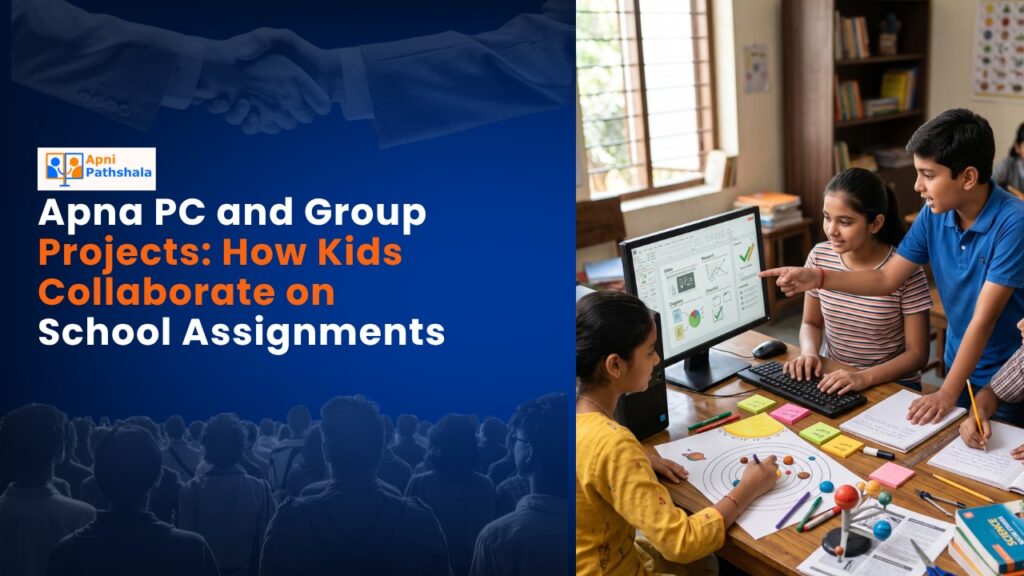
Group projects go more smoothly when every student has reliable access to a computer at home. Without their own device, a child may miss shared document updates, fall behind on research, or contribute less to online group discussions. Giving your child a dedicated computer removes these barriers and helps them participate fully in every project their school assigns.
Why do group projects matter for student learning?
Group projects develop skills that textbooks alone cannot teach. When students collaborate on assignments, they learn communication, leadership, and compromise. They discover different perspectives and build confidence sharing ideas in front of peers.
According to Education in India, collaborative learning has become central to the Indian school curriculum. The National Education Policy encourages group work across all subjects. Yet many students still lack the tools to participate fully.
Without a personal computer, a child might miss deadlines, fall behind on research, or feel excluded from online group decisions. Apna PC addresses this by putting an affordable device in every student’s hands for Rs.30,000.
How does having their own computer help students collaborate on group projects?
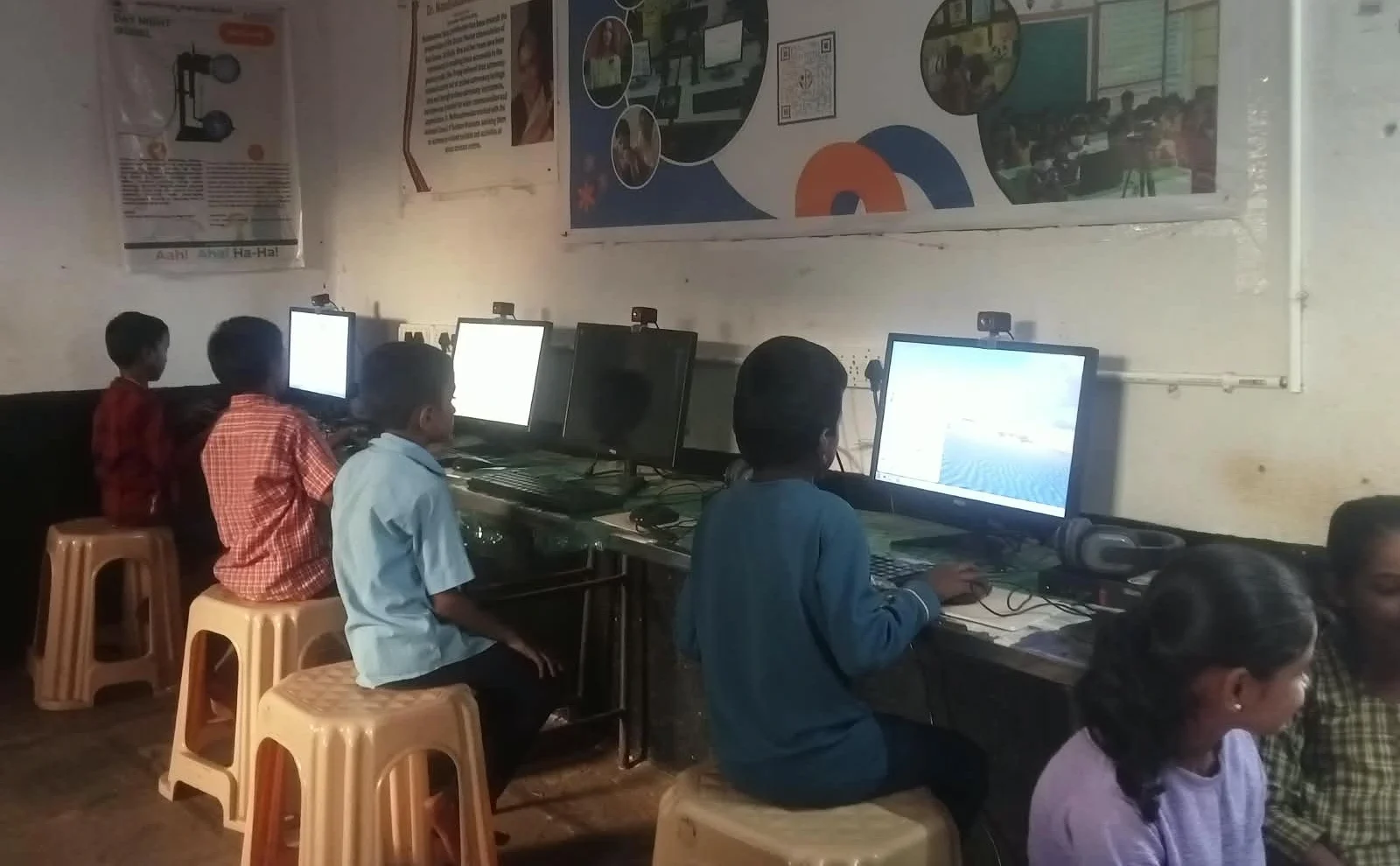
Group projects require real-time communication and file sharing. With their own computer, students can contribute equally, whether they are at school, at home, or anywhere in between. Here is what becomes possible:
- Co-writing essays on Google Docs with the full group at the same time
- Designing shared presentations and dividing the visual work fairly
- Sending research files instantly by email or messaging
- Joining video calls to brainstorm and assign tasks without anyone being left out
The device runs smoothly for all the tools teachers assign. Spreadsheets, word processors, and presentation software work without lag. Students focus on their work, not on technical frustration.
What practical steps help students manage group projects at home?
Parents can support their children’s collaborative work by creating a dedicated study space. A quiet corner with Apna PC and a stable internet connection sets the stage for productive group sessions.
Encourage your child to schedule regular check-ins with group members. Weekly video calls or messaging updates keep everyone on track. Set clear deadlines for each part of the project so no one rushes at the last minute.
Help your child use focused learning techniques at home. Time blocks of 45 minutes followed by short breaks improve concentration during group work sessions.
How does having their own computer build confidence in group settings?
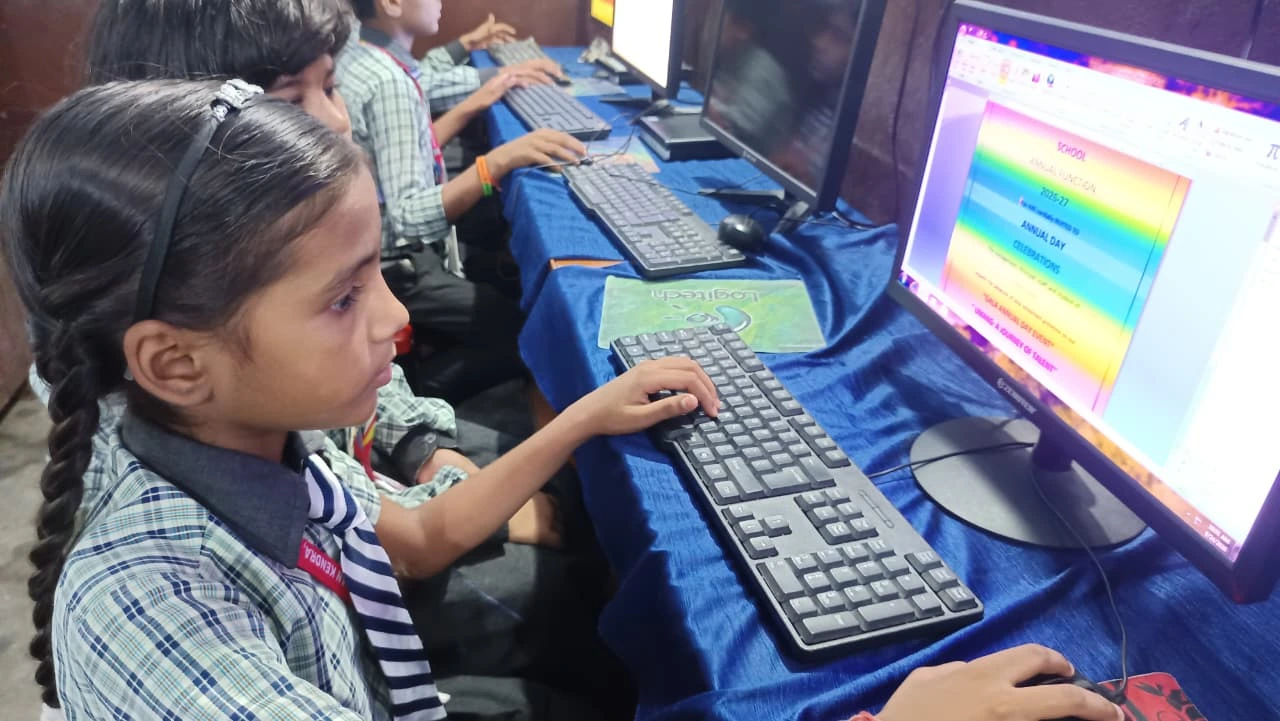
Some students feel nervous speaking up in group projects. Having their own computer at home gives them space to prepare and build confidence before contributing ideas to the team.
They can research topics thoroughly, draft their thoughts, and refine their contributions. This preparation makes them feel more ready to share during group meetings. Over time, this builds real leadership skills.
Learn more about active learning methods for students that work well for group projects.
What common group project challenges does a personal computer solve?
Unequal work distribution is a common problem. With Apna PC, parents can help track who is doing what. Google Docs shows who edited what and when. This transparency encourages fairness and accountability.
Time and schedule conflicts matter less when students have their own devices. They can contribute when it suits them, then sync with the group later. Technical issues also disappear. Apna PC is built for students. It does not crash during important uploads or freeze during presentations. Reliability means students can focus on the work itself, not on device problems.
What do government guidelines say about digital access for students?
The Indian Ministry of Education has emphasised that digital access is essential for modern learning. Group projects are part of this vision. Every student deserves the tools to participate fully.
Apna PC aligns with this mission. It is designed specifically for Indian students and families. The price point ensures no child is excluded because of cost. The hardware is reliable enough for daily schoolwork. Learn more about how to set up digital collaboration for students at home.
Visit apnapc.com to learn more about how Apna PC can transform your child’s school experience and make group project collaboration straightforward and fair.
Frequently Asked Questions
Can students collaborate on group projects without fast internet?
Yes. Tools like Google Docs allow students to work offline and sync when internet is available. Apna PC is also designed to work on slow or patchy connections. Students can prepare their sections independently, then share files when they reconnect, so the project moves forward regardless of connectivity.
What tools come pre-loaded on Apna PC for group project work?
Apna PC comes pre-loaded with LibreOffice, which covers word processing, spreadsheets, and presentations. The Zorin OS interface is straightforward for students of all ages. These tools let students create, edit, and share documents immediately without needing to install additional software or buy extra licenses.
How do parents know their child is contributing to group projects?
Google Docs shows a revision history of who made which changes and when. Parents can also use Apni Prerna, the monitoring tool included with Apna PC, to see what their child is working on. This transparency helps parents offer support without needing to sit beside their child through every session.
Group projects are an important part of modern schooling. Apna PC gives every student the device they need to participate fully, contribute fairly, and build the confidence that comes from doing their part well.