

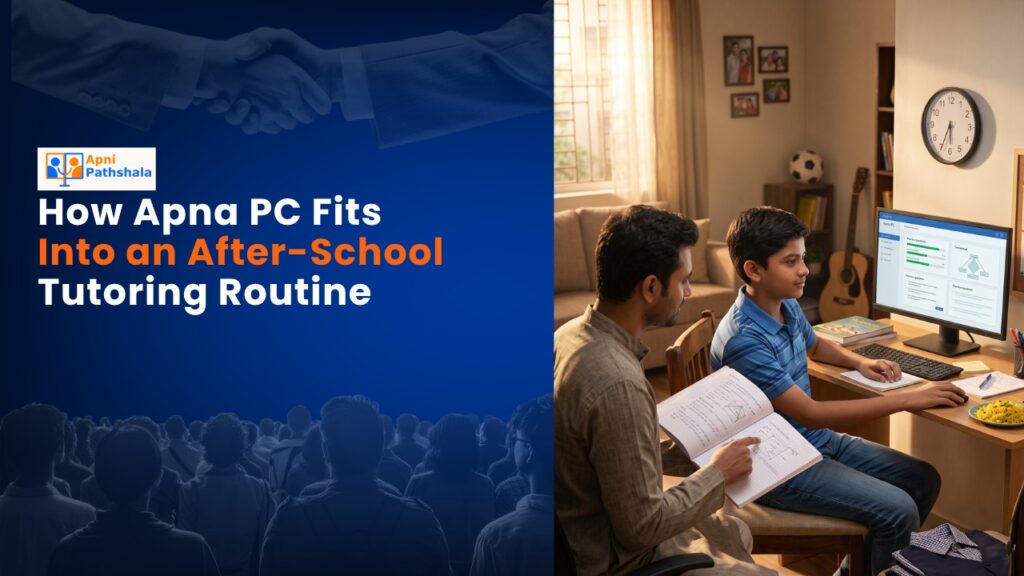
A student computer fits into an after-school tutoring routine by reinforcing what the tutor teaches, not duplicating it. When a student returns from a tutoring session and practices the same concepts on their own computer that evening, the tutor’s time compounds. The student retains more, makes better use of the next session, and builds independence alongside coached learning.
What Problem Does a Home Computer Solve in a Tutoring Routine?
Tutoring sessions cover new material at the tutor’s pace. Students absorb some of it during the session and forget parts of it before the next one. The gap between sessions is where most forgetting happens, and most families have no structured way to fill that gap.
A home computer fills this gap. After a tutoring session, a student who opens LibreOffice and writes out everything recalled from the session is doing retrieval practice on exactly what was just taught. The gaps the retrieval reveals are what to bring back to the tutor at the next session. The tutor’s time becomes more efficient, and the student’s retention improves.
How Can Students Use Apna PC to Prepare Before Each Tutoring Session?
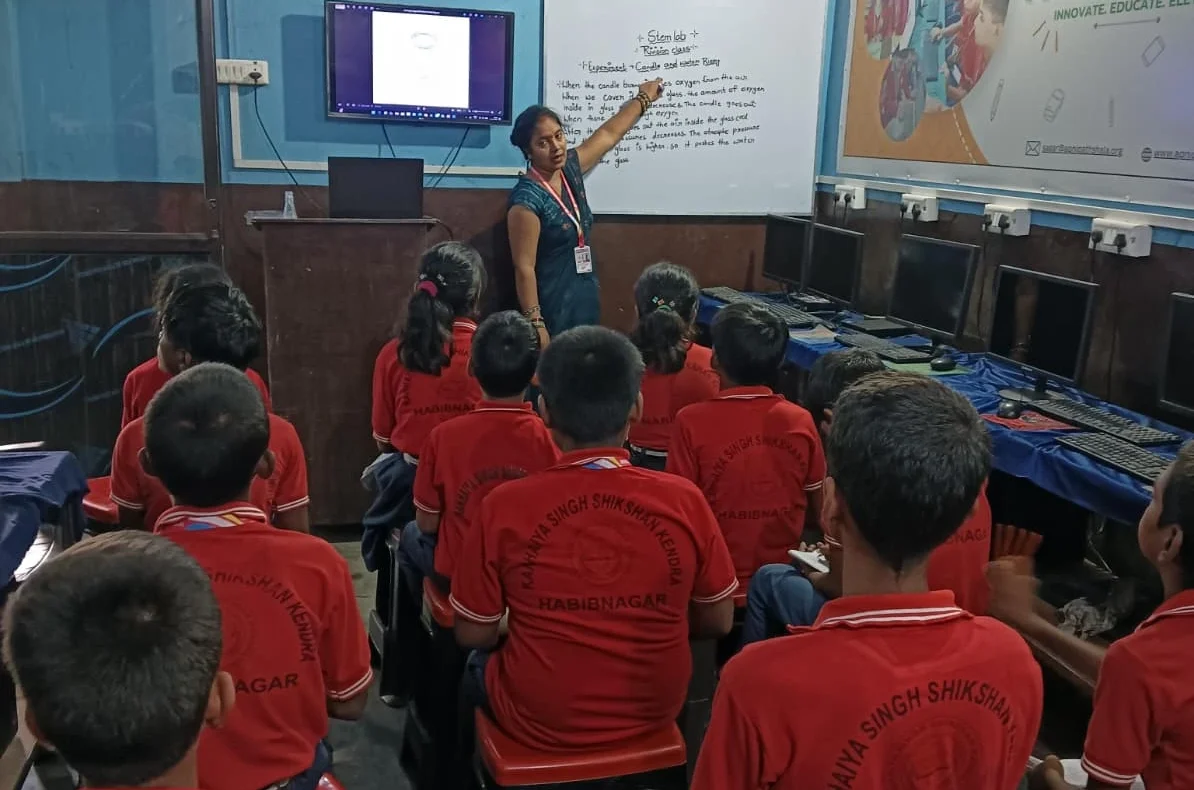
Effective pre-session preparation on Apna PC:
- Open LibreOffice and review the recall document from the last session
- Identify which topics are still unclear
- Practise one or two problems from those topics before the tutoring session
- Write down specific questions to ask the tutor about anything that is still unclear after self-study
Students who arrive at a tutoring session with specific questions get more from the session than students who arrive with no preparation. The tutor’s time addresses the student’s actual gaps rather than re-covering familiar ground.
How Does Apna PC Change What Tutors Can Cover?
When a tutor knows a student has a home computer with pre-loaded educational tools, the tutoring strategy changes. The tutor can assign practice work that the student can complete at home using LibreOffice or DIKSHA, then review in the next session. This extends the tutor’s reach beyond the session hour without the student having to pay for additional session time.
Apna PC at Rs.30,000 (shipping and GST excluded) covers all the tools a student needs to complete such assignments: LibreOffice for written work, Scratch for coding practice, DIKSHA for curriculum-aligned content review, and a full browser for research. No additional software is needed.
What Should Students Do in the First Thirty Minutes After a Tutoring Session?
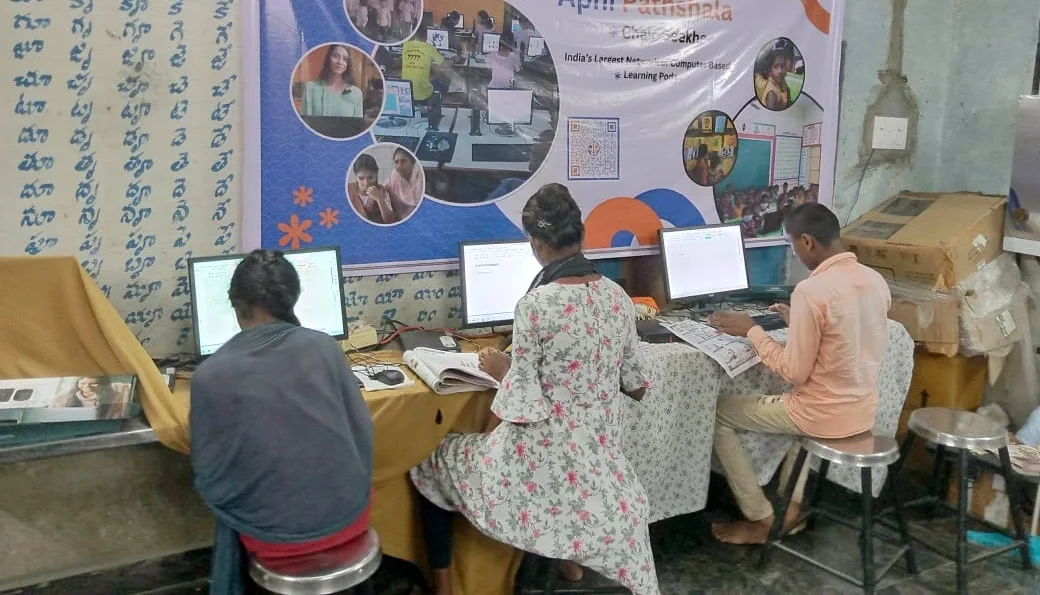
The thirty minutes immediately after a tutoring session are the most valuable for retention. The material is still fresh, but the student has not yet had the chance to apply it. A short recall session on Apna PC right after returning from tutoring consolidates more than the same thirty minutes spent the following day.
The routine: open LibreOffice, write down everything remembered from the session without looking at notes, identify the gaps, and do one quick round of practice on the clearest gap before closing the computer. This takes under twenty minutes and significantly increases how much the student retains by the following week. See more on what consistent daily studying actually looks like and what makes a study space genuinely distraction-free.
How Does Apni Prerna Help Parents Track the Combined Routine?
Apni Prerna records what the student worked on and for how long. Parents who review the summary after tutoring days can see whether the post-session review happened. That information makes conversations specific: rather than “did you study today?”, a parent can ask “I see you worked on maths for twelve minutes after your session, what did you recall from today’s lesson?”
Frequently Asked Questions
Should a student use a computer during the tutoring session itself?
That depends on the tutor’s approach. Many tutors work from physical materials and prefer students to take handwritten notes during sessions. In those cases, the computer is most useful before and after the session rather than during it. Some tutors use digital platforms like Google Meet or Zoom for remote sessions, in which case Apna PC’s 8GB RAM and 128GB SSD handle the session without lag or technical interruptions.
Is Apna PC useful for students who do not have a tutor?
Apna PC is designed primarily for students who study independently at home, with or without tutoring. For students without a tutor, DIKSHA provides curriculum-aligned content across all CBSE subjects. LibreOffice supports all written practice. Scratch handles coding. The monitoring in Apni Prerna helps parents stay informed about independent study sessions. The full toolkit is available without a tutor, though students who struggle with specific concepts still benefit from occasional expert explanation.
What is the best way to integrate Apna PC with an online tutoring platform?
Use Apna PC’s browser for the online session and LibreOffice for notes and recall documents during and after the session. Many online tutoring platforms, including those using Zoom and Google Meet, run well on Zorin OS. The student can keep LibreOffice open in a split screen to take notes during a video call, then convert those notes into a recall document immediately after the session ends.
How do you prevent a student from using the computer for entertainment during tutoring breaks?
Apna PC’s design minimises this risk. Without games or social media shortcuts in the default setup, the natural activity during a break is closing the computer rather than opening entertainment. Parents who want an additional boundary can use Apni Prerna to review which applications were opened at which times. A student who consistently uses entertainment apps during tutoring breaks will show that pattern in the monitoring data, allowing for a specific conversation rather than a general one. See more at building positive digital habits with Apna PC.
A home computer that reinforces tutoring makes every session more effective. Apna PC is built for this kind of consistent daily use. Visit apnapc.com to learn more.