


When Aarav’s Group Project Almost Failed
Aarav sat in his Bengaluru apartment last year, staring at his phone. His science project group had fallen apart. Three students, three different cities, zero coordination. His mother watched him struggle, refreshing email every five minutes, waiting for his teammates to send their parts. The project deadline was 48 hours away. This is the reality for thousands of students in Tier 2 and Tier 3 cities across India. Student digital collaboration from home isn’t just helpful anymore. It’s essential. When you’re working on group projects with classmates spread across different locations, you need the right tools and the right computer setup to make it work smoothly.
Why Student Digital Collaboration Matters Now
Schools today expect students to complete projects together without being in the same room. Your child might be in Jaipur while their teammates are in Lucknow and Indore. This shift toward online teamwork teaches real skills. Companies hire people who can collaborate remotely. Your kids are learning this from school itself.
But here’s what most parents don’t realise: collaboration fails when the tools fail. A slow computer, outdated software, or poor connectivity turns group projects into frustrating experiences. Students give up. Parents get stressed. The project suffers.
The Tools Your Child Needs for Online Teamwork
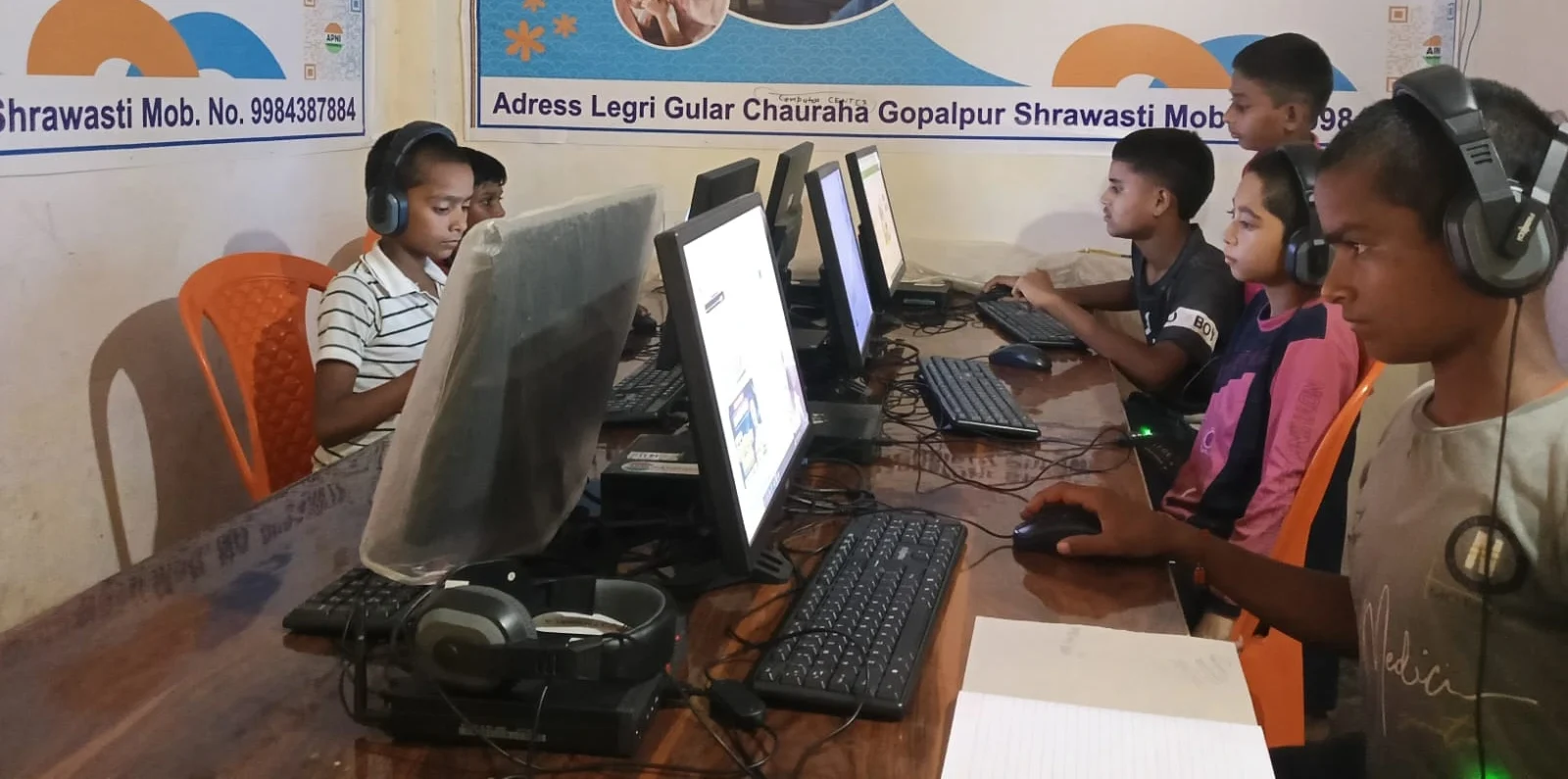
Successful student digital collaboration needs three things working together:
- A reliable computer that doesn’t lag during video calls or document editing
- Free software that lets multiple students work on the same file at the same time
- Good internet connection paired with a device that can handle multiple apps running simultaneously
When Aarav’s mother finally got him a proper computer with enough RAM and processing power, everything changed. He could video call his teammates, edit shared documents, and manage project files without his screen freezing. The anxiety disappeared. The project got done. On time.
What Works for Group Projects From Home
Google Docs and Google Sheets let multiple students edit the same document at the same time. You can see exactly who wrote what and when. Comments help teammates give feedback without changing the original work. This is free and works on any computer.
For presentations, students use Google Slides or LibreOffice Impress. For coding projects, they use GitHub or Scratch. For design work, Canva offers free templates. Your child doesn’t need expensive software. They need a computer that can run these tools smoothly without crashing.
The Apna PC comes with 8GB RAM and 128GB SSD storage. This means your child’s computer won’t freeze when they’re video calling teammates while editing a shared document. It comes pre-loaded with LibreOffice, which works just like Microsoft Office but is completely free. Scratch is built in too, for coding projects.
How Parents Can Support Online Teamwork
Set clear expectations with your child. Group projects need deadlines for each part, not just the final deadline. If three students are contributing, each one should know their responsibility and when they need to finish their part.
Make sure your child has a dedicated workspace for video calls and project work. A quiet corner with the computer, a headset, and a good internet connection makes a huge difference. When teammates can actually hear and see each other clearly, communication improves dramatically.
Help your child organise files properly. Create folders by project name and date. Save document versions so the team can track changes. This might seem boring, but it saves hours of panic when someone accidentally deletes something.
Real Projects Students Can Do Together
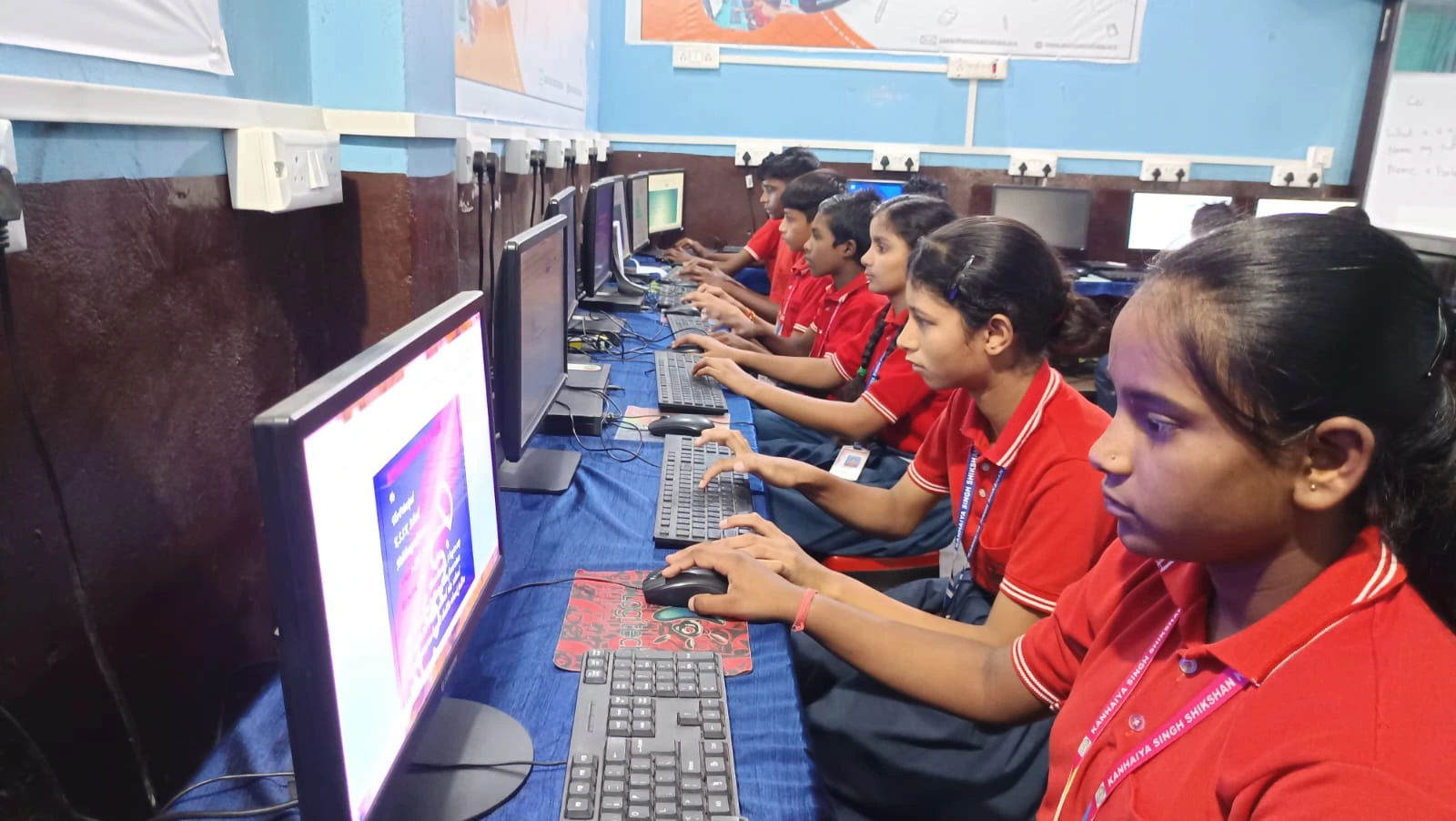
Your child’s school probably already assigns group projects. But here are examples of collaboration that actually works well:
- Research projects where each student researches one aspect and combines findings in a shared document
- Coding projects where students build different parts of a program using Scratch
- Presentation projects where one student handles research, another does design, and a third practices speaking
- Website projects students can practice, where teams design and build simple websites together
- Video projects where students film different sections and edit them together
When students learn to turn ideas into projects using proper collaboration tools, they build confidence. They see that working together actually makes work easier, not harder.
The Right Computer Changes Everything
Aarav’s project got an A. More importantly, he learned that collaboration works when you have the right setup. His computer didn’t distract him. The software didn’t frustrate him. He could focus on the actual work.
A computer built for students should handle multiple applications, video calls, and document editing without slowing down. It should come with educational software already installed. It should be affordable for Indian families. The Apna PC at Rs. 30,000 is designed exactly for this. It’s not a gaming computer. It’s not a high-end workstation. It’s a computer built for what students actually do.
Your child’s school might recommend specific software. Check if it runs on Linux. Zorin OS, which comes on Apna PC, runs most educational software smoothly. The Apni Prerna monitoring system helps you stay connected with your child’s learning progress without being intrusive.
Learning From National Digital Initiatives
India’s government understands that digital learning is the future. The DIKSHA digital learning platform connects millions of students across India. The Ministry of Education has launched programs to make technology accessible. Understanding Education in India shows how quickly digital collaboration is becoming standard.
Your child isn’t just learning a subject. They’re learning how to work in a digital world. That skill matters more than you think.
Start Small, Build Big
You don’t need to buy the most expensive computer. You need a computer that’s reliable, fast enough for student work, and built to last. Apna PC does exactly that. When your child has a computer that doesn’t frustrate them, they focus on learning instead of fighting with technology.
Talk to your child about their group projects. Ask them what tools they’re using. If they’re struggling with a slow computer or software that crashes, that’s your sign to upgrade. Student digital collaboration works best when the technology gets out of the way and lets learning happen.
Your child’s success in group projects depends partly on their effort and partly on having the right tools. Give them both. Visit apnapc.com to learn more.