

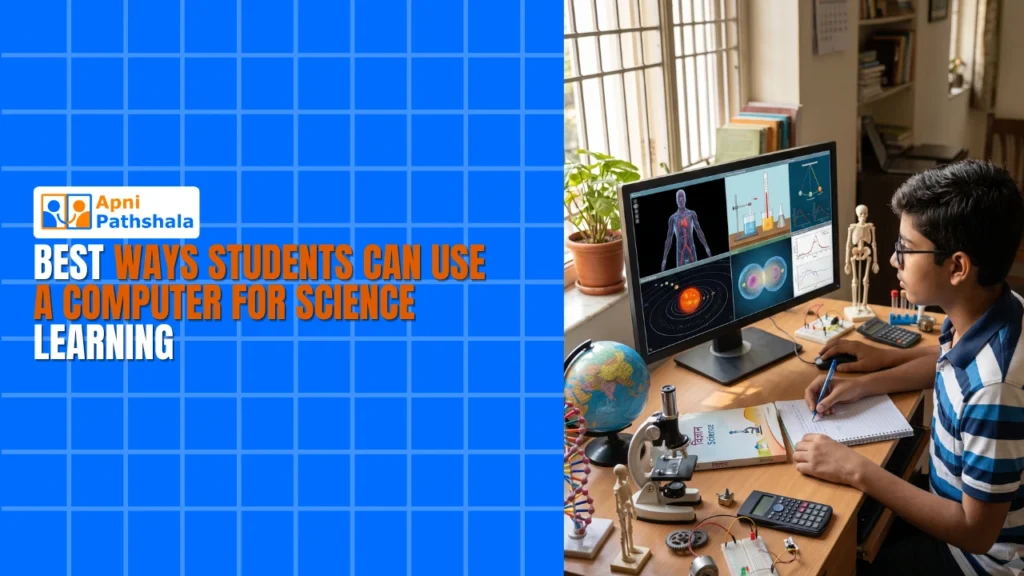
Rahul’s Science Fair Problem (And How a Computer Changed Everything)
Rahul’s science learning journey began at his kitchen table in Indore, with him staring at his science project notebook. His teacher had assigned a project on photosynthesis, but Rahul didn’t know where to start. His school library had only two books on the topic, and his parents couldn’t afford tuition for extra classes. That’s when his mother brought home an Apna PC from a local shop. Within hours, Rahul found interactive simulations, videos, and step-by-step guides for his project. His science learning transformed from confusion to confidence. Today, we’ll show you how a computer like Apna PC can help your child master science projects and experiments at home.
Why Your Child Needs a Computer for Science Learning?
Science learning isn’t just about reading textbooks anymore. Your child needs hands-on practice, visual explanations, and access to real data. A computer gives them all of this without leaving home.
Most schools in Tier 2 and Tier 3 cities don’t have advanced lab equipment or science software. Your child might sit in a classroom for 40 minutes and understand only half of what’s taught. When they come home, they’re stuck with outdated textbooks and no way to practice.
With a computer, your child can run virtual experiments, watch animations of complex processes, and access learning resources instantly. They can pause, rewind, and learn at their own pace. This is how you bridge the gap between school and home learning.
Virtual Science Experiments Your Child Can Do at Home
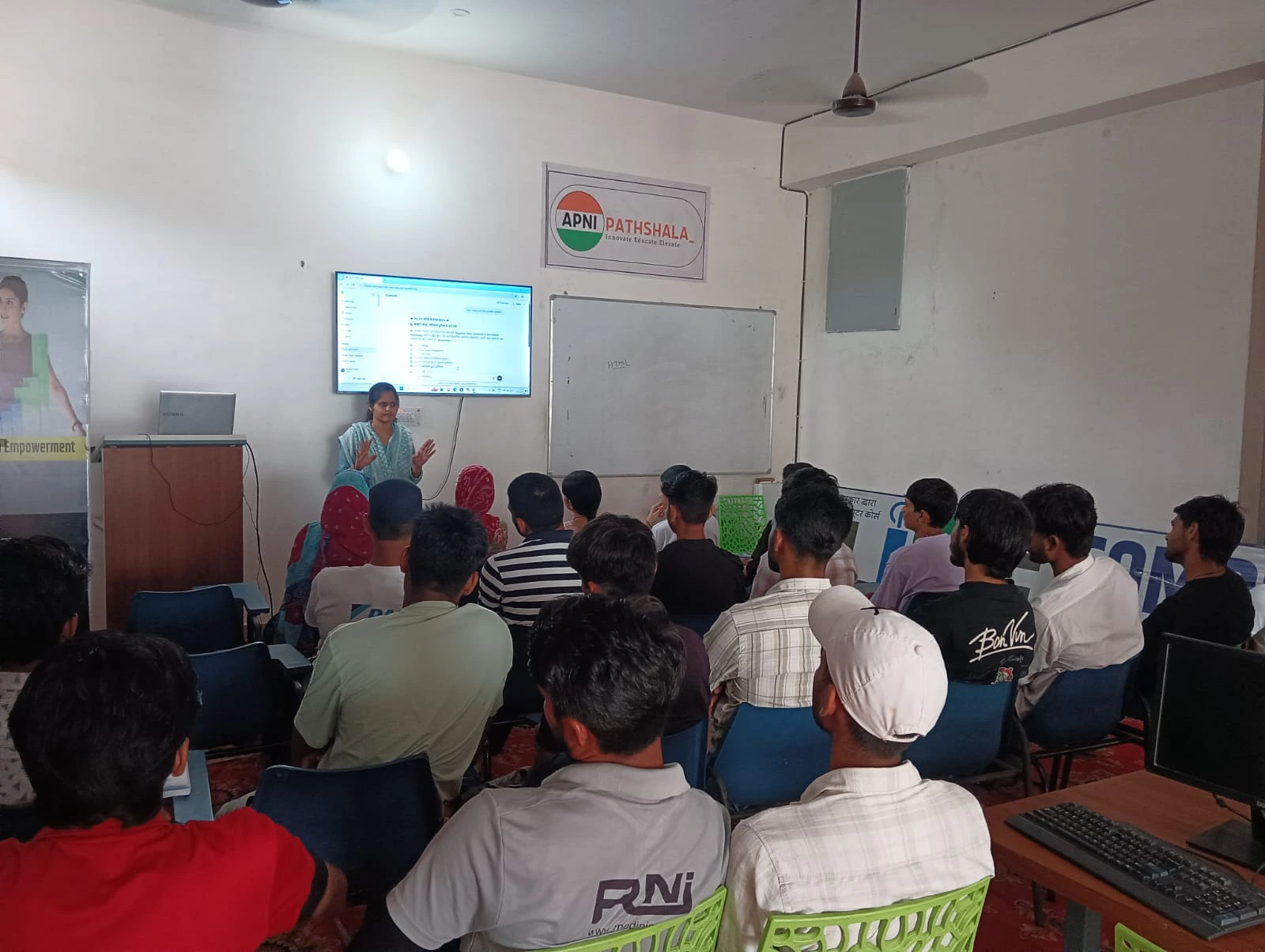
You don’t need a fancy lab to teach your child science. A computer opens doors to experiments that would cost thousands of rupees in a real lab.
- Chemistry Simulations: Your child can mix virtual chemicals, observe reactions, and learn about molecular bonds without risk of spills or accidents. Websites like PhET Interactive Simulations let them experiment safely.
- Biology Visualisations: They can zoom into cells, watch how organs work, and understand human systems through 3D models. This is far better than looking at static diagrams in a textbook.
- Physics Demonstrations: Your child can change variables in physics problems (such as gravity, speed, or friction) and see the results instantly. They’ll understand concepts like Newton’s laws through play.
- Astronomy Exploration: They can explore planets, stars, and galaxies using planetarium software. Learning about space becomes an adventure, not a chore.
Apna PC comes pre-loaded with Scratch, which lets your child create their own science simulations and games. They can code a virtual ecosystem or build a model of the solar system. This combines coding skills with science learning.
How to Use Digital Tools for Better Student Experiments
Your child’s student experiments don’t have to be complicated. A computer helps them plan, document, and analyse experiments properly.
First, your child can research their topic using free platforms such as the DIKSHA digital learning platform. They’ll find lesson plans, videos, and study materials created by experts. This gives them a solid foundation before starting any project.
Second, they can use spreadsheet software (LibreOffice comes on Apna PC) to record data from experiments. Instead of messy notebooks, they can create professional-looking tables, charts, and graphs. Teachers are impressed when students present data clearly.
Third, your child can document their experiments with photos or videos on the computer. They can create a digital portfolio that shows their work step by step. This is real-world learning at home that builds confidence.
Science Projects That Work on Apna PC
You’re probably wondering what specific science projects your child can do. Here are ideas that work perfectly with Apna PC:
- Water Purification Project: Your child can research filtration methods online, build a simple filter at home, and document the results on a computer. They’ll learn about environmental science and engineering.
- Plant Growth Tracking: They can grow beans or herbs in different conditions (sunlight, water, soil type) and use spreadsheets to track growth. The computer helps them analyse which conditions work best.
- Weather Data Analysis: Your child can collect local weather data, input it into a spreadsheet, and create graphs showing patterns. They’ll learn statistics while studying meteorology.
- Renewable Energy Models: Using Scratch on Apna PC, they can create a simulation of solar panels or wind turbines. This teaches them about sustainable energy.
Free Resources for Science Learning on Your Computer
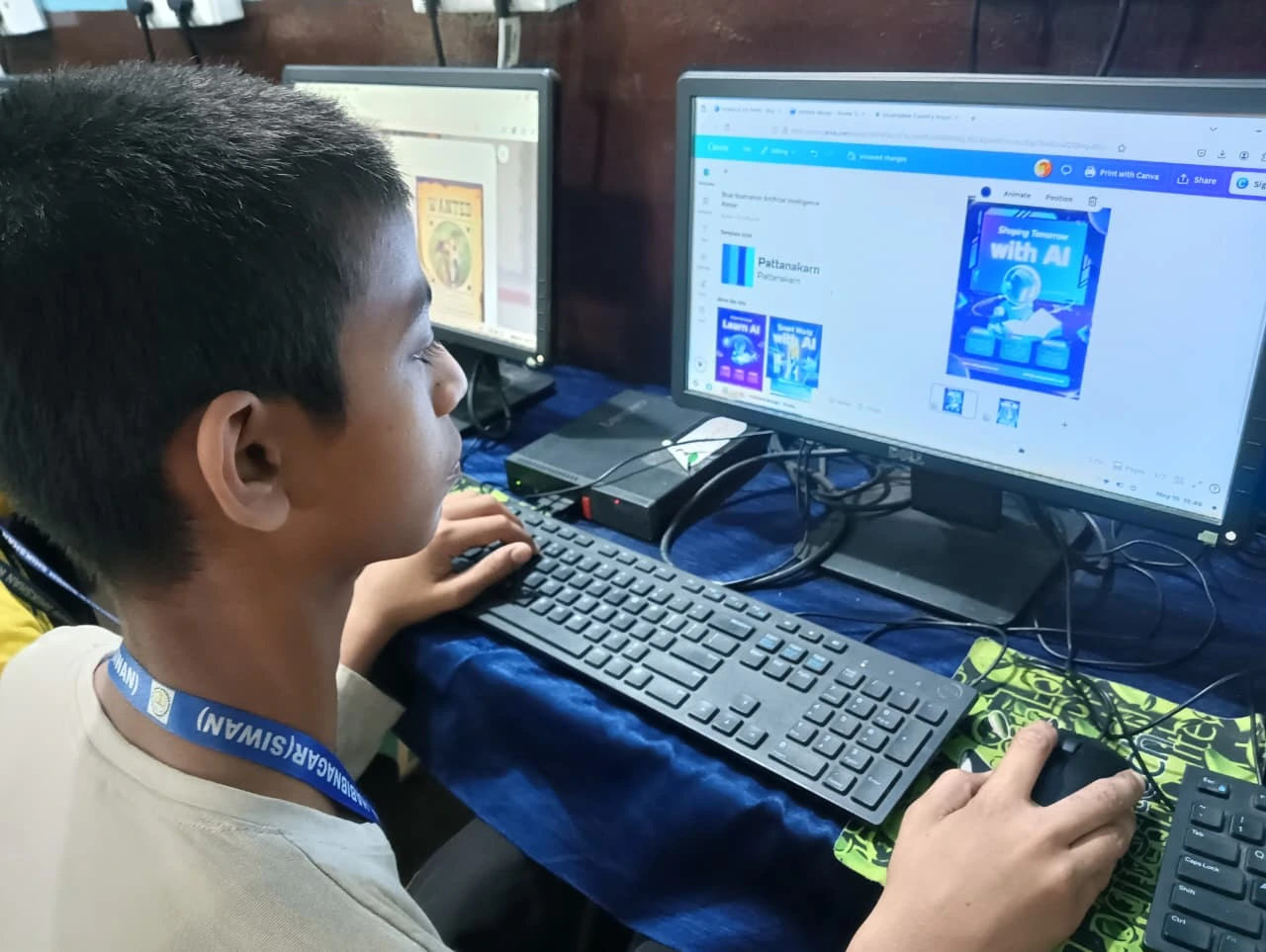
You don’t need expensive software to teach your child science. Many free resources work perfectly on Apna PC.
Khan Academy offers video lessons on every science topic. Your child can watch videos, take quizzes, and track their progress. It’s like having a tutor available 24/7.
For learning science concepts, Wikipedia provides detailed explanations with diagrams. Your child can read at their level and explore topics that interest them.
YouTube channels like Veritasium and Kurzgesagt explain complex topics in simple, visual ways. Your child will actually enjoy watching these instead of struggling through dense textbooks.
Apni Pathshala has preloaded Apni Prerna on every Apna PC, helping you monitor your child’s learning progress. You can see which topics they’re studying and how much time they’re spending on each subject.
Why Apna PC is Perfect for Science Learning?
Apna PC isn’t just any computer. It’s designed specifically for students like your child. With 8GB RAM and 128GB SSD, it runs smoothly without lag. Your child won’t waste time waiting for programs to load.
Zorin OS is beginner-friendly and secure. You don’t have to worry about viruses or complicated settings. Your child can focus on learning, not troubleshooting technology.
LibreOffice comes pre-loaded, so your child can create documents, spreadsheets, and presentations for science projects immediately. Scratch is ready to use for coding experiments. You’re getting a complete learning setup for Rs. 21,000 (excluding shipping and GST).
Most importantly, Apna PC helps you provide your child with tools that students in big cities have access to every day. Your child in a Tier 2 or Tier 3 city can now compete at the same level.
Getting Started: Your First Steps
Start small. Let your child explore one free resource, such as Khan Academy, for a week. See what topics interest them. Then, help them find a simple science project they can do at home.
Set a routine. Maybe 30 minutes every evening for science learning on the computer. Combine it with hands-on activities like growing plants or mixing safe household items. This balance between digital and physical learning works best.
Encourage your child to create. Don’t just let them watch videos. Ask them to explain what they learned, create a presentation, or code a simulation. This is how deep learning happens.
Your child’s science learning journey can start today. An affordable computer like Apna PC removes the biggest barrier: access to tools and resources. Visit apnapc.com to learn more.