

Students can use a computer for real-world learning at home by working on actual projects: coding a simple app, analysing data in a spreadsheet, editing a video or designing a poster. These projects turn classroom concepts into practical skills, and a personal computer makes them possible outside school hours.
For students aged 12-18, this kind of hands-on work often teaches more than another round of exam prep.
Why does real-world learning matter for students?
Real-world learning matters because it teaches application, not just concepts. When students build a website, create digital art or research a local problem, they engage more deeply and develop critical thinking, problem-solving and digital skills that employers look for.
Platforms like DIKSHA, India’s digital learning platform, offer interactive courses and project-based assignments. Students need a computer to use these resources and complete hands-on work from home.
How does a student computer enable practical learning at home?
A student computer becomes your child’s personal learning hub, where they can watch, try and build in one place.
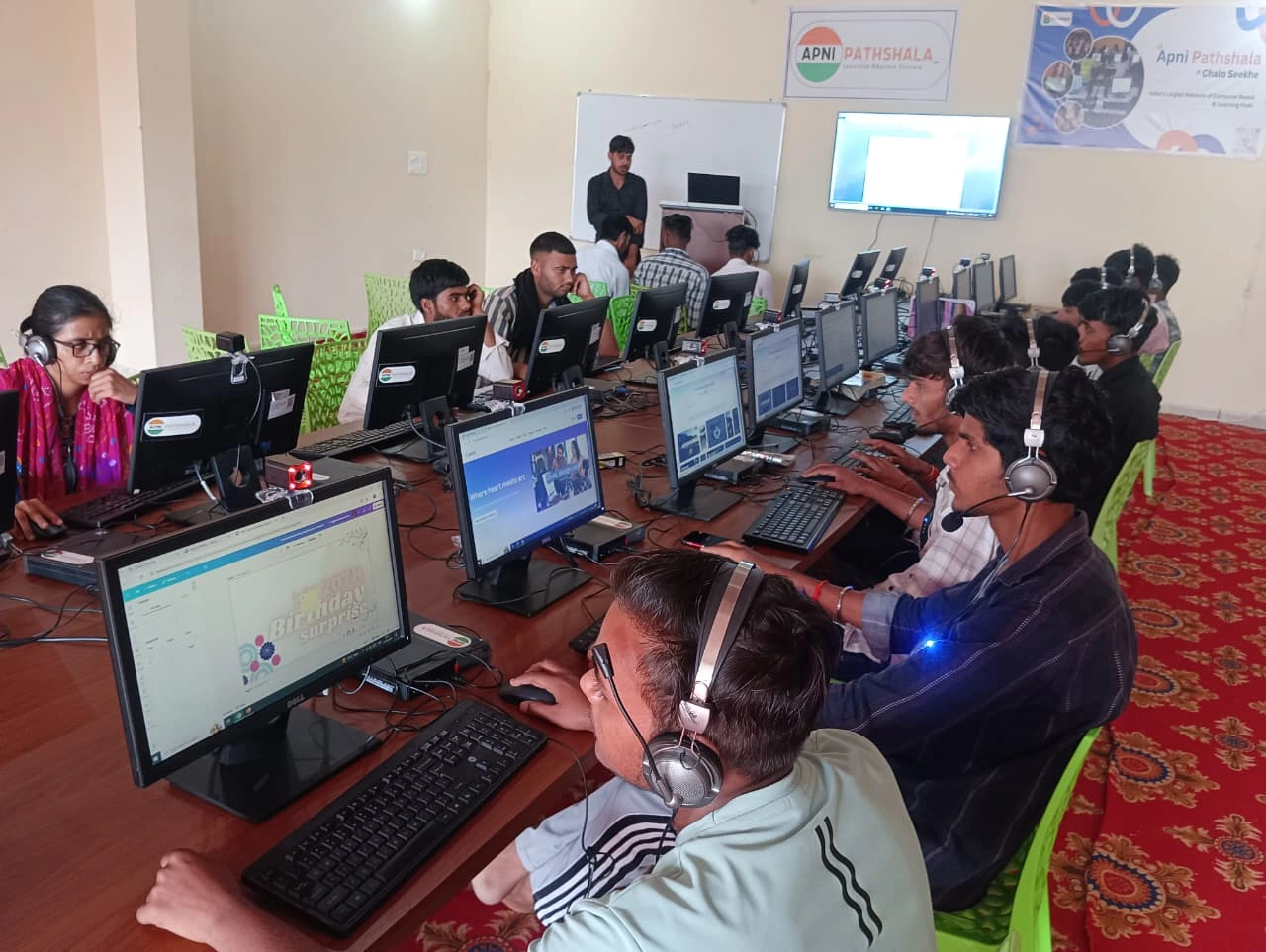
- Online learning resources: DIKSHA, Khan Academy and YouTube tutorials teach coding, science and creative skills, and your child can pause, experiment and practise straight away.
- Project-based assignments: teachers increasingly set work like history video documentaries, spreadsheet analysis and designed presentations.
- Digital skills: coding, graphic design, video production and data analysis can all be learned with free tools.
- Collaboration: Google Docs, Canva and GitHub let students work with classmates and get feedback, much like a real workplace.
Which real-world projects can a student start today?
A student can start with a project linked to something they already care about. Here are four ideas:
| Project | What it involves | Skills built |
|---|---|---|
| Coding and apps | Build a calculator, weather app or simple game in Python or Java | Logic, debugging |
| Content creation | Make videos on science experiments, book reviews or tech tips | Video editing, communication |
| Data analysis | Collect data on local air quality or water use and chart it in a spreadsheet | Maths applied to real problems |
| Awareness campaigns | Design posters or infographics on online safety or the environment | Design, social responsibility |
For more ideas, see our list of computer projects that build real-life skills.
How do you set up a learning lab at home?
Set up a dedicated study space with good lighting, reliable internet and the computer as the hub. Our guide shows how to turn your home into a learning lab.
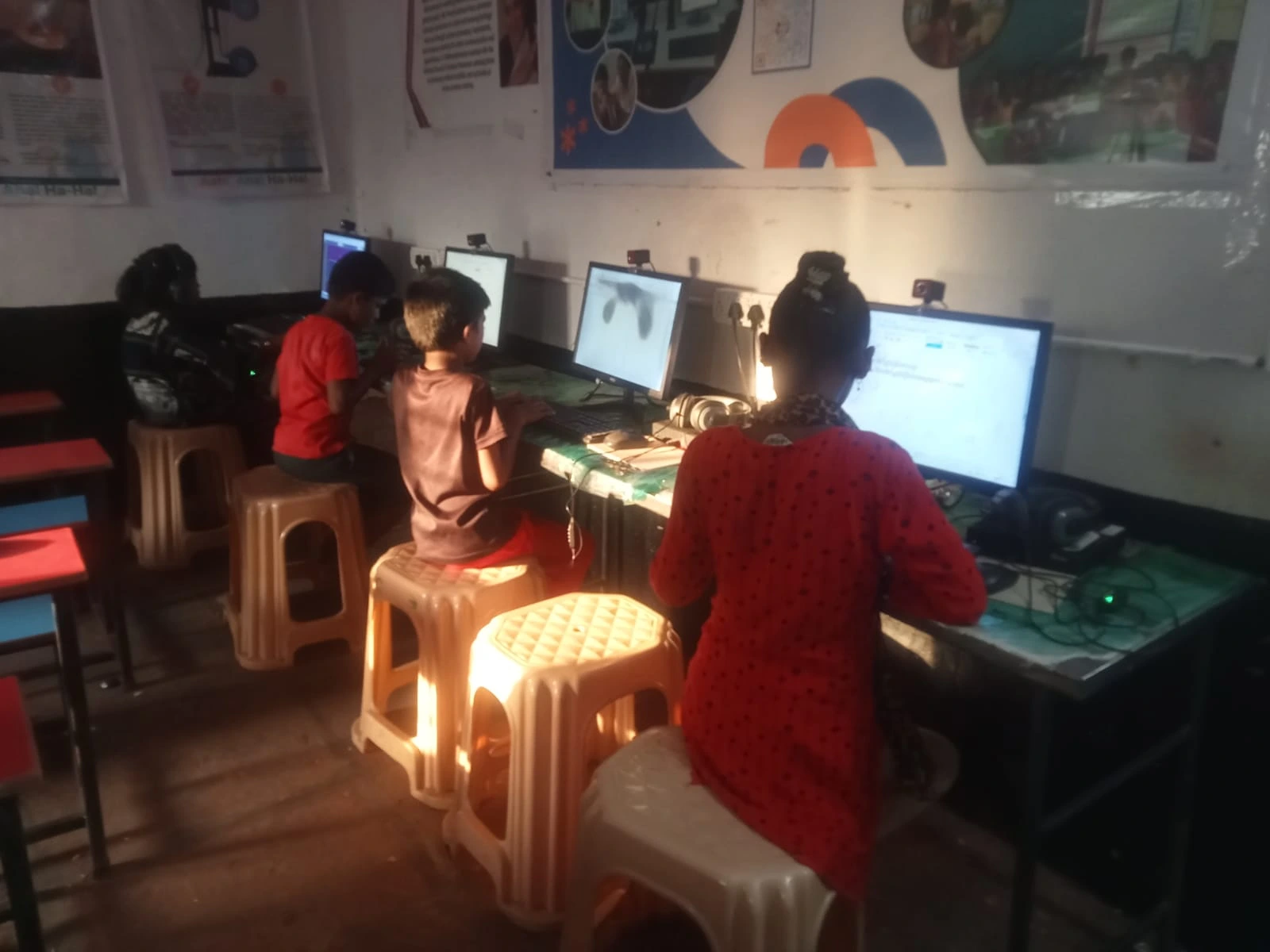
Students do well in spaces where they can experiment without pressure. Help your child set up folders for each subject, bookmark useful websites and keep the space free of distractions. A computer with enough processing power runs several applications and videos smoothly.
How can a computer support learning every day?
Used daily, a computer gives steady access to resources, tools and learning communities. A computer as a daily learning partner helps with revising before exams, long-term projects and new interests.
Encourage your child to keep a learning journal on the computer, track project progress and record the skills they develop. Real-world learning becomes visible when they can look back at what they have created over weeks and months.
How does home learning connect to India’s digital future?
Practical digital skills built at home prepare students for higher education, business and jobs in almost any modern field. India’s Digital India initiative aims to make technology accessible to all citizens, and digital literacy is becoming essential.
Does a good student computer need to be expensive?
No, a good educational computer does not need a premium price. Your child does not need the latest gaming laptop. They need a reliable machine that runs educational software, handles video classes and supports creative projects smoothly.
An affordable educational computer gives access to online courses, collaboration tools, creative software and learning communities, whatever the family budget.
Frequently Asked Questions
What is a good first real-world project for my child?
Pick something linked to what your child already enjoys. A child who likes maths can track household water use in a spreadsheet, while a child who likes stories can make a short video book review. Starting with an existing interest keeps motivation high and makes the new skill feel useful straight away.
Does my child need paid software for these projects?
No. Free tools cover most projects: free coding platforms for Python, spreadsheets for data, Canva for design and online tutorials for video editing. DIKSHA and Khan Academy are also free. What your child needs most is a reliable computer and regular time to work on projects.
How can I tell if real-world learning is working?
Look at what your child has made. A learning journal, saved project files and finished work over weeks and months show real progress. If your child can explain how they built something and what went wrong along the way, they are developing the practical skills these projects aim for.
Practical learning starts with the right tools at home. Visit Apna PC to learn more about affordable educational computers designed for Indian students.
2 Responses
nice vlog
Glad you liked it!