

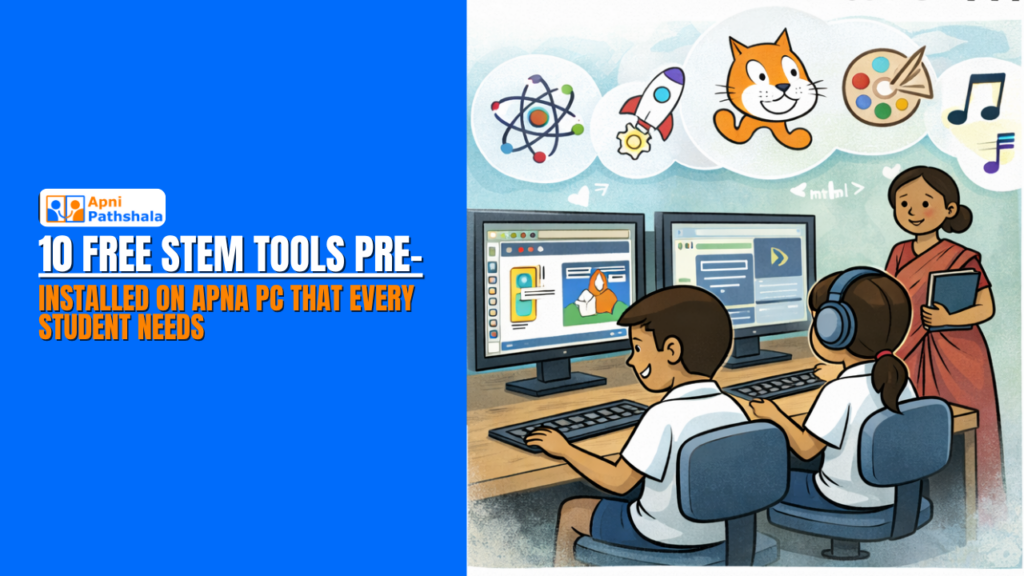
Two things separate students who succeed in STEM from those who struggle: access to tools and permission to explore. In 2026, most students have neither. Not because the tools do not exist. But because they cost too much.
A student who wants to learn graphic design needs Photoshop. A student who wants to code needs a proper IDE. A student who wants to create 3D models needs software that costs more than a month’s household income. These are the free STEM tools for students that most families never know exist.
That is where Apna PC changes everything.
The Software Ceiling Nobody Talks About
There is a silent moment in every government school student’s journey. They hear about coding. They hear about design. They hear about 3D modeling and video editing. They get excited. They go home, search for the software, and find the price.
Adobe Photoshop: Rs. 1,675 per month. AutoCAD: Rs. 50,000+ per year. Microsoft Office: Rs. 6,199 per year. The list goes on.
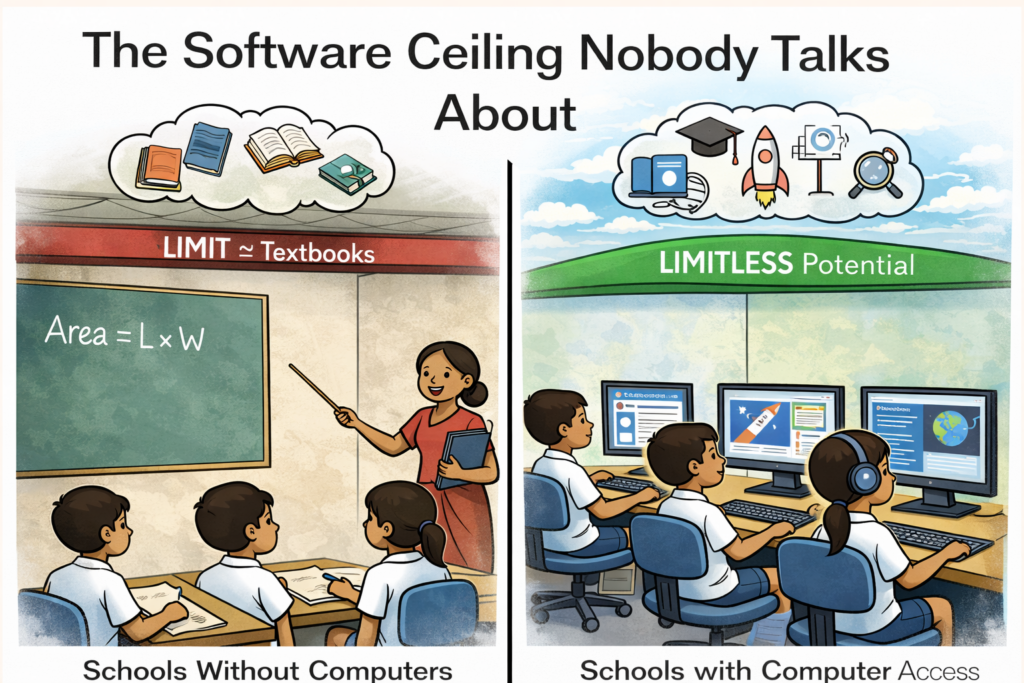
This is what we call the Software Ceiling. Not a wall that says “you cannot learn.” But a wall that says “you cannot afford to learn.”
Private school students get these tools bundled. Their schools pay the licenses. Their parents buy subscriptions. A Rs. 40,000 computer with paid software becomes a Rs. 1 lakh investment. And for millions of families in India, that number ends the conversation before it begins.
Apna PC was built to break that ceiling. Every unit comes pre-installed with 10 free STEM tools for students, ready to use from day one. No subscriptions. No trial versions. No expiry dates.
10 Free STEM Tools Pre-installed on Apna PC
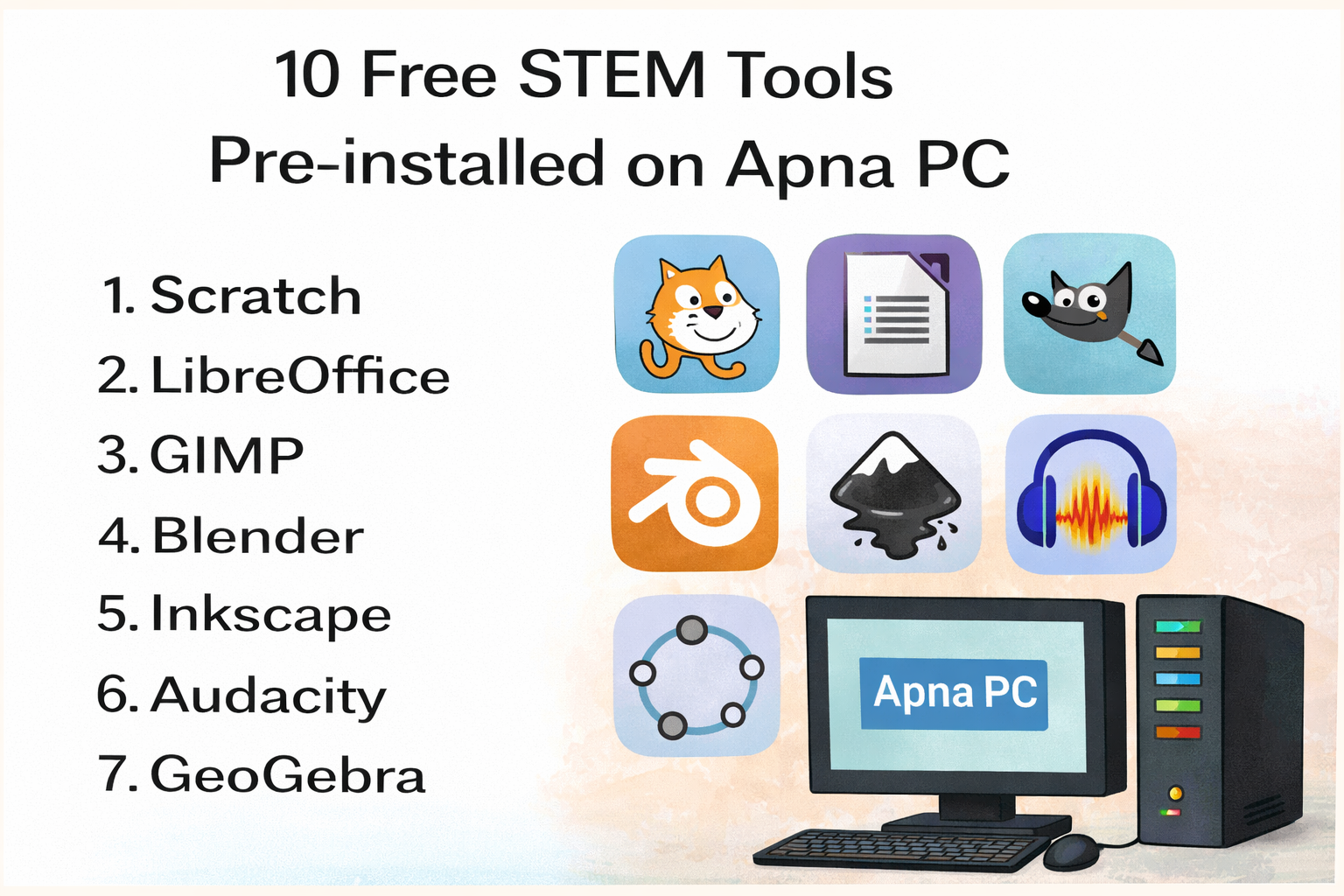
Here is what your student gets the moment they open the box.
1. Scratch
Developed by MIT, Scratch is where coding begins. Students drag and drop visual blocks to create games, animations, and stories. No syntax to memorize. No confusing error messages. Just pure logic building in a format any child can understand. If your student has ever wanted to make their own game, this is where they start.
2. LibreOffice
The free alternative to Microsoft Office that does everything students need. Writer for essays and reports. Calc for spreadsheets and data. Impress for school presentations. Every student from Class 5 to graduation needs these tools. LibreOffice delivers all of them, completely free, without a subscription.
3. GIMP
GIMP is image editing software that professionals use worldwide. Remove backgrounds, edit photos, create posters, design school projects. Students who want to learn graphic design can build real skills here without ever touching a paid tool. It is what Photoshop is, without the monthly fee.
4. Blender
3D modeling, animation, and rendering in one free package. Students interested in game design, architecture, or digital art will find Blender opens doors that most school curricula do not even mention. This is one of the most powerful free STEM tools for students who want to explore the creative side of technology.
5. Inkscape
Vector graphics design for logos, illustrations, and digital art. Where GIMP handles photos, Inkscape handles clean, scalable design. Students learning graphic design, branding, or visual communication will use this tool throughout their careers. It is the free version of Adobe Illustrator.
6. Audacity
Audio recording and editing made simple. Students can record podcasts, edit music, create sound effects, or work on school projects that involve audio. In a world where content creation is a career, Audacity gives students a real professional tool to learn on.
7. GeoGebra
Mathematics comes alive when students can see it. GeoGebra covers geometry, algebra, calculus, and statistics with interactive visual tools. A student who struggles with abstract equations can suddenly understand when they can move, drag, and watch the math respond in real time. This is STEM software for students that makes difficult concepts click.
8. Khan Academy
Millions of students around the world use Khan Academy to learn math, science, history, and computing. With Apna PC and a browser, students get access to thousands of free courses with practice exercises and real feedback. It is like having a private tutor available 24 hours a day.
9. VS Code
When a student is ready to write real code, VS Code is where professional developers work. Python, JavaScript, HTML, and dozens of other languages work here. Students who start coding in Scratch can graduate to VS Code and build actual projects, websites, and applications. This is the tool that runs on computers at top tech companies worldwide.
10. Firefox
A safe, private browser that gives students access to the full internet without unnecessary tracking. Firefox blocks many ads and protects data by default. For a student doing research, submitting assignments, or accessing Khan Academy, Firefox is a reliable and secure starting point.
What Changes When Students Have These Tools
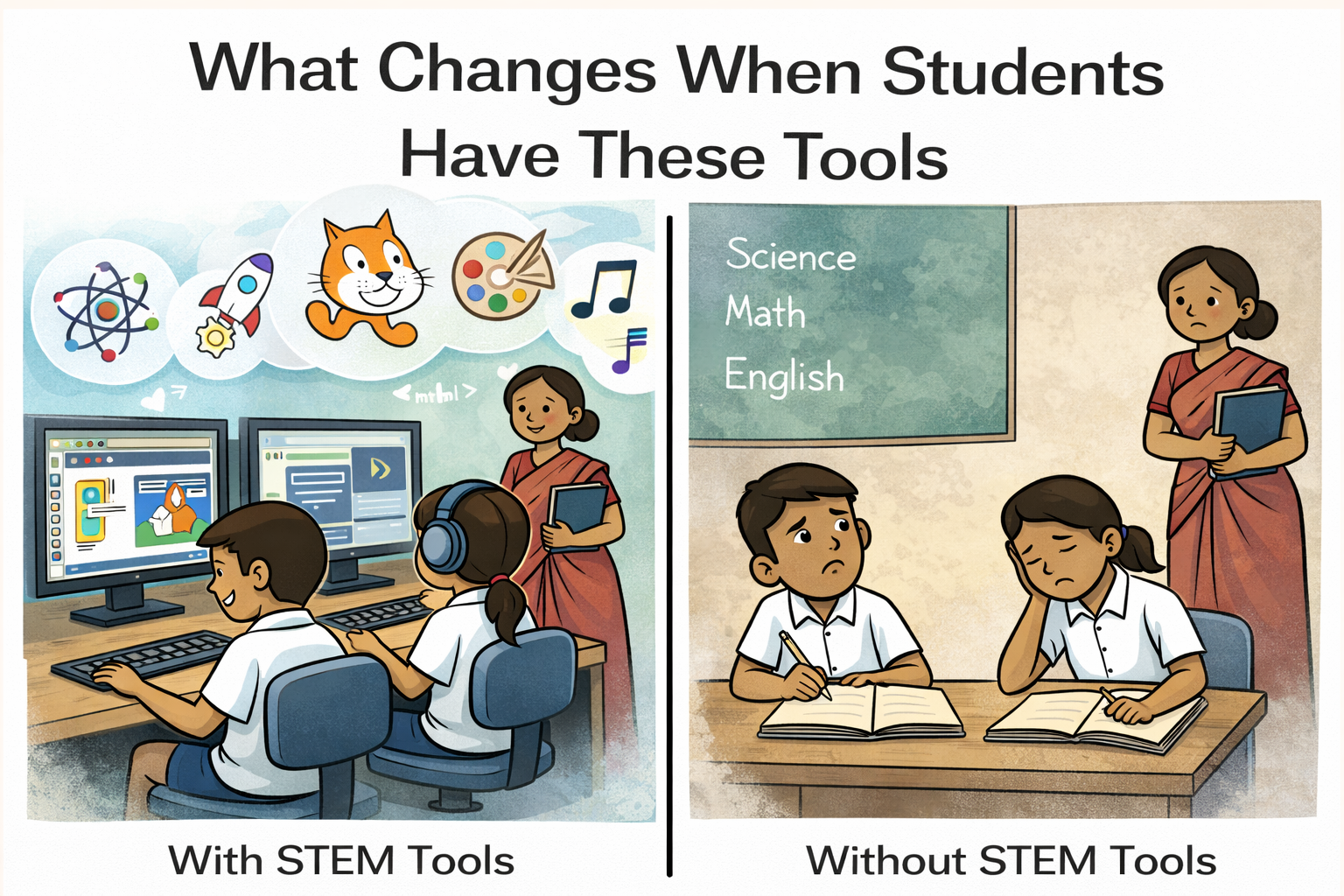
Without these free STEM tools for students, here is what a typical learning journey looks like. A student downloads a trial version of design software. It expires in 30 days. They switch to another trial. That expires too. The learning is interrupted. The progress resets. The frustration builds.
With Apna PC, that cycle breaks.
Every tool is installed. Every tool is free. Every tool is permanent. A student can start learning in September and still be using the same setup in March, with all their files intact and all their progress saved. That consistency matters more than people realize. Real skill building requires months, not days. And months of learning requires tools that do not disappear.
Read about why every government school in India needs a computer lab in 2026 to understand the broader gap these tools help fill.
Who These Free STEM Tools Are For
These tools are for the student who wants to learn to code but does not know where to start. They are for the student interested in graphic design who thinks they need an expensive course first. They are for the student preparing for a career in technology, animation, or media. They are for every student whose family cannot afford Rs. 1,000 per month in software subscriptions.
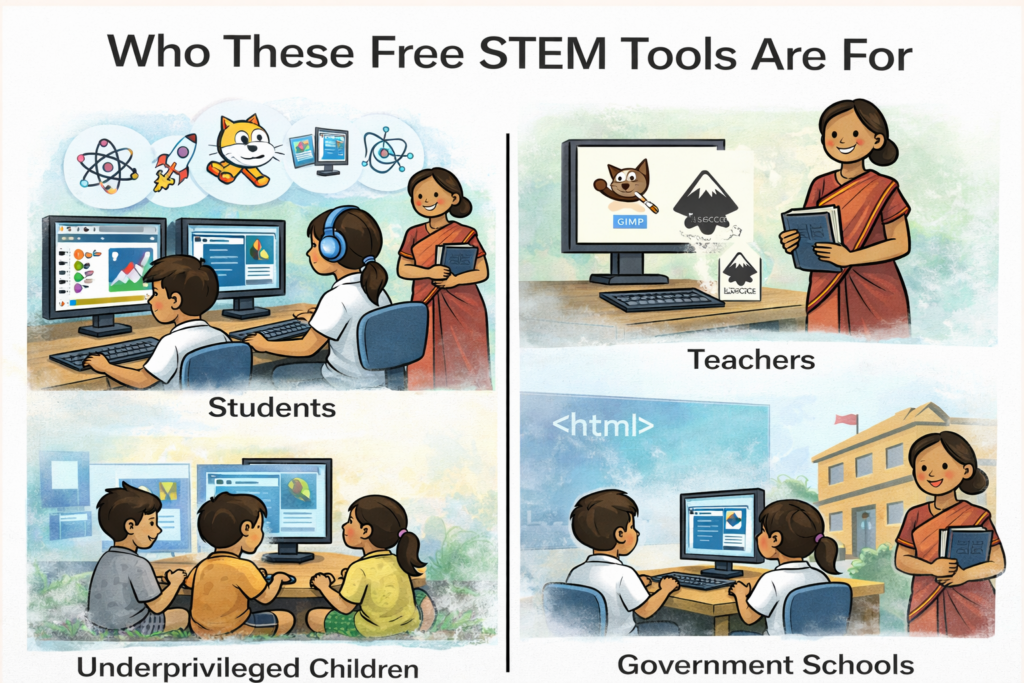
They are for students who are ready. They just need the tools to prove it.
A Word of Honesty
These tools are free and genuinely powerful. But they are not perfect for every situation.
Some tools like Blender and GeoGebra have a learning curve. Students will need time, and they may need some guidance to get started. Some features in GIMP and Inkscape are less intuitive than their paid counterparts. Khan Academy requires internet access to use fully. And for students who go deep into professional careers, they may eventually move to industry-specific paid tools.
But for learning? For building skills from zero? For proving to yourself and your family that you can do this? These tools are more than enough. They are the same tools used by professionals, students, and creators across the world every single day.
The Ripple Effect
Something shifts when one student in a household gets real tools to learn with.
Younger siblings watch. They get curious. They sit down and try Scratch. A parent who never touched a computer opens LibreOffice and learns to type a letter. A cousin comes over and asks to try GeoGebra for their math homework.
One Apna PC does not just serve one student. It serves a family. And in many homes, it becomes the place where the next generation figures out who they want to be.
You can read more about how stories like these unfold in The Computer My Father Couldn’t Afford.
Ready to Give Your Student Access to Free STEM Tools?
The software ceiling is real. But it is not permanent. Apna PC breaks it with 10 free STEM tools for students pre-installed and ready to use from day one. No subscriptions. No trial versions. No excuses.
Ready to give your student access to 10 free STEM tools? Buy Apna PC here and let them start learning today.