

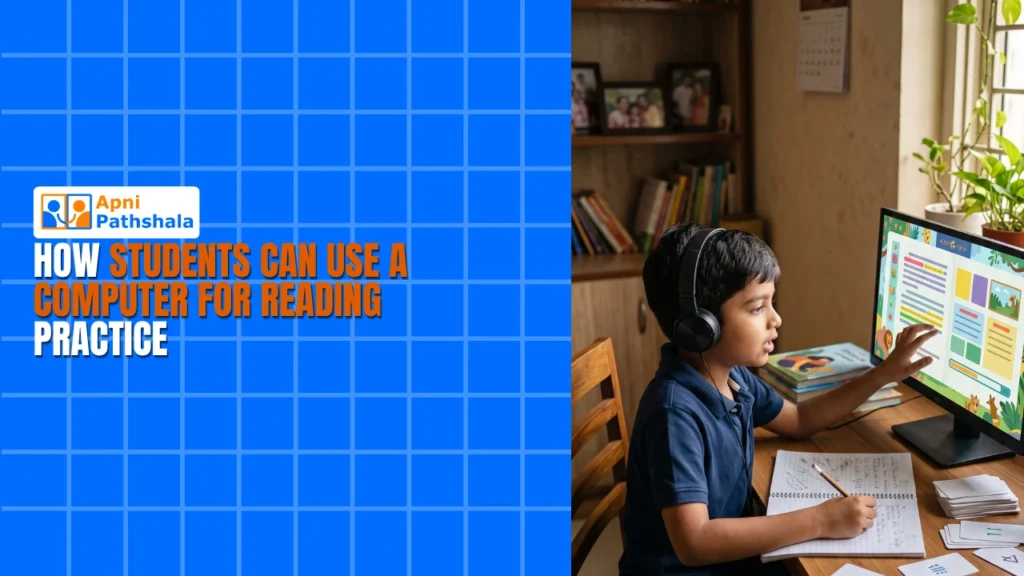
A Mother’s Worry Turns Into a Reading Revolution
Priya sat at her kitchen table in Indore, watching her 10-year-old son Arjun struggle through a paragraph. His eyes moved across the page, but his mind wasn’t there. She’d noticed it for months now. He could read the words, but he wasn’t understanding them. His English teacher had sent a note home: “Arjun needs better reading practice.” Priya felt that familiar knot of worry. How could she help when she worked full days and couldn’t afford expensive tuition centres? That’s when her neighbour mentioned something simple: a computer at home could change everything. Today, Arjun spends 30 minutes each evening doing structured reading practice on a screen, and his comprehension has jumped two grades. His story isn’t unique. Thousands of Indian families are discovering that reading practice through computers works.
Why Reading Practice on a Computer Actually Works?
Your child’s brain learns differently when reading on a screen than when reading a book. Interactive reading practice keeps them engaged because they can click, highlight, and explore at their own pace. There’s no pressure, no teacher watching, no embarrassment if they need to read a sentence twice. This comfort zone is where real learning happens.
A computer for education does something textbooks can’t: it adapts to your child’s level. When Arjun started, he was reading at a 6th-grade level. The software didn’t force him to jump to advanced texts. Instead, it gave him stories and articles matched to his ability, then gradually increased the challenge. This personalised approach to reading practice builds confidence faster than traditional methods.
What Your Child Can Access for Reading Practice?
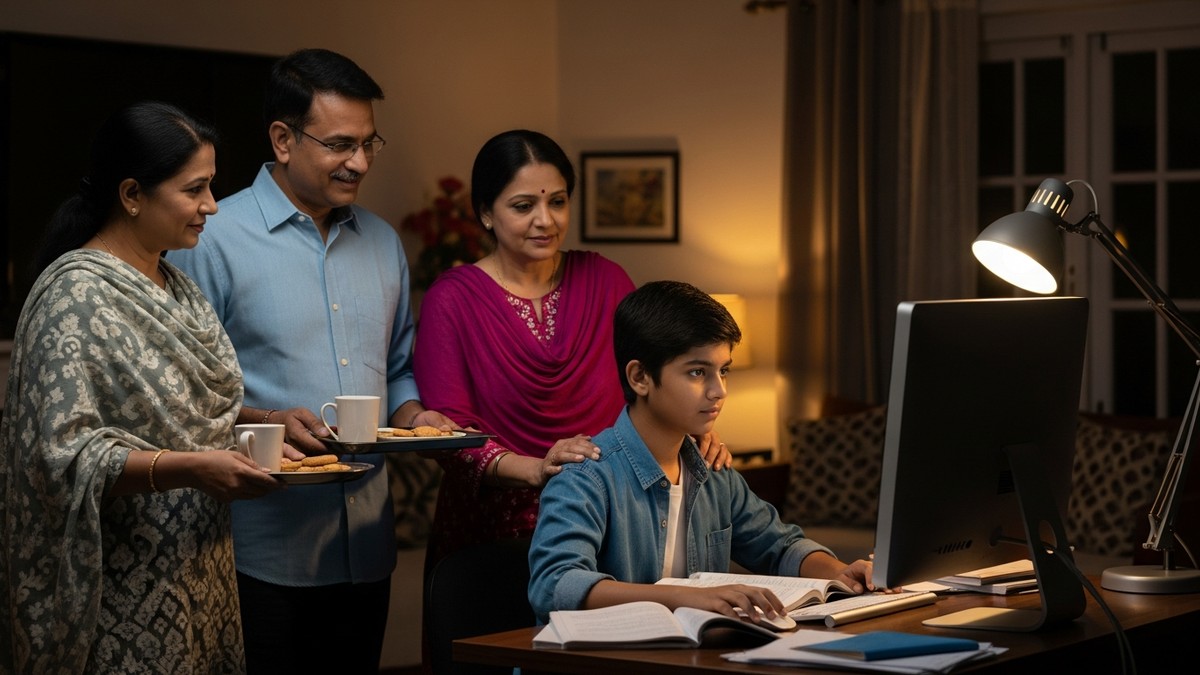
Apna PC comes pre-loaded with tools designed for student learning. LibreOffice includes access to countless free reading materials. Your child can download books, articles, and educational content in seconds. The Apni Prerna system lets you monitor their reading practice progress in real time. You’ll see exactly which texts they’re reading and how much time they’re spending.
The beauty of having a dedicated computer at home lies in the control and consistency it provides. Unlike mobile vs computer learning, where distractions are endless, a computer set up for education creates a focused environment. Your child isn’t tempted to switch apps every 30 seconds. They settle in, focus on their reading practice, and build real concentration skills.
Building Reading Skills That Last
Reading skills aren’t built in a week. They develop through consistent, daily reading practice. When you have a computer at home, this consistency becomes easy. Your child can spend 20-30 minutes each evening reading, without needing to travel to a coaching centre or wait for a tutor’s schedule.
The Zorin OS system on Apna PC is designed to be simple and distraction-free. Your child won’t get lost in complicated menus or confused by technical jargon. Everything is intuitive, which means they spend time reading rather than figuring out how to use the computer.
English Learning Beyond the Classroom
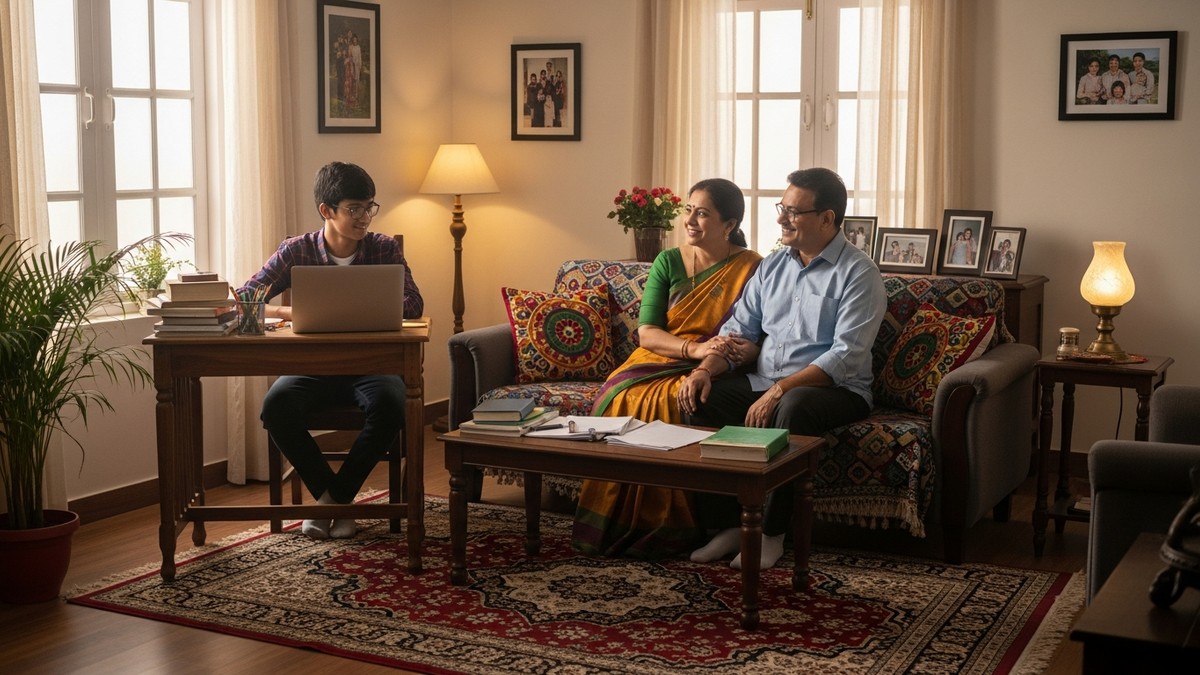
Your child’s English learning doesn’t stop when school ends. In fact, that’s when the real growth happens. Reading practice at home fills the gap between what’s taught in class and what your child actually masters. When you have a computer, you’re not dependent on textbooks alone.
Getting Started With Reading Practice at Home
You don’t need to be tech-savvy to help your child. Apna PC is built for families like yours. Set it up, create a simple routine, and let your child explore. Start with 20 minutes of reading practice each evening. Gradually increase it as they get more comfortable. Check in with them weekly about what they’re reading.