


Buying a computer for your child seems simple until you realise how many parents get it wrong. These computer buying mistakes cost thousands of rupees and months of frustration. This guide covers the five most common errors and how to avoid them, so your child gets a reliable computer without the headaches.
A computer has become essential for homework, research, online classes, and skill development. When parents rush the purchase or chase the cheapest deal, they end up with machines that slow down, break, or cannot run modern educational software. The good news is that you do not need to spend a fortune. A well-chosen computer under ₹30,000 can serve your child through school and beyond.
- Mistake 1: Ignoring the processor
- Mistake 2: Settling for too little RAM and storage
- Mistake 3: Skipping after-sales support
- Mistake 4: Buying based on looks instead of specs
- Mistake 5: Not checking software compatibility
Why These Computer Buying Mistakes Hurt Students?
These buying errors directly affect academic performance. A computer that lags during online classes or freezes during tests interrupts learning at the worst possible moment. Getting the right computer the first time saves money and prevents academic disruption during critical study periods.
Mistake 1: Ignoring the Processor
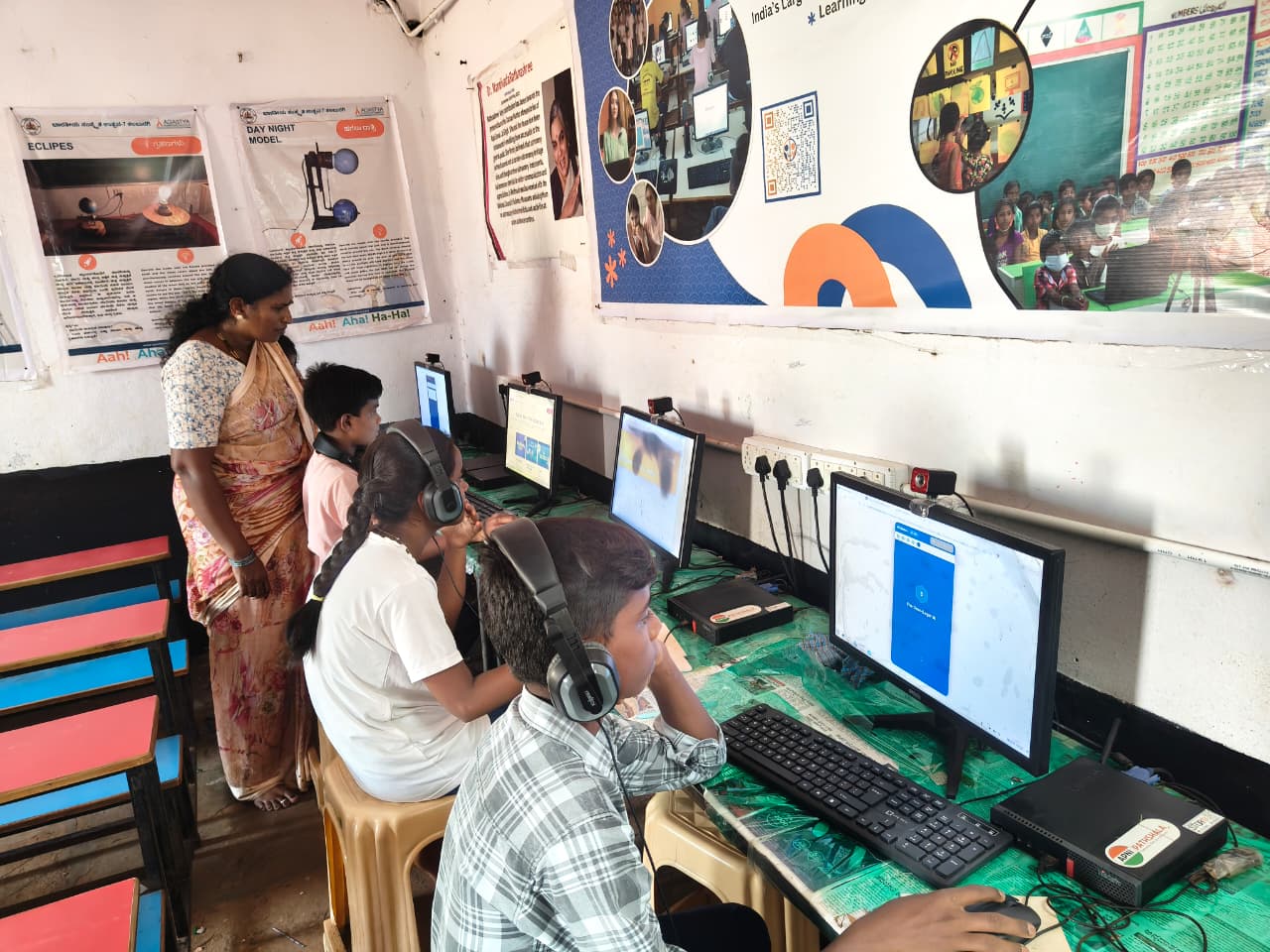
Many parents focus on brand names or screen size and ignore the processor. The processor determines how fast your child can switch between apps, load websites, and run educational software. For a student computer, look for at least an Intel Celeron or equivalent processor. Avoid outdated chips that struggle with basic tasks. A weak processor means lag, freezing, and constant frustration during online classes. According to DIKSHA, India’s digital learning platform, educational apps are becoming more resource-intensive. A decent processor ensures your child can access these tools smoothly.
Mistake 2: Settling for Too Little RAM and Storage
RAM affects how many programs your child can run at once. Storage determines how many files, apps, and projects they can save. Parents often pick the cheapest option and regret it within months.
Aim for at least 4GB RAM. Browser tabs, video calls, and educational apps all consume memory. With less than 4GB, your child will face constant slowdowns. For storage, do not settle for 32GB. It fills up fast with school projects, apps, and updates. Your student computer should have at least 64GB SSD or 256GB HDD. SSD is faster than HDD, even on budget models.
Mistake 3: Skipping After-Sales Support
Cheap online deals often come with no local support. When the device malfunctions, parents scramble for service centres or pay for repairs. Before buying, check if the brand has a service presence in your area. Ask about warranty terms. Reliable after-sales support saves money and stress in the long run. A computer with local support beats a slightly cheaper option with no service network.
Mistake 4: Buying Based on Looks Instead of Specs
Sleek designs and colourful cases catch the eye, but they do not help your child learn. Some parents choose a stylish laptop over a functional desktop simply because it looks better. This is a costly error. Desktop computers offer better value at the same price point. They are easier to upgrade, more durable, and typically come with larger screens. For home use, a desktop is almost always the smarter choice for students.
Mistake 5: Not Checking Software Compatibility
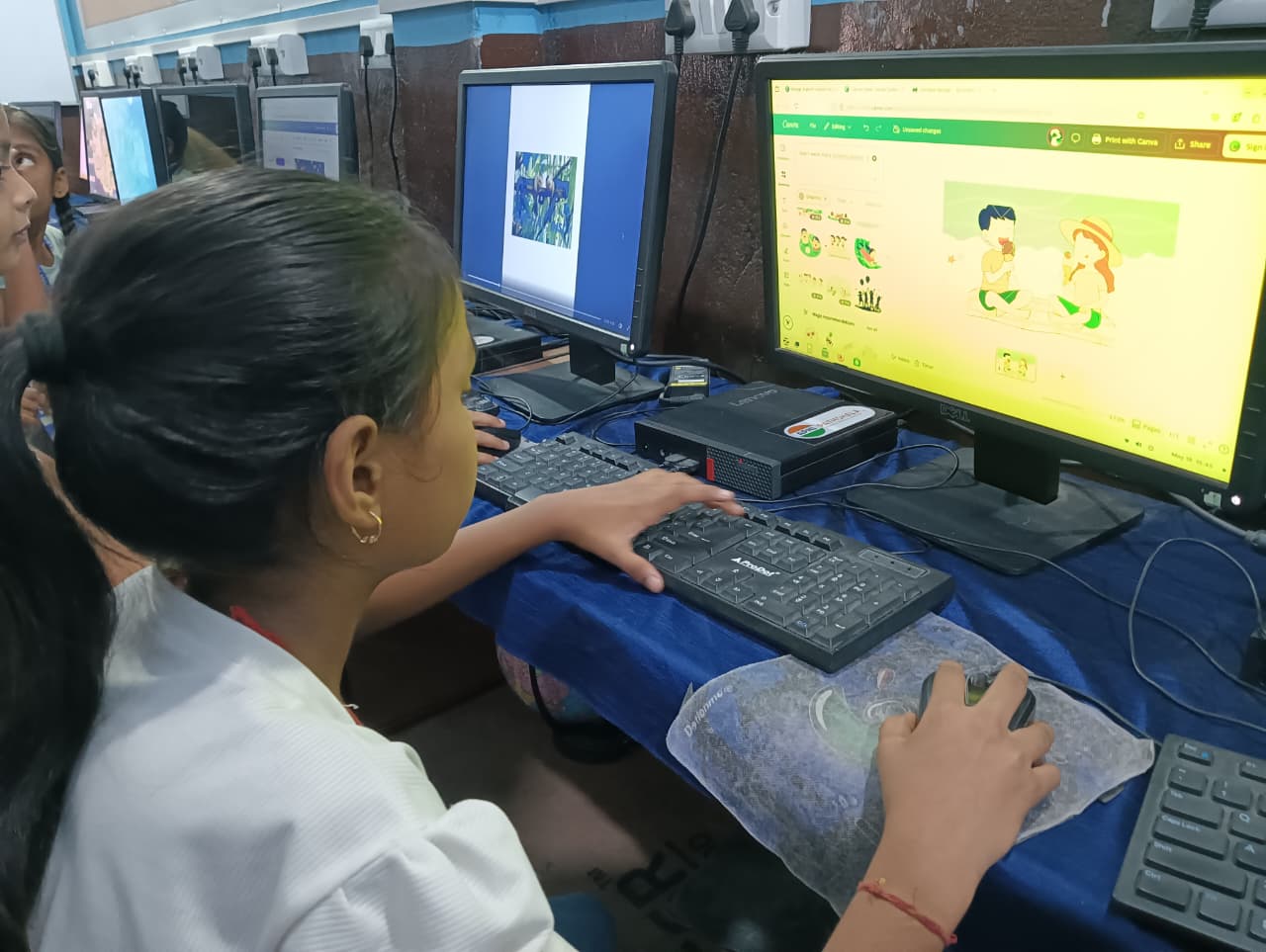
Some budget computers run operating systems that do not support popular educational software. Parents discover this after purchase when their child cannot install required apps. Ensure the device runs Windows 10/11 or a compatible Linux distribution. Check if your child’s school requires specific software and verify it works on the machine you are considering.
How to Avoid These Mistakes When Buying a Student Computer
Research before buying. Read reviews from real users. Check the Ministry of Education guidelines for recommended specifications. Avoiding common buying mistakes starts with proper research. Visit stores and test the device. Open multiple tabs, run a video, and check responsiveness.
Apna PC is built specifically for Indian students. At Rs.30,000 (shipping and GST excluded), it avoids the mistakes parents typically make. Learn why the biggest advantage a student can have today is the right tools, not just marks. Find more in our budget-friendly student computer guide for parents before you decide. Visit apnapc.com to learn more.
Frequently Asked Questions
What is the minimum RAM a student computer should have?
4GB RAM is the minimum for a student computer that handles browser tabs, video calls, and educational apps at the same time. A well-configured machine with 4GB RAM handles typical schoolwork reliably, and you can often upgrade later if needed.
Should parents buy a desktop or laptop for a student at home?
For home use, a desktop is usually the better value at the same price point. It is easier to upgrade, has a larger screen, and is less likely to be dropped or damaged. A laptop makes sense only if your child needs to carry it to coaching classes or school regularly.
Is a ₹30,000 computer good enough for a student?
Yes. A well-chosen computer at ₹30,000 with solid specifications handles online classes, assignments, and practice tests without problems. The key is to check the processor, RAM, and storage rather than focusing on brand or design. Apna PC at Rs.30,000 is built specifically for Indian students and comes with pre-loaded educational software.
Avoid common computer buying mistakes by focusing on what your child actually needs rather than what looks impressive in a shop. Visit apnapc.com to learn more.