

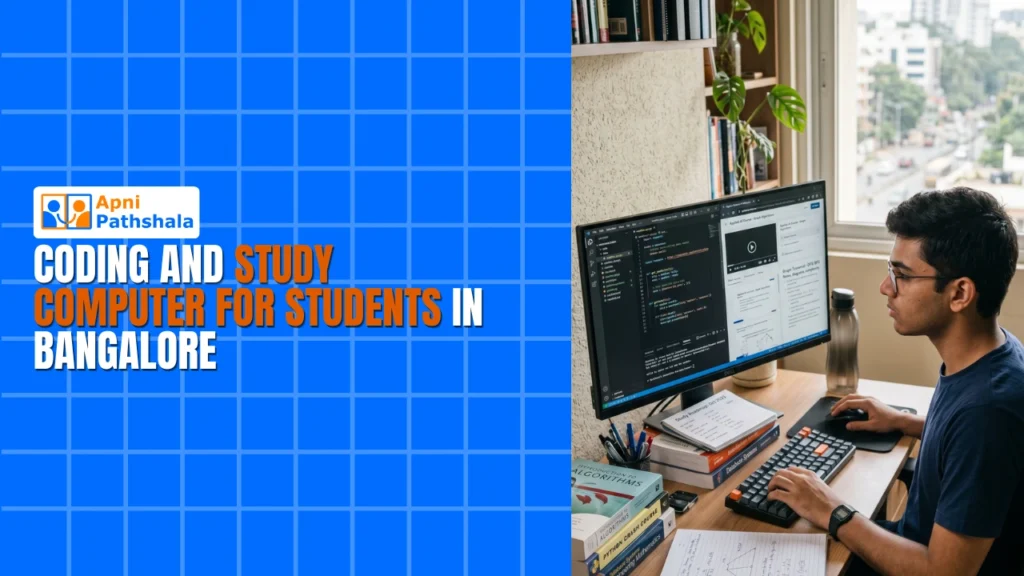
A good coding and study computer for students needs at least 8GB RAM, an SSD for fast file access, and a stable operating system that supports programming environments. Apna PC at Rs.30,000 meets these requirements and comes pre-configured as a study machine, not an entertainment device.
What specs does a computer need for both coding and school study?
Coding needs more from a computer than typical homework: compiling code, running test scripts, and sometimes running a development server all consume RAM. 8GB RAM handles these tasks well for school-level coding in Python, Scratch, or basic web development. An SSD keeps file access fast when switching between code files and browser documentation. A computer with 4GB RAM will struggle with coding environments open alongside a browser.
Can Apna PC handle both coding and regular school subjects?
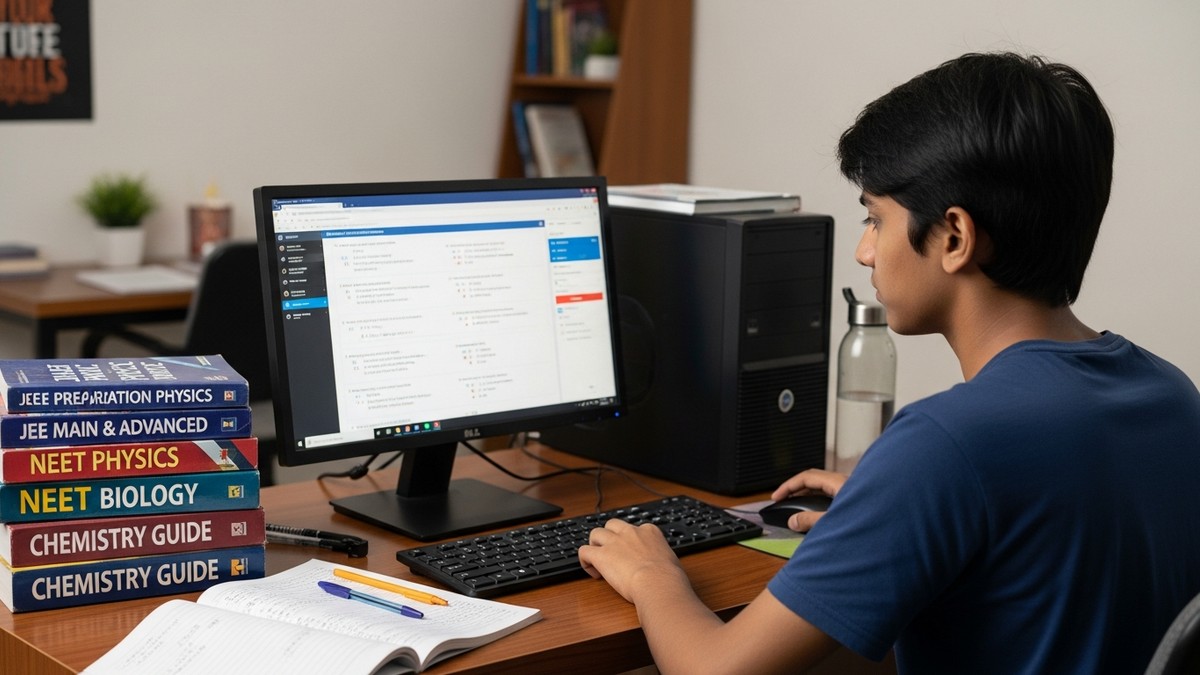
Yes. Apna PC runs Zorin OS, which supports Python, Scratch, LibreOffice for documents, and all major browsers for research and educational platforms. The 8GB RAM handles multiple applications open at the same time: a code editor, a browser, and a document alongside each other. Students doing CBSE Computer Science or coding electives find the setup sufficient for school-level work. Computer for coding practice and school projects gives more detail on the specific tools available.
How is Zorin OS suited to a student learning to code?
Zorin OS is Linux-based, which means it runs the same kind of environment professional programmers use. Students who learn to code on Linux develop skills that transfer directly to web development, data science, and software engineering later. The operating system supports package managers, terminal commands, and all common coding tools without additional setup. Can you learn coding on a budget PC? addresses the question of whether the specs are truly enough for learning.
What coding languages and environments work on Apna PC?
- Python – available through the terminal and IDLE; suitable for CBSE CS curriculum and beyond
- Scratch – runs in the browser; standard for primary and middle school projects
- HTML/CSS/JavaScript – a text editor and browser are all that is needed
- LibreOffice Basic – for students learning spreadsheet macros in school
- C/C++ – available through GCC, the standard Linux compiler
How does Apna PC balance coding access with study focus?
The distraction-free setup of Apna PC means the coding environment is there for school use, but entertainment apps and social media are not. Students who sit down to code are not competing with YouTube or gaming shortcuts on the same desktop. This matters because coding requires sustained focus, more so than passive content consumption. What makes Apna PC a good companion for a child’s first year of serious coding explains this balance in practice.
What do parents need to know before buying a coding and study computer?
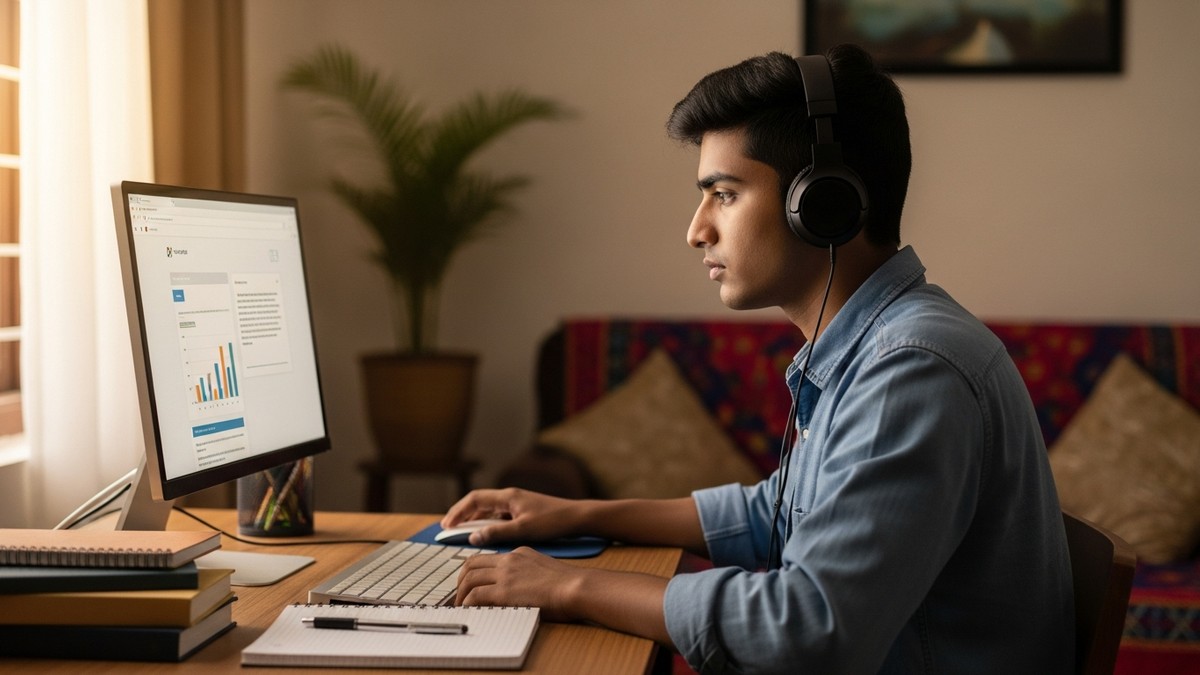
Three things: check that the computer has at least 8GB RAM (not 4GB), confirm it has an SSD (not a traditional hard disk), and verify the operating system supports the coding tools your child’s school uses. Most school coding curricula use Python or Scratch, both of which work on Zorin OS. At Rs.30,000, Apna PC covers all three requirements without needing any additional configuration. The hidden cost of not having the right computer explains what happens when students try to code on underpowered machines.
Frequently Asked Questions
Does a school student who does coding need more RAM than 8GB?
No, not for school-level coding. 8GB RAM handles Python, Scratch, web development tools, and all standard school coding environments with room to spare. Students who move into more advanced development (running multiple servers, machine learning) would eventually need more, but that is well beyond school curriculum requirements.
Can my child use Apna PC to practise coding after school hours independently?
Yes. Apna PC has all the tools needed for self-directed coding practice after school. Python, the browser-based Scratch editor, and HTML tools are all available. Students can follow online tutorials, build small projects, and practise past school assignments independently without needing any additional software.
How does Apni Prerna work for a child who is coding?
Apni Prerna logs which applications are open and for how long. Parents can see when their child is using the code editor, browser, or other tools. This helps distinguish genuine coding practice from unrelated computer use, which is useful when the child claims to be doing school work but parents are unsure.
Is 3 hours of daily computer use safe for a school student?
Three hours of daily computer use for study and coding is a typical amount for a school student. Regular breaks (a few minutes every hour) reduce eye strain. Good posture, adequate lighting, and a comfortable chair matter more than the total hours for avoiding discomfort during extended study sessions.
Can Apna PC connect to online coding platforms and competitive programming sites?
Yes. Any web-based coding platform works through the browser on Apna PC. This includes school portals, online Python interpreters, and practice platforms used for competitive programming at school level. No additional configuration is needed.
Visit Apna PC to see the full coding and study computer setup and confirm it matches your child’s school requirements.